Generate Free QR Codes for URLs
Paste a web address, get a QR code you can print on anything. It is free, it needs no account, and the code you download keeps working for as long as the page it points at exists.
Make your URL QR code
Link to any web page
Try something like https://example.com/

This code is static and permanent. To change where it points after printing, .
Why Use This Tool
Paste a web address, get a QR code you can print on anything. It is free, it needs no account, and the code you download keeps working for as long as the page it points at exists.
Change the link without reprinting
Point the code at a new page anytime. Fix a typo or swap the campaign, and every code already in the wild updates instantly, no reprint needed.
See every scan, not just clicks
Track scans by time, city, and device, so you know which poster, product, or flyer actually sent people to your page.
Tag it for clean GA4 reports
Add UTM parameters before you generate, so scans land in analytics attributed to the exact placement instead of as anonymous direct traffic.
Print-ready PNG, SVG, and PDF
Download a crisp 1200px PNG, a vector SVG that scales to a billboard, or a print-ready PDF, with no soft edges at any size.
How It Works
- 1
Paste the full web address
Type or paste the destination into the field above, including https://. If you leave the protocol off, we add it for you, but check the result before you print, a code pointing at http:// on a site that redirects to https:// costs the scanner an extra hop and sometimes a browser warning.
- 2
Shorten the link before you generate it
Length drives density. A 40-character URL produces a clean, forgiving pattern; a 180-character URL with campaign parameters hanging off it produces a grid so fine that a mid-range phone struggles in poor light. Run long links through a shortener first, then generate the code from the short version.
- 3
Style it without breaking the scan
Pick a preset, set your brand colours, and drop a logo in the middle if you want one. Two rules keep it readable: the pattern must be darker than the background, never the reverse, and the logo should never cover more than about 20% of the symbol's area.
- 4
Download the right file for the job
PNG for screens, slides and social. SVG for anything a printer touches, because it scales to a billboard without a single soft edge. PDF when you are handing the file to a print shop that wants a document rather than an asset.
What a URL QR code actually encodes
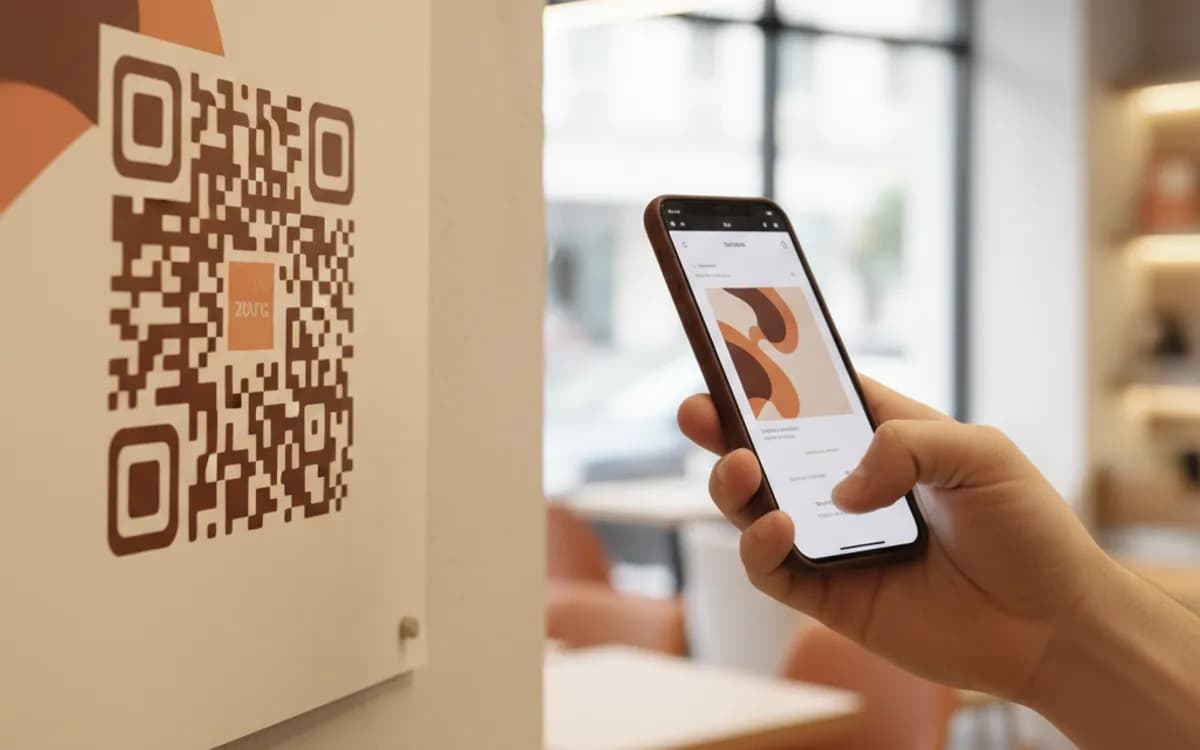
There is no lookup, no server, and no database behind a static URL code. The web address itself is encoded into the black and white modules, and your phone's camera reads those modules back out as text. That is why it works offline at the moment of scanning, why it never expires, and why it cannot be edited: changing the destination means changing the pattern, which means reprinting. Understanding that one fact tells you when a free static code is the right call and when it is a trap.
Add UTM parameters before you generate, not after
A QR scan lands in your analytics as direct traffic unless you tell it otherwise, which means print campaigns look like they produced nothing. Tag the destination first, utm_source=qr, utm_medium=print, utm_campaign=whatever the piece is, and every scan arrives in GA4 attributed to the poster, the packaging, or the flyer that carried it. Use a different campaign value per placement and you can finally answer which surface is worth reprinting. Tagged URLs get long, so shorten the tagged link and generate the code from that.
When to upgrade from static to dynamic
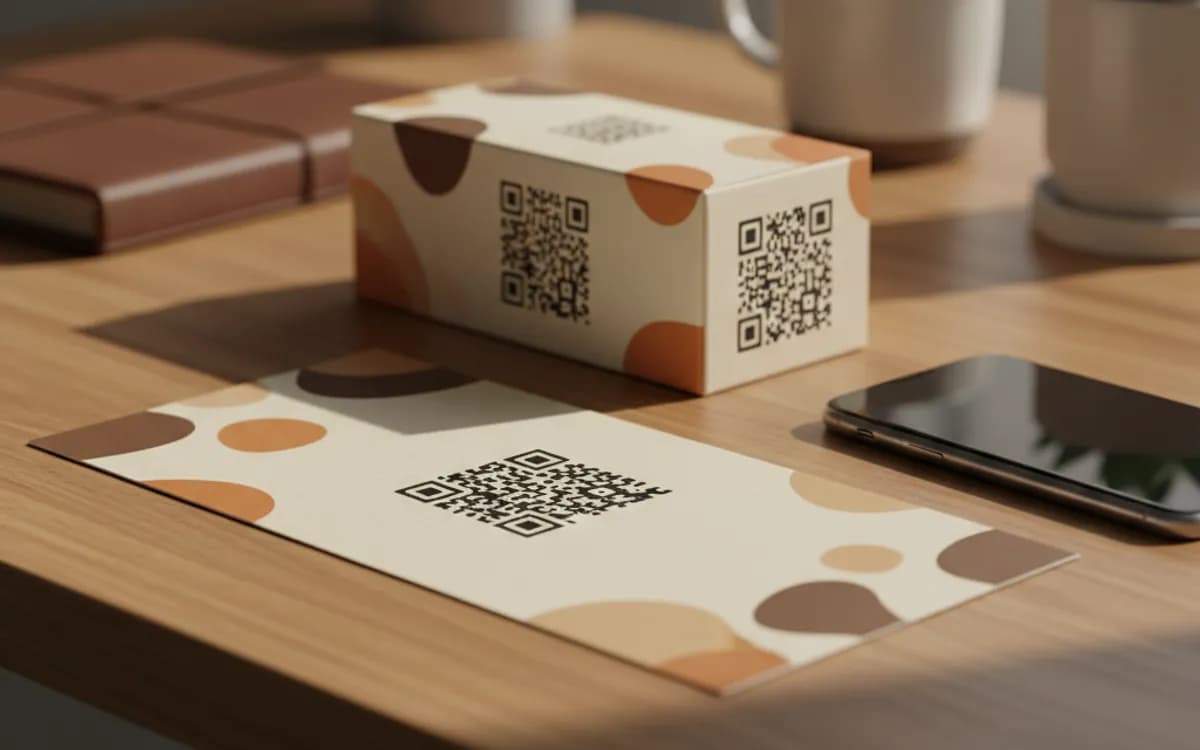
Choose static when the destination is permanent and the print run is small: a personal site on a business card, a menu at a fixed address, a link on a slide. Choose dynamic when the code outlives the destination or when the numbers matter, packaging with a twelve-month shelf life, a billboard you cannot climb back up to, a campaign where you need scan counts by city and device. A dynamic code points at a short link you own inside linkutm, so the pattern is frozen and the destination is not.
Free Tool vs a Free linkutm Plan
Every code on this page is free to make and never expires. A free linkutm plan adds what a printed code cannot do on its own, editing the destination and counting the scans, with no credit card required.
Editable codes, scan tracking, and analytics are included on the free plan. Your own domain, logo, frames, and team seats come with a paid plan when you need them.
Free plan available. No credit card required.
Frequently Asked Questions
Want To Know Who Scanned It?
A dynamic QR code keeps the same printed pattern while you change where it points, and shows you every scan, when, where, and on what device.
Related Tools
Free Trackable QR Code Generator
Create a free trackable QR code and see scans by time, place and device. No signup. The best QR code generator with analytics. Download PNG, SVG or PDF.
Free Dynamic QR Code Generator
Create a free dynamic QR code you can edit anytime without reprinting, plus scan tracking. No signup. The best editable QR code maker. Download PNG, SVG or PDF.
Free QR Code Generator with Logo
Add your logo to a free, scannable QR code in seconds. No signup. The best branded QR code maker for cards, packaging and print. Download PNG, SVG or PDF.
Free Multi-URL QR Code Generator
Create a free multi-URL QR code that offers several links from one scan. No signup. The best multi-link QR code maker for bios and packaging. Download PNG, SVG or PDF.