QR Codes on Flyers That Finally Make Print Marketing Measurable
Add a QR code to your flyer and finally connect print to results. Track scans, edit the destination after printing, and prove which flyer, drop, or location drove the response, all from one short link.
Free plan available. No credit card required.
Print marketing has always had one weakness: once the flyer leaves your hands, the trail goes cold. You print 5,000 flyers, drop them across three neighborhoods, and hope. There is no way to tell which drop worked, and if the URL on the flyer changes, every copy is dead paper.
Scenario
“You print one flyer design and distribute it three ways: door-to-door in a neighborhood, handed out at a local event, and left on a partner's counter. All three carry the same offer. You need to know which distribution method is worth repeating before you spend on the next print run.”
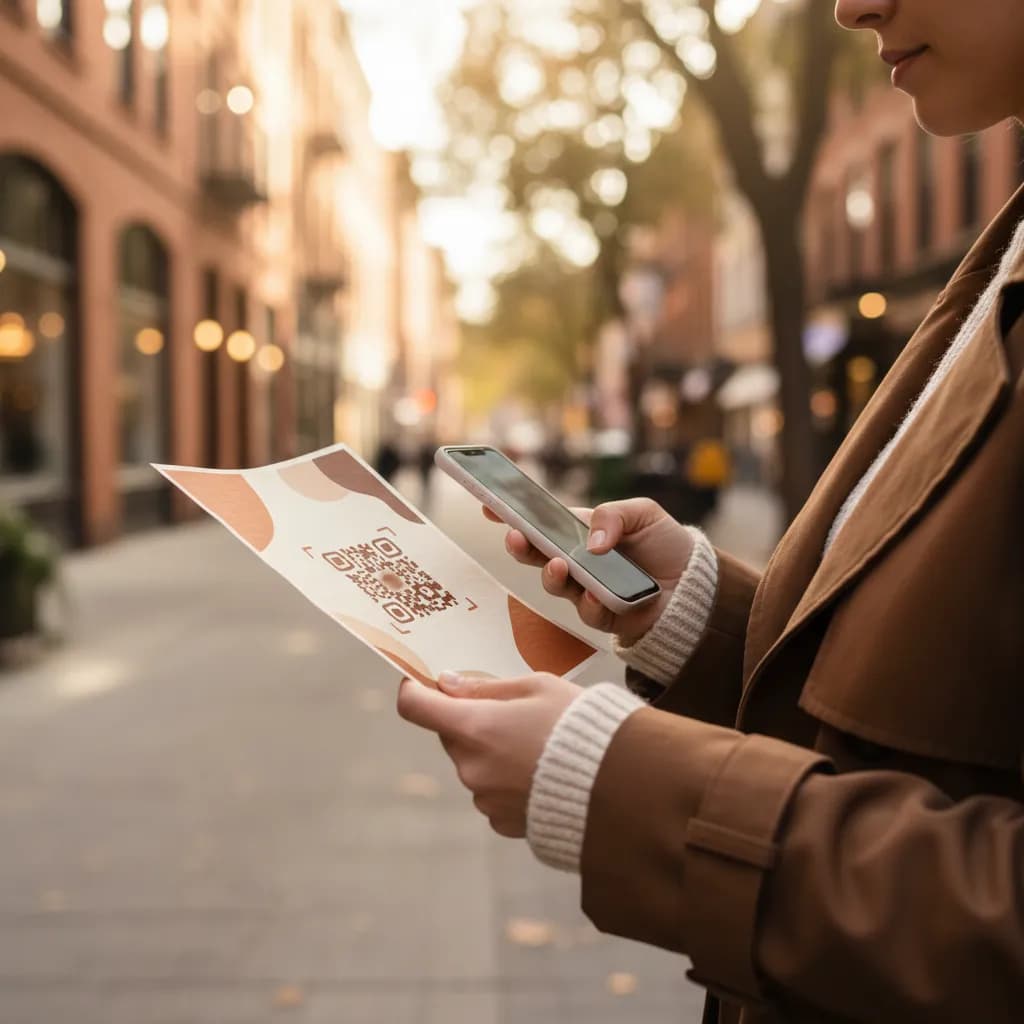
A QR code on a flyer is the bridge that print marketing never had. It turns a static sheet of paper into a measurable channel: every scan is a person crossing from print into your website, and a tracked QR code records exactly which flyer, which drop, and which location sent them. Better still, because the code resolves through a short link, you can change where it points after the flyers are already printed and in the wild.
How to Track QR Codes on Printed Flyers
Create a Tracked Link Per Distribution Method
Make a short link for each drop in linkutm and tag it, for example `utm_source=doordrop`, `utm_source=event`, and `utm_source=partner_counter`, with `utm_medium=flyer`. Same offer, three separately measurable paths.
Print the QR Code, Keep the Link Editable
Generate a QR code from each tracked link and place it on the flyer with a clear prompt to scan. The destination lives in your short link, so if the landing page or offer changes mid-campaign, you update it once and every printed flyer follows.
Measure Response by Drop
Compare scans and conversions across the three distribution methods. The one with the best response per flyer is where your next print budget goes.
Example: Which Distribution Method Earns the Reprint
A studio prints one flyer and splits it across a door drop, an event handout, and a partner counter. The door drop reaches the most people but scans poorly. The event handout reaches fewer people and scans far better, because the flyer met a warm, interested audience. The next run leans into events.

Door Drop
Widest reach
Low scan rate
Event Handout
Smaller reach
High scan rate
Partner Counter
Passive reach
Steady scans
Free plan available. No credit card required.
Best Practices
Use a unique tracked link for each drop, location, or flyer version.
Route the QR through a short link so you can edit the destination after printing.
Tell people why to scan: a real offer beats a bare code every time.
Print the code large enough to scan from arm's length, with quiet space around it.
Test-scan the printed proof before the full run, not just the screen version.
See how QR code tracking works with linkutm
Related QR Code Use Cases
QR Codes for Real Estate: Turn Every Sign Into a Lead Source
Put a QR code on yard signs, listing flyers, and window cards so buyers reach the listing instantly, and you capture which property and sign drove the lead. Track and edit every code from one short link.
Read use caseQR Codes in Retail: Track Shelf, Product, and Window Scans
Put a QR code on shelf talkers, product tags, and window displays, then see which in-store placements drive scans and sales. linkutm makes every retail QR code a trackable, editable short link.
Read use caseQR Codes for Healthcare: Track Intake Forms, Portals, and Signage
Use QR codes in clinics and hospitals to send patients to intake forms, portals, and wayfinding, and see which touchpoints get used. linkutm keeps every healthcare QR code trackable and editable.
Read use caseReady to Optimize Your Strategy?
Print stops being a leap of faith the moment a tracked QR code goes on the flyer. You can prove which drop, location, and design earned the response, protect the run with a link you can edit after printing, and walk into the next budget conversation with numbers instead of a hunch.