Free Trackable QR Code Generator
Print is the only channel most teams still cannot measure. A trackable code fixes that: every scan arrives with a time, a city, a device and a campaign attached.
Start with the link you want to track
Link to any web page
Try something like https://example.com/

This code is static and permanent. To change where it points after printing, .
Why Use This Tool
Print is the only channel most teams still cannot measure. A trackable code fixes that: every scan arrives with a time, a city, a device and a campaign attached.
Every scan by time and place
Each scan arrives with a time, a city and the scan curve over time, so you can see when a placement peaks and when to refresh it.
One code per placement
Give each poster, flyer and stand its own code and campaign value, so the report answers which surface actually earned the scans.
Measure print like any channel
UTM tags turn a scan into a GA4 session next to paid search and email, so print finally gets a cost per acquisition you can compare.
See the devices people use
Device and operating system data tells you whether your landing page is being punished on the handsets people actually hold.
How It Works
- 1
Tag the destination with UTM parameters
Before anything else, build the destination URL with campaign tags, source, medium and campaign at minimum. Without them a scan lands in GA4 as direct traffic, indistinguishable from someone typing your domain, and the print campaign disappears from every report you own.
- 2
Shorten the tagged link
Tagged URLs are long, and long URLs make dense codes. Shortening the tagged link inside linkutm gives you a compact, robust pattern and puts a redirect you control between the scan and the site, which is where the scan data is captured.
- 3
Use one code per placement
This is the step teams skip and later regret. Poster, flyer, packaging, magazine ad and event stand each get their own code and their own campaign value. One code across five surfaces produces one number that answers nothing.
- 4
Read the report after a full cycle
Give it at least one complete week before drawing conclusions, scan behaviour is strongly weekly, and a Tuesday reading of a Saturday campaign will mislead you. Then compare placements by scans, by geography, and by what happened after the scan.
What you actually get to see
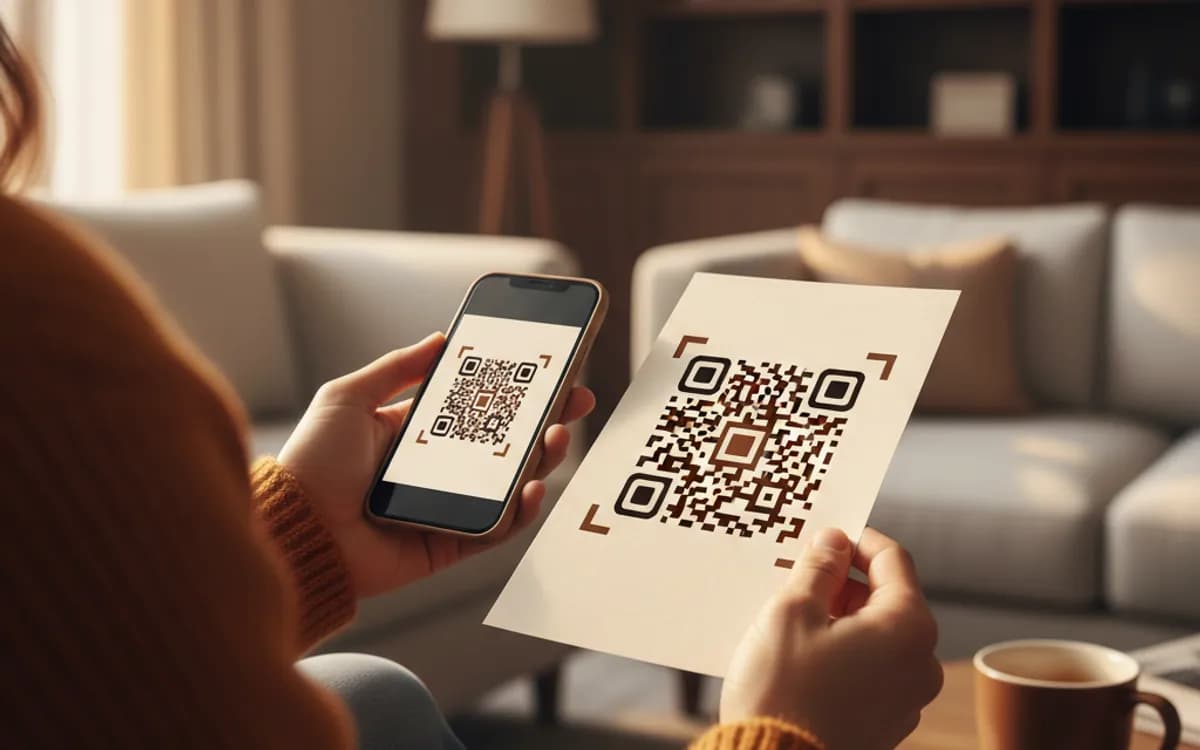
Total scans and the curve over time, which shows you the decay profile of a placement and tells you when to refresh it. City and region, which shows which stores, branches or distribution areas are engaged. Device and operating system, which tells you whether your landing page is being punished on the handsets people actually hold. Time of day and day of week, which is how you learn that a café's table codes get scanned at 8am and a poster gets scanned on the commute home. First-time versus returning scans, which distinguishes reach from repeat use.
Print in the same report as everything else
The point of UTM tags on a QR destination is not the scan count, it is that the scan becomes a session in GA4, sitting in the same acquisition report as paid search and email. Once print is a channel with a cost per acquisition, it can be compared, defended and budgeted like any other. That comparison is where most of the value is, and it is impossible with an untagged static code.
What scan data cannot tell you
It is worth being straight about the limits. You get a city, not a person; scanner apps and privacy settings mean a share of scans are attributed loosely or not at all; and a scan is not a conversion. Treat the numbers as a reliable comparison between placements rather than an exact census, and always look at what happened after the scan before declaring a campaign a success.
Free Tool vs a Free linkutm Plan
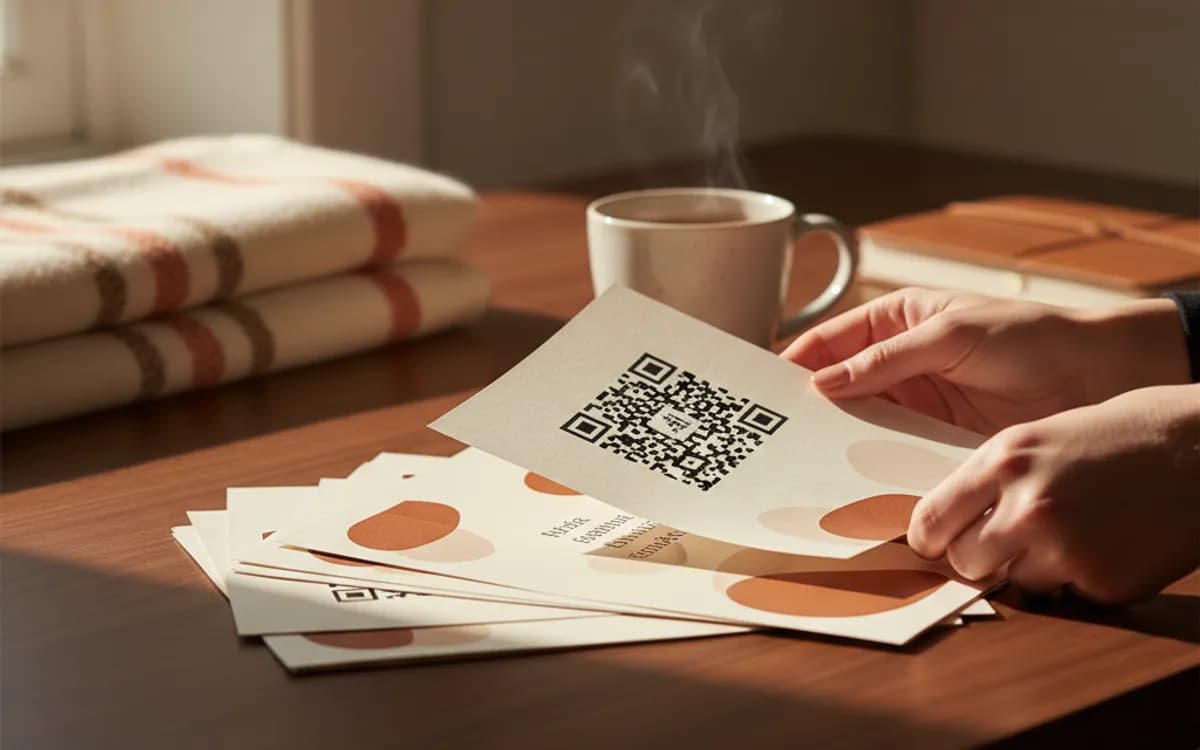
Every code on this page is free to make and never expires. A free linkutm plan adds what a printed code cannot do on its own, editing the destination and counting the scans, with no credit card required.
Editable codes, scan tracking, and analytics are included on the free plan. Your own domain, logo, frames, and team seats come with a paid plan when you need them.
Free plan available. No credit card required.
Frequently Asked Questions
Want To Know Who Scanned It?
A dynamic QR code keeps the same printed pattern while you change where it points, and shows you every scan, when, where, and on what device.
Related Tools
Free Dynamic QR Code Generator
Create a free dynamic QR code you can edit anytime without reprinting, plus scan tracking. No signup. The best editable QR code maker. Download PNG, SVG or PDF.
Generate Free QR Codes for URLs
Turn any link into a free URL QR code in seconds. No signup, no expiry. Download PNG, SVG or PDF, add your logo, and track every scan with linkutm.
Generate Free QR Codes for Coupons
Generate a free coupon QR code that reveals your offer on scan. No signup. Track redemptions and boost sales from print. Download PNG, SVG or PDF.
Generate Free QR Codes for App Downloads
Create a free app download QR code that sends users to the right store on scan. No signup. Boost installs from print and ads. Download PNG, SVG or PDF.