Generate Free QR Codes for App Downloads
Two stores, one printed code. The link checks what phone is scanning and sends iPhones to the App Store and Android handsets to Google Play, so you never print two codes side by side again.
Create your app download QR code
Send people to your app
Point one code at your App Store or Google Play listing, then track installs from print, packaging, and events as a real channel instead of untagged direct traffic.
25 dynamic QR codes a month, free. No credit card.

This code is static and permanent. To change where it points after printing, .
Why Use This Tool
Two stores, one printed code. The link checks what phone is scanning and sends iPhones to the App Store and Android handsets to Google Play, so you never print two codes side by side again.
One code for both app stores
The link reads the handset before it redirects, sending iPhones to the App Store and Android phones to Google Play from a single printed square.
One less decision at the scan
Nobody has to identify their own operating system and pick the right code, and removing that decision is most of what lifts installs.
A sensible fallback for desktops
Set a fallback page with both store badges, so a scan from a laptop or an unsupported device still lands somewhere useful.
Attribution print usually loses
A separate code per placement records each scan with its time, city, and device, so you can rank packaging against a poster or an event stand.
How It Works
- 1
Collect both store listing URLs
Grab the canonical App Store link from App Store Connect and the Google Play link from the Play Console. Use the public listing URLs, not a search result or a shortened share link from a colleague's phone, which sometimes carries their region or referrer attached.
- 2
Set a fallback for everything else
Desktop scanners exist, people photograph codes off slides and open them on a laptop. Point the fallback at a landing page that explains the app and offers both store badges, so a scan from an unsupported device still lands somewhere useful instead of on a broken store page.
- 3
Tag the code per placement
Make a separate code for each surface: packaging, in-store signage, the conference stand, the print ad. Installs are notoriously hard to attribute, and a per-placement code is the cheapest attribution you will ever build.
- 4
Test on both platforms before the print run
Scan the finished code on an iPhone and on an Android handset, from about a metre away, in the lighting the real surface will have. Store links change when apps are renamed or moved between developer accounts, and finding that out after ten thousand boxes are printed is expensive.
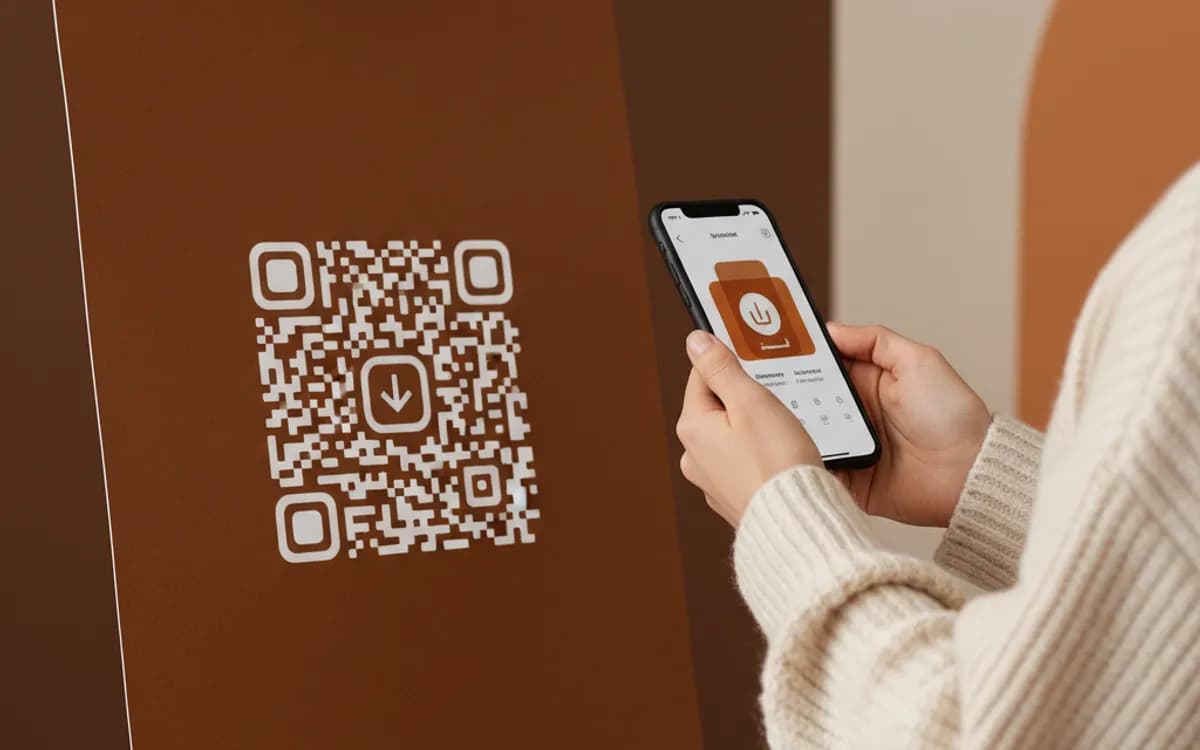
Why device detection matters more than it sounds
The alternative is printing two codes labelled iOS and Android, which asks a person standing at a bus stop to identify their own operating system and pick correctly. A meaningful share get it wrong or do not bother. One code that resolves the platform itself removes a decision from the scan, and removing decisions is most of what conversion optimisation actually is.
Attribution: where app installs usually disappear
Store installs arrive with almost no context by default, so print and packaging campaigns end up buried inside organic or direct in the store console. Routing scans through a link you own gives you a scan count, a location, a device, and a timestamp on your side of the funnel, the numbers you need to compare a packaging insert against a bus shelter poster. Pair the code with your store's own campaign parameters where the platform supports them and you can follow the same visitor from the scan through to the install.
Placements that consistently drive installs
In-box inserts convert best, because the person already bought something and has the product in their hands. Point-of-sale signage next to the till works when the app carries a first-order discount. Event and conference stands work when the code sits at chest height and is at least 5cm square. Outdoor advertising works only when the code is large enough to scan from the pavement and the surrounding copy gives a reason to install before the person reaches for their phone.
Free Tool vs a Free linkutm Plan
Every code on this page is free to make and never expires. A free linkutm plan adds what a printed code cannot do on its own, editing the destination and counting the scans, with no credit card required.
Editable codes, scan tracking, and analytics are included on the free plan. Your own domain, logo, frames, and team seats come with a paid plan when you need them.
Free plan available. No credit card required.
Frequently Asked Questions
Want To Know Who Scanned It?
A dynamic QR code keeps the same printed pattern while you change where it points, and shows you every scan, when, where, and on what device.
Related Tools
Generate Free QR Codes for URLs
Turn any link into a free URL QR code in seconds. No signup, no expiry. Download PNG, SVG or PDF, add your logo, and track every scan with linkutm.
Free Trackable QR Code Generator
Create a free trackable QR code and see scans by time, place and device. No signup. The best QR code generator with analytics. Download PNG, SVG or PDF.
Generate Free QR Codes for Product Info
Create a free product QR code that opens details, how-tos or authenticity on scan. No signup. Ideal for packaging. Download PNG, SVG or PDF.
Free Multi-URL QR Code Generator
Create a free multi-URL QR code that offers several links from one scan. No signup. The best multi-link QR code maker for bios and packaging. Download PNG, SVG or PDF.