Generate Free QR Codes for Product Info
Packaging has no room and the label has less. A product info code moves the manual, the spec sheet, the ingredients and the how-to video off the box and onto the customer's phone.
Create your product info QR code
Link to any web page
Try something like https://example.com/

This code is static and permanent. To change where it points after printing, .
Why Use This Tool
Packaging has no room and the label has less. A product info code moves the manual, the spec sheet, the ingredients and the how-to video off the box and onto the customer's phone.
Moves the manual onto the phone
The scan opens setup steps, care, ingredients or a how-to video, freeing the box from cramped print that no one can read.
Built for a shop or kitchen
Point it at a single-column mobile page with the answer above the fold, not a homepage that asks people to search for the item.
Per-SKU scan insight
Give each SKU its own code and see which products get looked up, when and where, as honest post-purchase research.
Update details after printing
A dynamic short link lets you repoint every unit already in warehouses and homes when a manual is revised or a page moves.
How It Works
- 1
Build one page per product, not a link to your homepage
The scanner is holding the item. Dropping them on a homepage and asking them to search for it is the fastest way to waste a scan. Point the code at the specific product page, and make sure that page opens with the answer they most likely wanted, usually setup, care, or compatibility.
- 2
Design the page for a phone in a shop or a kitchen
One column, large type, no pop-ups, no cookie wall covering the content, and the key information above the fold. A PDF manual is not a mobile page; if all you have is a PDF, at least link to it below a short HTML summary.
- 3
Use one code per SKU
Separate codes cost nothing and give you per-product scan data. When you can see that one line generates four times the manual lookups of another, you have learned something about your instructions, your packaging, or the product itself.
- 4
Make it dynamic if the product outlives the print run
Manuals get revised, ingredients get reformulated, and support pages move. A dynamic code lets you repoint every unit already sitting in warehouses and homes. On anything with a shelf life longer than a few months this is not optional.
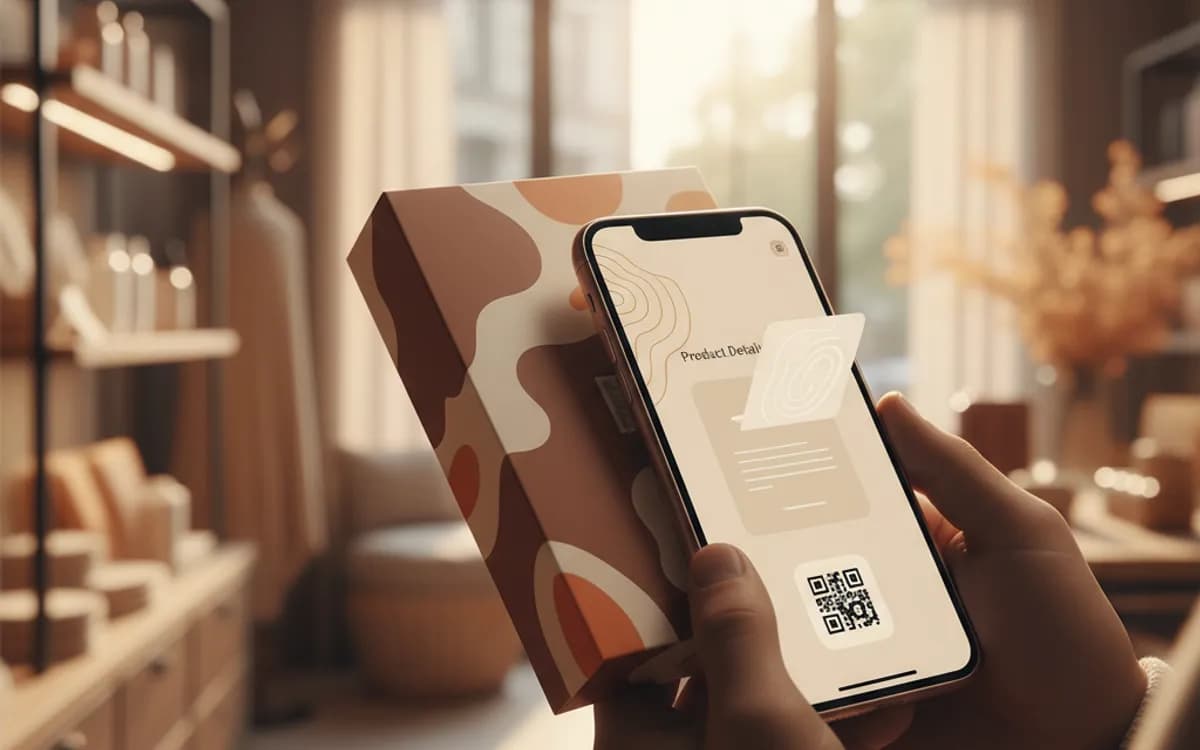
What customers actually scan a product code for
The pattern is consistent across categories: how to set it up, how to look after it, what is in it, whether it fits what they already own, and how to get a replacement part. Lead with those. Marketing copy on the other end of a product code is the most common mistake in the category, the person already bought the thing, so selling to them is answering a question they did not ask while ignoring the one they did.
Regulatory and sustainability pressure is making this standard
Digital product passports, extended ingredient and origin disclosure, and recycling instructions are all pushing more information onto packaging than packaging can physically hold. A code that resolves to a maintained page is the practical answer, and building it now means the infrastructure exists before a requirement forces it. Keep the mandated information on a stable URL and treat that page as a record rather than a campaign asset.
Scan data from packaging is unusually honest
Someone scanning a box has already bought or is holding the product, so the data has none of the noise of top-of-funnel traffic. Scans clustered right after delivery mean unclear setup instructions. A spike months later means a maintenance question your documentation does not answer. Regional differences point at distribution or translation gaps. This is post-purchase research you would otherwise have to pay for.
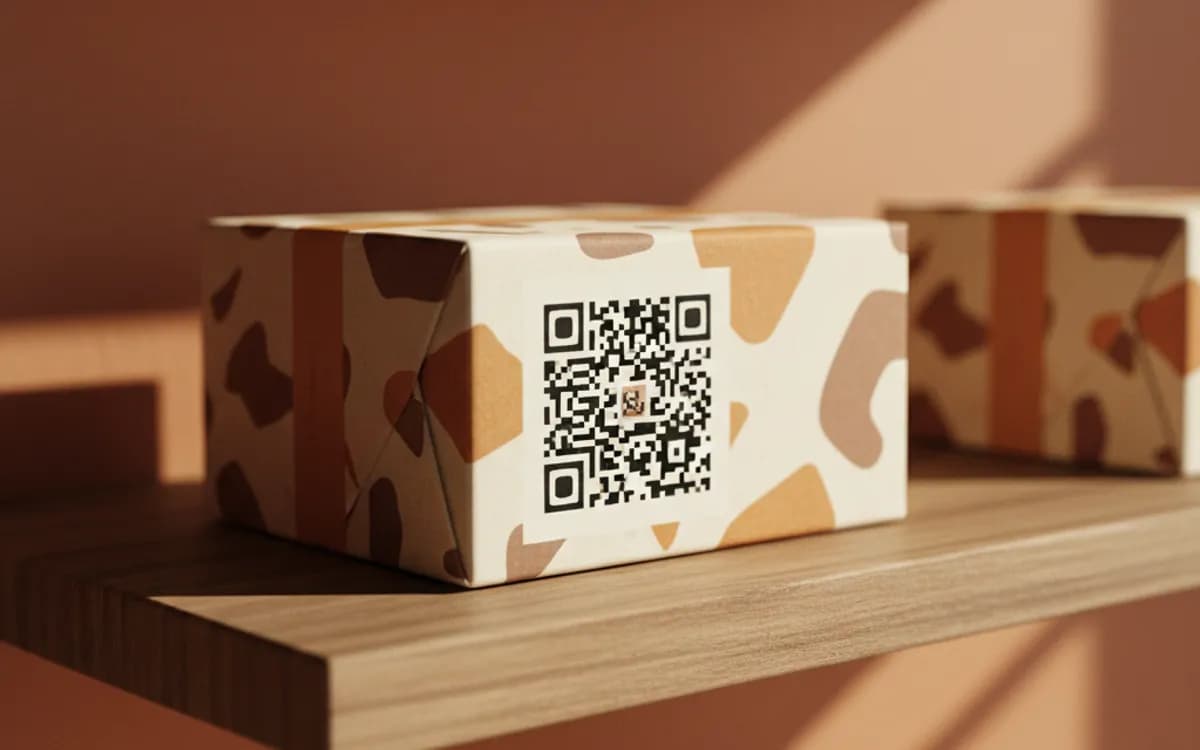
Free Tool vs a Free linkutm Plan
Every code on this page is free to make and never expires. A free linkutm plan adds what a printed code cannot do on its own, editing the destination and counting the scans, with no credit card required.
Editable codes, scan tracking, and analytics are included on the free plan. Your own domain, logo, frames, and team seats come with a paid plan when you need them.
Free plan available. No credit card required.
Frequently Asked Questions
Want To Know Who Scanned It?
A dynamic QR code keeps the same printed pattern while you change where it points, and shows you every scan, when, where, and on what device.
Related Tools
Generate Free QR Codes for PDFs
Turn any PDF into a free QR code that opens the document on scan. No signup. Ideal for menus, manuals and brochures. Download PNG, SVG or PDF.
Generate Free QR Codes for Videos
Make a free video QR code that plays your video on scan. No signup. Perfect for packaging, ads and manuals. Download PNG, SVG or PDF.
Generate Free QR Codes for App Downloads
Create a free app download QR code that sends users to the right store on scan. No signup. Boost installs from print and ads. Download PNG, SVG or PDF.
Generate Free QR Codes for Coupons
Generate a free coupon QR code that reveals your offer on scan. No signup. Track redemptions and boost sales from print. Download PNG, SVG or PDF.