Generate Free QR Codes for PDFs
A QR code cannot hold a PDF, the file has to live somewhere online, and the code points at it. Once it is hosted, paste the address here and you have a scannable document in under a minute.
Make your document QR code
Link to any web page
Try something like https://example.com/

This code is static and permanent. To change where it points after printing, .
Why Use This Tool
A QR code cannot hold a PDF, the file has to live somewhere online, and the code points at it. Once it is hosted, paste the address here and you have a scannable document in under a minute.
Any document, one scannable code
Point the code at your hosted menu, manual, or brochure and a scan opens it on the phone with nothing to download.
Swap the file, keep the code
Host the PDF inside linkutm and upload a new version behind the same printed pattern, so a revised price list never means a reprint.
SVG for print, PNG for screens
Download a vector SVG that stays crisp on a poster or a PNG for slides and social, whichever the job in front of you needs.
See how many opened it
A linkutm short link behind the code records every open by time, city, and device, so you learn whether the document is being read.
How It Works
- 1
Put the PDF somewhere it can be reached
Your own website is the most reliable home. Google Drive, Dropbox, and OneDrive all work if you set sharing to anyone with the link, a file left on default permissions gives every scanner a sign-in wall instead of your document.
- 2
Copy the direct link and test it
Open the link in a private browser window on your phone. If it asks you to log in, request access, or download an app, the sharing setting is wrong. Fix it before you print anything, because you cannot fix it afterwards on a static code.
- 3
Generate the code
Paste the address above, choose a design with strong contrast, and download the SVG for print or the PNG for screens. Shorter links make lighter, more forgiving patterns, so shorten a long cloud-storage URL first if you can.
- 4
Print with the document in mind
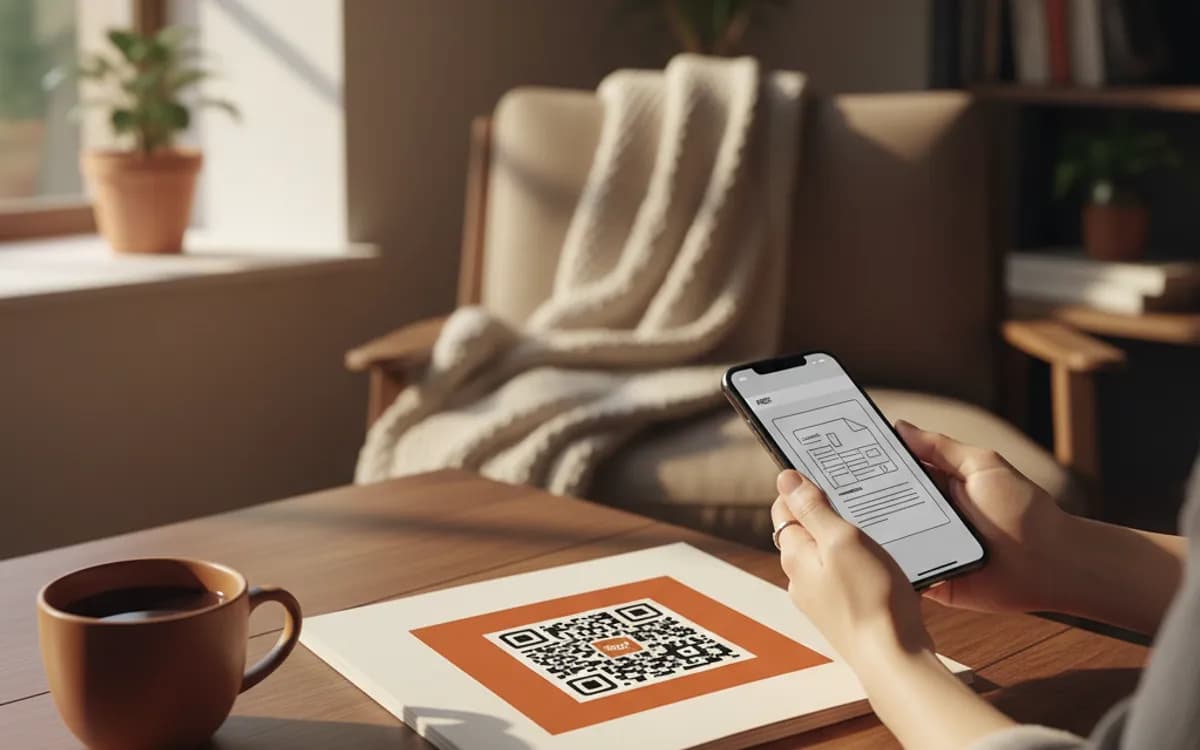
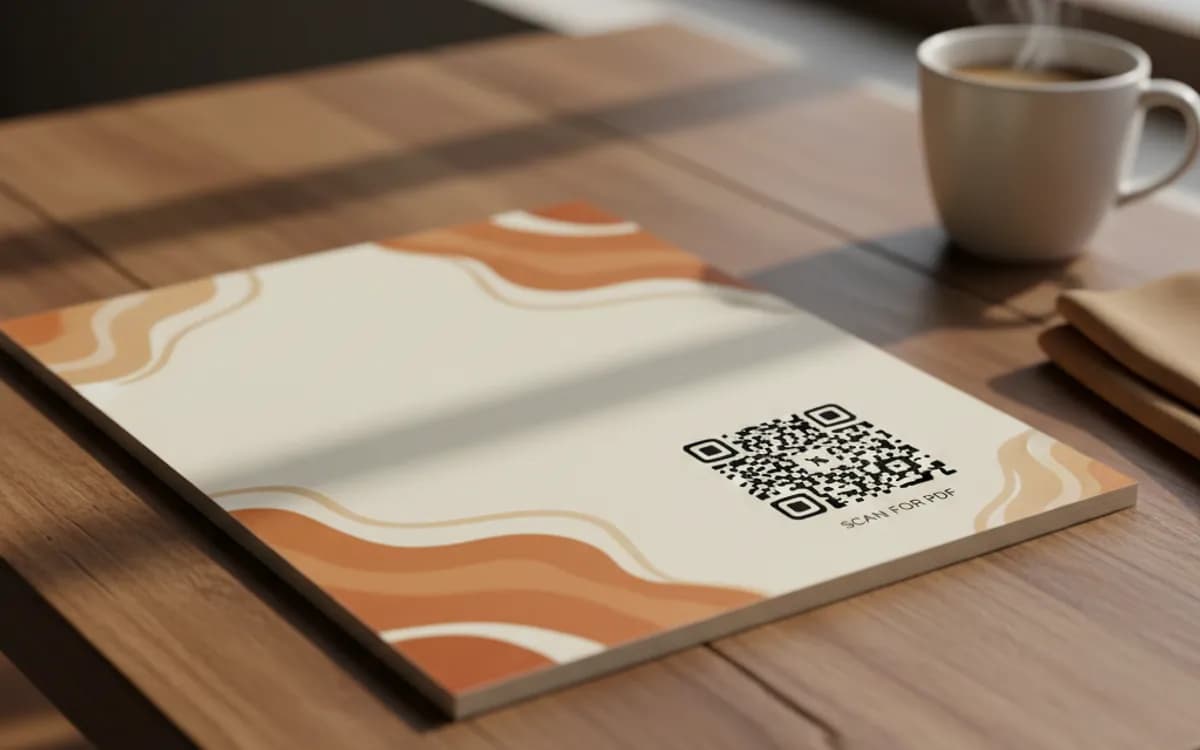
3cm square minimum on paper, larger on posters. Add a line of text next to it saying what the document is, 'Scan for the 2026 price list' gets far more scans than a bare code, because people will not scan something unlabelled.
Why a QR code cannot contain the file itself
A QR code stores roughly three kilobytes at most, and that is at a density no phone camera can realistically read. A one-page PDF is typically hundreds of times larger. So every PDF QR code in existence, including every tool that advertises otherwise, hosts the file somewhere and encodes the link. Tools that say they embed the PDF are hosting it on their servers, which matters, because the code dies when their free tier ends or their service does.
Make the PDF readable on a phone before you print the code
The most common failure is not the code, it is the document. An A4 landscape PDF full of small type opens on a phone as an unreadable rectangle that has to be pinched and dragged. If people will scan this on their feet, make a portrait, single-column version, or better, a mobile web page. The code is fine; the destination is what loses you the reader.
When the document changes, a static code becomes a problem
Price lists, menus, manuals, and spec sheets all get revised. With a free static code the address is baked into the pattern, so a new file at a new address means reprinting every brochure, sign, and label carrying the old code. The PDF type inside linkutm exists for exactly this: the code points at a short link your workspace owns, you upload a new version whenever you like, and the printed pattern never changes. You also get to see how many people opened it.
Free Tool vs a Free linkutm Plan
Every code on this page is free to make and never expires. A free linkutm plan adds what a printed code cannot do on its own, editing the destination and counting the scans, with no credit card required.
Editable codes, scan tracking, and analytics are included on the free plan. Your own domain, logo, frames, and team seats come with a paid plan when you need them.
Free plan available. No credit card required.
Frequently Asked Questions
Want To Know Who Scanned It?
A dynamic QR code keeps the same printed pattern while you change where it points, and shows you every scan, when, where, and on what device.
Related Tools
Generate Free QR Codes for Restaurant Menus
Create a free menu QR code so guests view your digital menu with one scan. No signup, update the menu anytime. Download PNG, SVG or PDF.
Generate Free QR Codes for Events
Create a free event QR code that adds your event to any calendar on scan. No signup. Great for invites and posters. Download PNG, SVG or PDF.
Generate Free QR Codes for Business Cards
Create a free business card QR code that shares your contact details on scan and saves to phones. No signup. Perfect for cards. Download PNG, SVG or PDF.