Generate Free QR Codes for Events
A flyer someone means to remember is a flyer they forget. This code puts the date, time, and place straight into their calendar, with the reminder already attached.
Make your event QR code
Add an event to the calendar

This code is static and permanent. To change where it points after printing, .
Why Use This Tool
A flyer someone means to remember is a flyer they forget. This code puts the date, time, and place straight into their calendar, with the reminder already attached.
Lands straight in the calendar
A scan offers to save the event with the title, location, and start and end times already filled in, on iOS Calendar or Google Calendar.
No app, no page, works offline
The event is a vCalendar record encoded in the pattern itself, so it adds to the calendar even on a printed ticket in a venue with no signal.
Survives the good intention
The entry sits in their week with a reminder attached and resurfaces when they plan, instead of relying on them returning to a landing page.
Address becomes a tappable map
Put a full street address in the location and most calendar apps turn it into a map link, quietly answering the how-do-I-get-there question.
How It Works
- 1
Name the event the way it will read in a calendar
The title is what they see months later in a crowded week. 'Summer Product Launch, Riverside Hall' beats 'Launch Event', because by then they will not remember whose launch it was.
- 2
Put a real address in the location
A full street address turns into a tappable map link in most calendar apps, which quietly solves the how-do-I-get-there question. For an online event, put the joining link there instead.
- 3
Set the start and end times carefully
Times are encoded exactly as you enter them, so use the local time at the venue. For a multi-day conference, generate one code per session rather than one block covering three days, attendees want the sessions, not the whole event, on their calendar.
- 4
Download and put it on everything
Flyers, posters, tickets, invitations, email footers, the last slide of the pitch deck. Add the words 'Scan to add to your calendar' next to it, because a bare code on an invitation is ambiguous and people will not risk it.
What actually happens on scan
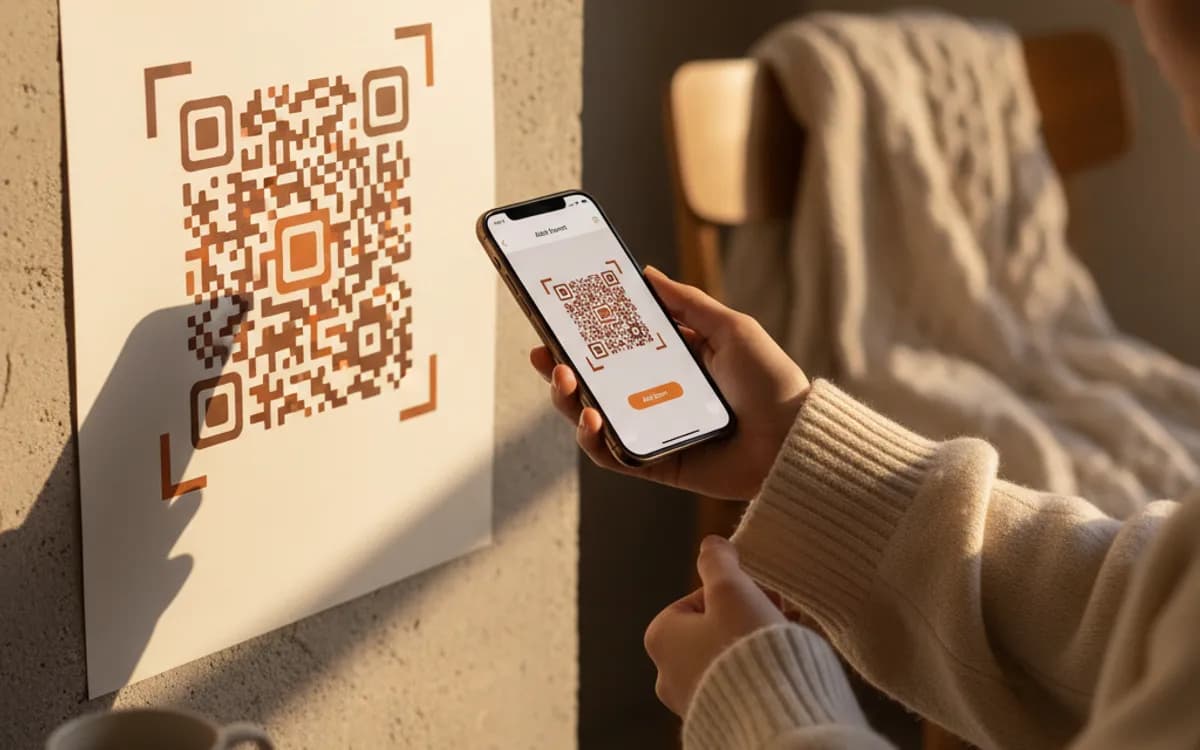
The code carries a vCalendar event record, so the phone recognises it as a calendar entry and offers to add it. On iOS this opens in the Calendar app; on Android it goes to Google Calendar. There is nothing to download and no page to load, which means it also works in a venue with no signal, a real advantage on printed tickets and conference badges.
Why a calendar entry beats a landing page
A poster that sends people to a landing page relies on them coming back later, and most do not. A calendar entry survives the intention: it sits in their week with a reminder, and it shows up when they are planning. If you are choosing one code for a printed invitation, this is the one that turns interest into attendance.
When to use a link instead
If the details might move, a rescheduled date, a changed venue, a webinar link issued closer to the day, a static calendar code cannot be corrected once printed. In that case point a dynamic link at your event page, update it as things change, and keep the calendar code for the final printed programme once the details are locked.
Free Tool vs a Free linkutm Plan
Every code on this page is free to make and never expires. A free linkutm plan adds what a printed code cannot do on its own, editing the destination and counting the scans, with no credit card required.
Editable codes, scan tracking, and analytics are included on the free plan. Your own domain, logo, frames, and team seats come with a paid plan when you need them.
Free plan available. No credit card required.
Frequently Asked Questions
Want To Know Who Scanned It?
A dynamic QR code keeps the same printed pattern while you change where it points, and shows you every scan, when, where, and on what device.
Related Tools
Generate Free QR Codes for Wi-Fi
Create a free Wi-Fi QR code so guests join your network with one scan, no password typing. No signup. Print it for the wall. Download PNG, SVG or PDF.
Generate Free QR Codes for Instagram
Create a free Instagram QR code that opens your profile on scan and grows your followers. No signup. Perfect for print and packaging. Download PNG, SVG or PDF.
Generate Free QR Codes for PDFs
Turn any PDF into a free QR code that opens the document on scan. No signup. Ideal for menus, manuals and brochures. Download PNG, SVG or PDF.