Generate Free QR Codes for Wi-Fi
Stop reading a twenty-character password out loud. Enter your network details, print the code, and guests scan it and tap Join, iPhones and Android phones both handle this in the camera app with nothing installed.
Make your Wi-Fi QR code
Join a Wi-Fi network

This code is static and permanent. To change where it points after printing, .
Why Use This Tool
Stop reading a twenty-character password out loud. Enter your network details, print the code, and guests scan it and tap Join, iPhones and Android phones both handle this in the camera app with nothing installed.
Guests join without a password
One scan connects the phone to your network, no typing a long password wrong three times, no reading it off a sticker.
Encodes WPA and WPA2 securely
Set the network name, security type, and password once. The code carries the exact join details every device understands.
Your password stays on your device
The Wi-Fi code is generated locally in your browser. The network name and password are never uploaded or logged anywhere.
Print it for the wall or table
Export a sharp PNG, PDF, or vector SVG and put it on a table tent, a door, or a welcome sign that any guest can scan.
How It Works
- 1
Type the network name exactly
The SSID is case sensitive and spaces count. Copy it from your phone's Wi-Fi list rather than from memory, 'Cafe Guest' and 'Cafe guest' are two different networks as far as the scanner is concerned.
- 2
Choose WPA unless you know otherwise
WPA covers WPA, WPA2, and WPA3, which is every modern router. Pick None only for a genuinely open network, and leave the hidden-network option off unless your SSID really is not broadcast, ticking it on a visible network makes some Android builds fail to connect.
- 3
Enter the password
It is encoded into the pattern in your browser and never sent anywhere. That also means anyone who can photograph the printed code can read the password, so this belongs on a guest network, not the one your till or your laptop sits on.
- 4
Print it where people sit
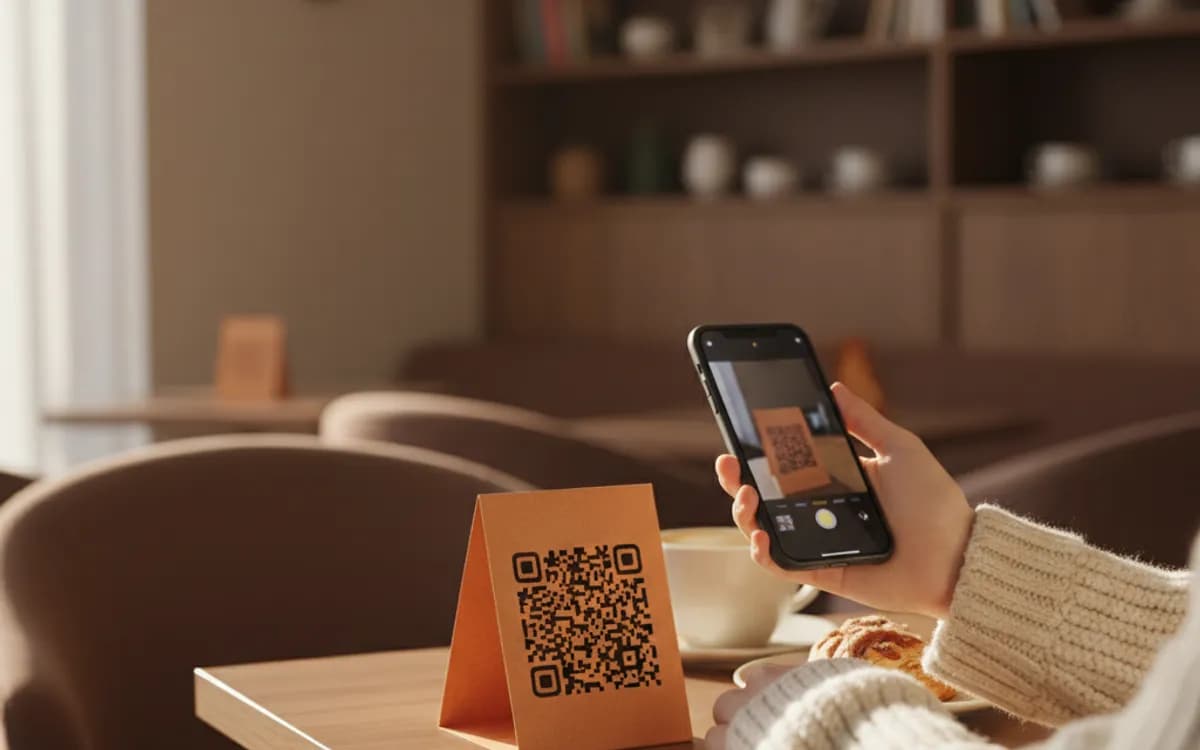
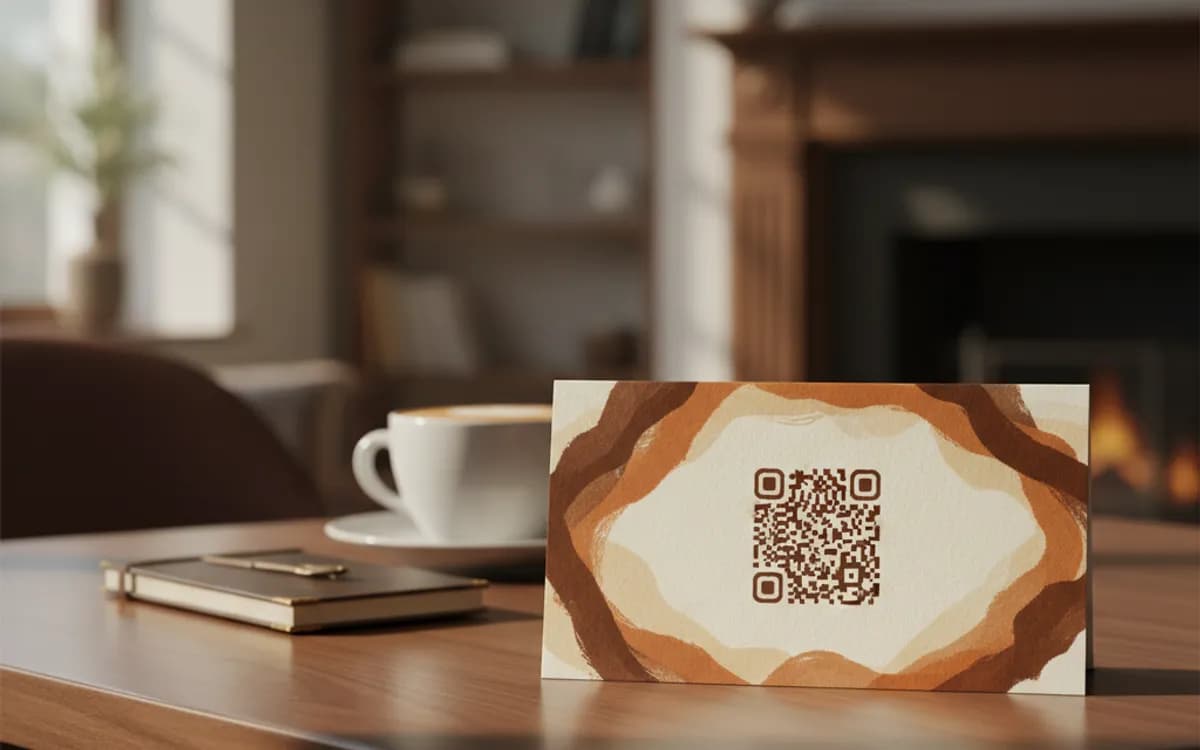
Download the PNG or SVG and print at 3cm or larger. On the table, on the back of the door, in the welcome folder, anywhere someone with a phone already in their hand will look.
Use your guest network, not your main one
A printed Wi-Fi code is a printed password. Anyone who photographs it keeps it, and they can pass it on. Most routers can run a separate guest network that reaches the internet but not the devices on your main network. Put the code on that one, give it its own password, and change that password whenever it feels right, you are only reprinting a card, not resetting every device you own.
It works without an app, on both platforms
iOS has read Wi-Fi codes in the native camera since iOS 11, and Android since version 10. The phone shows a join prompt rather than opening a browser. There is nothing for your guest to download and nothing for you to install, which is exactly why this is the highest-value code a café, clinic, salon, or short-let host can print.
Who gets the most out of this
Airbnb and short-let hosts, because it removes the single most common guest message. Cafés and co-working spaces, because it removes the most common counter question. Clinics and waiting rooms, because bored people with a phone will connect to anything. Offices, for the meeting room a visitor sits in once. In every case the win is the same: staff stop repeating a password twenty times a day.
Free Tool vs a Free linkutm Plan
Every code on this page is free to make and never expires. A free linkutm plan adds what a printed code cannot do on its own, editing the destination and counting the scans, with no credit card required.
Editable codes, scan tracking, and analytics are included on the free plan. Your own domain, logo, frames, and team seats come with a paid plan when you need them.
Free plan available. No credit card required.
Frequently Asked Questions
Want To Know Who Scanned It?
A dynamic QR code keeps the same printed pattern while you change where it points, and shows you every scan, when, where, and on what device.
Related Tools
Generate Free QR Codes for Restaurant Menus
Create a free menu QR code so guests view your digital menu with one scan. No signup, update the menu anytime. Download PNG, SVG or PDF.
Generate Free QR Codes for WhatsApp
Make a free WhatsApp QR code that starts a chat with your number on scan. No signup. Add a pre-filled message for support or sales. Download PNG, SVG or PDF.
Generate Free QR Codes for Events
Create a free event QR code that adds your event to any calendar on scan. No signup. Great for invites and posters. Download PNG, SVG or PDF.