Generate Free QR Codes for WhatsApp
A scan opens WhatsApp with your number loaded and the first message already typed. That removes the blank-message hesitation that kills most enquiries before they start.
Make your WhatsApp QR code
Start a WhatsApp chat
Include the country code. Digits only, no spaces needed.

This code is static and permanent. To change where it points after printing, .
Why Use This Tool
A scan opens WhatsApp with your number loaded and the first message already typed. That removes the blank-message hesitation that kills most enquiries before they start.
Opens a chat with you instantly
One scan starts a WhatsApp conversation with your number, no saving contacts, no searching, straight into the chat.
Add a ready-to-send message
Pre-fill the first message so customers just hit send. Perfect for support, orders, bookings, and quick enquiries.
See which placement drives chats
Route the code through a tracked link to learn whether your flyer, shopfront, or packaging starts the most conversations.
Print-ready for any surface
Download PNG, SVG, or PDF and add it to receipts, windows, and ads so people reach you in a single tap.
How It Works
- 1
Enter your number in full international format
Country code first, no plus sign, no spaces, no brackets, and no leading zero. A UK number written 07700 900123 becomes 447700900123. This is the single most common thing people get wrong, and it silently produces a code that opens a chat with nobody.
- 2
Write the opening message for them
A prefilled message does two things: it saves the customer thinking of an opener, and it tells you where the scan came from. 'Hi, I'd like to book a table' from the window sticker and 'Hi, I saw the flyer' from the flyer means you can tell which one is working.
- 3
Download and place it
Grab the PNG for screens or the SVG for print. Shop windows, menus, flyers, delivery boxes, vehicle livery, anywhere the next step is a conversation rather than a purchase.
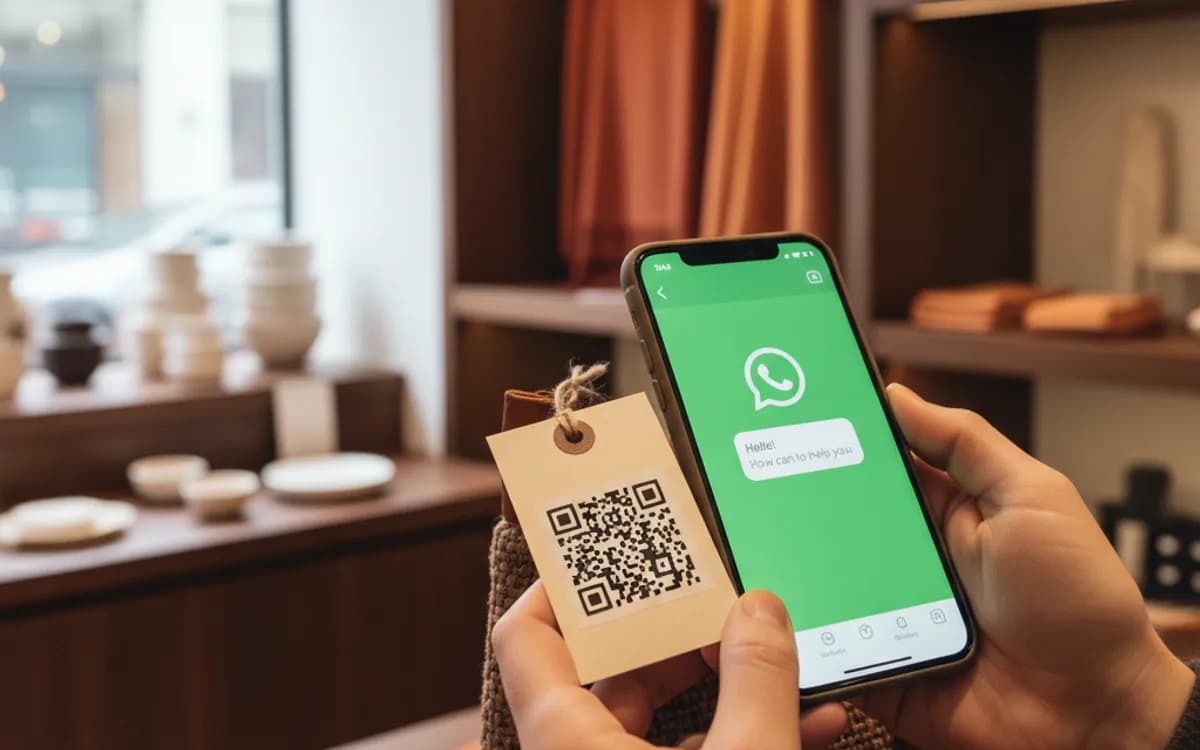
Why prefilled messages matter more than they look
Ask someone to message you cold and they hesitate, because now they have to compose something. Hand them a message already written and the only decision left is whether to press send. That single change is usually the difference between a code with a handful of scans and a code that actually generates enquiries. Keep the message short, first person, and specific to where the code is printed.
Personal number or WhatsApp Business
The code works with either, but WhatsApp Business gives you a profile with your hours and address, quick replies for the questions you answer forty times a week, away messages outside opening hours, and labels for sorting enquiries. If the code is going anywhere public, use the Business app. Nothing about the code changes; you just stop running your business out of a personal inbox.
Static code or a tracked link
A static WhatsApp code encodes the wa.me address directly and is free forever, but it tells you nothing about how many people scanned it. If you are printing the same code across several placements and want to know which one earns the enquiries, point a dynamic link at the WhatsApp address instead. The chat opens the same way; you just get the scan data behind it.
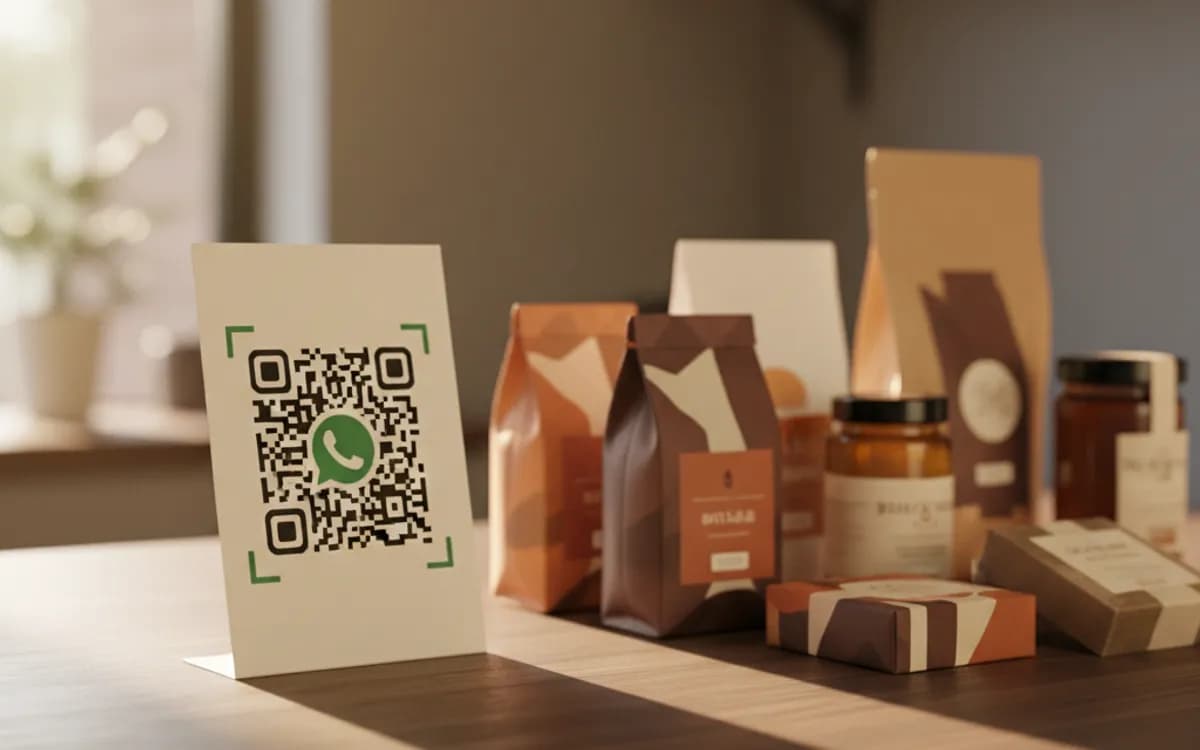
Free Tool vs a Free linkutm Plan
Every code on this page is free to make and never expires. A free linkutm plan adds what a printed code cannot do on its own, editing the destination and counting the scans, with no credit card required.
Editable codes, scan tracking, and analytics are included on the free plan. Your own domain, logo, frames, and team seats come with a paid plan when you need them.
Free plan available. No credit card required.
Frequently Asked Questions
Want To Know Who Scanned It?
A dynamic QR code keeps the same printed pattern while you change where it points, and shows you every scan, when, where, and on what device.
Related Tools
Generate Free QR Codes for Instagram
Create a free Instagram QR code that opens your profile on scan and grows your followers. No signup. Perfect for print and packaging. Download PNG, SVG or PDF.
Generate Free QR Codes for Google Reviews
Create a free Google review QR code that opens your review link on scan and wins more reviews. No signup. Great for counters. Download PNG, SVG or PDF.
Generate Free QR Codes for Business Cards
Create a free business card QR code that shares your contact details on scan and saves to phones. No signup. Perfect for cards. Download PNG, SVG or PDF.