Generate Free QR Codes for Instagram
Turn a poster, a shop window, or the box a customer just opened into a follow. Pick the network, type the username, and the generator builds the right profile address for you.
Make your social profile QR code
Redirect to an Instagram profile
Enter the URL of your Instagram profile

This code is static and permanent. To change where it points after printing, .
Why Use This Tool
Turn a poster, a shop window, or the box a customer just opened into a follow. Pick the network, type the username, and the generator builds the right profile address for you.
Scans in any phone camera
Unlike Instagram's own nametag, this is a standard code the native camera reads, so people who do not have the app open can still reach your profile.
Builds the right handle link
Pick the network and type your username, and the generator assembles the correct profile address, avoiding broken links from share-sheet URLs.
One scan to the follow button
The code points straight at your profile, so there are no extra taps between the scan and following, which is where social codes lose people.
Covers twelve platforms
Instagram, TikTok, LinkedIn, Facebook, X, YouTube, Telegram, Snapchat, Pinterest, Threads, Spotify, and WhatsApp are all handled from one tool.
How It Works
- 1
Pick the network
Instagram, TikTok, LinkedIn, Facebook, X, YouTube, Telegram, Snapchat, Pinterest, Threads, Spotify, and WhatsApp are all handled. Choosing the platform means you do not have to remember whether it is /in/, /@, or a bare username.
- 2
Enter your username, not the full URL
Just the handle. The generator assembles the correct profile address for that network, which avoids the broken links you get from copying a URL out of an app's share sheet with tracking parameters attached.
- 3
Point it at one profile, not a link hub
Every extra tap between the scan and the follow button costs you followers. If the goal is Instagram growth, send them to Instagram. Save the link hub for the bio, where people are already browsing.
- 4
Download and print it big enough
PNG for screens and social posts, SVG for anything a printer touches. On packaging, 2.5cm square is the floor; on a poster read from across a room, go much larger.
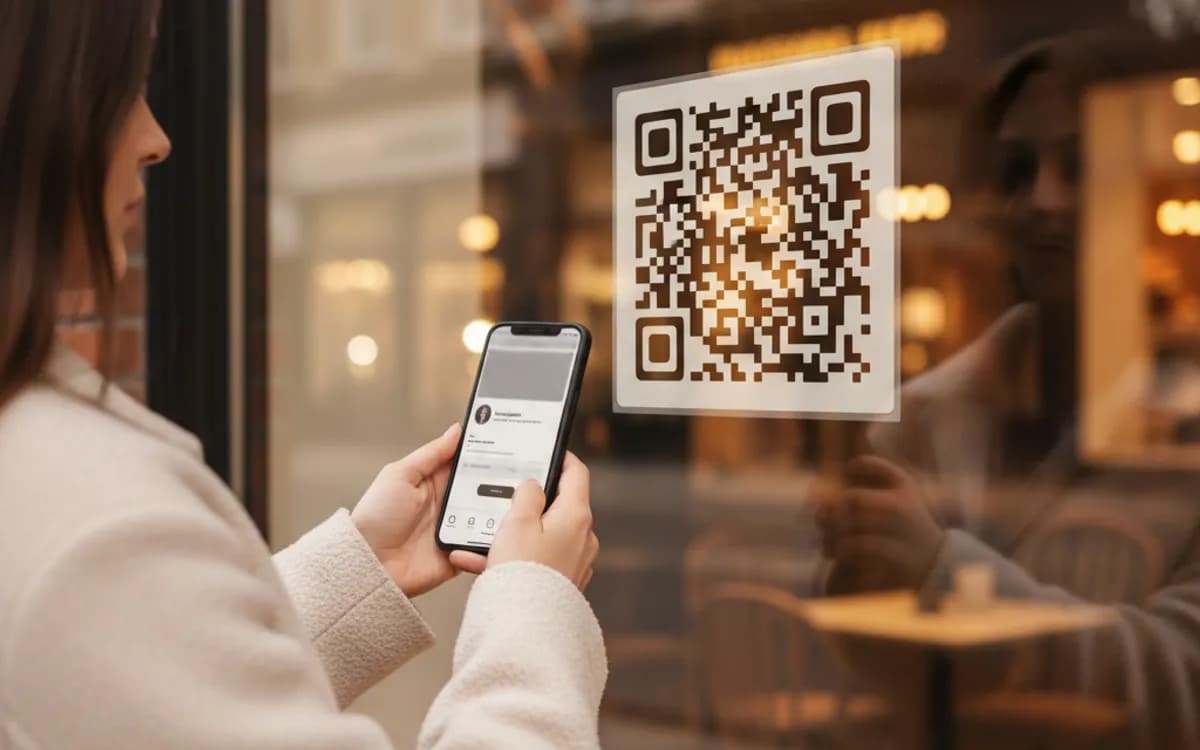
This is not the same as Instagram's own nametag
Instagram has a built-in code that only works inside the Instagram app's own scanner. A standard QR code like this one works in the native camera on every phone, which means people who do not already have the app open, the ones you are actually trying to reach, can still scan it. For anything printed and shown to strangers, use the standard code.
Where a social code actually converts
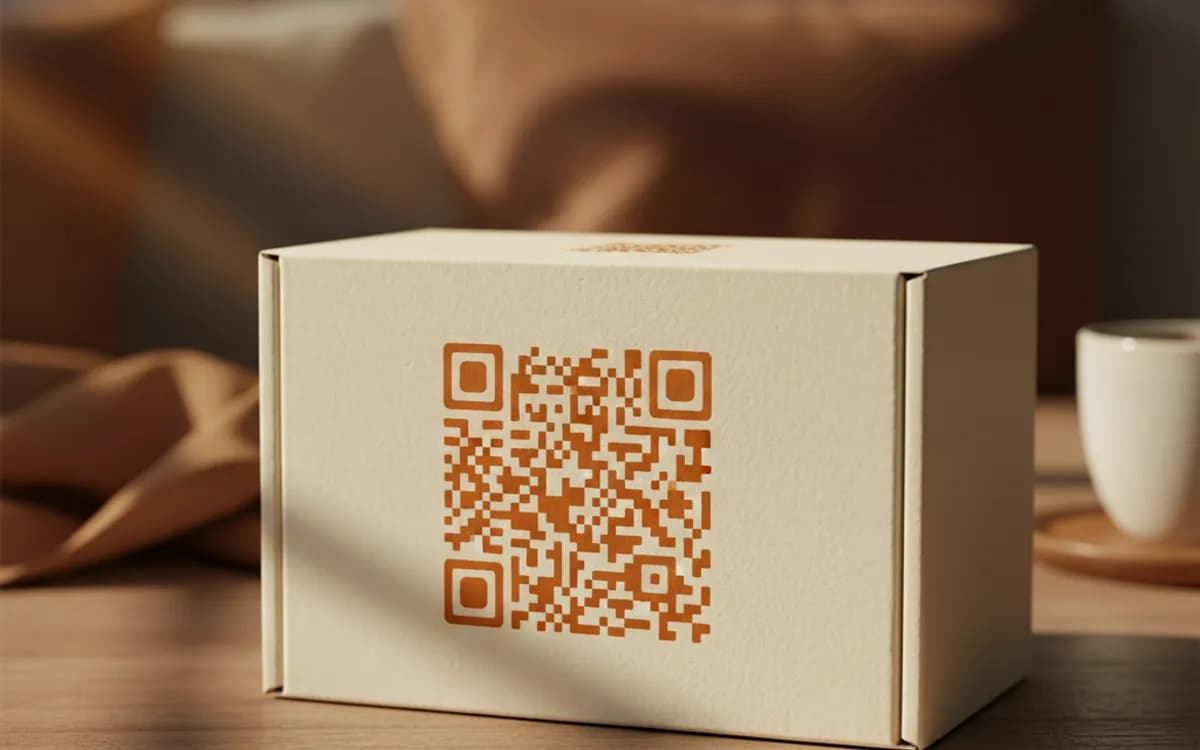
Packaging inserts, because the customer is holding your product and feeling good about it. Event backdrops and stall banners, because people photograph those anyway. Shop windows and menus, where a follow is a much smaller ask than a purchase. Business cards and email signatures for personal brands. What does not work is a code on a billboard or a bus, nobody scans at speed or from thirty metres.
Knowing whether the poster worked
A free static code goes straight to the profile with nothing in between, so you never learn which placement did the work. If you are running the same campaign across a stall banner, a flyer, and packaging, use a dynamic link per placement pointing at the same profile. You keep the follow and you gain the scan counts, timing, and rough location behind each one.
Free Tool vs a Free linkutm Plan
Every code on this page is free to make and never expires. A free linkutm plan adds what a printed code cannot do on its own, editing the destination and counting the scans, with no credit card required.
Editable codes, scan tracking, and analytics are included on the free plan. Your own domain, logo, frames, and team seats come with a paid plan when you need them.
Free plan available. No credit card required.
Frequently Asked Questions
Want To Know Who Scanned It?
A dynamic QR code keeps the same printed pattern while you change where it points, and shows you every scan, when, where, and on what device.
Related Tools
Generate Free QR Codes for Business Cards
Create a free business card QR code that shares your contact details on scan and saves to phones. No signup. Perfect for cards. Download PNG, SVG or PDF.
Generate Free QR Codes for WhatsApp
Make a free WhatsApp QR code that starts a chat with your number on scan. No signup. Add a pre-filled message for support or sales. Download PNG, SVG or PDF.
Generate Free QR Codes for Events
Create a free event QR code that adds your event to any calendar on scan. No signup. Great for invites and posters. Download PNG, SVG or PDF.