Generate Free QR Codes for Business Cards
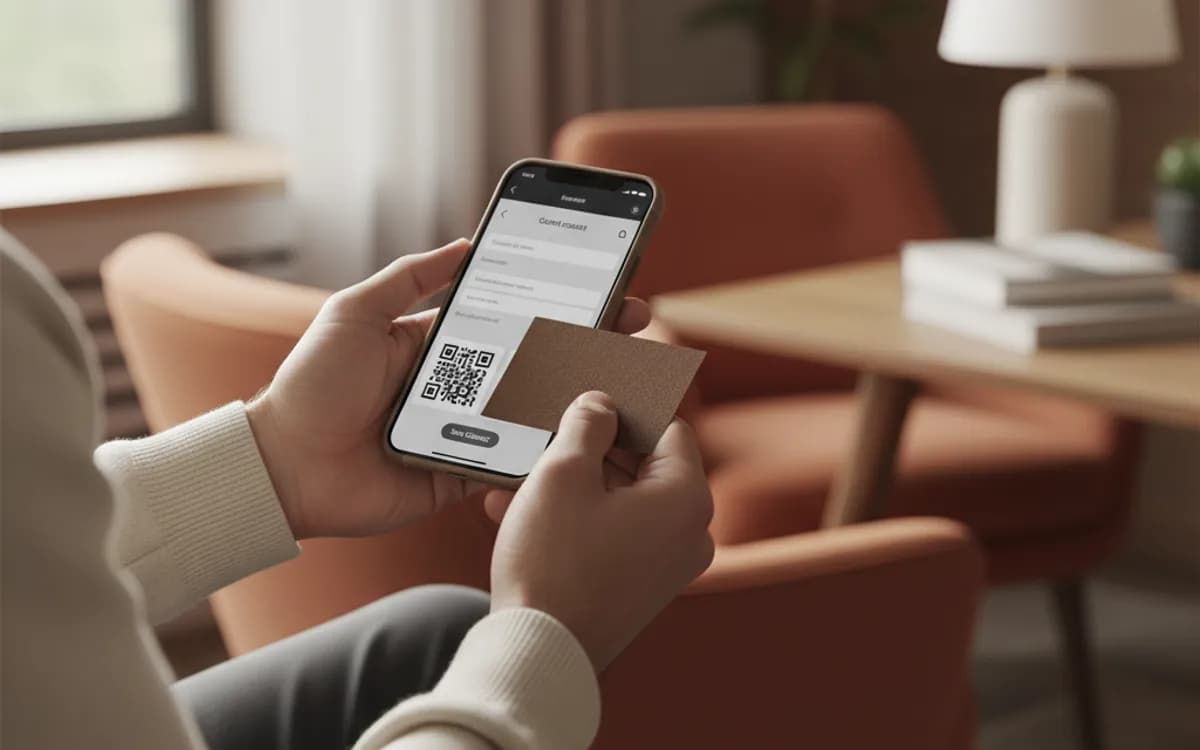
A printed card ends up in a drawer. A vCard code on the same card gets your details into the phone, where they are searchable a year later. One scan, one tap to save.
Make your contact QR code
Share a contact card
Every filled field lengthens the payload, leave the ones you do not need blank for a cleaner symbol.

This code is static and permanent. To change where it points after printing, .
Why Use This Tool
A printed card ends up in a drawer. A vCard code on the same card gets your details into the phone, where they are searchable a year later. One scan, one tap to save.
Saves your details in one tap
Scanning adds your name, number, email, and company straight to the phone's contacts, no typing, no lost paper cards.
Update your info anytime
Change your role, number, or links after the cards are printed, and every code keeps showing your latest details.
Built privately in your browser
Your contact details are encoded locally and never uploaded, so they are only ever shared the moment someone scans.
Print sharp on any card stock
Export a vector SVG and print-ready PDF that stay crisp on business cards, badges, and email signatures.
How It Works
- 1
Fill in the contact fields
Name, company, job title, phone, email, website. Everything you enter is encoded into the pattern itself and stays in your browser, nothing is uploaded or stored anywhere.
- 2
Keep it short so the pattern stays readable
A vCard carries far more characters than a URL, and every field you add makes the symbol denser. Include the two or three ways you actually want to be contacted and leave out the postal address unless people genuinely post you things.
- 3
Skip the centre logo on this one
A logo in the middle covers modules the scanner needs. On a dense vCard pattern printed at business-card size, that is the difference between a scan and a shrug. Save the logo for a roomier URL code.
- 4
Download the SVG for your printer
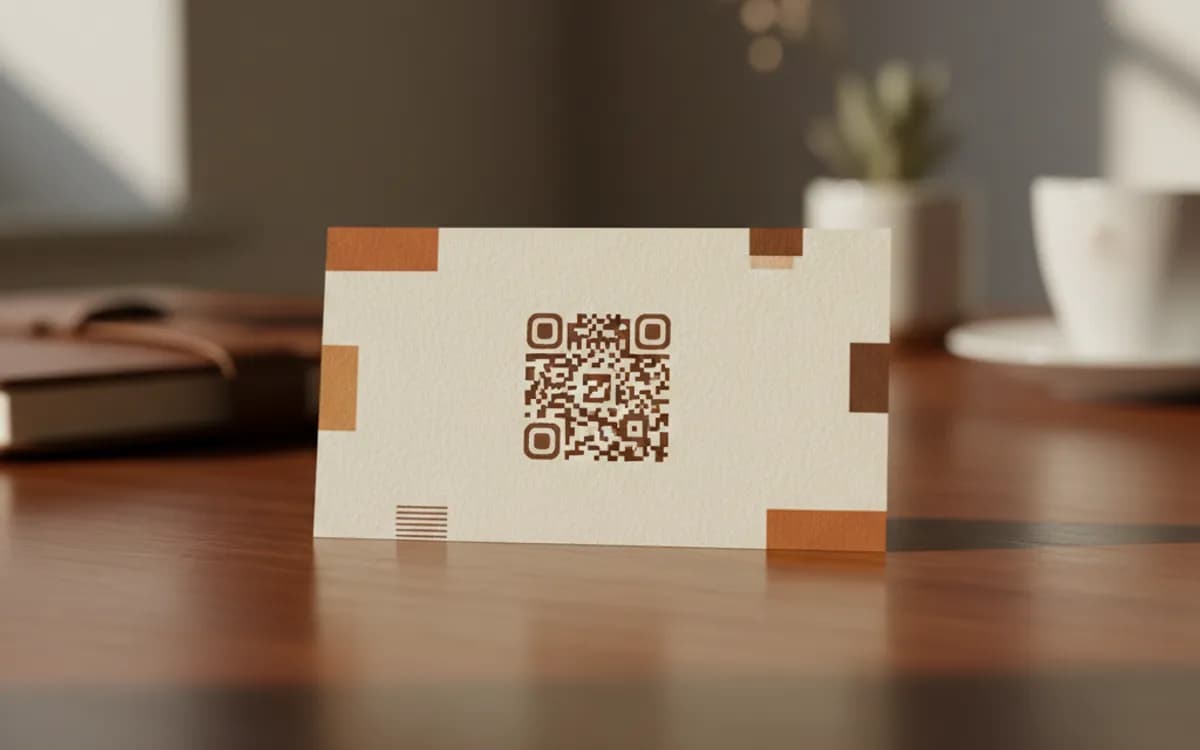
Print shops want vector. The SVG scales cleanly at any size and will not go fuzzy the way a stretched PNG does. Print at 2cm minimum on a card, with clear space around all four sides.
vCard code or a link to a profile page
A vCard code encodes your details in the pattern. It works offline, it needs no server, and it will still work in ten years, but it can never be updated, so a new phone number means a new print run. A URL code pointing at a profile page you control is editable forever and lets you track scans, but it needs a live page and an internet connection at the moment of scanning. Sales teams who change territory tend to want the second one. Everyone else is well served by the first.
Where to put it on the card
The back, in a corner, at around 2cm square, with genuine white space around it. Do not print it over a photo or a coloured block that kills contrast, and do not shrink it to fit a crowded front face, a code too small to scan is worse than a card with no code, because the person tries, fails, and stops trying.
Beyond the card itself
The same vCard code earns its keep on a conference badge, an email signature, a trade-show backdrop, and the door of a service van. Badge codes in particular do well: people scan while queueing, when they have nothing else to do and their phone is already out.
Free Tool vs a Free linkutm Plan
Every code on this page is free to make and never expires. A free linkutm plan adds what a printed code cannot do on its own, editing the destination and counting the scans, with no credit card required.
Editable codes, scan tracking, and analytics are included on the free plan. Your own domain, logo, frames, and team seats come with a paid plan when you need them.
Free plan available. No credit card required.
Frequently Asked Questions
Want To Know Who Scanned It?
A dynamic QR code keeps the same printed pattern while you change where it points, and shows you every scan, when, where, and on what device.
Related Tools
Generate Free QR Codes for Google Reviews
Create a free Google review QR code that opens your review link on scan and wins more reviews. No signup. Great for counters. Download PNG, SVG or PDF.
Generate Free QR Codes for Instagram
Create a free Instagram QR code that opens your profile on scan and grows your followers. No signup. Perfect for print and packaging. Download PNG, SVG or PDF.
Generate Free QR Codes for WhatsApp
Make a free WhatsApp QR code that starts a chat with your number on scan. No signup. Add a pre-filled message for support or sales. Download PNG, SVG or PDF.