Generate Free QR Codes for Google Reviews
Asking for a review out loud is awkward and most people forget by the time they are in the car. A code on the receipt turns the ask into two taps, at the moment they are still happy with you.
Make your Google review QR code
Link to any web page
Try something like https://example.com/

This code is static and permanent. To change where it points after printing, .
Why Use This Tool
Asking for a review out loud is awkward and most people forget by the time they are in the car. A code on the receipt turns the ask into two taps, at the moment they are still happy with you.
Opens the rating panel directly
Encode your g.page review link and the scan lands straight on the write-a-review box, skipping the taps a Maps listing forces.
Asks at the happy moment
On a receipt, counter, or delivery box, the code catches the customer right after the good experience instead of days later.
Keeps each branch separate
Give every location its own review link so praise lands on the right listing and reviews never get sent to the wrong shop.
Compare where reviews come from
Route a tracked code per placement to learn whether the receipt or the counter earns more scans, then move the code that works.
How It Works
- 1
Get your review link from Google
Sign in to your Google Business Profile, open the business, and look for 'Ask for reviews' or 'Get more reviews'. Google gives you a short g.page/r/... link that opens the review box with the star rating already showing. Copy that. Do not use your Maps listing URL, it drops people on the listing and they have to hunt for the review button.
- 2
Test it on your own phone first
Open the link on a phone before you generate anything. You should land straight on the write-a-review panel for the right location. If you have several branches, each one has its own link, and mixing them up sends a customer's praise to the wrong shop.
- 3
Generate and download the code
Paste the review link above and download the PNG for digital use or the SVG for print. Keep the design simple, this code goes on small surfaces like receipts, where fine detail disappears in thermal printing.
- 4
Put it where the goodwill is
The receipt, the counter, the delivery box, the follow-up email footer. The best moment to ask is right after the thing they liked happened, not a week later in a marketing blast.
Why the review link beats the Maps link
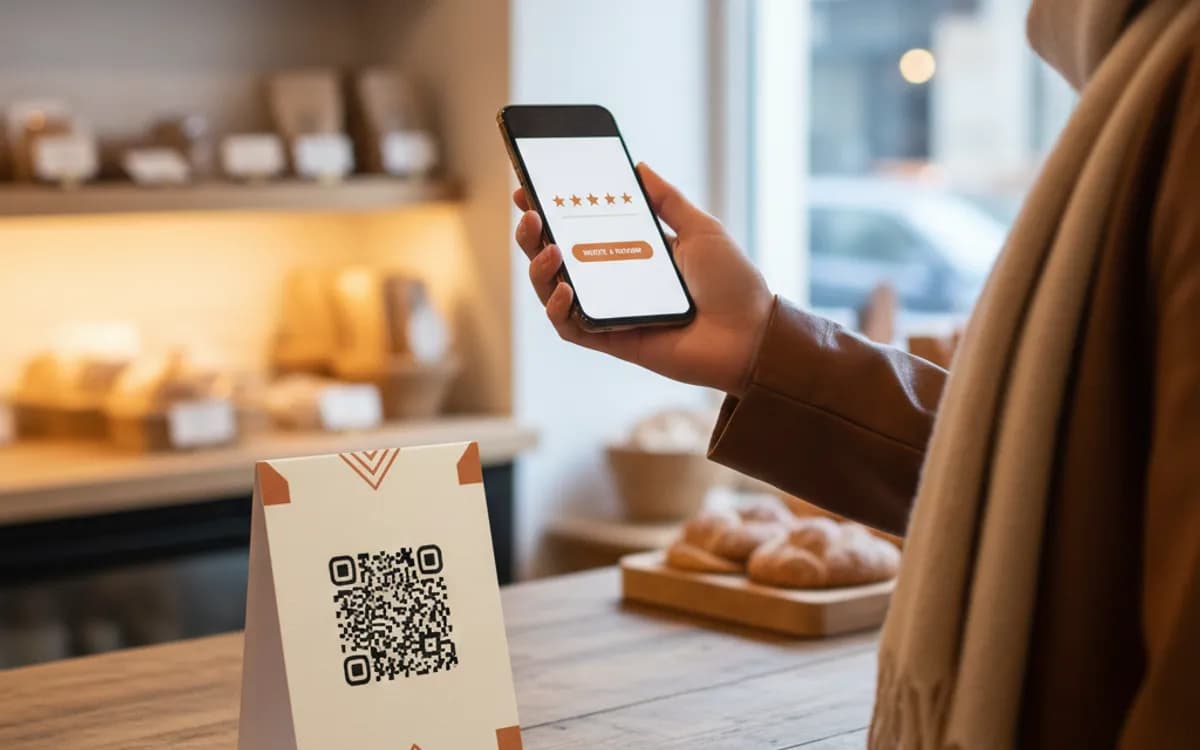
Both eventually reach the same place, but the number of taps in between decides whether you get a review. Your g.page review link opens the rating panel directly. A Maps URL opens the listing, where the customer has to scroll past photos, hours, and directions to find 'Write a review'. Every extra tap costs you reviews, and on a receipt code you are already fighting a short attention window.
Ask well, and stay inside Google's rules
Google forbids incentivised reviews, no discounts, no free coffee, no entry into a draw in exchange for a rating. It also forbids review gating, meaning you cannot screen for happy customers and only show the code to them. What you can do is ask everyone, consistently, at the right moment, and pair the code with a single plain sentence like 'If we got it right today, thirty seconds here really helps us.'
Knowing whether it actually worked
A static code gives you no feedback, you will never know if the receipt code outperformed the counter code. If that matters, use a dynamic code per placement. The pattern points at a short link you own, which forwards to the same Google review page, and you get the scan count, the day, the device, and the rough location for each placement. That is the difference between guessing and moving the code to where it works.
Free Tool vs a Free linkutm Plan
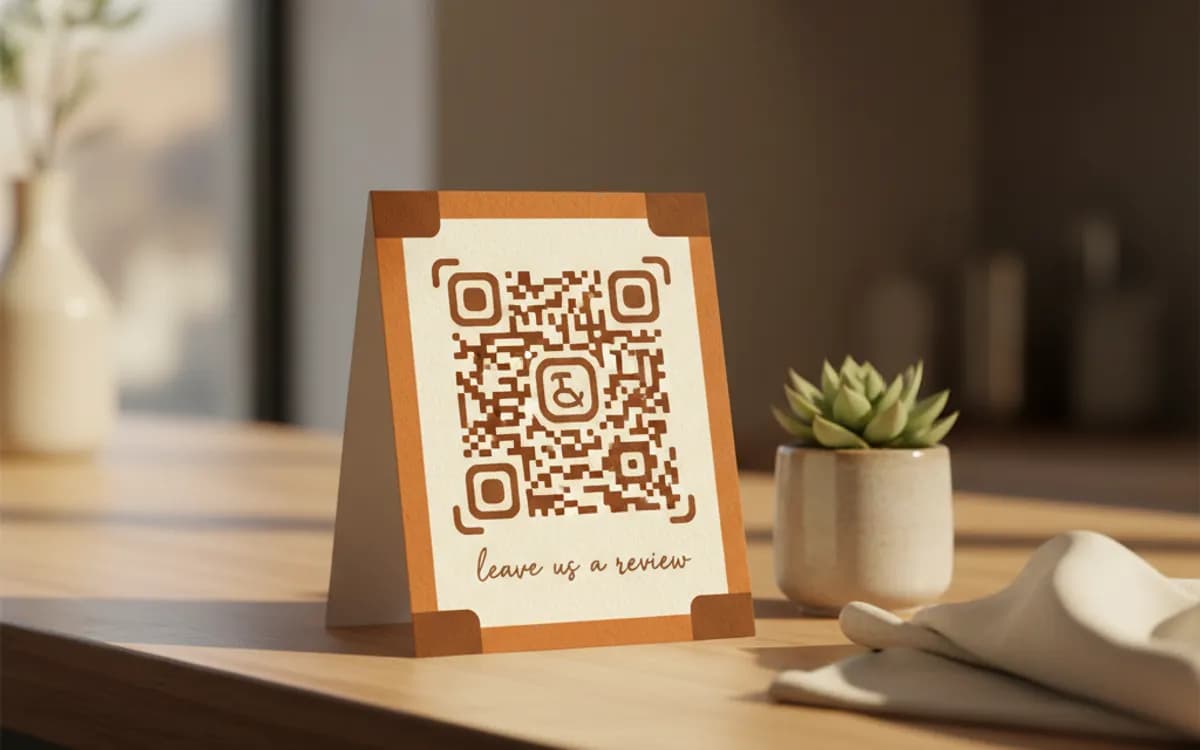
Every code on this page is free to make and never expires. A free linkutm plan adds what a printed code cannot do on its own, editing the destination and counting the scans, with no credit card required.
Editable codes, scan tracking, and analytics are included on the free plan. Your own domain, logo, frames, and team seats come with a paid plan when you need them.
Free plan available. No credit card required.
Frequently Asked Questions
Want To Know Who Scanned It?
A dynamic QR code keeps the same printed pattern while you change where it points, and shows you every scan, when, where, and on what device.
Related Tools
Generate Free QR Codes for Restaurant Menus
Create a free menu QR code so guests view your digital menu with one scan. No signup, update the menu anytime. Download PNG, SVG or PDF.
Generate Free QR Codes for Business Cards
Create a free business card QR code that shares your contact details on scan and saves to phones. No signup. Perfect for cards. Download PNG, SVG or PDF.
Generate Free QR Codes for WhatsApp
Make a free WhatsApp QR code that starts a chat with your number on scan. No signup. Add a pre-filled message for support or sales. Download PNG, SVG or PDF.