QR Codes for Restaurants That Turn Every Table Into a Source You Can Measure
Put a QR code on your menu, table tents, and receipts, then see exactly which locations, tables, and promotions drive orders. linkutm turns every restaurant QR code into a trackable, editable short link.
Free plan available. No credit card required.
Your menu, your loyalty sign-up, and your weekend promo all sit behind QR codes, but they point at plain links. You cannot tell whether Saturday brunch scans came from the window poster or the table tent, and when the menu URL changes you are reprinting stickers for every table.
Scenario
“You run three locations. Each has a table-tent QR for the menu, a counter QR for the loyalty program, and a window QR for the weekend promo. Orders are up, but you have no idea which of those nine touchpoints is doing the work, or whether the new downtown location's promo is even being scanned.”
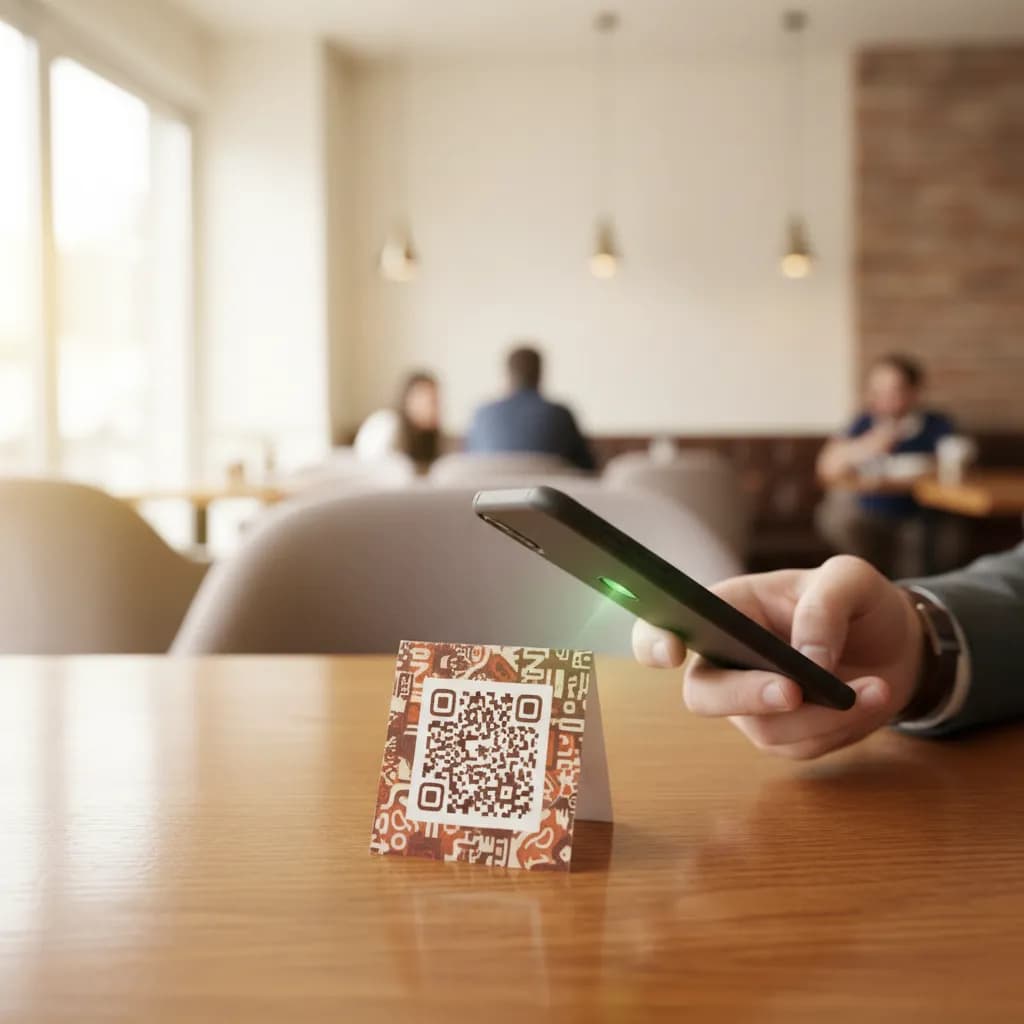
A QR code for restaurants is only half the job. Getting a guest to a digital menu is easy; knowing which menu, which location, and which promotion actually moved orders is where most restaurants go blind. A tracked QR code fixes both problems at once. Each code points to a short link you can measure and edit, so the same sticker on the table can send guests to the brunch menu today and the holiday set menu next week, with every scan attributed to the exact spot it came from.
How to Use Trackable QR Codes in Your Restaurant
Give Each Placement Its Own Tracked Link
Create one short link per placement in linkutm and tag it, for example `utm_source=table_tent`, `utm_source=window_poster`, and `utm_medium=qr`. Add the location, like `utm_campaign=downtown`, so a scan tells you the spot and the store in one read.
Generate the QR Code From That Link
Turn each tracked short link into a QR code and print it on the menu, table tent, receipt, or window decal. Because the QR resolves through your short link, you can repoint it later without reprinting a single sticker.
Compare Scans by Location and Placement
Watch your dashboard to see which placements and locations drive real scans and sign-ups. Kill the touchpoints nobody uses, and put the winning promo where the scans actually happen.
Example: Which Touchpoint Feeds the Loyalty List
A three-location cafe tags its table tents and counter cards separately. The table tent gets far more scans, but the counter card, scanned while guests wait to pay, converts a much higher share into loyalty sign-ups. They move the loyalty QR to every counter and leave the menu on the table.
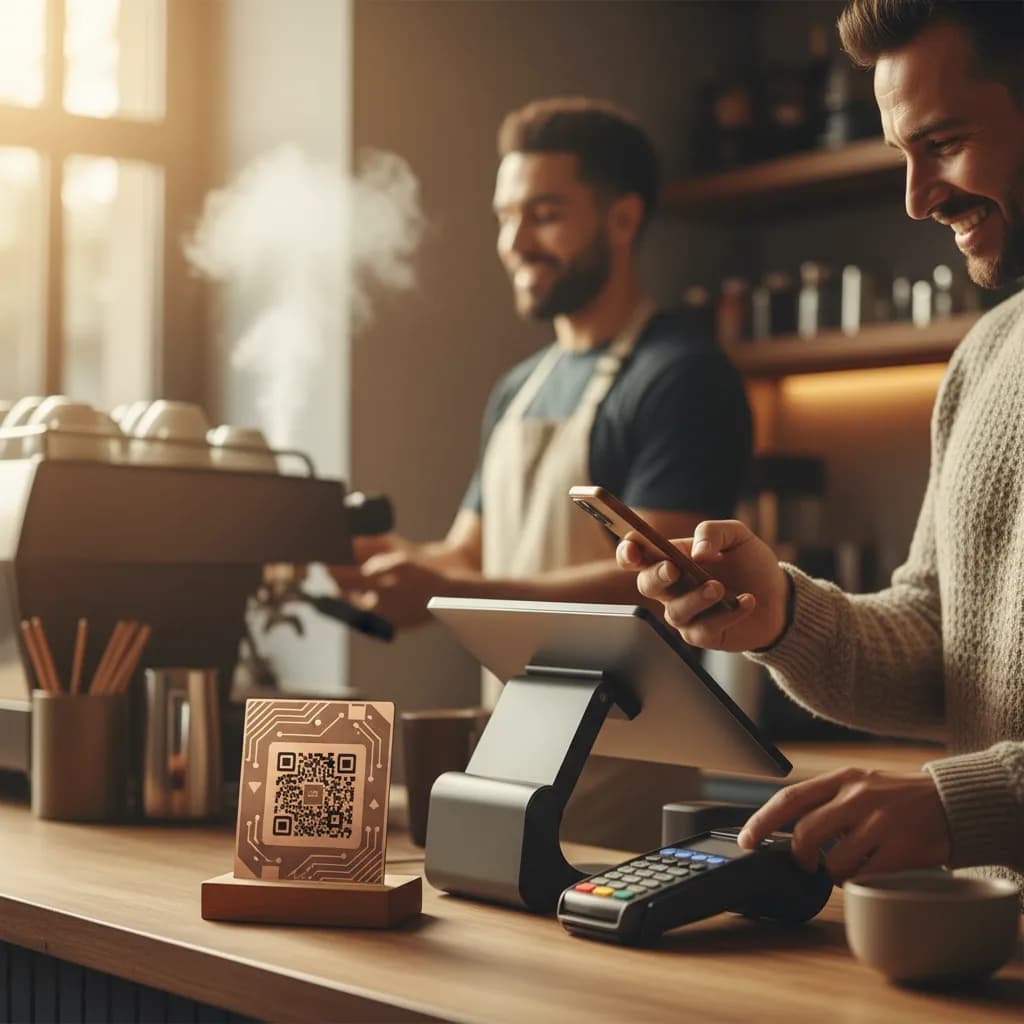
Table Tent
High scans
Low sign-up rate
Counter Card
Fewer scans
Higher sign-up rate
Free plan available. No credit card required.
Best Practices
Use a separate tracked link for each placement: menu, table tent, receipt, window.
Add the location as `utm_campaign` so multi-site scans stay comparable.
Point the QR through a short link so you can swap menus without reprinting.
Add a short call to action next to the code, like 'Scan for today's menu'.
Review scans weekly and retire placements that never get used.
See how QR code tracking works with linkutm
Related QR Code Use Cases
QR Codes on Flyers: Make Print Marketing Measurable
Add a QR code to your flyer and finally connect print to results. Track scans, edit the destination after printing, and prove which flyer, drop, or location drove the response, all from one short link.
Read use caseQR Codes for Real Estate: Turn Every Sign Into a Lead Source
Put a QR code on yard signs, listing flyers, and window cards so buyers reach the listing instantly, and you capture which property and sign drove the lead. Track and edit every code from one short link.
Read use caseQR Codes in Retail: Track Shelf, Product, and Window Scans
Put a QR code on shelf talkers, product tags, and window displays, then see which in-store placements drive scans and sales. linkutm makes every retail QR code a trackable, editable short link.
Read use caseReady to Optimize Your Strategy?
A restaurant QR code should tell you more than 'someone opened the menu'. With a tracked, editable short link behind every code, you learn which locations and placements earn orders and sign-ups, and you change where a code points in seconds instead of reprinting your whole floor.