QR Codes in Retail That Tell You Which Shelf Actually Sells
Put a QR code on shelf talkers, product tags, and window displays, then see which in-store placements drive scans and sales. linkutm makes every retail QR code a trackable, editable short link.
Free plan available. No credit card required.
Shoppers scan your shelf talkers and product tags, but the data stops at the till. You cannot tell whether the endcap display, the window sticker, or the product tag drove the scan, so every in-store placement looks equally worthy of the space it takes.
Scenario
“You merchandise one product three ways: an endcap display, a shelf talker in the aisle, and a window decal out front. Sales are steady, but you have no idea which placement earns its floor space, or whether the window is pulling anyone inside at all.”
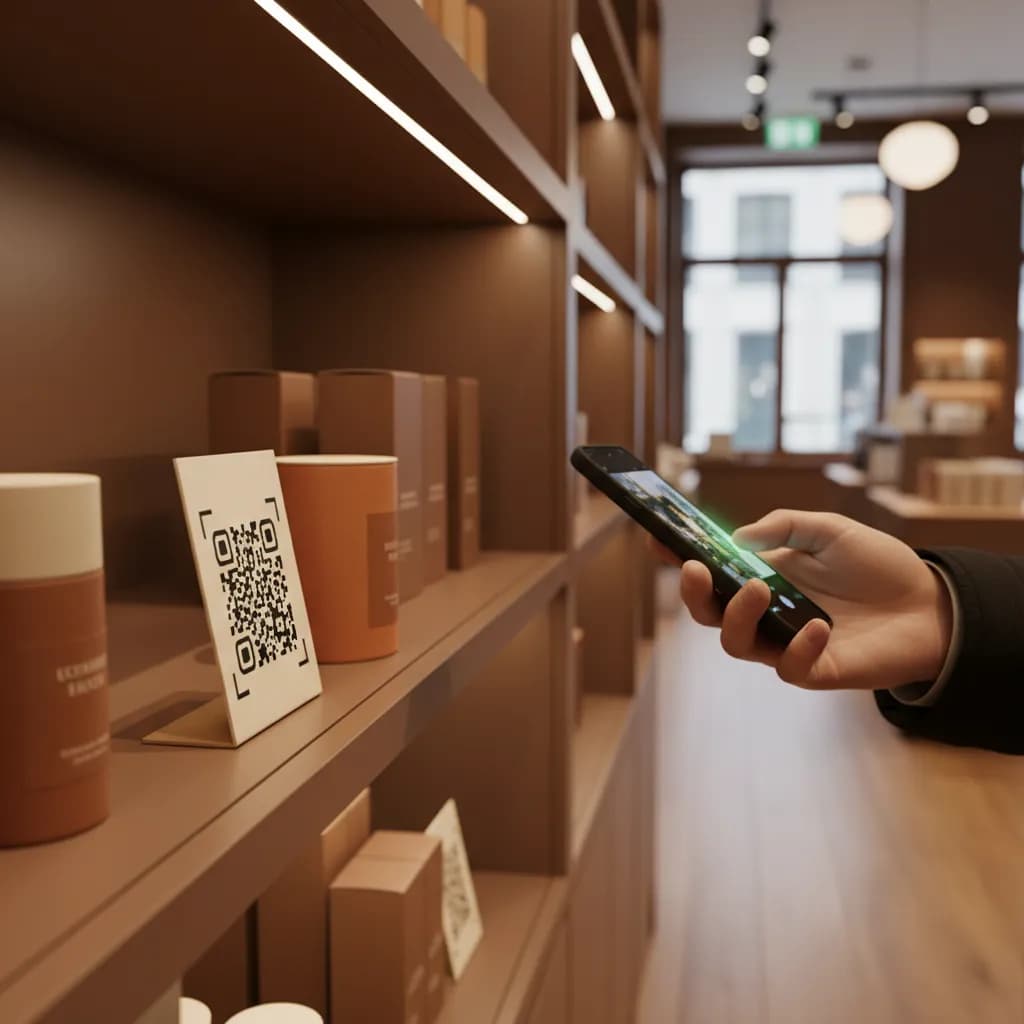
A QR code in retail turns a silent shelf into a measurable touchpoint. Shoppers scan for reviews, sizing, stock, or a discount, and a tracked code records which display and product pulled them in. Because each code resolves through a short link, the endcap sticker can push a launch this week and a clearance offer next week, with every scan tied to the exact placement it came from.
How to Track Retail QR Codes In-Store
Tag Each Placement Separately
Create a short link per placement in linkutm, tagged like `utm_source=endcap`, `utm_source=shelf_talker`, and `utm_source=window`, with `utm_medium=qr`. Same product, three measurable spots.
Print the Code, Keep the Destination Editable
Generate a QR code from each link for the tag, talker, or decal. Since it routes through your short link, you can swap the offer or landing page mid-season without reprinting anything on the floor.
Reallocate Space by Scan Performance
Compare scans and conversions per placement and product. Give the winning display more space and quietly retire the ones nobody scans.
Example: Endcap vs Window Display
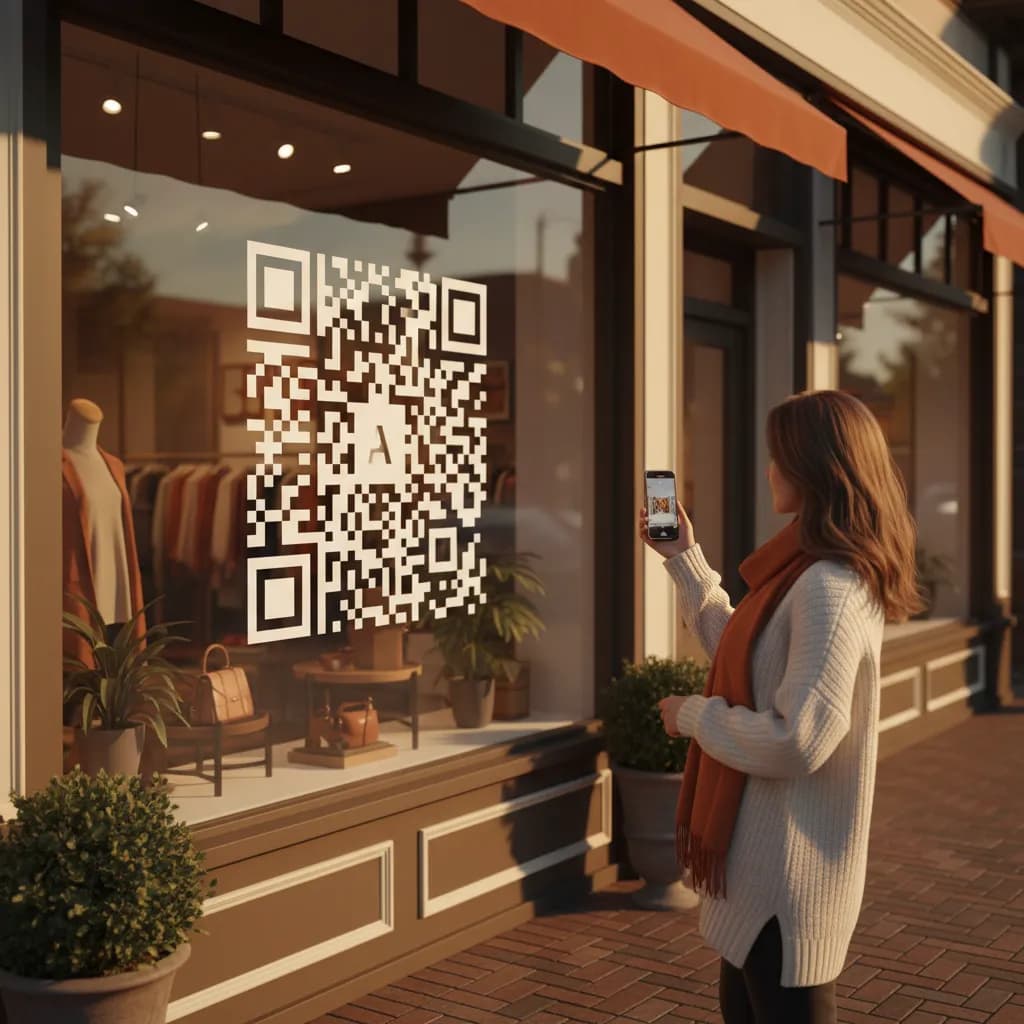
A store tags its endcap and window decal separately for the same product. The window earns fewer scans but pulls genuinely new foot traffic, while the endcap scans well from shoppers already inside. They keep both, but rework the window offer to convert passersby.
Endcap
Strong scans
Existing shoppers
Window Decal
Fewer scans
New foot traffic
Free plan available. No credit card required.
Best Practices
Give every display and product tag its own tracked link.
Route codes through short links so seasonal offers change without reprints.
Pair the code with a real reason to scan: reviews, stock, or a discount.
Place codes at eye level with quiet space so phones lock focus fast.
Review scan reports weekly and free up space from dead placements.
See how QR code tracking works with linkutm
Related QR Code Use Cases
QR Codes for Healthcare: Track Intake Forms, Portals, and Signage
Use QR codes in clinics and hospitals to send patients to intake forms, portals, and wayfinding, and see which touchpoints get used. linkutm keeps every healthcare QR code trackable and editable.
Read use caseQR Codes for Hotels: Track Room, Lobby, and Amenity Scans
Put QR codes in rooms, the lobby, and amenity areas to share menus, check-in, and services, and see which placements guests use. linkutm makes every hotel QR code trackable and editable.
Read use caseMedical ID QR Codes: Instant Emergency Info From One Scan
A medical ID QR code gives first responders instant access to emergency contacts, allergies, and conditions from a wearable or card, with a link you control and can update anytime through linkutm.
Read use caseReady to Optimize Your Strategy?
Retail QR codes should earn their floor space. With a tracked, editable link behind every shelf talker and window decal, you learn which placements and products actually pull shoppers, and you change the offer in seconds instead of reprinting the whole store.