Generate Free QR Codes for Coupons
Print an offer, not a code people have to remember. A scan takes the customer to the discount, applied at checkout, revealed on a page, or waiting in their basket.
Create your coupon QR code
Link to any web page
Try something like https://example.com/

This code is static and permanent. To change where it points after printing, .
Why Use This Tool
Print an offer, not a code people have to remember. A scan takes the customer to the discount, applied at checkout, revealed on a page, or waiting in their basket.
Reveals the offer on scan
The scan applies your discount at checkout or shows the code on a page, so no one has to remember or retype it.
One tap instead of typing
It collapses remember, carry and type into a single action at the moment of interest, which is why the same offer converts better as a code.
See which placements pay off
Give each flyer, poster or insert its own tracked link and compare redemptions per surface before you reprint.
Free and print-ready
Free with no signup, downloadable as PNG, SVG or PDF, and styled to match the promotion it advertises.
How It Works
- 1
Decide what the scan should do
Three options, in descending order of how well they convert: apply the discount automatically through a checkout link, drop the customer on a landing page with the code and a copy button, or simply reveal the code as text. Auto-apply wins every time it is available, because it removes the moment where a customer forgets the code at checkout.
- 2
Build a link that carries the discount
Most ecommerce platforms accept a discount parameter in the URL, Shopify and WooCommerce both do. Test the finished link in a private browser window and confirm the discount appears in the cart before you generate the code, not after.
- 3
State the terms next to the code, not behind it
Expiry date, minimum spend and exclusions belong on the printed piece. Hiding them behind the scan produces disappointment at the till, which costs more than the discount saved. It is also what most advertising rules actually require.
- 4
Use a different code for every placement
Flyer, in-store poster, packaging insert, magazine ad, each gets its own code and its own tracked link. Redemption rate per surface is the only way to know which of them is worth repeating next quarter.
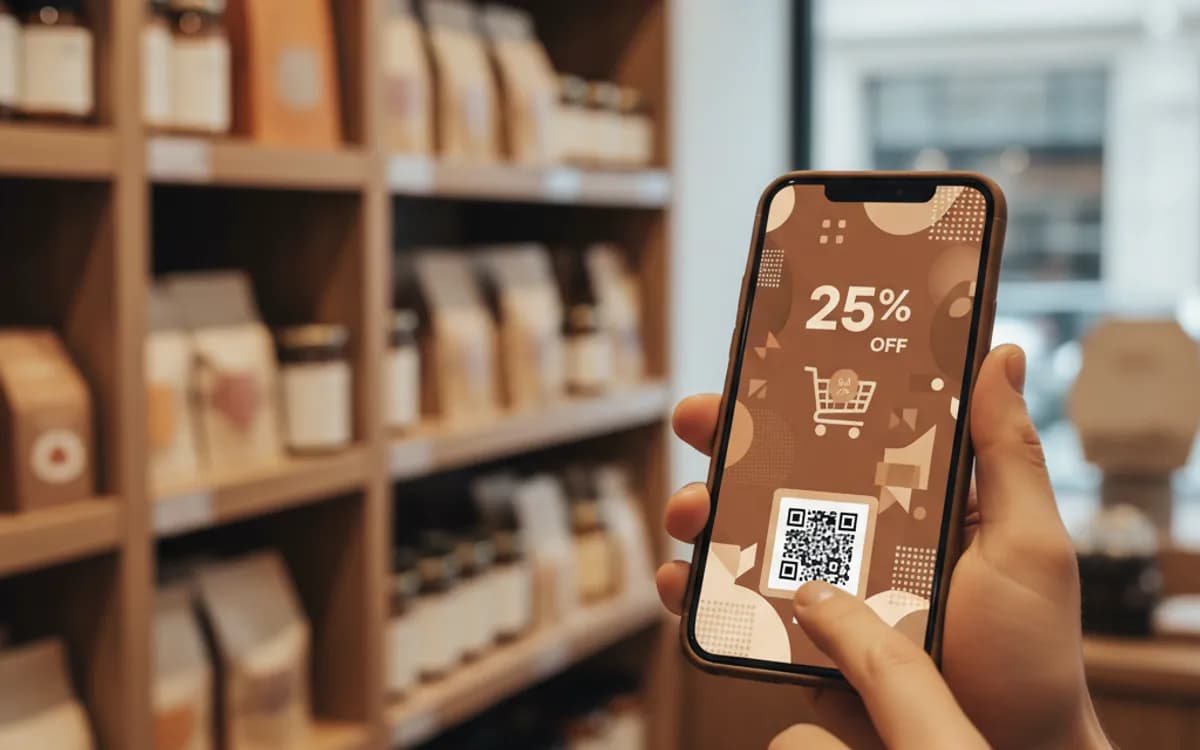
Why scanned coupons beat printed codes
A printed alphanumeric code asks the customer to remember it, carry it, and type it correctly at a keyboard-hostile moment. Every one of those steps loses people. A scan collapses the whole sequence into a single action taken at the moment of interest, which is why the same offer routinely performs several times better as a code than as printed text. Print the text version underneath anyway, for people who will not scan and for anyone shopping on desktop later.
Measuring the thing that actually matters
Scans tell you the print worked. Redemptions tell you the offer worked. Track both, and the gap between them is the diagnosis: high scans and low redemptions means the offer or the landing page is wrong; low scans means the placement or the creative is wrong. Use a distinct discount code per placement in your ecommerce platform so redemption data lines up with scan data without any guesswork.
Protecting an offer that is printed in public
Anything printed can be photographed and posted. If the offer is generous, protect it: cap total redemptions in your platform, set a genuine expiry, restrict it to first-time customers where that fits, or issue unique single-use codes for high-value promotions. For most everyday discounts a cap and an expiry are enough, the effort of unique codes is only worth it when the discount is large enough to attract organised reselling.
Free Tool vs a Free linkutm Plan
Every code on this page is free to make and never expires. A free linkutm plan adds what a printed code cannot do on its own, editing the destination and counting the scans, with no credit card required.
Editable codes, scan tracking, and analytics are included on the free plan. Your own domain, logo, frames, and team seats come with a paid plan when you need them.
Free plan available. No credit card required.
Frequently Asked Questions
Want To Know Who Scanned It?
A dynamic QR code keeps the same printed pattern while you change where it points, and shows you every scan, when, where, and on what device.
Related Tools
Generate Free QR Codes for Product Info
Create a free product QR code that opens details, how-tos or authenticity on scan. No signup. Ideal for packaging. Download PNG, SVG or PDF.
Generate Free QR Codes for SMS
Make a free SMS QR code that opens a pre-filled text message on scan. No signup. Perfect for opt-ins, support, and campaigns. Download PNG, SVG or PDF.
Free Trackable QR Code Generator
Create a free trackable QR code and see scans by time, place and device. No signup. The best QR code generator with analytics. Download PNG, SVG or PDF.
Generate Free QR Codes for Google Reviews
Create a free Google review QR code that opens your review link on scan and wins more reviews. No signup. Great for counters. Download PNG, SVG or PDF.