Generate Free QR Codes for SMS
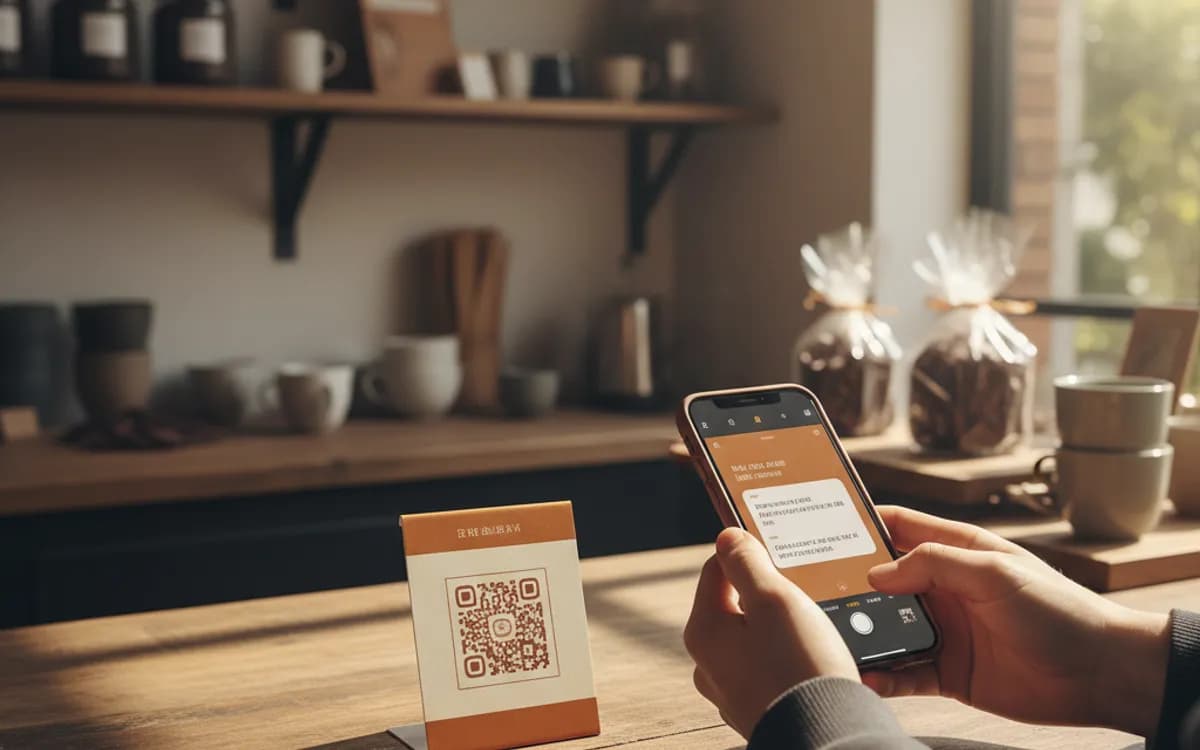
A scan opens the messaging app with your number in the recipient field and the message already typed. The person taps send, and you have a reply, a keyword opt-in, or a vote, without them typing a thing.
Create your SMS QR code
Send a pre-written text

This code is static and permanent. To change where it points after printing, .
Why Use This Tool
A scan opens the messaging app with your number in the recipient field and the message already typed. The person taps send, and you have a reply, a keyword opt-in, or a vote, without them typing a thing.
Pre-fills the text they send
The scan loads your number and a ready message, so a keyword opt-in like JOIN or OFFER goes out with a single tap and no typing.
Reaches phones with no app
SMS needs no install and no account, so it works for older audiences and even feature phones that never had WhatsApp or email.
Creates a clean opt-in record
Because the person composes and sends the message themselves, the inbound text is an auditable consent you can keep on file.
Native on iPhone and Android
Both platforms handle the sms scheme straight from the camera, so no separate scanning app is needed on either.
How It Works
- 1
Enter the number in international format
Always include the country code with a leading plus, +91, +1, +44. A local-format number works for scanners in the same country and silently fails for everyone else, which is the sort of bug that only shows up after the posters are on walls.
- 2
Write the message you want sent to you
Remember the direction: this is the text the scanner sends, not one they receive. For an opt-in campaign it is usually a single keyword like JOIN or OFFER, which keeps the message short and makes the inbound easy to process automatically.
- 3
Make sure something is listening
An SMS code is only as good as the system on the other end. Point it at a shortcode or a business messaging number with an auto-responder, so the reply lands within seconds while the person is still standing in front of your poster.
- 4
Say what they get for sending it
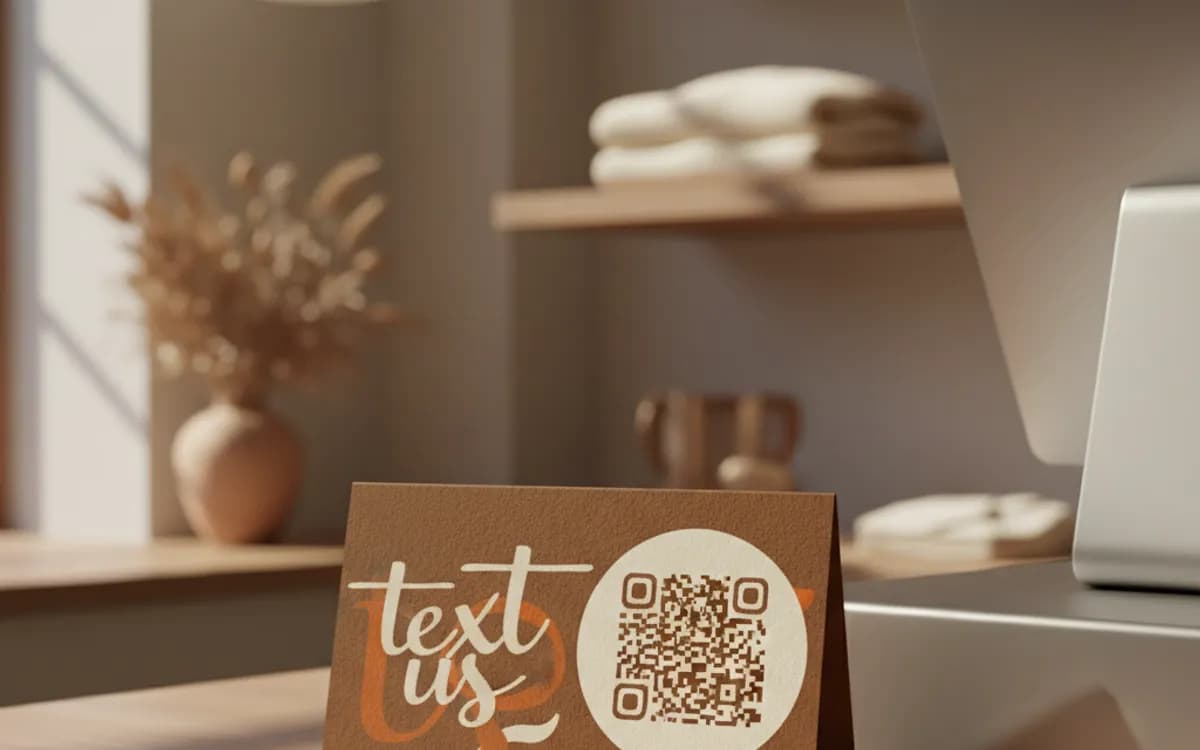
Nobody texts a stranger for nothing. 'Scan and send to get 10% off your first order' converts; a bare code with no promise does not. Put the reason directly beneath the code in type large enough to read from scanning distance.
Where SMS codes still beat everything else
SMS has no install requirement and no account, so it reaches the widest possible audience, including customers who never downloaded WhatsApp and never open email on a phone. That makes it strong for keyword opt-ins on packaging, event voting and Q&A, appointment confirmations in healthcare, and any campaign aimed at an older or less app-native audience. It is also the only channel here that works on a feature phone.
Handling the reply is the whole job
The code is trivial; the response system is what determines whether the campaign works. Decide in advance what happens when the keyword arrives: an instant auto-reply with the offer code, a subscription added to your list, a ticket raised. Anything that involves a human reading a phone tomorrow morning will fail, because the intent that made someone scan a poster does not survive overnight.
Consent and compliance
Because the person composes and sends the message themselves, an inbound SMS is a clean, auditable opt-in, but it is an opt-in to what they were told, and nothing more. State plainly next to the code what they are signing up for and how often you will message. Keep the sent message as the record, honour STOP immediately, and follow the rules that apply where your recipients are, not where you are.
Free Tool vs a Free linkutm Plan
Every code on this page is free to make and never expires. A free linkutm plan adds what a printed code cannot do on its own, editing the destination and counting the scans, with no credit card required.
Editable codes, scan tracking, and analytics are included on the free plan. Your own domain, logo, frames, and team seats come with a paid plan when you need them.
Free plan available. No credit card required.
Frequently Asked Questions
Want To Know Who Scanned It?
A dynamic QR code keeps the same printed pattern while you change where it points, and shows you every scan, when, where, and on what device.
Related Tools
Generate Free QR Codes for WhatsApp
Make a free WhatsApp QR code that starts a chat with your number on scan. No signup. Add a pre-filled message for support or sales. Download PNG, SVG or PDF.
Generate Free QR Codes for Phone Calls
Create a free call QR code that dials your number the moment it is scanned. No signup. Great for cards, flyers and signs. Download PNG, SVG or PDF.
Generate Free QR Codes for Email
Generate a free email QR code that opens a pre-filled message to your address on scan. No signup. Ideal for support and sign-ups. Download PNG, SVG or PDF.
Generate Free QR Codes for Coupons
Generate a free coupon QR code that reveals your offer on scan. No signup. Track redemptions and boost sales from print. Download PNG, SVG or PDF.