Generate Free QR Codes for Email
A scan opens the phone's mail app with your address in the To field and, if you want, the subject and first lines already written. The sender just types their question and hits send.
Create your email QR code
Open a pre-filled email

This code is static and permanent. To change where it points after printing, .
Why Use This Tool
A scan opens the phone's mail app with your address in the To field and, if you want, the subject and first lines already written. The sender just types their question and hits send.
Opens a pre-filled draft
One scan opens the mail app with your address in the To field, so nobody mistypes it or drops a character off a printed address.
Route replies with a set subject
Encode a subject like 'Warranty claim' so your helpdesk can filter incoming mail automatically and the sender knows what the message is for.
Nothing sends without a tap
The scan only opens a draft. The person reads and edits it before sending, so the code raises no consent or spam concerns.
Seed the details you always ask for
Pre-write order number, serial, and purchase date as blank lines in the body so support threads skip an entire round of back and forth.
How It Works
- 1
Use a monitored inbox, not a personal one
Whatever address you encode is the one that receives everything this code produces for the life of the print run. A shared support or sales inbox survives staff changes; a named personal address does not, and reprints are the expensive way to update a mailbox.
- 2
Pre-fill a subject that helps you route replies
The subject line is free routing metadata. Something like 'Warranty claim, Model X' lets your helpdesk filter automatically, and telling the sender what the message is about raises the chance they actually finish writing it.
- 3
Seed the body with the details you always have to ask for
Support threads die in the back-and-forth. Pre-write the fields you always need, order number, serial number, purchase date, as blank lines and most people fill them in before sending, which removes an entire round trip.
- 4
Print it where the question is asked
On the packaging insert, the invoice, the warranty card, the back of the trade-show handout. Add a line of copy telling people what happens next, because 'Scan to email us, we reply within one working day' converts far better than a bare square.
How the mailto payload works
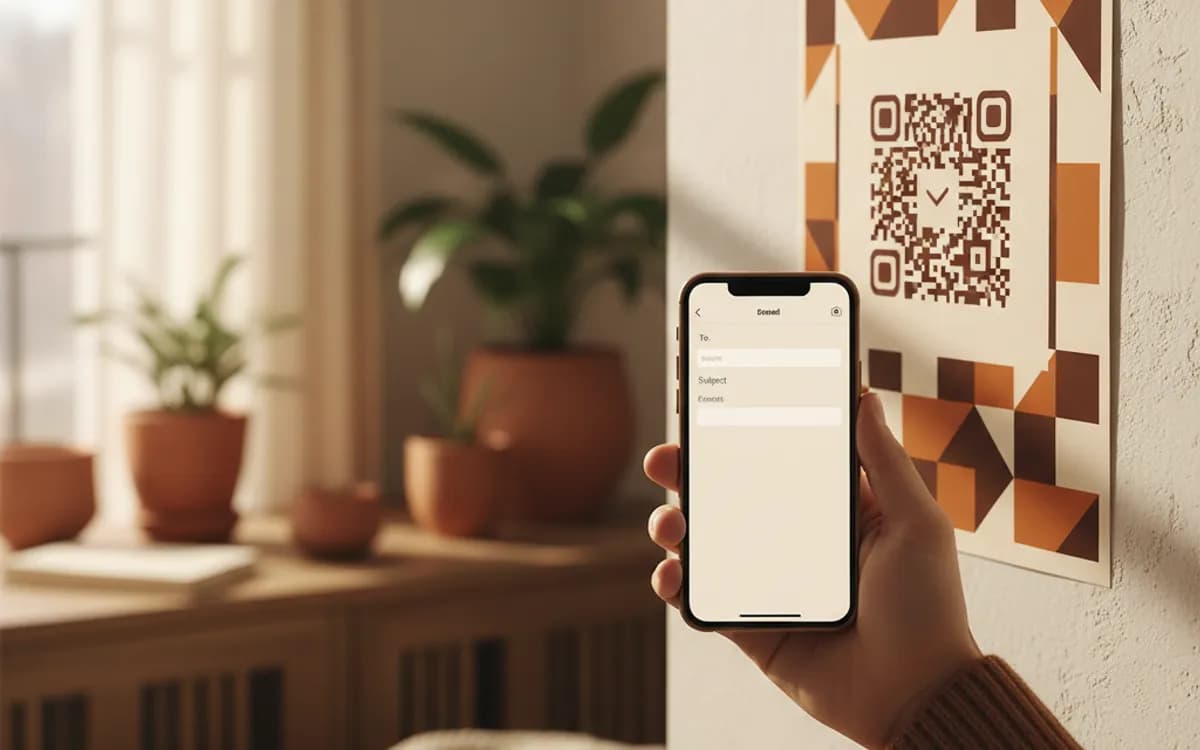
The code encodes a mailto: address with optional subject and body parameters. Every mainstream phone camera recognises it and hands the request to the default mail app, which opens a compose window pre-populated. Nothing is sent automatically, the person always sees the draft and taps send themselves, which is why this type raises no consent problems.
Email, contact form, or WhatsApp?
Email suits anything with an audit trail: warranty claims, invoices, B2B enquiries, anything a business needs to keep a written record of. A contact form suits structured intake where you need clean fields for a CRM, and a URL code is the right way to reach one. WhatsApp wins for speed and for markets where people simply do not open a mail app on their phone. If your audience is consumer and mobile-first, test a WhatsApp code against the email one before committing the print budget.
Keep the pre-filled text short
Address, subject and body all live inside the pattern, so a long template makes a dense code that scans poorly on the sort of printed materials this type usually ends up on. Two or three prompt lines is the sweet spot. If you find yourself writing a form in the body, you actually want a form, and a URL code will serve you better.
Free Tool vs a Free linkutm Plan
Every code on this page is free to make and never expires. A free linkutm plan adds what a printed code cannot do on its own, editing the destination and counting the scans, with no credit card required.
Editable codes, scan tracking, and analytics are included on the free plan. Your own domain, logo, frames, and team seats come with a paid plan when you need them.
Free plan available. No credit card required.
Frequently Asked Questions
Want To Know Who Scanned It?
A dynamic QR code keeps the same printed pattern while you change where it points, and shows you every scan, when, where, and on what device.
Related Tools
Generate Free QR Codes for SMS
Make a free SMS QR code that opens a pre-filled text message on scan. No signup. Perfect for opt-ins, support, and campaigns. Download PNG, SVG or PDF.
Generate Free QR Codes for Phone Calls
Create a free call QR code that dials your number the moment it is scanned. No signup. Great for cards, flyers and signs. Download PNG, SVG or PDF.
Generate Free QR Codes for WhatsApp
Make a free WhatsApp QR code that starts a chat with your number on scan. No signup. Add a pre-filled message for support or sales. Download PNG, SVG or PDF.
Generate Free QR Codes for Business Cards
Create a free business card QR code that shares your contact details on scan and saves to phones. No signup. Perfect for cards. Download PNG, SVG or PDF.