QR Codes for Hotels That Show Which Placements Guests Actually Use
Put QR codes in rooms, the lobby, and amenity areas to share menus, check-in, and services, and see which placements guests use. linkutm makes every hotel QR code trackable and editable.
Free plan available. No credit card required.
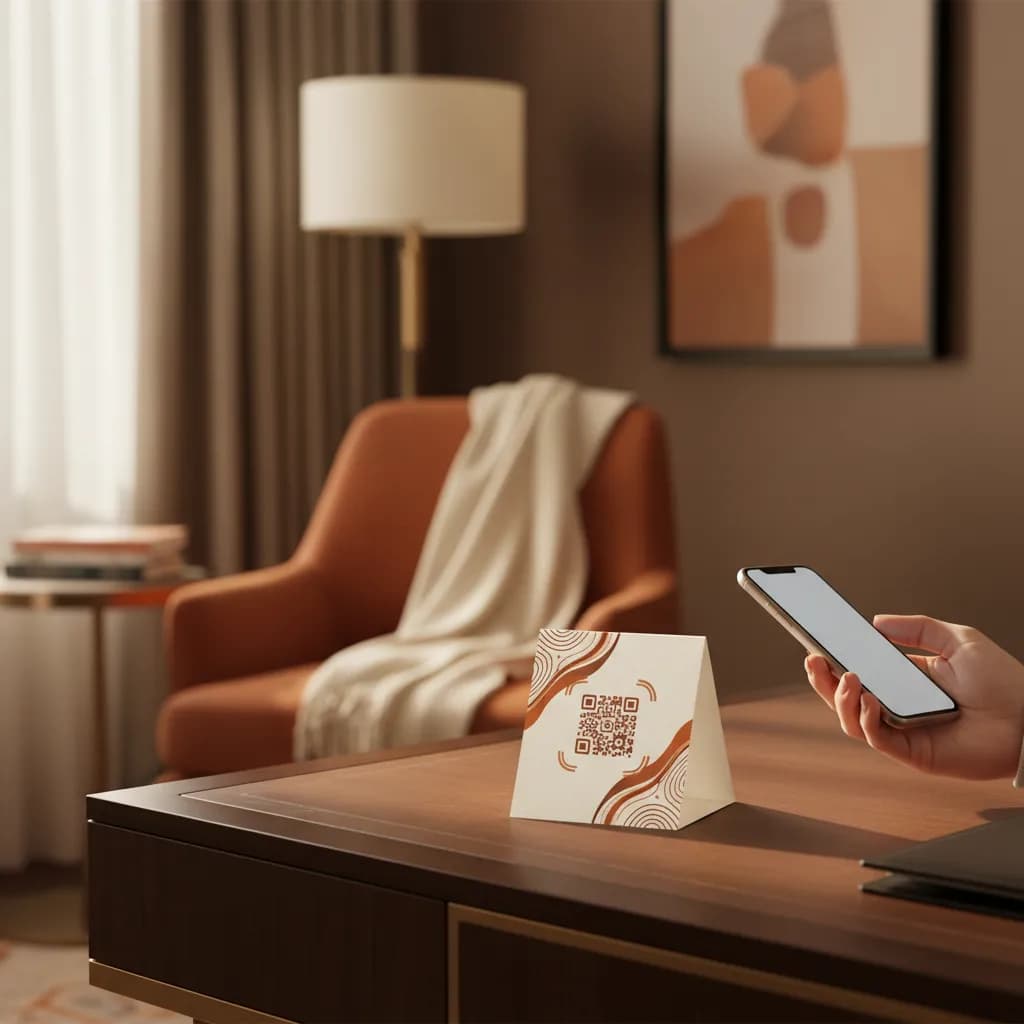
Room cards, lobby signs, and elevator posters all carry QR codes for room service, spa bookings, and check-in, but they point at plain links. You cannot tell whether guests use the in-room card or the lobby sign, and updating the room-service menu means reprinting cards for every room.
Scenario
“A hotel promotes room service through an in-room table card, a lobby sign, and an elevator poster. Orders are fine, but the team cannot tell which placement drives them, or whether the new spa offer on the elevator poster is being seen at all.”
A QR code for hotels puts every guest service one scan away: the room-service menu, spa booking, digital check-in, or local guide. A tracked code tells you which placement, in the room, the lobby, or the elevator, guests actually use, and because it resolves through a short link, you can update tonight's menu or a seasonal offer without reprinting a single room card.
How to Use Trackable QR Codes Across a Hotel
Tag Each Location and Service
Create a short link per placement in linkutm, tagged like `utm_source=in_room`, `utm_source=lobby`, and `utm_source=elevator`, with `utm_campaign=room_service` or `utm_campaign=spa`.
Keep Menus and Offers Editable
Generate a QR code from each link for the card, sign, or poster. Since it routes through a short link, tonight's menu or this month's offer changes without reprinting anything in the rooms.
Place Services Where Guests Scan
Compare scans by location so you can move high-value offers to the placements guests use most and retire the ones they ignore.
Example: In-Room Card vs Lobby Sign
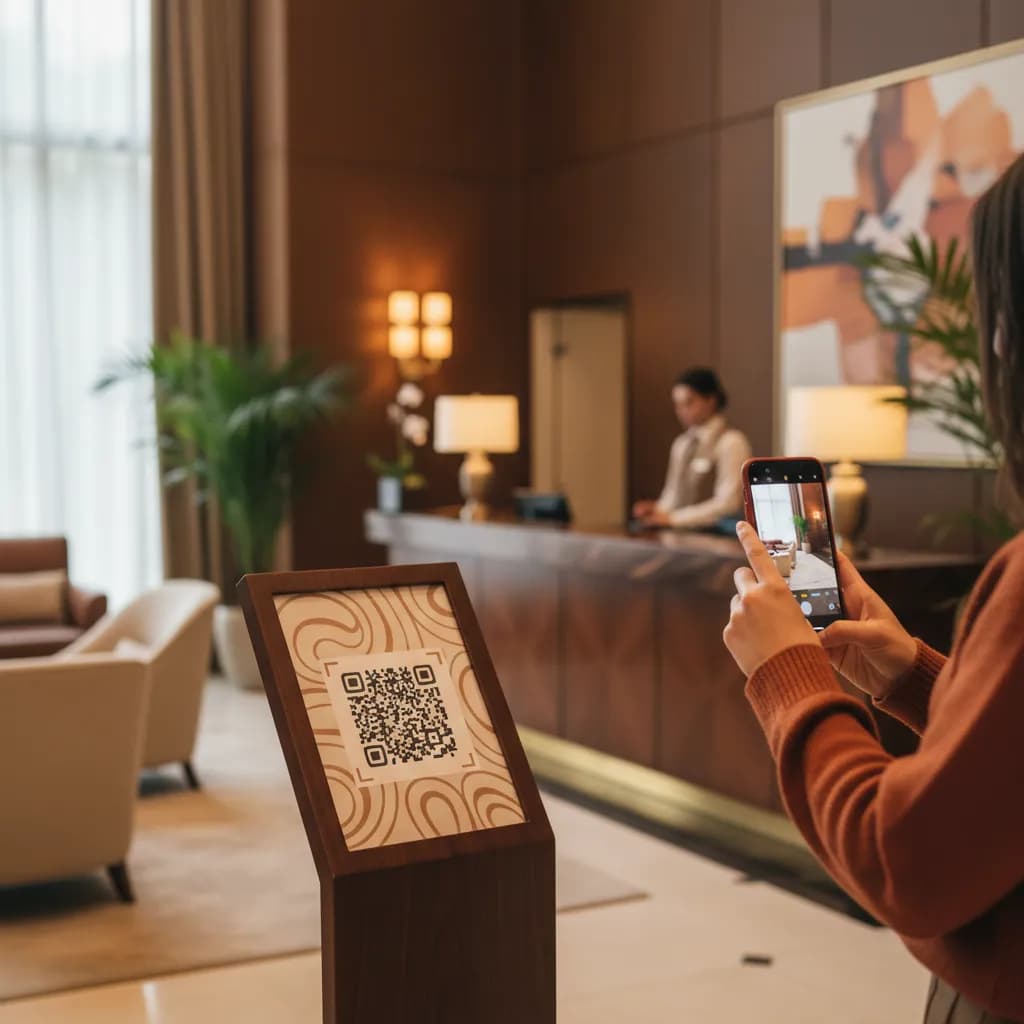
A hotel tags its in-room card and lobby sign separately for room service. The in-room card drives most orders, while the lobby sign barely registers. They move the spa promotion off the lobby sign and onto the in-room card, where guests are relaxed and browsing.
In-Room Card
Most scans
Most orders
Lobby Sign
Few scans
Rarely converts
Free plan available. No credit card required.
Best Practices
Give each location and service its own tracked link.
Route codes through short links so menus and offers update without reprints.
Add a one-line prompt so guests know what each code opens.
Prioritize the in-room placement: guests scan where they relax.
Review scans by property if you run more than one location.
See how QR code tracking works with linkutm
Related QR Code Use Cases
Medical ID QR Codes: Instant Emergency Info From One Scan
A medical ID QR code gives first responders instant access to emergency contacts, allergies, and conditions from a wearable or card, with a link you control and can update anytime through linkutm.
Read use caseBillboard QR Codes: Make Out-of-Home Advertising Measurable
Add a QR code to a billboard and finally track out-of-home response. See scans by board and location, edit the destination after the print goes up, and prove which placements work with linkutm.
Read use caseQR Codes on Clothing: Track Garment Tags and Care Labels
Add QR codes to garment tags, care labels, and packaging to share sizing, care, authenticity, and offers, and track which scans drive action. linkutm keeps every clothing QR code editable.
Read use caseReady to Optimize Your Strategy?
Hotel QR codes should make service effortless and measurable. With a tracked, editable link behind every room card and lobby sign, you see which placements guests use, keep menus and offers current without reprints, and put your best services exactly where they get scanned.