Generate Free QR Codes for Restaurant Menus
Print one code per table and your menu stops being a laminated card you replace every time the kitchen changes a price. Enter the web address your menu already lives at, download the code, and put it where people sit.
Make your menu QR code
Link to any web page
Try something like https://example.com/

This code is static and permanent. To change where it points after printing, .
Why Use This Tool
Print one code per table and your menu stops being a laminated card you replace every time the kitchen changes a price. Enter the web address your menu already lives at, download the code, and put it where people sit.
Update prices without reprinting
Point the code at a dynamic link and you edit the menu it opens inside linkutm, so a price change never means new table tents.
Reads in a dim dining room
Set high contrast and shaped modules so the code still scans from arm's length on a table tent in low restaurant lighting.
See which placement gets scanned
Use a separate tracked code on the table, the window, and the takeaway bag to learn which surface actually drives menu views.
Print sharp at table-tent size
Export an SVG for the print shop or a PNG for a home printer, ready at 3cm for a table and larger for a window sticker.
How It Works
- 1
Put your menu online first
The code needs somewhere to point. A page on your own site is best; a Google Drive or Dropbox share link works if you set it to view access for anyone with the link. Test the address on your phone before you generate anything, a code pointing at a login screen is worse than no code at all.
- 2
Paste the menu address
Drop the full URL into the field above, including https://. Shorter addresses make a lighter, easier-to-scan pattern, so use yoursite.com/menu rather than a long path with query strings hanging off the end.
- 3
Pick a design that survives a dim room
Restaurants are darker than offices. Keep strong contrast between the pattern and its background, avoid pale colours on white, and skip gradients on anything printed smaller than 4cm.
- 4
Download and print at 3cm or larger
Download the SVG for a print shop, or the PNG for a home printer. Print at 3cm square minimum for a table tent, 8cm for a window sticker, and leave clear white space around the code so the camera can find its edges.
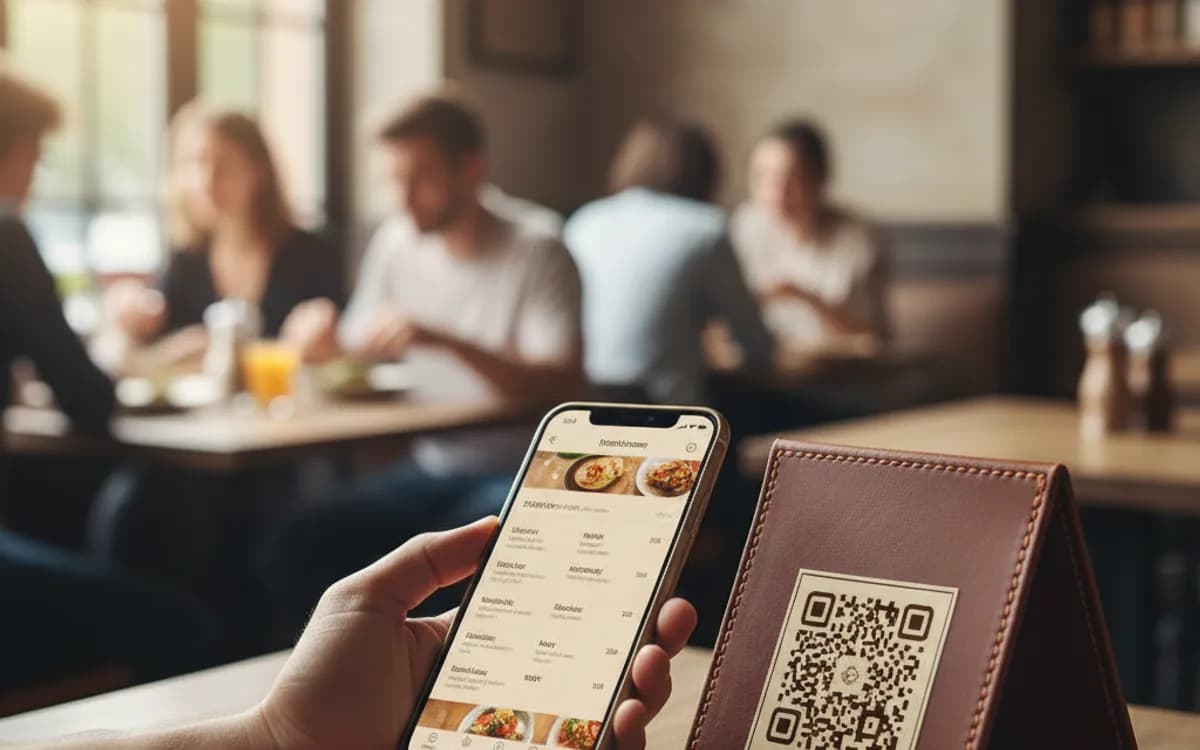
Static or dynamic: it depends on how often your menu moves
A static code encodes your menu address directly into the pattern. It is free, it never expires, and it can never be changed, if the address moves, every printed code is dead. That is fine for a menu at a fixed URL you control. If your menu is a PDF you swap seasonally, or you want to point the same table tents at a lunch menu at noon and a dinner menu at six, you need a dynamic code, where the pattern stays the same and you edit the destination inside linkutm.
Where the code actually earns its place
Table tents get scanned most, but they are not the only spot worth printing. A code on the window catches people deciding whether to come in, which is the highest-intent moment you will ever get. One on the takeaway bag brings a customer back for the next order. One on the receipt is where you ask for the review. Different placements deserve different destinations, and if you are tracking scans, different codes so you can tell which surface is doing the work.
The mistakes that cost restaurants scans
The three that recur: printing too small so the camera cannot lock focus at arm's length, laminating with a high-gloss finish that throws the flash straight back at the lens, and pointing the code at a PDF that opens as a pinch-to-zoom document on a phone. Fix the third one by making the menu a mobile web page. If it has to stay a PDF, at least keep it one page and portrait.
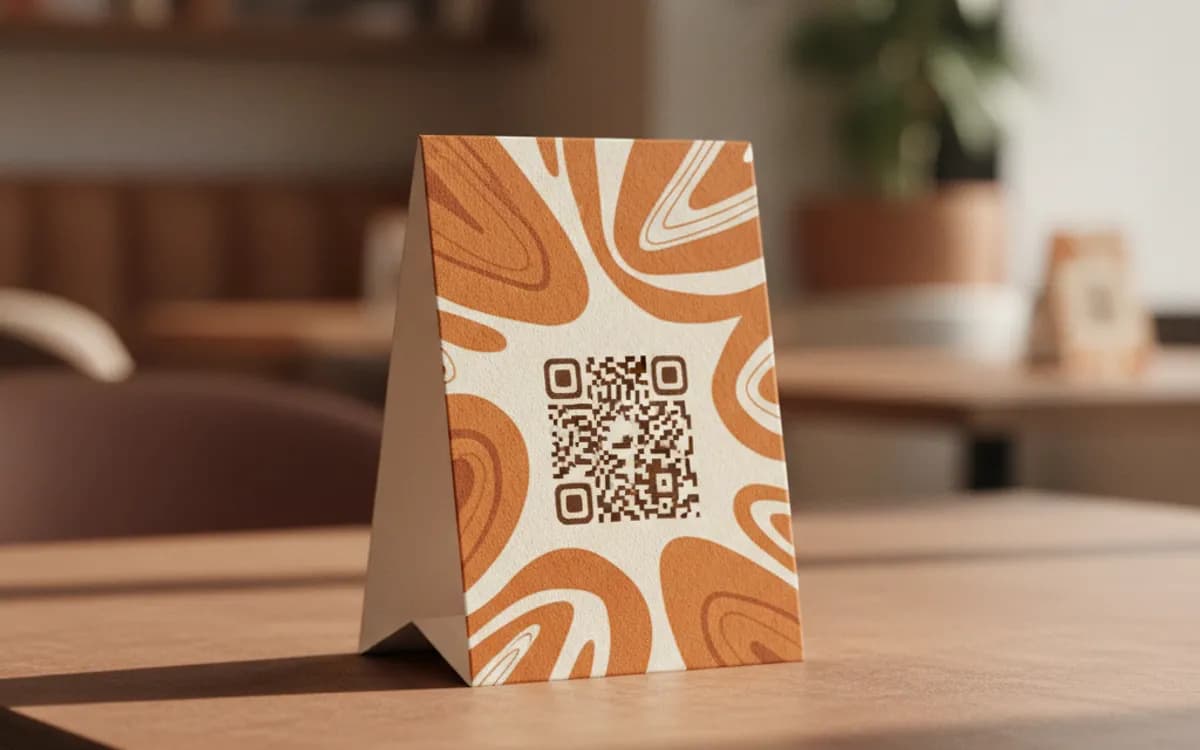
Free Tool vs a Free linkutm Plan
Every code on this page is free to make and never expires. A free linkutm plan adds what a printed code cannot do on its own, editing the destination and counting the scans, with no credit card required.
Editable codes, scan tracking, and analytics are included on the free plan. Your own domain, logo, frames, and team seats come with a paid plan when you need them.
Free plan available. No credit card required.
Frequently Asked Questions
Want To Know Who Scanned It?
A dynamic QR code keeps the same printed pattern while you change where it points, and shows you every scan, when, where, and on what device.
Related Tools
Generate Free QR Codes for Google Reviews
Create a free Google review QR code that opens your review link on scan and wins more reviews. No signup. Great for counters. Download PNG, SVG or PDF.
Generate Free QR Codes for Wi-Fi
Create a free Wi-Fi QR code so guests join your network with one scan, no password typing. No signup. Print it for the wall. Download PNG, SVG or PDF.
Generate Free QR Codes for PDFs
Turn any PDF into a free QR code that opens the document on scan. No signup. Ideal for menus, manuals and brochures. Download PNG, SVG or PDF.