Lab Results QR Codes That Get Patients to Secure Results in One Scan
Put a QR code on lab reports and sample kits so patients reach secure results and instructions in one scan, with a link you control and can update anytime through linkutm.
Free plan available. No credit card required.
Patients receive lab reports and sample kits with long portal URLs and access codes typed onto paper. Many never log in, support lines fill with access questions, and printed instructions go stale the moment a portal or process changes.
Scenario
“A lab prints portal access details on report headers and sample-kit inserts. Log-in rates are low and the support line is busy with access questions, so the team wants a simpler, measurable way to get patients to results.”
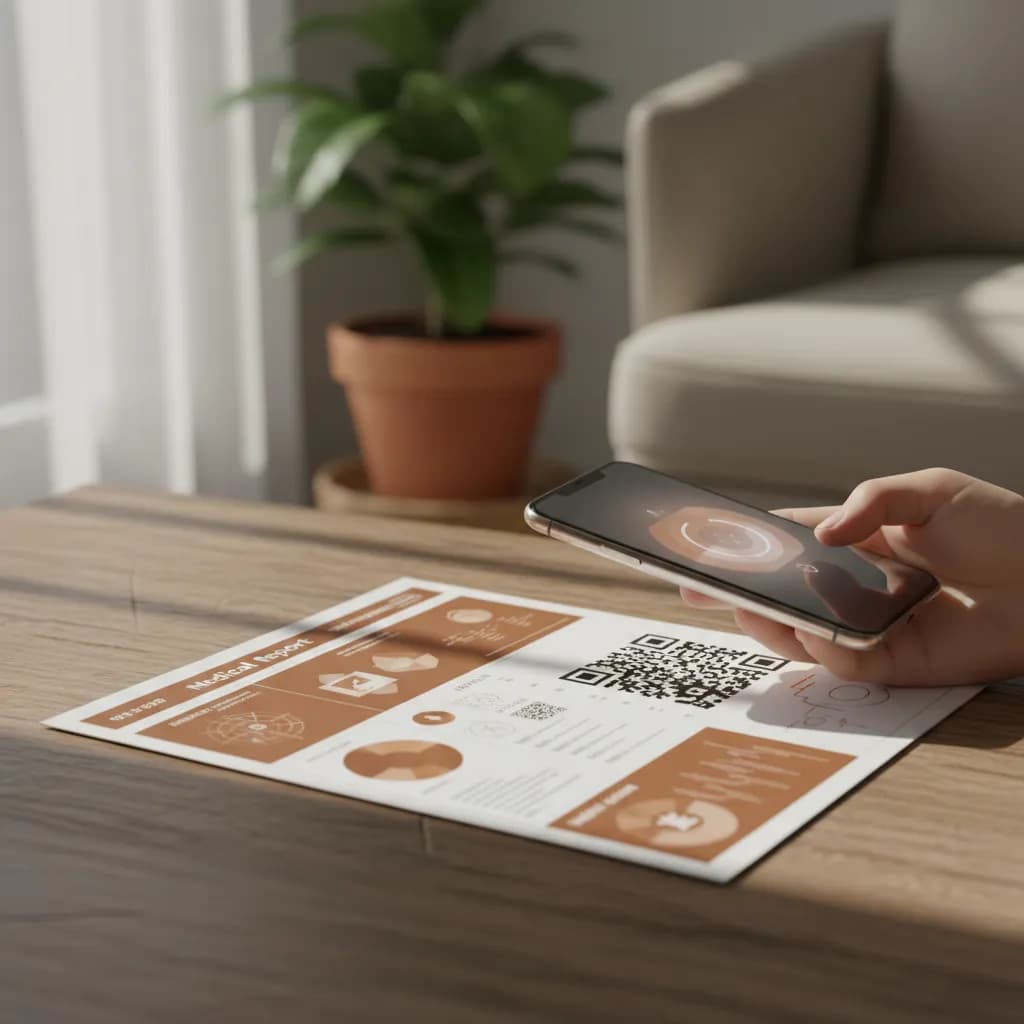
A lab results QR code removes the friction between a patient and their results. Instead of typing a long URL and a code, the patient scans and lands on the secure portal or instructions in one step. A tracked code confirms the pathway is reachable and being used, and because it resolves through a link you control, you can update guidance or repoint to a new portal without reprinting reports or kit inserts.
How to Set Up Lab Results QR Codes
Link to the Secure Portal, Not the Data
Create a short link in linkutm that points to the secure results portal or instructions. Keep sensitive data behind authentication; the code only carries the link.
Add the Code to Reports and Kits
Place the QR code on report headers and sample-kit inserts with a clear prompt like 'Scan for your secure results'.
Update Guidance Without Reprinting
If the portal or process changes, repoint the short link once and every printed code follows. Scan activity confirms the pathway is live and being used.
Example: Typed URL vs Scan Access
A lab compares typed portal details with a QR-linked path on the same reports. The scan path gets far more patients into the portal on the first try, because it removes the typing and code-entry step that used to stall them.
Typed URL + Code
Manual entry
Low first-try access
Scan Access
One scan
More reach the portal
Free plan available. No credit card required.
Best Practices
Link to a secure, authenticated portal; never encode results in the code.
Label the code plainly so patients trust and use it.
Route through an editable short link so portal changes need no reprint.
Keep the landing step mobile-first and accessible.
Use scan activity to spot reports where patients are not getting through.
See how QR code tracking works with linkutm
Related QR Code Use Cases
QR Codes on Digital Signage: Track Screens, Loops, and Locations
Add QR codes to digital signage and screens to turn passive displays into measurable action. Track scans by screen, loop, and location, and update the link instantly with linkutm.
Read use caseQR Codes on Stationery: Track Business Cards and Letterhead
Add QR codes to business cards, letterhead, and envelopes to share links, portfolios, and contact details, and see which get scanned. linkutm keeps every stationery QR code editable.
Read use caseQR Codes for Networking Events: Share Contacts and Track Connections
Use QR codes on badges, business cards, and booths to share vCards and links at events, and track which connections stick. linkutm keeps every networking QR code trackable and editable.
Read use caseReady to Optimize Your Strategy?
A lab results QR code turns a typed URL and an access code into a single scan. Patients reach secure results faster, your support load drops, and a link you control means printed reports stay accurate even when the portal changes.