Generate Free QR Codes for Google Forms
The fastest way to get a form in front of a room full of people. Print the code, everyone scans, everyone answers on their own phone, no links read out, no addresses typed wrong.
Make your Google Form QR code
Link to any web page
Try something like https://example.com/

This code is static and permanent. To change where it points after printing, .
Why Use This Tool
The fastest way to get a form in front of a room full of people. Print the code, everyone scans, everyone answers on their own phone, no links read out, no addresses typed wrong.
A whole room answers at once
Print one code and everyone scans and fills the form on their own phone, no links read aloud and no forms.gle address typed wrong.
Tag responses by location
Encode a pre-filled link and every submission arrives already labelled by table, room or machine, so the results are ready to act on.
Built to finish standing up
The code opens the form on the phone in hand, which is where a scanned survey is always taken, no account or sign-in needed for public feedback.
Print-ready in any format
Download the SVG for a wall poster or the PNG for a handout, free and with no watermark on either.
How It Works
- 1
Get the response link, not the edit link
Use the Send button and copy the link, or take the shortened forms.gle address. The URL in your browser while you are building the form is the edit link, encode that by mistake and anyone who scans can rewrite your questions. Check the link opens the form as a respondent in a private browser window.
- 2
Set the access settings before you print
Decide whether respondents must sign in. Requiring a Google account gives you identity and stops duplicate submissions, and it also blocks anyone without one, which in a public or customer-facing setting means a large share of scans go nowhere. For open feedback, turn sign-in off.
- 3
Keep the form short enough to finish standing up
Scanned forms are filled in on a phone, often in a queue, a classroom or a foyer. Five questions is a good ceiling. Every extra screen loses respondents, and long-answer text fields on a phone keyboard lose them fastest of all.
- 4
Print it large and say what it is for
5cm minimum for a wall poster, 3cm for a handout, with a line saying what the form is and how long it takes. 'Scan to give feedback, 4 questions, under a minute' converts far better than a bare code labelled 'Survey'.
The uses this beats everything else at
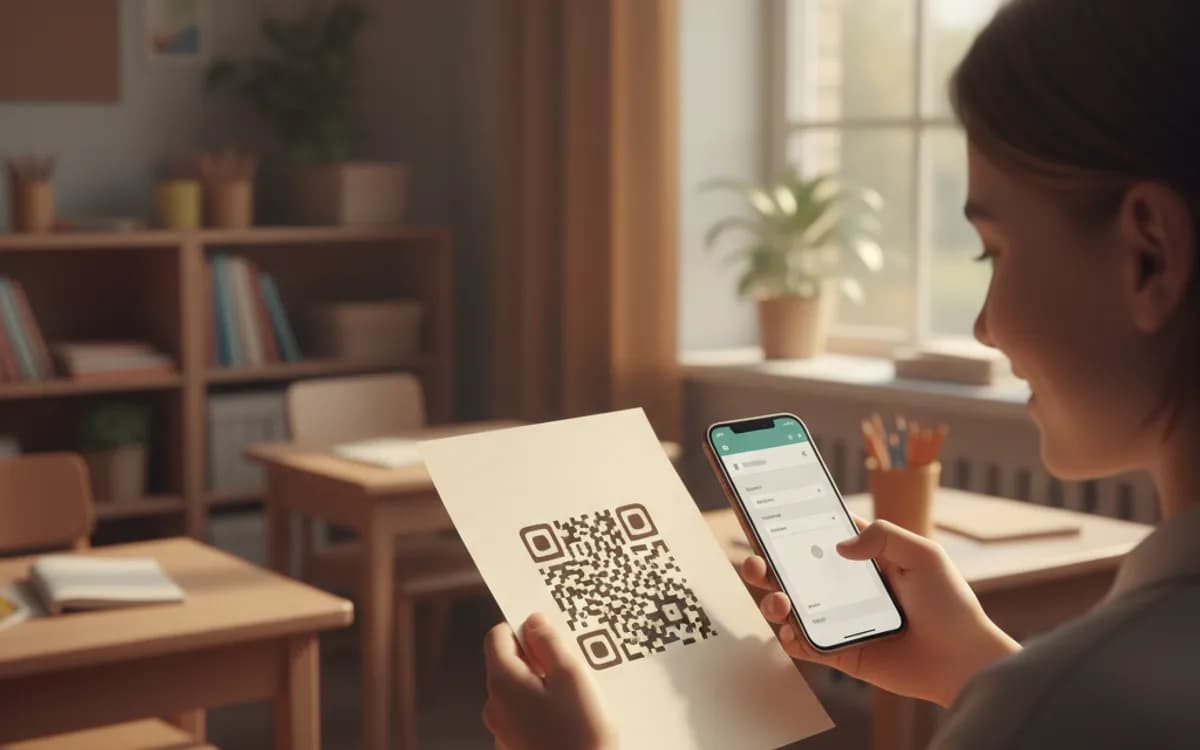
Classroom attendance and quick quizzes, where a code on the board is faster than any register. Event feedback collected while people are still in the room, which is when responses are honest and response rates are high. Sign-up sheets at stands and open days. Incident and maintenance reports on equipment, where the code lives on the machine and the form pre-identifies which machine it is. Restaurant and clinic feedback, where the alternative is a comment card nobody fills in.
Pre-filling answers is the trick most people miss
Google Forms can pre-fill fields from URL parameters. Use Get pre-filled link from the form's menu, fill in the fixed values, room number, table, branch, machine ID, event name, and copy the resulting URL. Generate one code per location from those pre-filled links and every submission arrives already labelled, with no chance of a respondent picking the wrong option. This turns a generic feedback form into a per-table, per-room or per-asset reporting system for no extra work.
When the form closes, the code should not break
Forms get closed, retired, or replaced each term or season, and a static code pointing at a closed form shows a dead end. If the print is reusable, a classroom poster, a table tent, a sign on a machine, encode a short link you control and repoint it at the current form each cycle. One print run then lasts years.
Free Tool vs a Free linkutm Plan
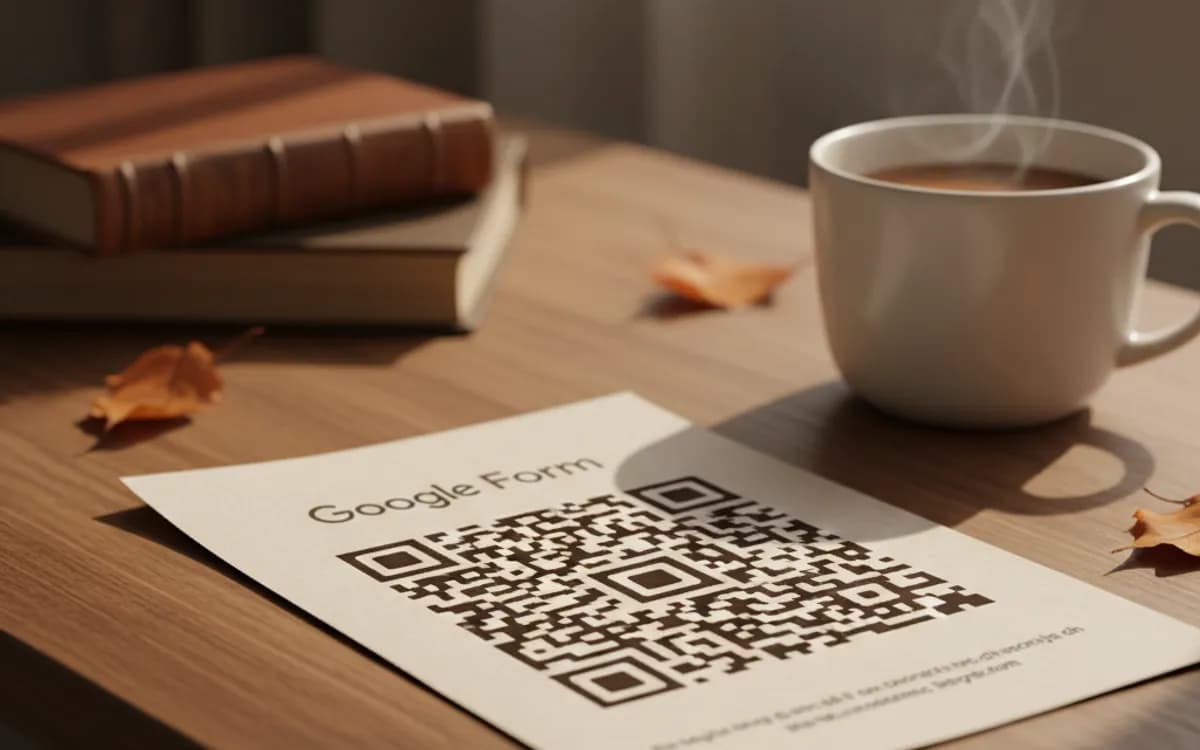
Every code on this page is free to make and never expires. A free linkutm plan adds what a printed code cannot do on its own, editing the destination and counting the scans, with no credit card required.
Editable codes, scan tracking, and analytics are included on the free plan. Your own domain, logo, frames, and team seats come with a paid plan when you need them.
Free plan available. No credit card required.
Frequently Asked Questions
Want To Know Who Scanned It?
A dynamic QR code keeps the same printed pattern while you change where it points, and shows you every scan, when, where, and on what device.
Related Tools
Generate Free QR Codes for Feedback Forms
Generate a free feedback QR code that opens your form on scan and lifts response rates. No signup. Great for tables and receipts. Download PNG, SVG or PDF.
Generate Free QR Codes for Microsoft Forms
Create a free Microsoft Forms QR code that opens your form on scan. No signup. Perfect for surveys, quizzes and sign-ups. Download PNG, SVG or PDF.
Generate Free QR Codes for SurveyMonkey
Make a free SurveyMonkey QR code that opens your survey on scan and lifts responses. No signup. Great for events and receipts. Download PNG, SVG or PDF.
Generate Free QR Codes for Google Drive
Generate a free Google Drive QR code that opens your file or folder on scan. No signup. Ideal for handouts and manuals. Download PNG, SVG or PDF.