Generate Free QR Codes for Microsoft Forms
If your organisation runs on Microsoft 365, your forms already live in the right place. A code puts them on a wall, a badge or a handout without anyone typing a forms.office.com address.
Make your Microsoft Forms QR code
Link to any web page
Try something like https://example.com/

This code is static and permanent. To change where it points after printing, .
Why Use This Tool
If your organisation runs on Microsoft 365, your forms already live in the right place. A code puts them on a wall, a badge or a handout without anyone typing a forms.office.com address.
Records who responded
For internal forms Microsoft Forms captures the respondent's name automatically, exactly what training records, IT requests and staff surveys need.
No long address to key in
A scan opens the form instead of asking anyone to type a forms.office.com URL, and the shortened share link keeps the pattern sparse.
Control who can respond
Set the audience to your organisation or to anyone with the link before you print, so external visitors never hit a work sign-in wall.
Vector output for durable signs
Download an SVG with your brand colours and logo, sharper on a laminated notice than the plain code in the share panel.
How It Works
- 1
Copy the share link from Collect responses
Open the form, choose Collect responses, and copy the link. Microsoft Forms offers a shortened URL option, use it, because the full forms.office.com address is long and produces a noticeably denser code.
- 2
Set the audience deliberately
The share settings decide who can respond: anyone with the link, or only people in your organisation. The second is the default in many tenants and it is the reason most printed Microsoft Forms codes fail, a visitor, patient or customer scans and hits a work sign-in page. Check this before printing anything for an external audience.
- 3
Test the link while signed out
Open the URL in a private browser window with no work account signed in. What you see there is what a member of the public sees. This is a thirty-second check that prevents the most common and most embarrassing failure in the category.
- 4
Print it where the response is wanted
Meeting rooms for room feedback, reception desks for visitor sign-in, training rooms for course evaluation, equipment for fault reports. Keep it at 3cm or larger and label what the form is for.
Internal versus external forms
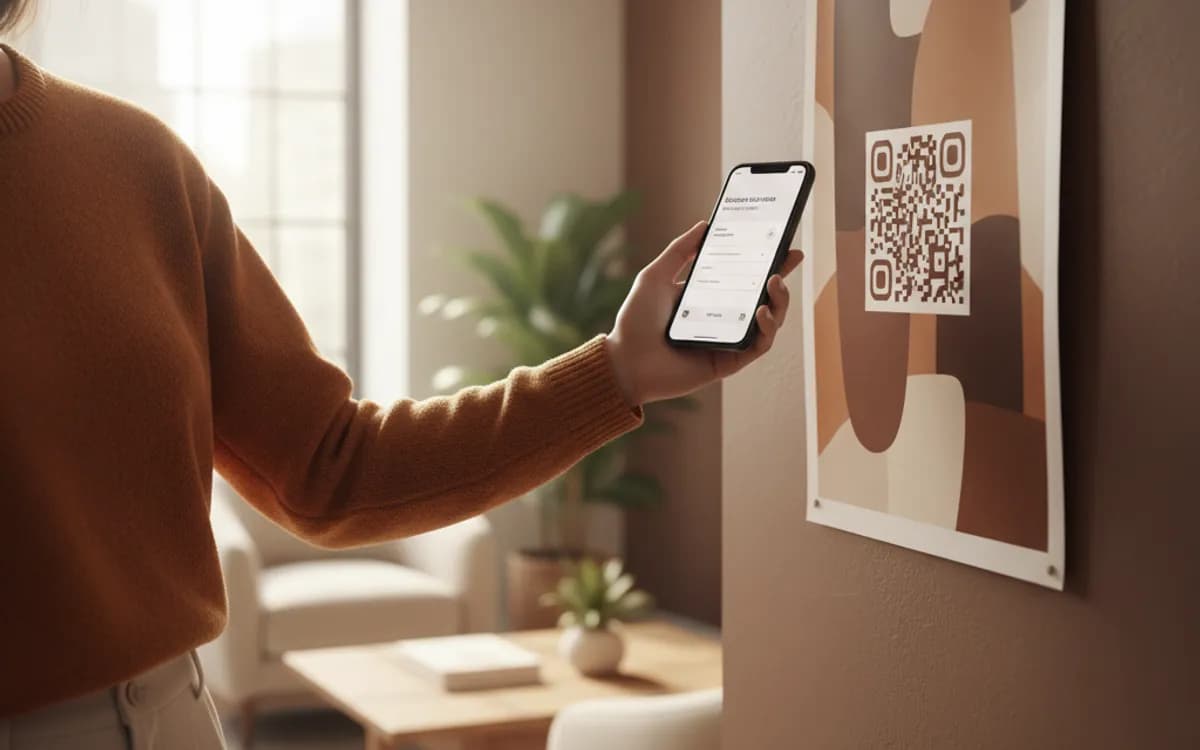
Microsoft Forms is built around organisational identity, which is a strength internally and a constant obstacle externally. Internally you get the respondent's name automatically, which is exactly what you want for training records, IT requests and staff surveys. Externally you must open the form to anyone with the link, accept anonymous responses, and add your own identifying question if you need one. Decide which of these two the printed code serves before you generate it.
Where it wins over Google Forms
Nothing about the QR code differs; the platform choice does. If your data governance, retention and access policies are built around Microsoft 365, a Google Form creates a shadow system your IT team will eventually have to deal with. Responses landing in Excel in the same tenant, flowing into Power Automate and Teams, is worth more than any feature difference in the form builder itself.
Keeping one printed code across many terms
Forms are usually rebuilt each course, term or quarter, and each rebuild changes the URL. If the code is printed on something durable, a training room sign, a laminated notice, an equipment label, encode a short link you control and repoint it each cycle. It converts an annual reprint into a two-minute edit.
Free Tool vs a Free linkutm Plan
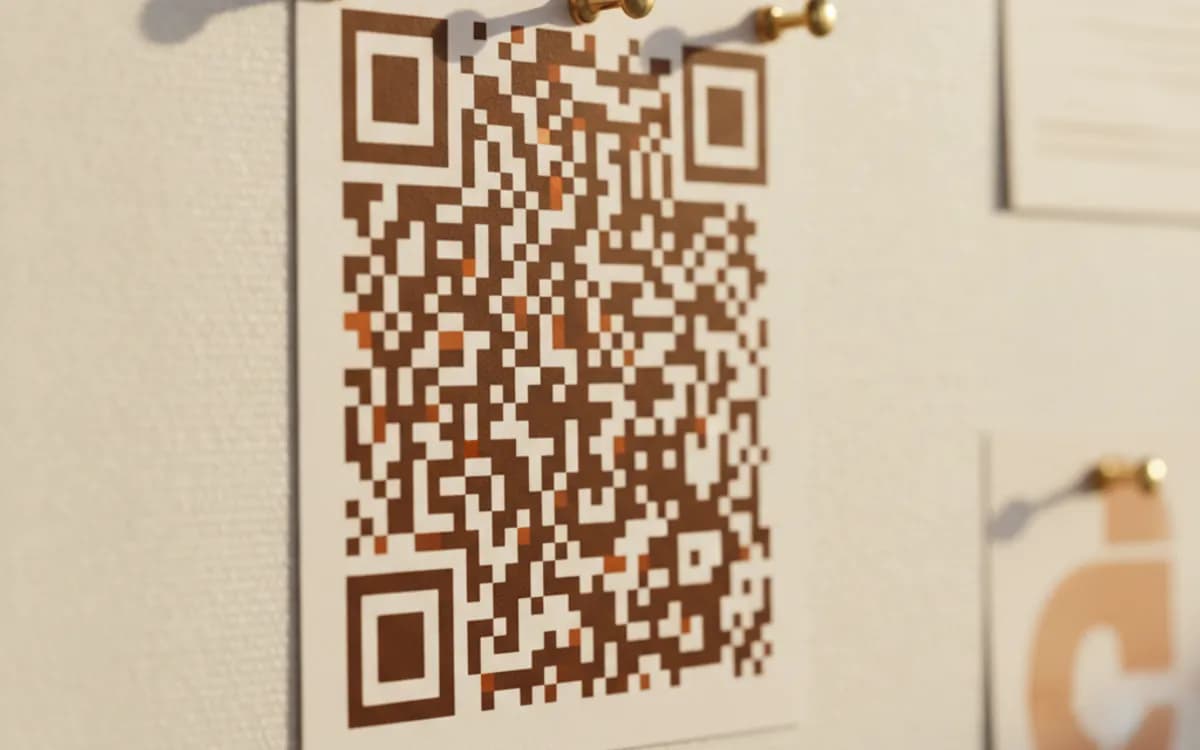
Every code on this page is free to make and never expires. A free linkutm plan adds what a printed code cannot do on its own, editing the destination and counting the scans, with no credit card required.
Editable codes, scan tracking, and analytics are included on the free plan. Your own domain, logo, frames, and team seats come with a paid plan when you need them.
Free plan available. No credit card required.
Frequently Asked Questions
Want To Know Who Scanned It?
A dynamic QR code keeps the same printed pattern while you change where it points, and shows you every scan, when, where, and on what device.
Related Tools
Generate Free QR Codes for Google Forms
Create a free Google Form QR code that opens your form on scan. No signup. Perfect for surveys, sign-ups and classrooms. Download PNG, SVG or PDF.
Generate Free QR Codes for SurveyMonkey
Make a free SurveyMonkey QR code that opens your survey on scan and lifts responses. No signup. Great for events and receipts. Download PNG, SVG or PDF.
Generate Free QR Codes for Feedback Forms
Generate a free feedback QR code that opens your form on scan and lifts response rates. No signup. Great for tables and receipts. Download PNG, SVG or PDF.
Generate Free QR Codes for Zoom
Generate a free Zoom QR code that opens your meeting link on scan. No signup. Perfect for events, offices and classrooms. Download PNG, SVG or PDF.