Generate Free QR Codes for Zoom
Nobody enjoys typing an eleven-digit meeting ID and a passcode from a slide. A Zoom code puts the join link in their hand instead.
Make your Zoom QR code
Link to any web page
Try something like https://example.com/

This code is static and permanent. To change where it points after printing, .
Why Use This Tool
Nobody enjoys typing an eleven-digit meeting ID and a passcode from a slide. A Zoom code puts the join link in their hand instead.
One tap to join, no typing
The full invite link carries an encrypted passcode, so a scan joins in a single tap with no eleven-digit ID read aloud across a room.
Fixes the hybrid start
A code on the agenda, the door and the holding slide gets remote and late-arriving attendees in without a single support conversation.
Reuse it for recurring meetings
A recurring meeting or Personal Meeting Room keeps the same URL, which is what makes the code right for a door sign or a room plate.
Keep control at the door
A printed join link is a credential, so leave the waiting room and passcode on, or print a registration link for anything confidential.
How It Works
- 1
Use the full invite link with the passcode included
Copy the join URL from the meeting invitation. Zoom embeds an encrypted passcode in that link, which is why it joins in one tap. A bare meeting ID without it forces the passcode prompt and undoes the entire point of the code.
- 2
Use a recurring meeting or Personal Meeting Room for durable print
One-off meeting links are unique and dead the moment the meeting ends. If the code goes on a room sign, a door, or anything reused, use a recurring meeting link or your Personal Meeting Room, whose URL stays constant.
- 3
Keep waiting rooms and passcodes on
A printed join link is visible to anyone who walks past. Waiting room, host approval, or authentication requirements are what stop that becoming a problem. Convenience at the door, control on the inside.
- 4
Print it where people are joining from
Meeting room door signs, event programmes, hybrid conference agendas, classroom noticeboards, and the slide shown before a session starts. 5cm or larger on anything scanned from more than a metre away.
The hybrid event case
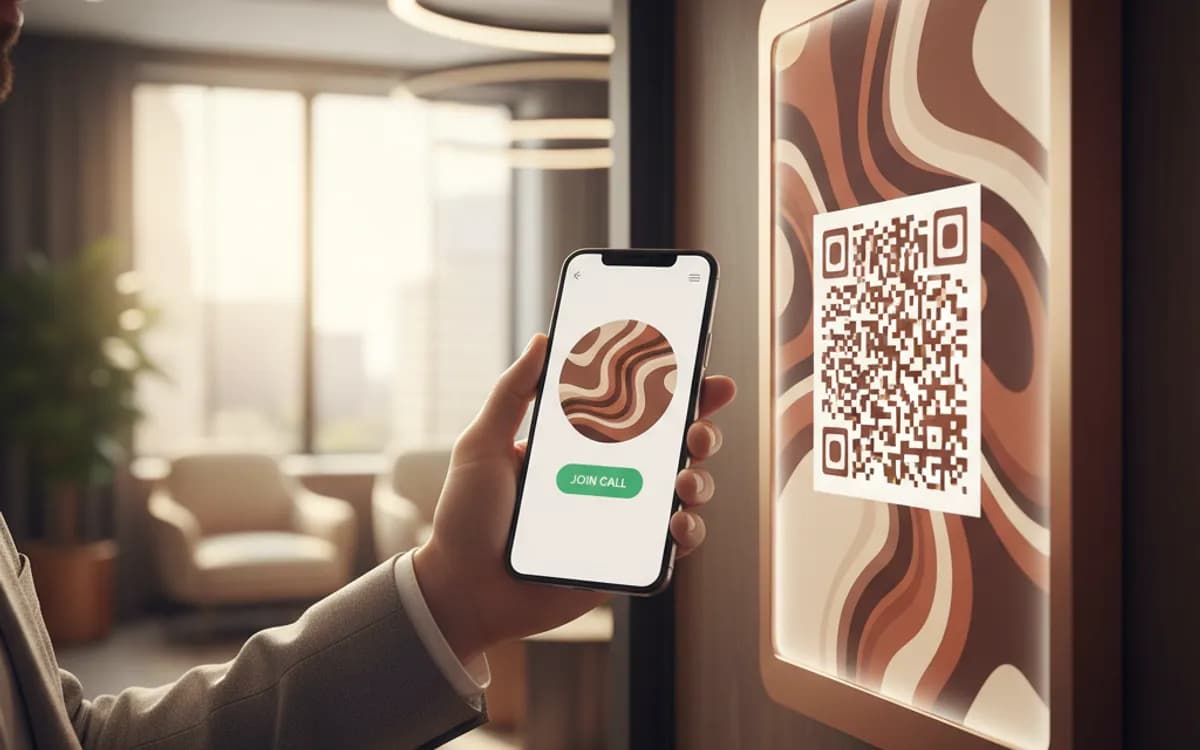
The strongest use is a hybrid session where some people are in the room and some are not. A code on the agenda, the door and the holding slide gets remote and late-arriving attendees in without a single support conversation. It is also the fix for the recurring failure of hybrid events, the ten minutes at the start lost to people reading digits aloud across a room.
Security: what a printed link actually exposes
A join link with an embedded passcode is a credential. Printed on a public poster, it is a credential anyone can photograph. For internal or open sessions that is an acceptable trade. For anything confidential it is not, and the answer is a registration link rather than a join link: people register, Zoom emails them a unique join URL, and the printed code only ever carries the public front door.
Works the same for Teams, Meet and everything else
Nothing here is Zoom-specific. Microsoft Teams, Google Meet and Webex all produce join URLs that encode identically, and all have the same distinction between a one-off link and a durable recurring one. Pick the platform your organisation already uses and apply the same rules about passcodes, waiting rooms and reusable links.
Free Tool vs a Free linkutm Plan
Every code on this page is free to make and never expires. A free linkutm plan adds what a printed code cannot do on its own, editing the destination and counting the scans, with no credit card required.
Editable codes, scan tracking, and analytics are included on the free plan. Your own domain, logo, frames, and team seats come with a paid plan when you need them.
Free plan available. No credit card required.
Frequently Asked Questions
Want To Know Who Scanned It?
A dynamic QR code keeps the same printed pattern while you change where it points, and shows you every scan, when, where, and on what device.
Related Tools
Generate Free QR Codes for Events
Create a free event QR code that adds your event to any calendar on scan. No signup. Great for invites and posters. Download PNG, SVG or PDF.
Generate Free QR Codes for Calendly
Create a free Calendly QR code that opens your booking page on scan. No signup. Fill your calendar from cards and events. Download PNG, SVG or PDF.
Generate Free QR Codes for Locations
Make a free location QR code that opens your address in maps on scan. No signup. Perfect for stores, events and invites. Download PNG, SVG or PDF.
Generate Free QR Codes for URLs
Turn any link into a free URL QR code in seconds. No signup, no expiry. Download PNG, SVG or PDF, add your logo, and track every scan with linkutm.