Generate Free QR Codes for Locations
Addresses get typed wrong, and a wrong address is a customer who never arrives. A location code opens your exact spot in Maps with navigation one tap away.
Create your location QR code
Link to any web page
Try something like https://example.com/

This code is static and permanent. To change where it points after printing, .
Why Use This Tool
Addresses get typed wrong, and a wrong address is a customer who never arrives. A location code opens your exact spot in Maps with navigation one tap away.
Lands on your exact spot
The scan opens your listing or dropped pin in Maps, so people get directions, hours and reviews without ever typing an address.
Free with no signup
Paste a Google Maps link and generate the code in seconds. Nothing to install and no account to create.
Print-ready PNG, SVG or PDF
Download vector files that stay crisp on flyers, invitations, business cards, a service van, or a storefront window.
Styled to match your signage
Set colors, module styles and a logo so the code sits with your print rather than landing on it as a plain black square.
How It Works
- 1
Find your place on Google Maps and share it
Search for your business, open the listing, and use Share to copy the link. Using the business listing rather than a dropped pin matters: the listing carries your name, hours, photos and reviews, so the scanner lands on something that confirms they are in the right place.
- 2
Use a pin only when there is no listing
For a market stall, an event field, a construction site or a wedding venue with no Maps presence, drop a pin at the exact spot, share it, and encode that. Zoom right in before dropping, pin accuracy at street level is what stops a delivery driver circling the block.
- 3
Add the entrance detail the map cannot know
Maps takes people to a building, not to a door. If your entrance is round the back, up a side street, or shared with three other units, put that in the printed line beside the code. This is the single highest-value sentence on most location signage.
- 4
Print it where people plan the journey
Flyers, invitations, business cards, delivery notes, the back of a service van, and your own storefront for people finding you again. Print the written address next to the code as well, some people will not scan, and everyone finds a visible address reassuring.
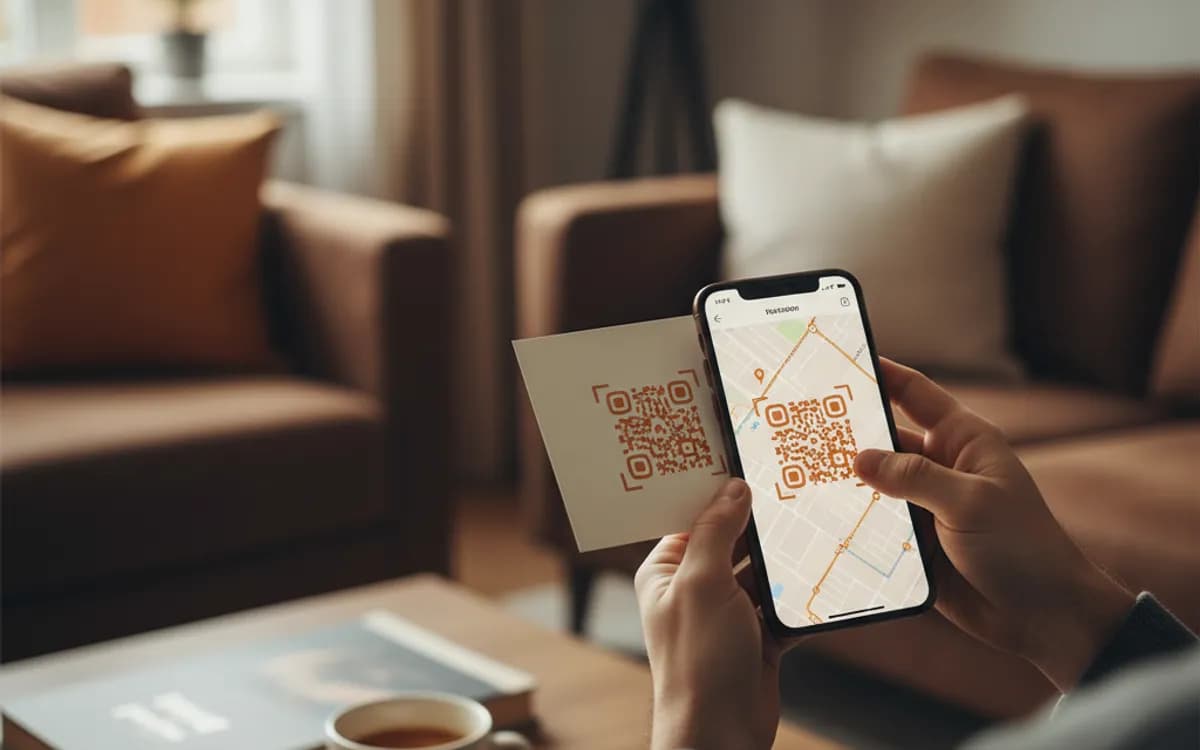
Which map should the code open?
Google Maps is the safe default almost everywhere, and an iPhone user who scans a Google Maps link gets a working map in the browser or the app. If your audience is heavily Apple, a maps.apple.com link is friendlier for them and workable for everyone else. Do not try to detect the platform with two printed codes, the gain is small and the confusion is real. Pick the one your customers use and print the address alongside it.
Location codes and local SEO
A location code drives people to your Google Business Profile, and profile interactions, direction requests, calls, website taps, are signals Google reports back to you and, in aggregate, part of how local prominence is judged. Pairing a location code with a Google review code on the same piece of print gives you both halves of the local loop: people finding you, and people vouching for you. Neither works if the profile itself is incomplete, so fix hours, categories and photos before printing anything.
Events, deliveries and places without an address
The strongest use of a location code is anywhere the address is genuinely hard: a wedding venue down an unnamed lane, a festival gate, a trade show booth inside a hall the size of a village, a warehouse door on an industrial estate with no numbering. In these cases the code is not a convenience, it is the difference between people arriving and people phoning you to ask where you are.
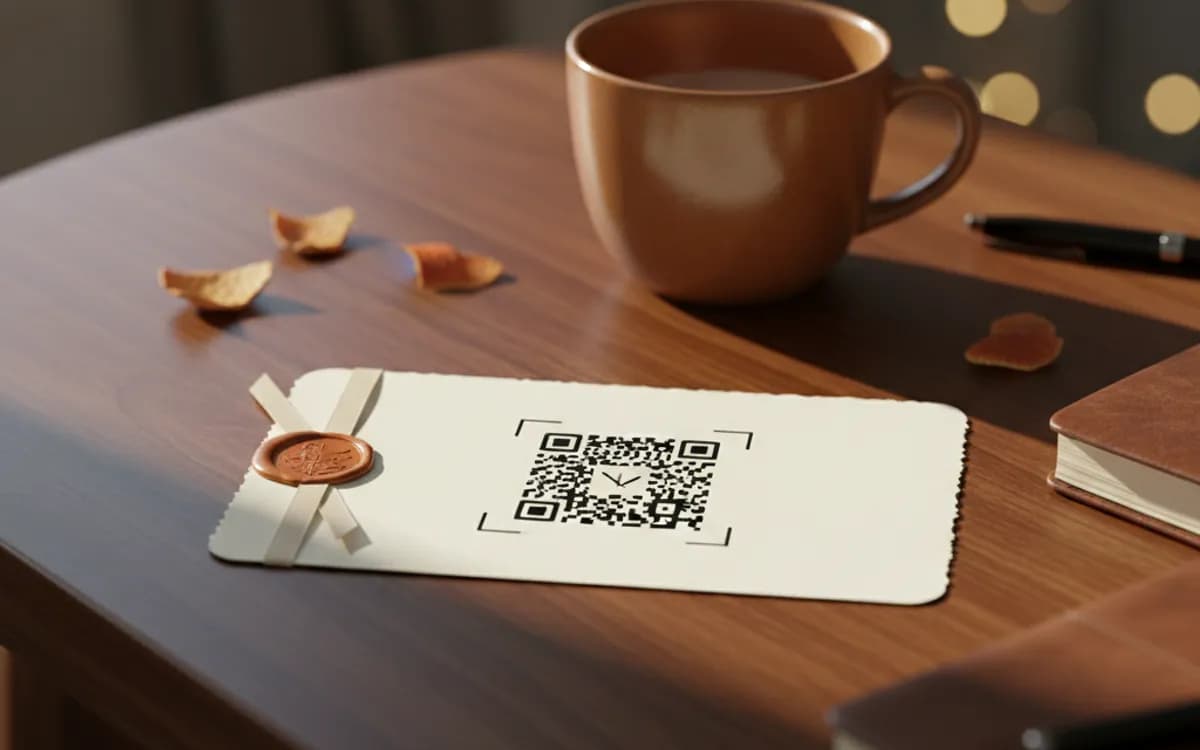
Free Tool vs a Free linkutm Plan
Every code on this page is free to make and never expires. A free linkutm plan adds what a printed code cannot do on its own, editing the destination and counting the scans, with no credit card required.
Editable codes, scan tracking, and analytics are included on the free plan. Your own domain, logo, frames, and team seats come with a paid plan when you need them.
Free plan available. No credit card required.
Frequently Asked Questions
Want To Know Who Scanned It?
A dynamic QR code keeps the same printed pattern while you change where it points, and shows you every scan, when, where, and on what device.
Related Tools
Generate Free QR Codes for Google Reviews
Create a free Google review QR code that opens your review link on scan and wins more reviews. No signup. Great for counters. Download PNG, SVG or PDF.
Generate Free QR Codes for Business Cards
Create a free business card QR code that shares your contact details on scan and saves to phones. No signup. Perfect for cards. Download PNG, SVG or PDF.
Generate Free QR Codes for Phone Calls
Create a free call QR code that dials your number the moment it is scanned. No signup. Great for cards, flyers and signs. Download PNG, SVG or PDF.
Generate Free QR Codes for Weddings
Create a free wedding QR code so guests share and view photos with one scan. No signup. Perfect for invites and signs. Download PNG, SVG or PDF.