Generate Free QR Codes for Weddings
Invitations have no room for a website address, an RSVP form, a registry and a map. A code on the card carries all of it and keeps the stationery beautiful.
Make your wedding QR code
Link to any web page
Try something like https://example.com/

This code is static and permanent. To change where it points after printing, .
Why Use This Tool
Invitations have no room for a website address, an RSVP form, a registry and a map. A code on the card carries all of it and keeps the stationery beautiful.
One code, the whole wedding
A single square on the invitation carries the website, the RSVP form, travel notes, and the registry without crowding the stationery.
Styled to match your stationery
Set the pattern to your ink colour and round the modules to suit soft type, keeping it dark on a light panel so it still scans on dark stock.
Guests fill your photo album
A shared-album code on the table cards lets guests upload as the day unfolds, so you gather hundreds of candid shots the photographer never took.
Keeps working after the day
Point the code at a short link you control and repoint it to the album once the wedding website comes down, so keepsake cards still work years on.
How It Works
- 1
Build the wedding page before the stationery
One page carrying the schedule, the venue, travel and accommodation, the RSVP form, the dress code and the registry. Any wedding website builder works, as does a single well-organised page on your own domain. Get it finished first, because the code on the card cannot be changed once it is printed.
- 2
Use one code per purpose, in the right place
The invitation carries the main site code. Order-of-service cards carry a photo album code. Table cards can carry the playlist. Do not put four codes on the invitation, one square with a clear label works far better than a grid of them.
- 3
Design it to match the stationery
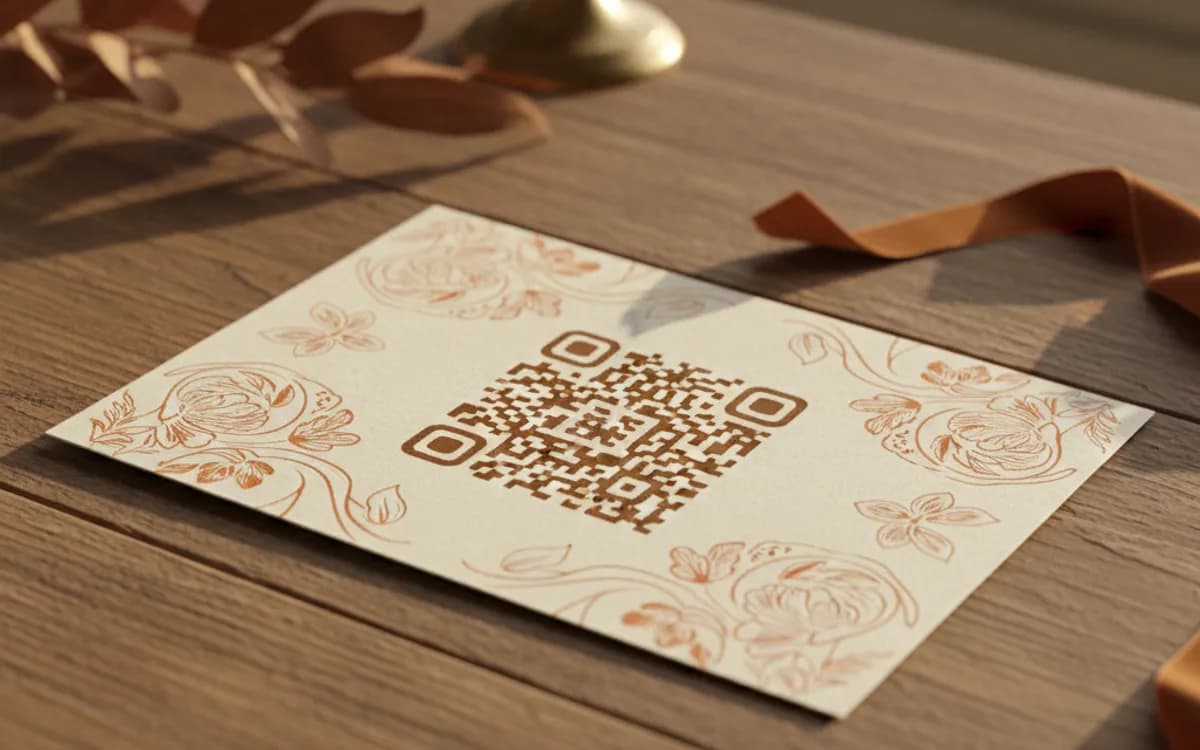
Set the pattern to your ink colour, round the modules if the type is soft, and keep it dark on a light background. Foil, letterpress and dark stock are where wedding codes fail, if the card is dark, print the code on a light panel rather than reversing it out.
- 4
Print a test card and scan it
On the real stock, at the real size, in normal room light, on both an iPhone and an Android phone. Guests span every age and handset, and a code that only reads on a new phone in bright light will exclude exactly the relatives you most need to reach.
The four codes worth using
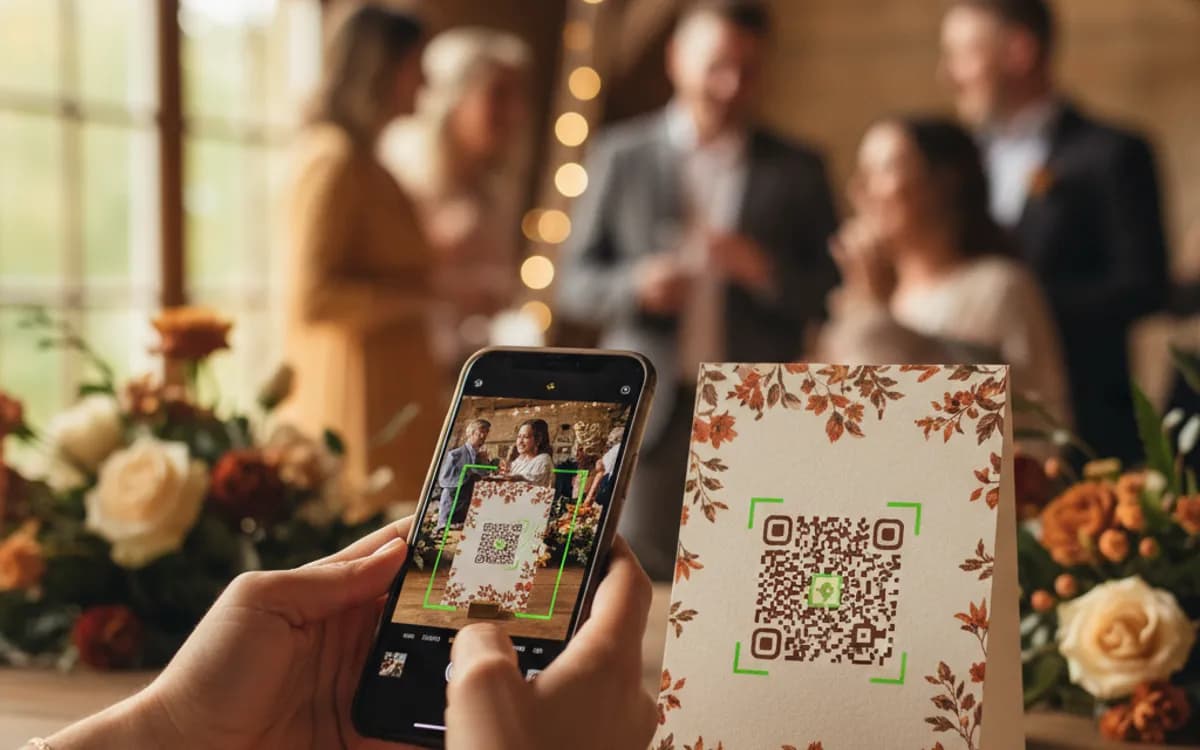
RSVP, which replaces reply cards and postage and gives you a live headcount. The wedding website, which answers the travel and dress-code questions that otherwise arrive as messages. A shared photo album, printed on table cards, which is by far the highest-value one on the day itself, guests upload as they go and you end up with hundreds of photographs the photographer never took. And the registry, which is more discreet as a code on a details card than as a printed line on the invitation.
Guests who will not scan
A meaningful share of any wedding guest list will not scan a code, and they are usually the people you least want to inconvenience. Always print the essentials as text too, venue, date, time, and an RSVP phone number. The code is a convenience for the majority, not a replacement for the information.
The codes should outlive the wedding
Wedding websites are usually taken down within a year, and photo albums move. If you want the codes on keepsake stationery to still work in a decade, point them at a short link you control and repoint it when the site comes down, to the album, or to a simple page of photographs. It is a small thing that turns a printed card into something that keeps working.
Free Tool vs a Free linkutm Plan
Every code on this page is free to make and never expires. A free linkutm plan adds what a printed code cannot do on its own, editing the destination and counting the scans, with no credit card required.
Editable codes, scan tracking, and analytics are included on the free plan. Your own domain, logo, frames, and team seats come with a paid plan when you need them.
Free plan available. No credit card required.
Frequently Asked Questions
Want To Know Who Scanned It?
A dynamic QR code keeps the same printed pattern while you change where it points, and shows you every scan, when, where, and on what device.
Related Tools
Generate Free QR Codes for Events
Create a free event QR code that adds your event to any calendar on scan. No signup. Great for invites and posters. Download PNG, SVG or PDF.
Generate Free QR Codes for Images
Create a free image QR code that opens your photo or gallery on scan. No signup. Great for events, products and print. Download PNG, SVG or PDF.
Generate Free QR Codes for Locations
Make a free location QR code that opens your address in maps on scan. No signup. Perfect for stores, events and invites. Download PNG, SVG or PDF.
Free Colored QR Code Generator
Create a free colored QR code with custom colors and backgrounds that still scans reliably. No signup. The best colorful QR maker. Download PNG, SVG or PDF.