Free Colored QR Code Generator
Black on white is the safest QR code there is, and it is not the only one that works. Colour is fine, as long as you respect the one rule that decides whether a scanner can read it.
Design your coloured QR code
Link to any web page
Try something like https://example.com/

This code is static and permanent. To change where it points after printing, .
Why Use This Tool
Black on white is the safest QR code there is, and it is not the only one that works. Colour is fine, as long as you respect the one rule that decides whether a scanner can read it.
Any brand colour you like
Set a custom pattern and background colour and watch the live preview, so the code fits your palette instead of defaulting to black.
Contrast that still scans
The rule is a dark pattern on a light field, and the preview shows whether your two colours hold enough contrast to read in dim light.
Colours intact on export
Download PNG, SVG or PDF at final size with the colours exactly as designed, ready to proof on the real material.
Free with no watermark
Design and download a coloured code without an account and without a stamp across the corner of the artwork.
How It Works
- 1
Enter the destination, then open the design panel
Build the code first so you can watch the preview change as you adjust it. Colour choices look different against a real pattern than they do in a palette, especially at the small sizes codes are usually printed at.
- 2
Set a dark pattern on a light background
This is the rule everything else hangs off. Scanners expect dark modules on a light field, and although many handle an inverted code, enough do not that it is never worth the risk on print. Pick the darkest usable colour in your palette for the pattern.
- 3
Keep the contrast comfortable, not marginal
Aim well past the minimum. A useful check: convert the two colours to greyscale in your head, if they look similar in grey, a camera in dim light will struggle. Mid-tone on mid-tone, pastel on white, and yellow on anything are the three combinations that fail most often.
- 4
Print a proof on the real material
Screens are backlit and paper is not, and inks shift on uncoated stock. Print at final size on the actual substrate and scan it in the light the piece will live in before signing off a run.
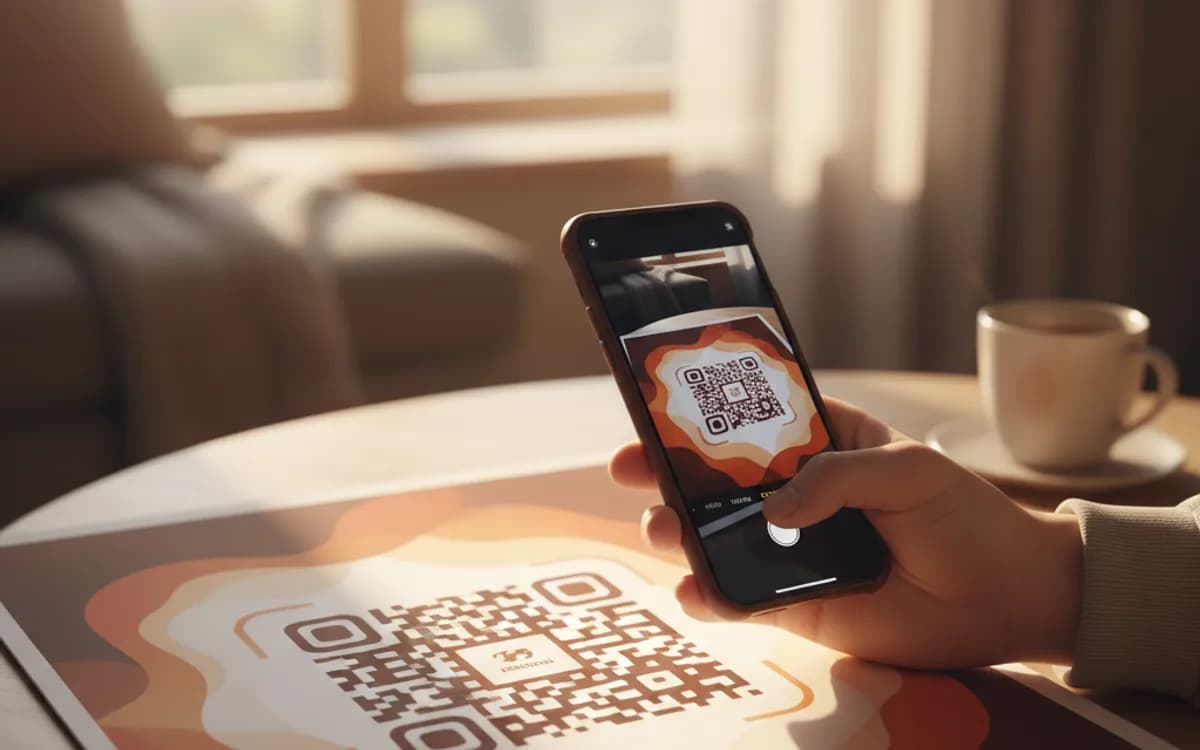
How a scanner reads colour
It mostly does not. The camera converts the image to greyscale and looks for the contrast boundary between light and dark modules, which is why two colours with similar luminance are unreadable no matter how different their hues look to you. Red and green may be opposites on a colour wheel and near-identical in grey. This is also why the safest bright-brand codes use a saturated dark colour, deep blue, forest green, burgundy, rather than a mid-tone version of the same hue.
Gradients, patterns and photo backgrounds
A gentle gradient between two dark tones is usually safe. A gradient that passes through a light tone is not, because part of the pattern loses contrast with the background. Photographic backgrounds behind a code fail regularly for the same reason, the contrast varies across the symbol and the scanner loses the boundary somewhere in the middle. If a design demands a photo, put the code on a solid panel over it.
What to do about dark backgrounds
Brand designs frequently want a code on a black or deep-coloured page, which pushes people towards inverting the code to light-on-dark. Some scanners cope, some do not, and you will not find out which until it is in print. The reliable answer is a light panel, a rounded white or off-white rectangle behind the code, sized to include the quiet zone. It keeps polarity correct, guarantees the margin, and reads as a deliberate design element rather than a compromise.
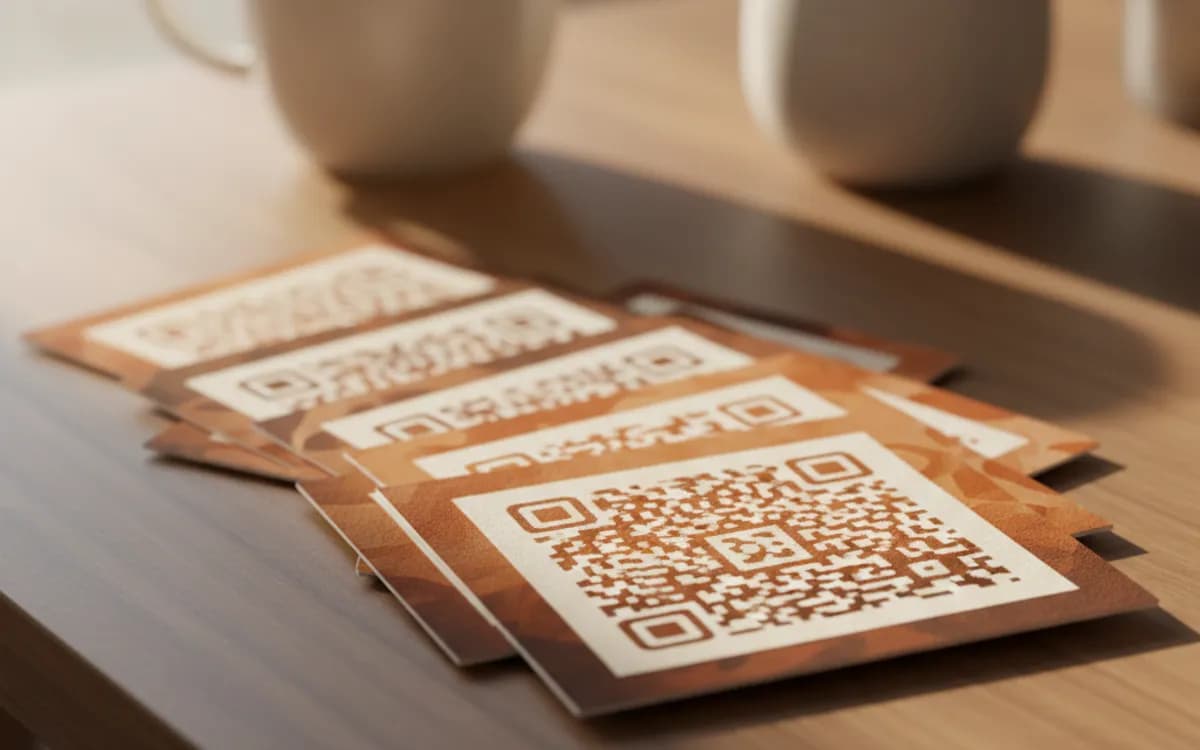
Free Tool vs a Free linkutm Plan
Every code on this page is free to make and never expires. A free linkutm plan adds what a printed code cannot do on its own, editing the destination and counting the scans, with no credit card required.
Editable codes, scan tracking, and analytics are included on the free plan. Your own domain, logo, frames, and team seats come with a paid plan when you need them.
Free plan available. No credit card required.
Frequently Asked Questions
Want To Know Who Scanned It?
A dynamic QR code keeps the same printed pattern while you change where it points, and shows you every scan, when, where, and on what device.
Related Tools
Free QR Code Generator with Logo
Add your logo to a free, scannable QR code in seconds. No signup. The best branded QR code maker for cards, packaging and print. Download PNG, SVG or PDF.
Generate Free QR Codes for URLs
Turn any link into a free URL QR code in seconds. No signup, no expiry. Download PNG, SVG or PDF, add your logo, and track every scan with linkutm.
Free QR Code Sticker Generator
Design a free, print-ready QR code sticker in seconds. No signup. The best QR code sticker maker for products, windows and packaging. Download PNG, SVG or PDF.
Generate Free QR Codes for Weddings
Create a free wedding QR code so guests share and view photos with one scan. No signup. Perfect for invites and signs. Download PNG, SVG or PDF.