Free QR Code Generator with Logo
A logo in the middle of a code is not decoration, it is the thing that tells a stranger the square is safe to scan. Here is how to add one without breaking it.
Make your branded QR code
Link to any web page
Try something like https://example.com/

This code is static and permanent. To change where it points after printing, .
Why Use This Tool
A logo in the middle of a code is not decoration, it is the thing that tells a stranger the square is safe to scan. Here is how to add one without breaking it.
A mark people trust to scan
A recognisable logo in the centre answers the only question a scanner is asking, who this belongs to, and removes the hesitation that kills scans.
Stays readable behind the logo
Error correction reconstructs the modules under a centred logo, so at roughly a fifth of the code area it still decodes in the real world.
Brand it beyond the logo
Restyle the module shape, the corner squares and the colours around your mark while keeping the pattern darker than the background.
Sharp at any print size
Download the branded code as SVG or PDF so the logo and pattern stay crisp from a business card to a shop window.
How It Works
- 1
Generate the code, then upload your logo
Enter your destination first so the pattern is built, then add the logo in the design panel. Upload a PNG with a transparent background or an SVG. A logo on a coloured rectangle covers more of the pattern than the mark itself needs to, which is wasted redundancy.
- 2
Keep the logo under about 20% of the code area
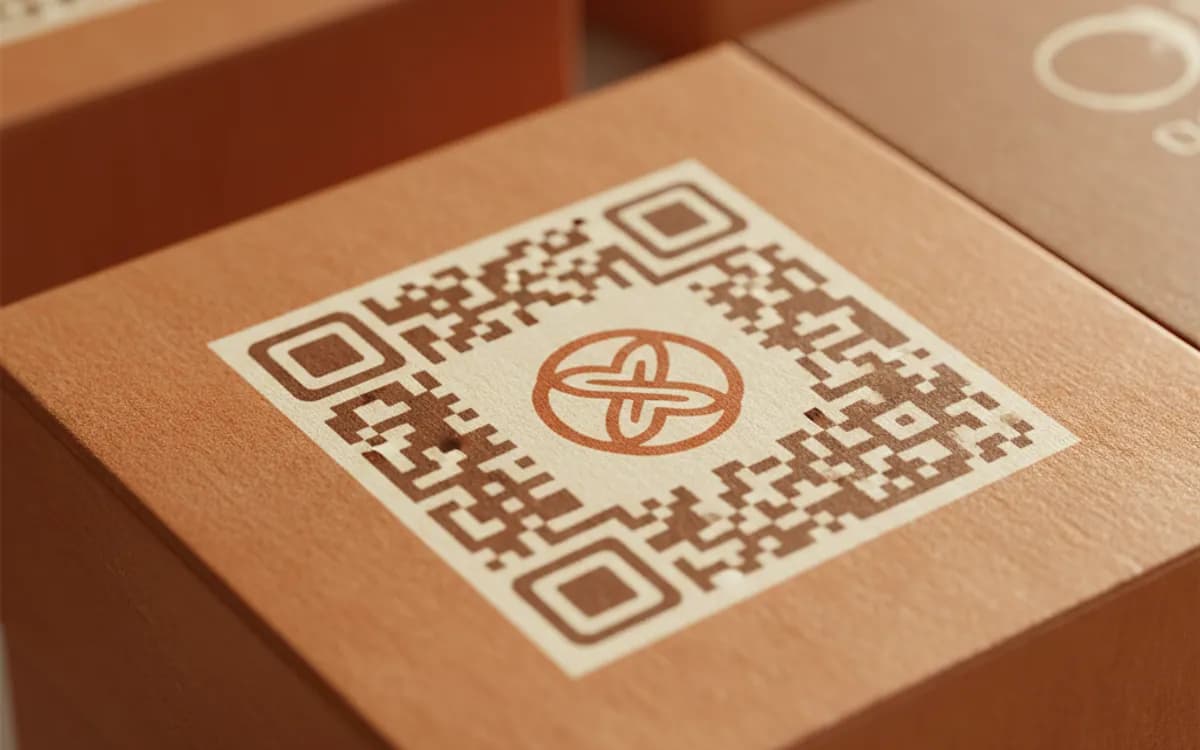
QR codes carry Reed-Solomon error correction, and at the level used here roughly 30% of the symbol can be obscured and still decode. Staying under 20% leaves headroom for the real world, a fold in the paper, a smudge, a bad angle, an old camera.
- 3
Never cover a corner square
The three large squares in the corners are the position markers the scanner uses to find and orient the code. They are not part of the data and they are not protected by error correction. Obscure one and the scan does not degrade, it fails outright. Keep the logo centred.
- 4
Test the finished code before you commit it
Scan it with two different phones, one iOS and one Android, at the size and distance it will be used at. If either hesitates, shrink the logo by a few percent, reliability is worth far more than the last five percent of logo size.
Why a logo raises scan rates
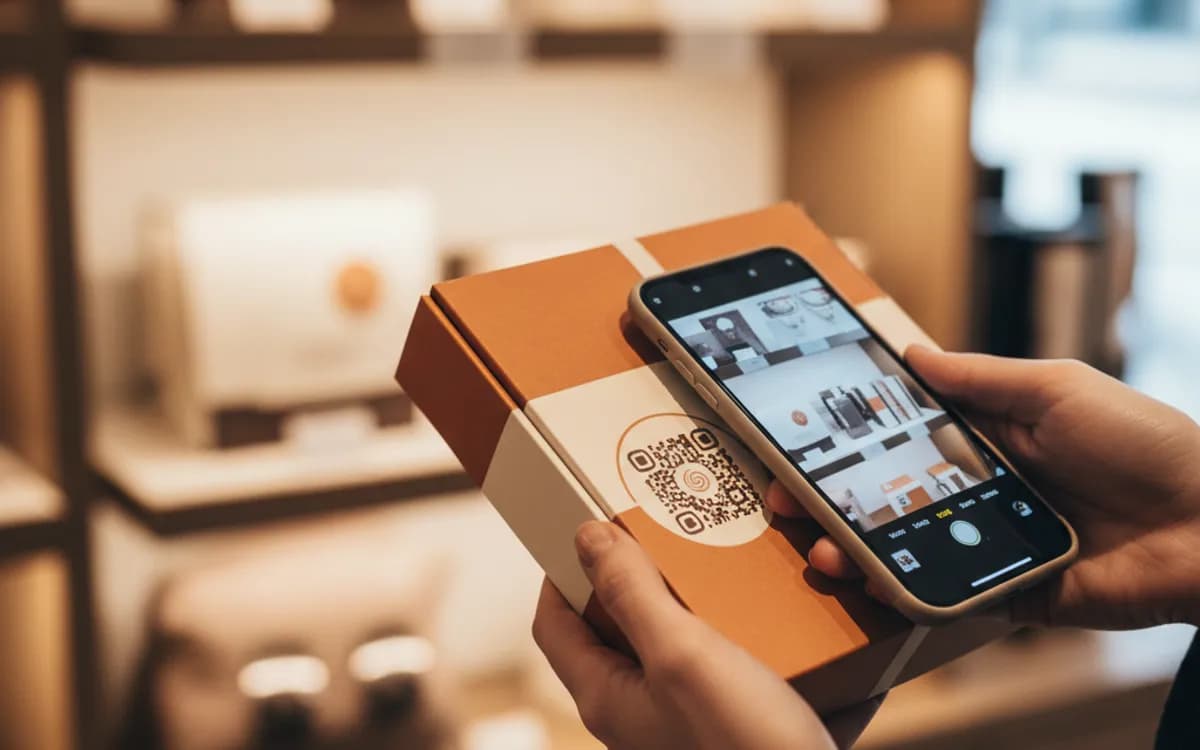
QR codes have a trust problem: people have been told that scanning unknown squares can be dangerous, and they are not wrong. A recognisable mark in the centre answers the only question the scanner is actually asking, which is who this belongs to. On the same placement with the same offer, a branded code consistently outperforms a plain one, not because it is prettier, but because it removes hesitation at exactly the moment it occurs.
How much of the pattern you can really cover
The error correction level sets the budget. At level H, around 30% of the modules can be lost and the code still resolves, but that budget is shared with everything else the physical world does to a printed code. Ink spread, a crease, a shadow, a partial reflection and a low-resolution camera all draw from the same allowance. Spending 20% on a logo and leaving 10% for reality is the balance that survives; spending 28% and calling it fine in the office is how codes fail in the field.
Brand it further without breaking it
Beyond the logo you can change the module shape, the corner square and corner dot styles, and the colours. The constraints are simple and non-negotiable: the pattern must be darker than the background, the contrast ratio should be comfortable rather than marginal, and the quiet zone stays clear. Inverted light-on-dark codes and pale pastel patterns are the two style choices that most often produce a beautiful code nobody can scan.
Free Tool vs a Free linkutm Plan
Every code on this page is free to make and never expires. A free linkutm plan adds what a printed code cannot do on its own, editing the destination and counting the scans, with no credit card required.
Editable codes, scan tracking, and analytics are included on the free plan. Your own domain, logo, frames, and team seats come with a paid plan when you need them.
Free plan available. No credit card required.
Frequently Asked Questions
Want To Know Who Scanned It?
A dynamic QR code keeps the same printed pattern while you change where it points, and shows you every scan, when, where, and on what device.
Related Tools
Free Colored QR Code Generator
Create a free colored QR code with custom colors and backgrounds that still scans reliably. No signup. The best colorful QR maker. Download PNG, SVG or PDF.
Generate Free QR Codes for URLs
Turn any link into a free URL QR code in seconds. No signup, no expiry. Download PNG, SVG or PDF, add your logo, and track every scan with linkutm.
Free QR Code Sticker Generator
Design a free, print-ready QR code sticker in seconds. No signup. The best QR code sticker maker for products, windows and packaging. Download PNG, SVG or PDF.
Generate Free QR Codes for Business Cards
Create a free business card QR code that shares your contact details on scan and saves to phones. No signup. Perfect for cards. Download PNG, SVG or PDF.