Free QR Code Sticker Generator
A sticker is the cheapest way to put a code somewhere it will actually be scanned. The generator is the easy part, what follows is the sizing, material and placement guidance that decides whether it works.
Make your QR sticker
Link to any web page
Try something like https://example.com/

This code is static and permanent. To change where it points after printing, .
Why Use This Tool
A sticker is the cheapest way to put a code somewhere it will actually be scanned. The generator is the easy part, what follows is the sizing, material and placement guidance that decides whether it works.
Vector SVG for any size
Download the SVG and it stays perfectly sharp whether the printer runs it at 2cm or 20cm, with no resolution questions.
Custom colors and logo
Style the code to match the surface it lands on, and add a logo that signals the sticker is legitimate and worth scanning.
Reads from the right distance
Keep the quiet zone and size the code for how far away people stand, so it scans off a window, a counter or packaging.
Encoded in your browser
Free with no signup, the link is turned into a code locally on your device, so nothing you encode is sent to a server.
How It Works
- 1
Generate the code and download the SVG
Always take the SVG for stickers. It is vector, so it stays perfectly sharp whether the printer runs it at 2cm or 20cm, and print shops accept it without the resolution questions a PNG invites.
- 2
Size it for the scanning distance
One centimetre of code for every ten centimetres of distance. Roughly: 2cm for something held in the hand, 3cm for a table or counter, 5cm for a wall at a metre or two, 10cm and up for a window read from the pavement. When in doubt, go one size larger, an oversized code costs nothing and an undersized one costs every scan.
- 3
Leave the quiet zone alone
The blank margin around the pattern is part of the code, not packaging around it. Keep clear space of at least four modules, visually, about the width of one of the corner squares, on all sides. Stickers fail more often from a border printed too tight than from anything else.
- 4
Choose the finish before the design
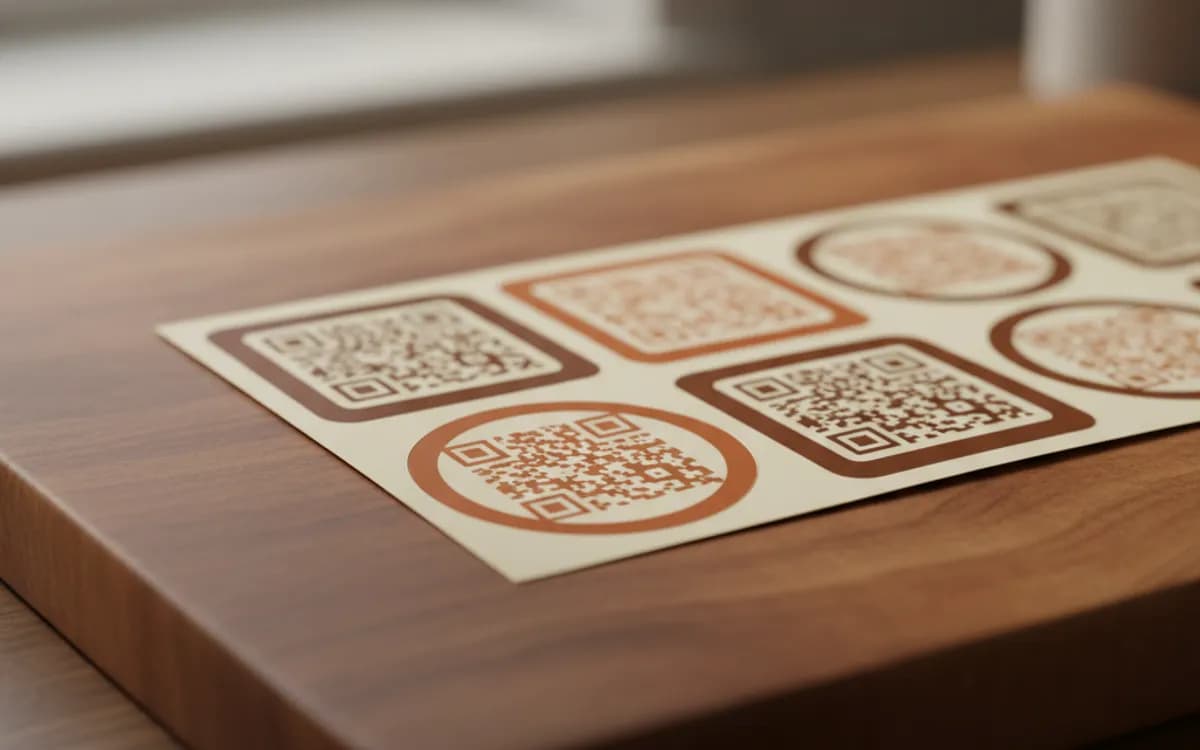
Matte or satin vinyl for anything under bright light, because gloss throws a camera flash straight back and produces a white hole where the pattern should be. Weatherproof laminated vinyl for outdoors and anything wiped down daily. Paper only for indoor, short-life use.
Where stickers beat printed packaging
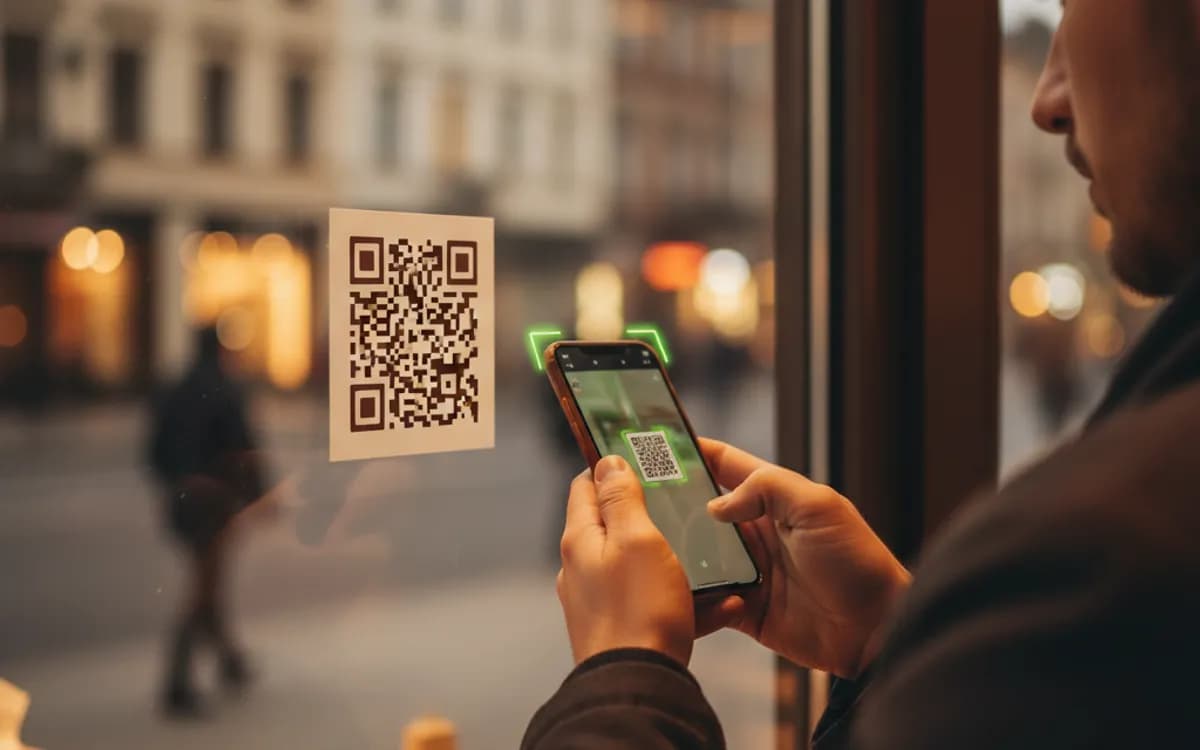
Stickers are for things you cannot reprint. A menu board already installed, a shop window, a table top, a delivery box from a supplier, a piece of equipment in the field. They are also the right way to test a placement before committing: run fifty stickers, put them in three different spots with three different codes, and let a fortnight of scan data tell you where the next thousand should go.
Curves, gloss and dark surfaces
Three physical enemies. Curved surfaces distort the grid, so on bottles and tubes keep the code narrow relative to the diameter and orient it along the curve rather than across it. Gloss reflects, so choose matte laminate. Dark surfaces tempt people into inverting the code to white-on-black, which many scanners handle but some do not, a safer route is a white sticker with a dark pattern applied to the dark surface, which keeps polarity correct and adds the quiet zone for free.
Make the sticker say what it does
A bare square gets scanned by the curious. A square with 'Scan for today's menu' or 'Scan to join our Wi-Fi' gets scanned by everyone who wants that thing. Leave room in the sticker layout for a short line of text above or below the code, in type large enough to read at the same distance the code is meant to be scanned from.
Free Tool vs a Free linkutm Plan
Every code on this page is free to make and never expires. A free linkutm plan adds what a printed code cannot do on its own, editing the destination and counting the scans, with no credit card required.
Editable codes, scan tracking, and analytics are included on the free plan. Your own domain, logo, frames, and team seats come with a paid plan when you need them.
Free plan available. No credit card required.
Frequently Asked Questions
Want To Know Who Scanned It?
A dynamic QR code keeps the same printed pattern while you change where it points, and shows you every scan, when, where, and on what device.
Related Tools
Free QR Code Generator with Logo
Add your logo to a free, scannable QR code in seconds. No signup. The best branded QR code maker for cards, packaging and print. Download PNG, SVG or PDF.
Generate Free QR Codes for Wi-Fi
Create a free Wi-Fi QR code so guests join your network with one scan, no password typing. No signup. Print it for the wall. Download PNG, SVG or PDF.
Generate Free QR Codes for Restaurant Menus
Create a free menu QR code so guests view your digital menu with one scan. No signup, update the menu anytime. Download PNG, SVG or PDF.
Generate Free QR Codes for Product Info
Create a free product QR code that opens details, how-tos or authenticity on scan. No signup. Ideal for packaging. Download PNG, SVG or PDF.