Generate Free QR Codes for Images
A QR code cannot hold a photograph, but it can hold the address of one. Host the image, encode the link, and anyone who scans sees the picture full screen on their phone.
Make your image QR code
Link to any web page
Try something like https://example.com/

This code is static and permanent. To change where it points after printing, .
Why Use This Tool
A QR code cannot hold a photograph, but it can hold the address of one. Host the image, encode the link, and anyone who scans sees the picture full screen on their phone.
Opens the photo full screen
The scan takes people straight to your hosted image or gallery, shown large on the phone rather than as a thumbnail on print.
Free with no signup
Paste the public link to your image and generate the code instantly, with no account and nothing to install.
Swap the file later
Point the code at a linkutm short link and you can move or replace the image without reprinting a single label.
PNG for screen, SVG for print
Download the format that fits: PNG for digital use, SVG or PDF for anything that goes to a printer at any size.
How It Works
- 1
Put the image somewhere public first
Your own site, a CDN, Google Drive, Dropbox, or any image host will do. What matters is that the link opens for a stranger with no account. Open it in a private browser window and check, the single most common failure with image codes is a share link that silently requires sign-in.
- 2
Copy the direct image link, not the viewer page
Google Drive and Dropbox default to a preview page with their own chrome around it. If you want the picture to fill the screen on scan, use the direct file link. If you would rather people could download it easily, the viewer page is actually the better choice, decide which experience you want before you generate.
- 3
Compress before you publish
A 12MB photo straight off a camera takes an unpleasant amount of time to load on mobile data, and people abandon during the wait. Export at around 2000px on the long edge as a JPEG or WebP and the file drops to a few hundred kilobytes with no visible loss on a phone screen.
- 4
Generate, print, and scan it yourself
Download the PNG for digital use or the SVG for print, then scan your own code on mobile data rather than office Wi-Fi. That is the only honest test of what a customer will experience.
Why the image is never inside the code
A QR symbol tops out at roughly 3KB of raw data, which is a few paragraphs of text and nowhere near a photograph. So every image QR code, from every provider, encodes a link to a hosted file. Anyone claiming to embed the picture itself is embedding a link and hosting the file for you, which is fine, but worth knowing because it means the code stops working the day that hosting does.
Where image codes do real work
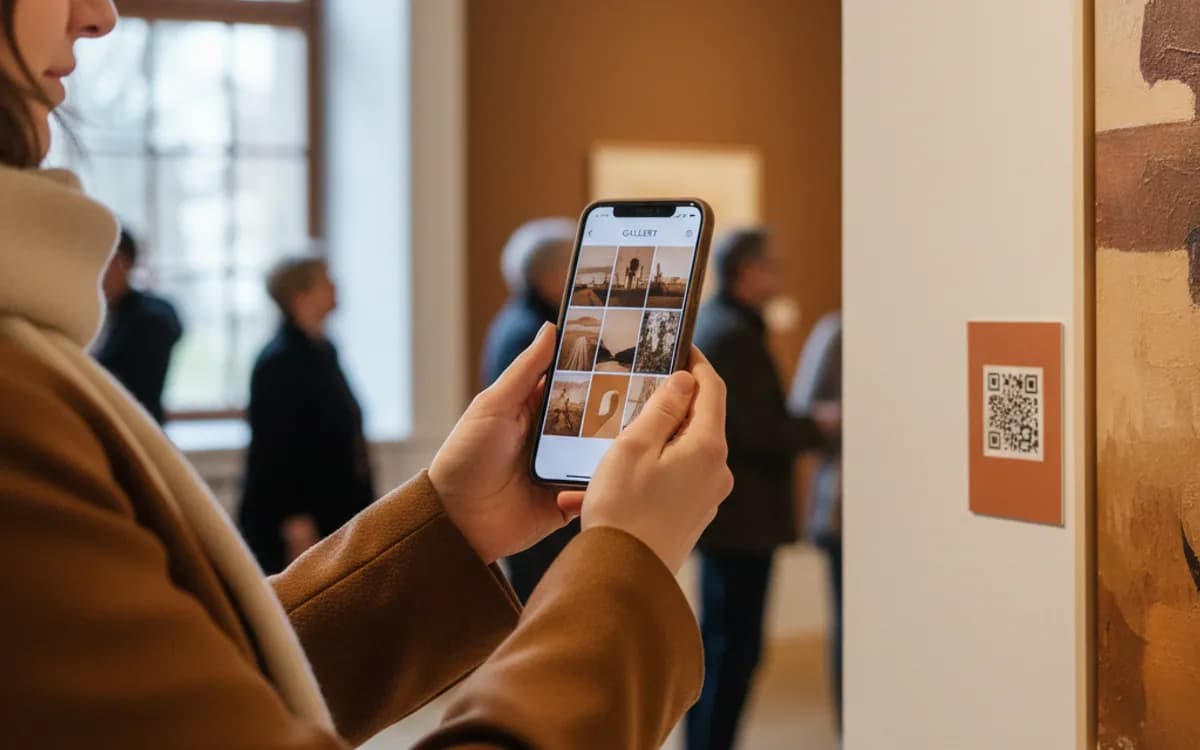
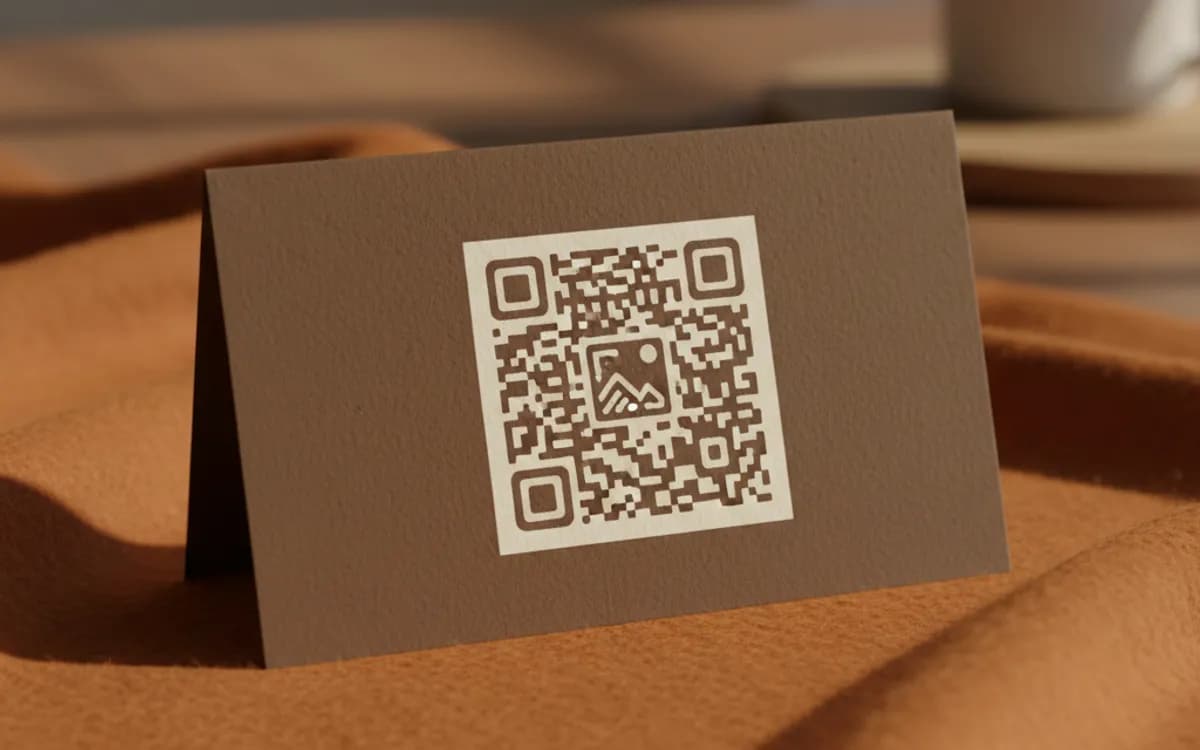
Wedding and event photo albums, where guests scan a table card to see the gallery. Property boards showing interior shots the passer-by cannot see from the pavement. Art and museum labels linking to a high-resolution detail. Trade and wholesale catalogues where the printed sheet is monochrome but the buyer needs to see the finish. Instruction labels where a photo of the correct assembly beats three paragraphs of text.
Keep control of the file
Static image codes have the hosting URL baked in, which makes you dependent on that host for the life of the print run. Free image hosts change their URL structure, throttle traffic, and disappear. If the code is going on anything with a shelf life, host the file on a domain you control, or point the code at a linkutm short link so you can move the file later without reprinting a single label.
Free Tool vs a Free linkutm Plan
Every code on this page is free to make and never expires. A free linkutm plan adds what a printed code cannot do on its own, editing the destination and counting the scans, with no credit card required.
Editable codes, scan tracking, and analytics are included on the free plan. Your own domain, logo, frames, and team seats come with a paid plan when you need them.
Free plan available. No credit card required.
Frequently Asked Questions
Want To Know Who Scanned It?
A dynamic QR code keeps the same printed pattern while you change where it points, and shows you every scan, when, where, and on what device.
Related Tools
Generate Free QR Codes for PDFs
Turn any PDF into a free QR code that opens the document on scan. No signup. Ideal for menus, manuals and brochures. Download PNG, SVG or PDF.
Generate Free QR Codes for Videos
Make a free video QR code that plays your video on scan. No signup. Perfect for packaging, ads and manuals. Download PNG, SVG or PDF.
Generate Free QR Codes for Product Info
Create a free product QR code that opens details, how-tos or authenticity on scan. No signup. Ideal for packaging. Download PNG, SVG or PDF.
Generate Free QR Codes for Weddings
Create a free wedding QR code so guests share and view photos with one scan. No signup. Perfect for invites and signs. Download PNG, SVG or PDF.