Generate Free QR Codes for Videos
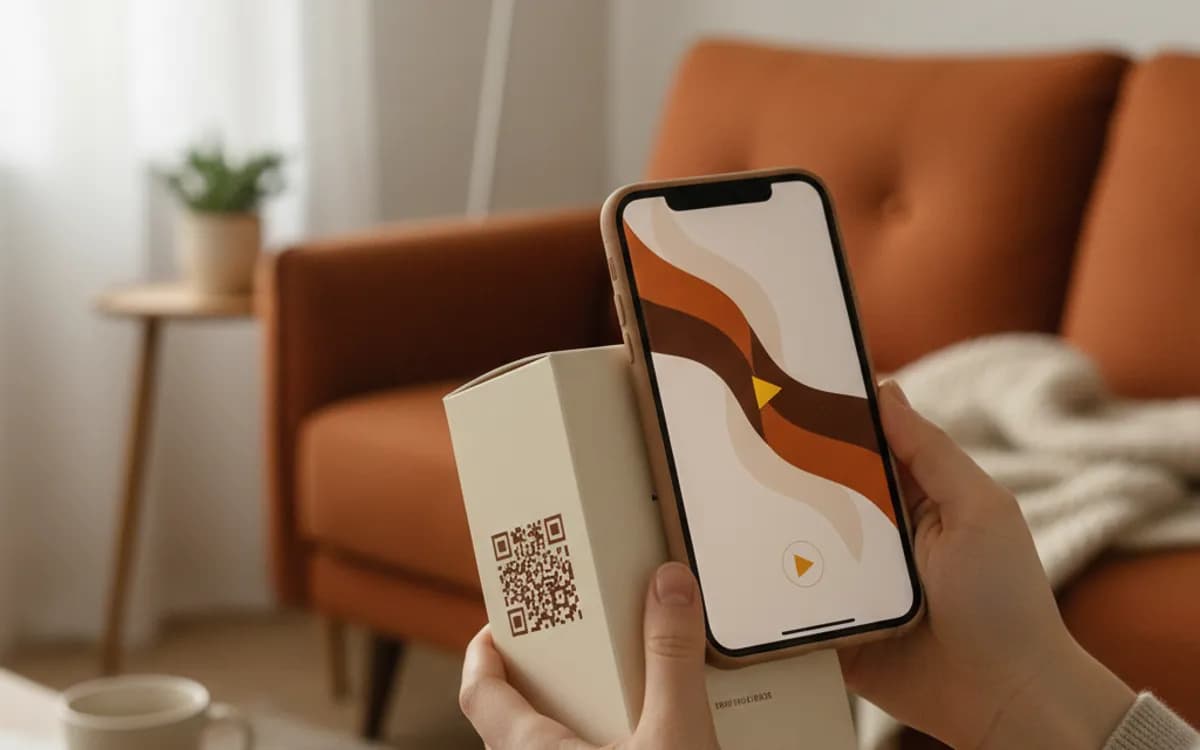
Print is silent and still. A video code fixes that: someone scans a box, a poster, or a manual and your demo, tutorial or ad starts playing in their hand.
Create your video QR code
Link to any web page
Try something like https://example.com/

This code is static and permanent. To change where it points after printing, .
Why Use This Tool
Print is silent and still. A video code fixes that: someone scans a box, a poster, or a manual and your demo, tutorial or ad starts playing in their hand.
Plays in the scanner's hand
Someone scans a box, poster or manual and your demo, tutorial or ad opens for playback on their own phone.
Jump to the part that matters
Add a start time to a YouTube link so the scan drops straight into the thirty seconds that count, not eight minutes of intro.
Track scans by placement
A tagged short link records each scan with time, city and device, so packaging, retail signage and print stay separate in one report.
Swap the video without reprinting
Point the code at a linkutm short link and repoint it at a new cut, a new platform, or a different video whenever you need.
How It Works
- 1
Copy the video's watch link
Use the standard address from the browser's URL bar, a youtube.com/watch or youtu.be link, a vimeo.com link, or the direct address of a file you host. Avoid the embed URL, which is designed to sit inside a page and behaves oddly when opened on its own.
- 2
Set a start time if the useful part is buried
YouTube honours a start parameter, so you can drop a scanner straight into the thirty seconds that matter. On packaging especially this is the difference between a viewed demo and a bounced one, nobody scans a box and then scrubs through eight minutes of intro.
- 3
Check it plays on a phone, on mobile data
Scan the code on a handset off Wi-Fi. Look for the things that break in the wild: age restrictions and region blocks, autoplay prevented by the browser, and hosted files that download instead of playing because the server sends the wrong content type.
- 4
Give people a reason to scan
'Scan to watch the 60-second setup guide' outperforms a bare code by a wide margin. Say what the video is and how long it runs, the length matters, because people decide whether to scan based on how much time they think it will cost them.
Hosted platform or your own file?
YouTube and Vimeo handle bandwidth, adaptive quality on weak connections, and playback across every device, and they cost nothing. The trade is that YouTube shows related videos and, on some accounts, ads, on a premium product's packaging that can be jarring. Self-hosting gives you a clean player and full control, but you carry the bandwidth and you have to get the encoding right for mobile. For most campaigns the platform link is the pragmatic answer; for luxury goods and regulated content, host it yourself.
Where video codes convert best
Assembly and setup instructions on flat-pack packaging, where showing beats telling and it measurably reduces support calls. Product demos on shelf-edge labels in electronics and appliance retail. Property listings, where a walkthrough on a board outside converts far more viewings than photographs. Training and safety notices on equipment. Print ads and direct mail, where the video is the only way to show the product in motion.
Tracking a video code properly
Platform view counts tell you the video was watched but never that it was watched because of your poster. Point the code at a tagged short link that redirects to the video and the scan is recorded on your side, with time, city and device, before the platform ever sees it. That also means one video can carry separate codes for packaging, retail signage and print, and you can tell them apart in a single report.
Free Tool vs a Free linkutm Plan
Every code on this page is free to make and never expires. A free linkutm plan adds what a printed code cannot do on its own, editing the destination and counting the scans, with no credit card required.
Editable codes, scan tracking, and analytics are included on the free plan. Your own domain, logo, frames, and team seats come with a paid plan when you need them.
Free plan available. No credit card required.
Frequently Asked Questions
Want To Know Who Scanned It?
A dynamic QR code keeps the same printed pattern while you change where it points, and shows you every scan, when, where, and on what device.
Related Tools
Generate Free QR Codes for Audio
Create a free audio QR code that plays your track or message on scan. No signup. Great for cards, merch and museums. Download PNG, SVG or PDF.
Generate Free QR Codes for Images
Create a free image QR code that opens your photo or gallery on scan. No signup. Great for events, products and print. Download PNG, SVG or PDF.
Generate Free QR Codes for YouTube
Create a free YouTube QR code that opens your channel or video on scan. No signup. Drive views from print, packaging and slides. Download PNG, SVG or PDF.
Generate Free QR Codes for Product Info
Create a free product QR code that opens details, how-tos or authenticity on scan. No signup. Ideal for packaging. Download PNG, SVG or PDF.