Generate Free QR Codes for YouTube
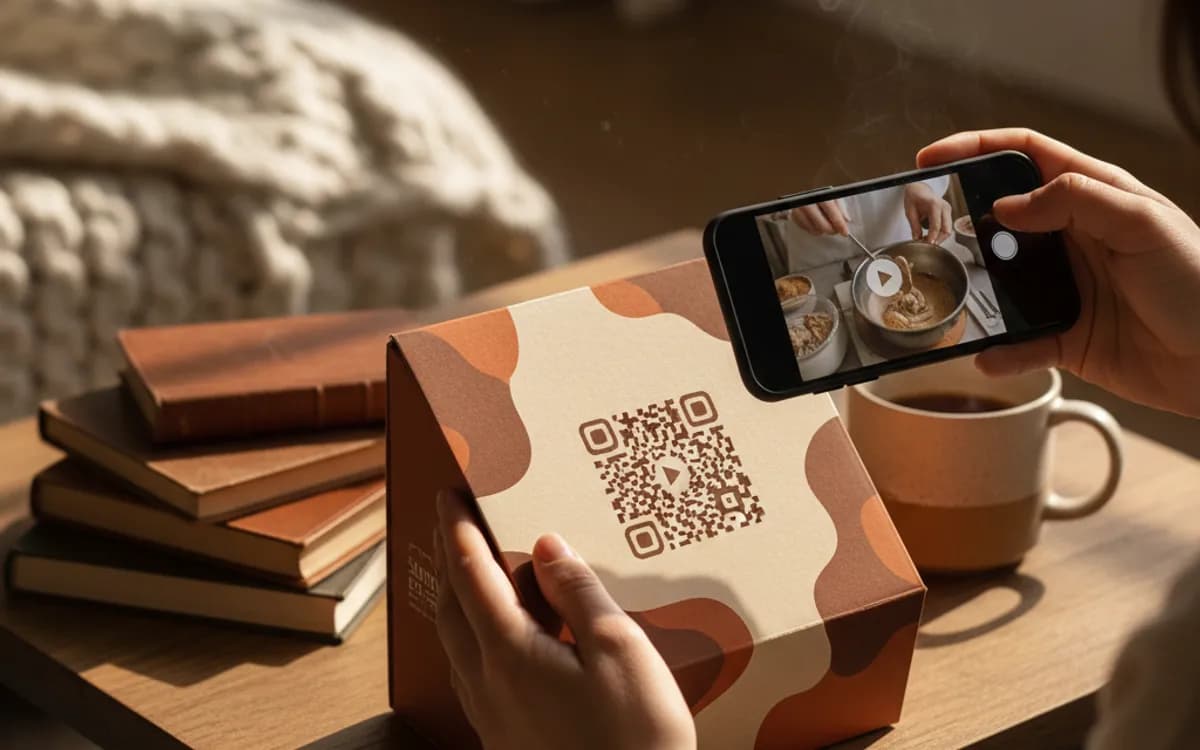
Print cannot move. A YouTube code fixes that, a scan on a poster, a manual or a box puts your video on the screen the person is already holding.
Make your YouTube QR code
Redirect to a YouTube channel
Enter the URL of your YouTube channel or video

This code is static and permanent. To change where it points after printing, .
Why Use This Tool
Print cannot move. A YouTube code fixes that, a scan on a poster, a manual or a box puts your video on the screen the person is already holding.
Turns print into playback
A scan on a poster, box or manual opens your channel or a specific video on the phone the person is already holding.
Drop viewers at the right moment
Encode a start time so an instruction video opens exactly where the answer is, with no scrubbing past an intro.
Designed for busy layouts
Colors and a centre logo keep the code readable against packaging art, a slide or a heavily designed poster.
Free PNG, SVG and PDF
Download crisp files with no account, sized for anything from a shelf label to a full-page manual insert.
How It Works
- 1
Pick channel or video, and mean it
A channel code is for building an audience and belongs on brand print, packaging and event material. A video code is for delivering one specific piece of content, an assembly guide, a demo, a case study, and belongs next to the thing it explains. Mixing the two wastes both.
- 2
Copy the address from the browser bar
Use youtube.com/@yourchannel for a channel and a standard watch or youtu.be link for a video. Avoid the embed URL, which is meant to sit inside a page and behaves oddly when opened directly.
- 3
Add a start time when the useful part is buried
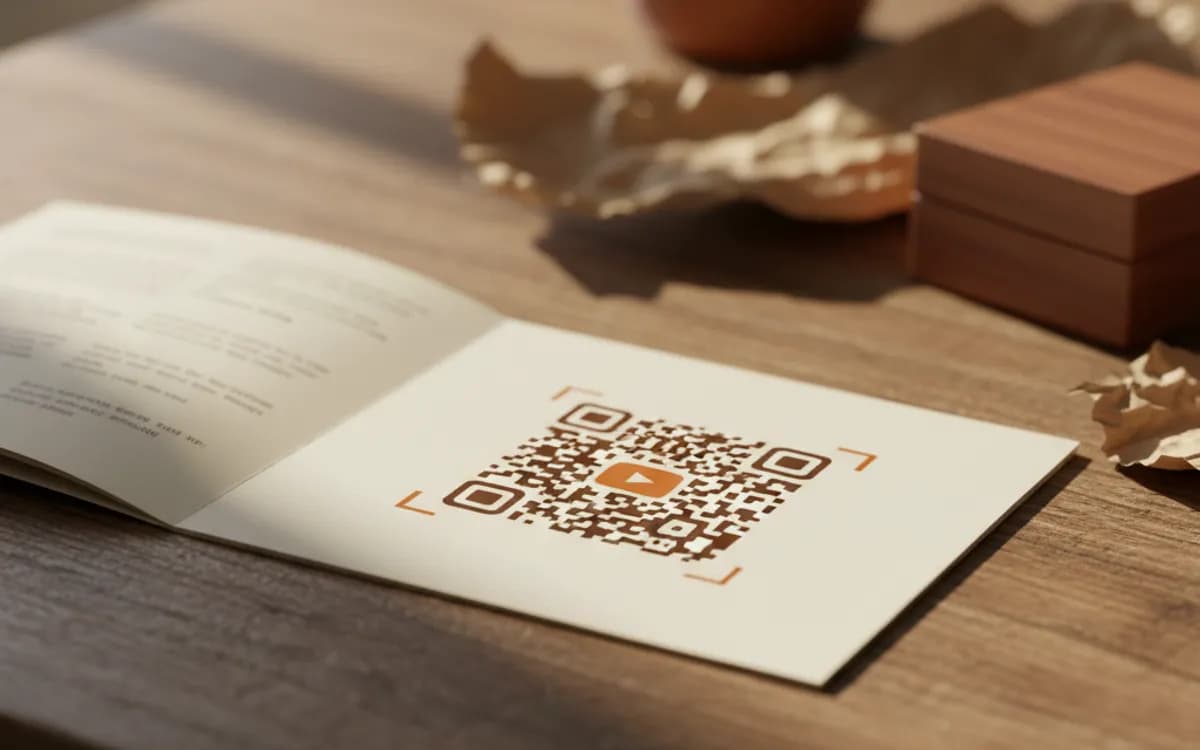
Appending a start parameter drops the viewer into the exact moment that matters. On a printed instruction sheet this is the difference between a viewed answer and a person scrubbing through an intro they did not ask for.
- 4
Tell them what they are getting and how long it takes
'Scan to watch the 2-minute setup guide' beats a bare code and beats 'Watch on YouTube'. The runtime matters more than people expect, a stated short duration removes the main reason someone decides not to scan.
Subscribe prompts and channel codes
Adding ?sub_confirmation=1 to a channel URL opens the subscribe dialogue on arrival, which lifts conversion noticeably on print aimed at building an audience. Use it where the ask is genuinely to subscribe, a creator's flyer, a merch insert, an end-of-talk slide. Do not use it on an instruction manual, where the visitor came for an answer and a subscribe prompt reads as an ambush.
The strongest placement is documentation
The highest-value YouTube codes are rarely on marketing. They are on assembly instructions, appliance labels, tool packaging and service manuals, where a two-minute video answers what three paragraphs and a diagram cannot. Companies that do this well see support contacts fall, and the same video works across every language market because the demonstration carries most of the meaning.
Platform views are not attribution
YouTube tells you the view happened; it will not tell you it happened because of your packaging. Route the code through a tracked short link and the scan is recorded before YouTube sees it, with time, city and device, so you can compare the manual insert against the shelf label against the poster in one report.
Free Tool vs a Free linkutm Plan
Every code on this page is free to make and never expires. A free linkutm plan adds what a printed code cannot do on its own, editing the destination and counting the scans, with no credit card required.
Editable codes, scan tracking, and analytics are included on the free plan. Your own domain, logo, frames, and team seats come with a paid plan when you need them.
Free plan available. No credit card required.
Frequently Asked Questions
Want To Know Who Scanned It?
A dynamic QR code keeps the same printed pattern while you change where it points, and shows you every scan, when, where, and on what device.
Related Tools
Generate Free QR Codes for Videos
Make a free video QR code that plays your video on scan. No signup. Perfect for packaging, ads and manuals. Download PNG, SVG or PDF.
Generate Free QR Codes for TikTok
Create a free TikTok QR code that opens your profile on scan and wins followers. No signup. Perfect for packaging and events. Download PNG, SVG or PDF.
Generate Free QR Codes for Instagram
Create a free Instagram QR code that opens your profile on scan and grows your followers. No signup. Perfect for print and packaging. Download PNG, SVG or PDF.
Generate Free QR Codes for Product Info
Create a free product QR code that opens details, how-tos or authenticity on scan. No signup. Ideal for packaging. Download PNG, SVG or PDF.