Generate Free QR Codes for Calendly
The gap between meeting someone and getting a meeting in the diary is where most leads die. A Calendly code closes it while you are still standing there.
Make your booking QR code
Link to any web page
Try something like https://example.com/

This code is static and permanent. To change where it points after printing, .
Why Use This Tool
The gap between meeting someone and getting a meeting in the diary is where most leads die. A Calendly code closes it while you are still standing there.
Books the meeting on the spot
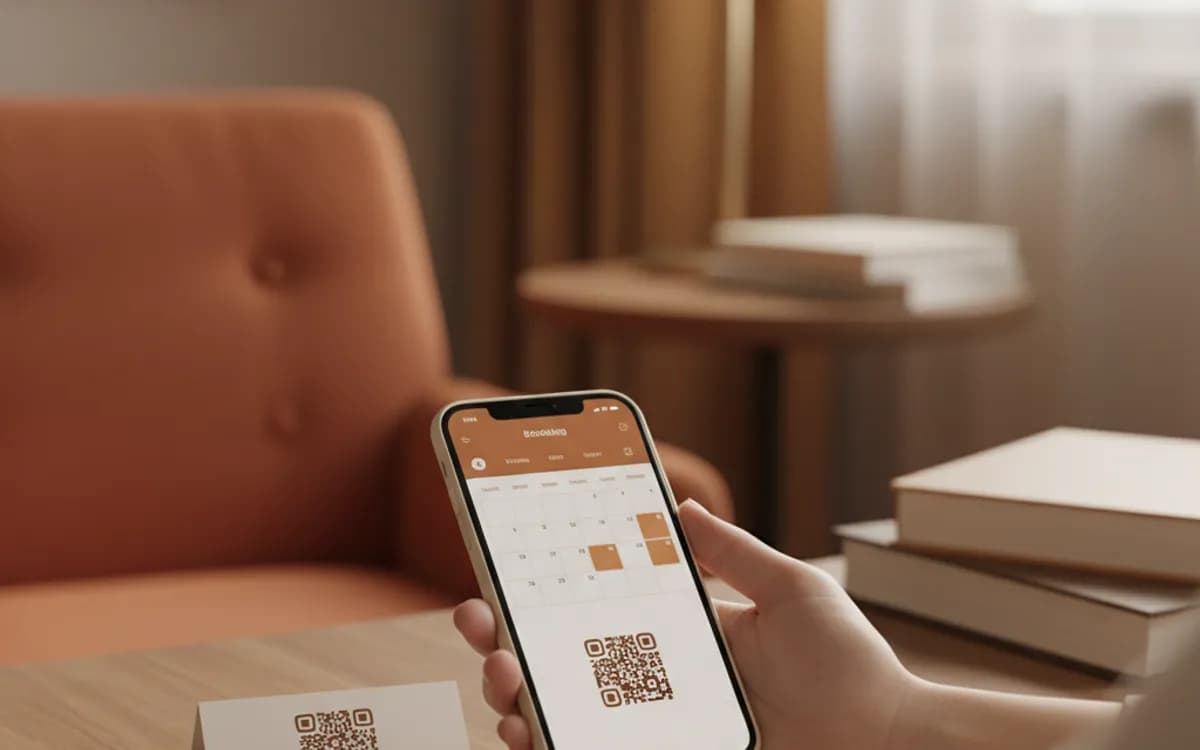
A scan opens your booking page while the conversation is still live, so a warm lead lands in the diary before they leave the stand.
Beats a follow-up email
The scan happens at peak intent with the phone already in hand, not hours later in an inbox that has moved on to fifty other things.
Tag bookings by placement
Calendly URL parameters pre-fill fields and pass a hidden source to your CRM, so you learn which card batch or conference produced pipeline.
Survives an event-type change
Encode a short link you control and repoint it as your booking setup changes, so a card printed today still books meetings in three years.
How It Works
- 1
Choose one event type, not your whole page
Link the specific event type, the 20-minute intro, the demo, the consultation, rather than your general booking page. Every extra choice on arrival costs conversions, and someone who just met you at a stand does not know which of your seven meeting lengths they need.
- 2
Check the availability behind it
A booking code is only as good as the calendar behind it. Before an event, open the availability window wider and add buffers, because a page showing nothing for eleven days converts a warm lead into a cold one instantly.
- 3
Keep the booking form short
Name, email and one qualifying question. Every additional required field is another reason to abandon on a phone, standing up, in a busy hall. Qualify properly on the call, not in the form.
- 4
Print it where the conversation happens
Business cards, conference badges, stand graphics, printed proposals, the last slide of a talk, and the back of a leave-behind. All are moments where the person has just decided you are worth twenty minutes and has no easy way to act on it.
Why this converts better than a follow-up email
A follow-up email is sent hours later into an inbox that has moved on, and it asks the recipient to remember a conversation among fifty others. A scan happens at peak intent, with the person's phone already in hand and the conversation still live. Sales teams that switch from 'I'll send you a link' to a code on the badge routinely see a large share of meetings booked before the visitor has left the stand.
Pre-filling and routing
Calendly accepts URL parameters, so you can pre-fill fields and pass hidden values through to your CRM. Use that to tag which event or placement the booking came from, a distinct parameter for each conference, each card batch, each proposal template. It costs nothing at generation time and it is the only way to know which activity actually produced pipeline.
Keep the code pointing somewhere sensible when things change
Event types get renamed, retired and reorganised, and each change breaks the URL. On a printed business card that is a real problem, because cards live in wallets for years. Point the code at a short link you control and repoint it as your booking setup changes, and a card printed today still books meetings in three years.
Free Tool vs a Free linkutm Plan
Every code on this page is free to make and never expires. A free linkutm plan adds what a printed code cannot do on its own, editing the destination and counting the scans, with no credit card required.
Editable codes, scan tracking, and analytics are included on the free plan. Your own domain, logo, frames, and team seats come with a paid plan when you need them.
Free plan available. No credit card required.
Frequently Asked Questions
Want To Know Who Scanned It?
A dynamic QR code keeps the same printed pattern while you change where it points, and shows you every scan, when, where, and on what device.
Related Tools
Generate Free QR Codes for LinkedIn
Make a free LinkedIn QR code that opens your profile or company page on scan. No signup. Great for cards and events. Download PNG, SVG or PDF.
Generate Free QR Codes for Business Cards
Create a free business card QR code that shares your contact details on scan and saves to phones. No signup. Perfect for cards. Download PNG, SVG or PDF.
Generate Free QR Codes for Zoom
Generate a free Zoom QR code that opens your meeting link on scan. No signup. Perfect for events, offices and classrooms. Download PNG, SVG or PDF.
Generate Free QR Codes for Events
Create a free event QR code that adds your event to any calendar on scan. No signup. Great for invites and posters. Download PNG, SVG or PDF.