Generate Free QR Codes for LinkedIn
The strongest QR code in B2B. Your LinkedIn profile is a CV, a portfolio and a contact record in one, and a code puts all of it into someone's hand at the moment you meet them.
Make your LinkedIn QR code
Redirect to a LinkedIn profile
Enter the URL of your LinkedIn profile or company page

This code is static and permanent. To change where it points after printing, .
Why Use This Tool
The strongest QR code in B2B. Your LinkedIn profile is a CV, a portfolio and a contact record in one, and a code puts all of it into someone's hand at the moment you meet them.
Hands over your full profile
A scan opens your CV, portfolio and contact record the moment you meet someone, with no name to search for.
Fits on a resume header
A small code near your contact details takes a recruiter to your full history without eating page space.
Prints where the app code cannot
Unlike LinkedIn's in-app code, this works on business cards, badges, brochures and slides, in any medium.
Free vector files
Download PNG, SVG or PDF with no account, sharp at the 2cm size a business card needs.
How It Works
- 1
Set a custom profile URL first
Edit your public profile address to linkedin.com/in/yourname before generating anything. The default address ends in a string of random characters, which makes a denser code and looks unprofessional if anyone reads it. It takes thirty seconds and you only do it once.
- 2
Choose profile or company page deliberately
On a personal card, resume or badge, use your profile, people connect with people. On a stand, brochure or job advert, use the company page, which carries the jobs tab and the follower relationship. Do not print both on the same piece.
- 3
Tidy the profile before you print the code
The code is the easy half. Anyone scanning it lands on your headline, photo and first two lines of about, which is your entire first impression, delivered to someone who just met you. Update those before a run of business cards, not after.
- 4
Size it for a card
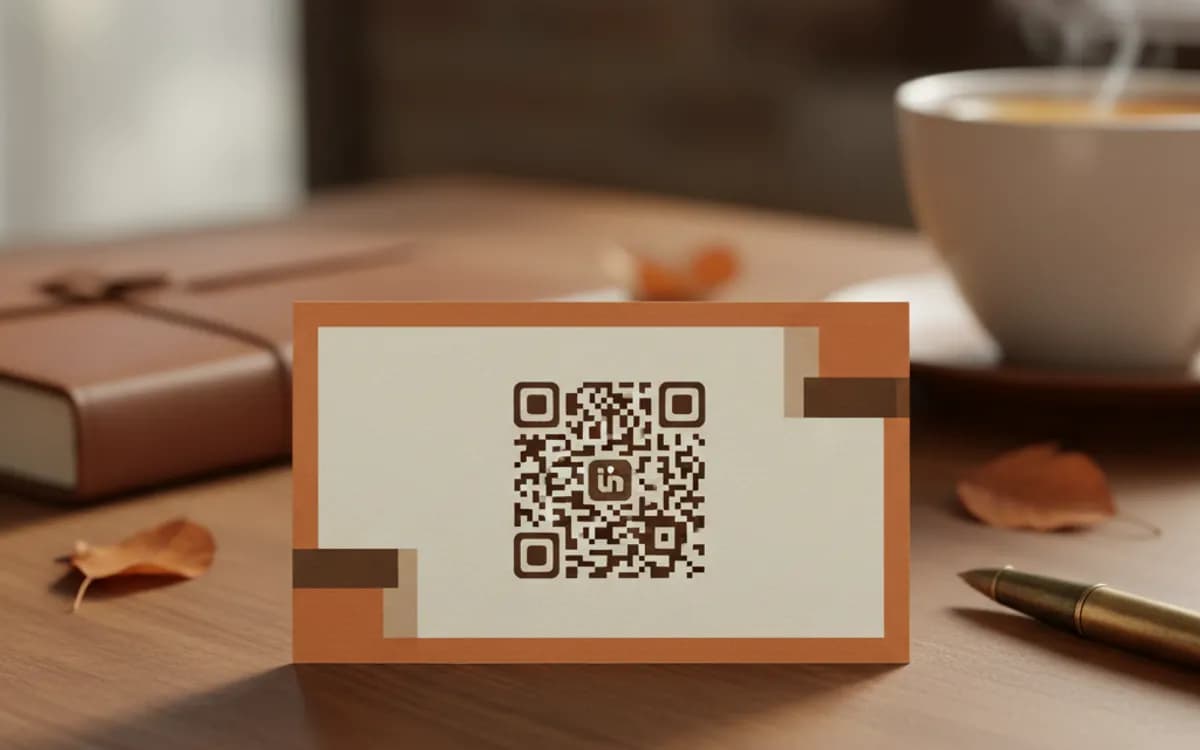
2cm square is the practical minimum for a business card scanned at arm's length, and it needs clear space around it. If the card layout cannot spare that, the code will not work, make room rather than shrinking it.
Better than LinkedIn's own QR code
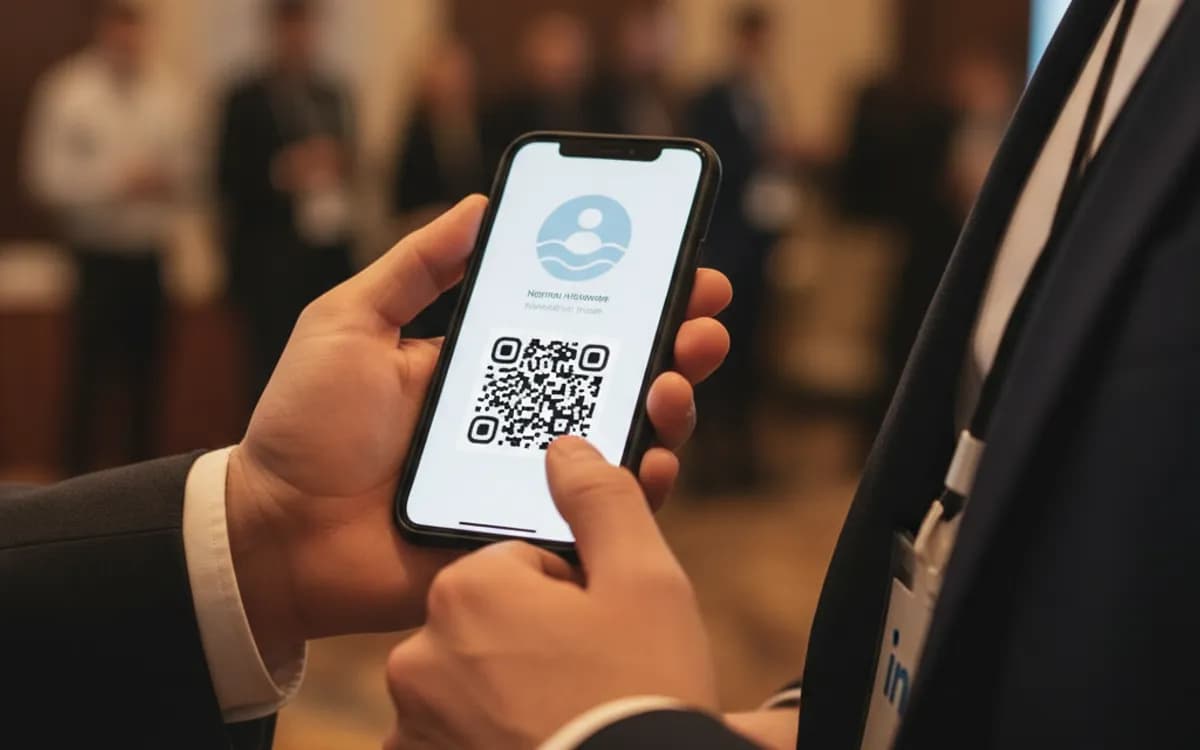
LinkedIn has a built-in code inside the app, and it is genuinely useful in person, but it only exists on your screen. It cannot be printed on a card, embedded in a CV, put on a conference badge, added to a slide, or included in a brochure. A generated code carrying your public profile URL works everywhere, in any medium, with no app open on either side.
The resume use case
A QR code on a CV solves a real problem: two pages cannot hold a portfolio, and recruiters read on screens where a printed link is unclickable anyway. One code near your contact details takes them to a profile with your full history, recommendations and work samples. Keep it small and unobtrusive in the header, label it plainly, and make sure the profile tells the same story as the document, a mismatch between the two is worse than having neither.
Events, where this earns its place
Conference badges, name tents, stand graphics and speaker slides. The exchange it replaces, say your name, spell it, watch them search, watch them find the wrong person, is slow and lossy, and it fails completely in a noisy hall. A code on a badge turns it into two seconds. Print it large enough to be scanned across a table, which means at least 3cm, not the 1cm that fits neatly under a name.
Free Tool vs a Free linkutm Plan
Every code on this page is free to make and never expires. A free linkutm plan adds what a printed code cannot do on its own, editing the destination and counting the scans, with no credit card required.
Editable codes, scan tracking, and analytics are included on the free plan. Your own domain, logo, frames, and team seats come with a paid plan when you need them.
Free plan available. No credit card required.
Frequently Asked Questions
Want To Know Who Scanned It?
A dynamic QR code keeps the same printed pattern while you change where it points, and shows you every scan, when, where, and on what device.
Related Tools
Generate Free QR Codes for Business Cards
Create a free business card QR code that shares your contact details on scan and saves to phones. No signup. Perfect for cards. Download PNG, SVG or PDF.
Generate Free QR Codes for Resumes
Make a free resume QR code that opens your CV or portfolio on scan. No signup. Perfect for print resumes and cards. Download PNG, SVG or PDF.
Generate Free QR Codes for X (Twitter)
Make a free X (Twitter) QR code that opens your profile on scan and grows your audience. No signup. Ideal for events and print. Download PNG, SVG or PDF.
Generate Free QR Codes for Calendly
Create a free Calendly QR code that opens your booking page on scan. No signup. Fill your calendar from cards and events. Download PNG, SVG or PDF.