Generate Free QR Codes for Resumes
Two pages cannot hold a portfolio, and a printed link cannot be clicked. One small code in the header solves both without spending space you need for the job.
Make your resume QR code
Link to any web page
Try something like https://example.com/

This code is static and permanent. To change where it points after printing, .
Why Use This Tool
Two pages cannot hold a portfolio, and a printed link cannot be clicked. One small code in the header solves both without spending space you need for the job.
Your portfolio, one small square
A code in the header opens your LinkedIn, portfolio, or personal site on a scan, without spending the page space your experience needs.
One destination, no clutter
Keep it to a single labelled code in the top corner, so it reads as intentional rather than as a grid of squares nobody scans.
Know when a recruiter looks
Point the code at a tracked short link and you can see how many people opened your work and when, a real signal during a job search.
Works in print and on screen
Download a crisp file that scans off paper and off a laptop display, since many CVs are read as a PDF with a phone already in hand.
How It Works
- 1
Pick one destination
Your LinkedIn profile if you are in a conventional field, your portfolio if the work speaks for itself, your personal site if it gathers both. One code, one destination. Three codes on a CV reads as clutter and gets none of them scanned.
- 2
Fix the destination before you print
Whatever the code opens is now part of your application. Update the headline, the summary, the recent work and the photograph, and remove anything you would not want a hiring manager reading five minutes after your CV. The code is only as good as what it opens.
- 3
Place it in the header, small and labelled
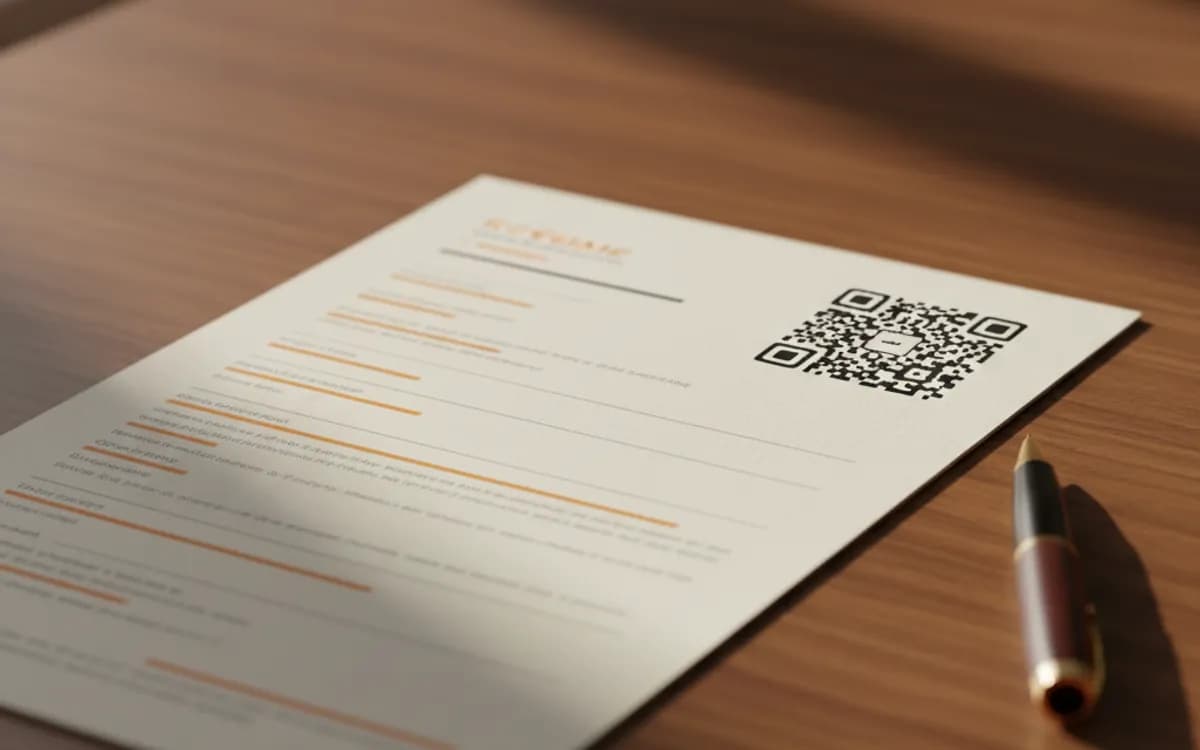
Top right, next to your contact details, about 2cm square, with a short label, 'Portfolio' or 'LinkedIn'. Never in the margin, never on page two, and never as a decorative element the reader has to interpret.
- 4
Test it as a printout and as a PDF
Print it and scan it, then open the PDF on a laptop and scan it off the screen. Both matter: many CVs are read on screen with a phone in hand, and a code that fails at screen brightness fails at the worst moment.
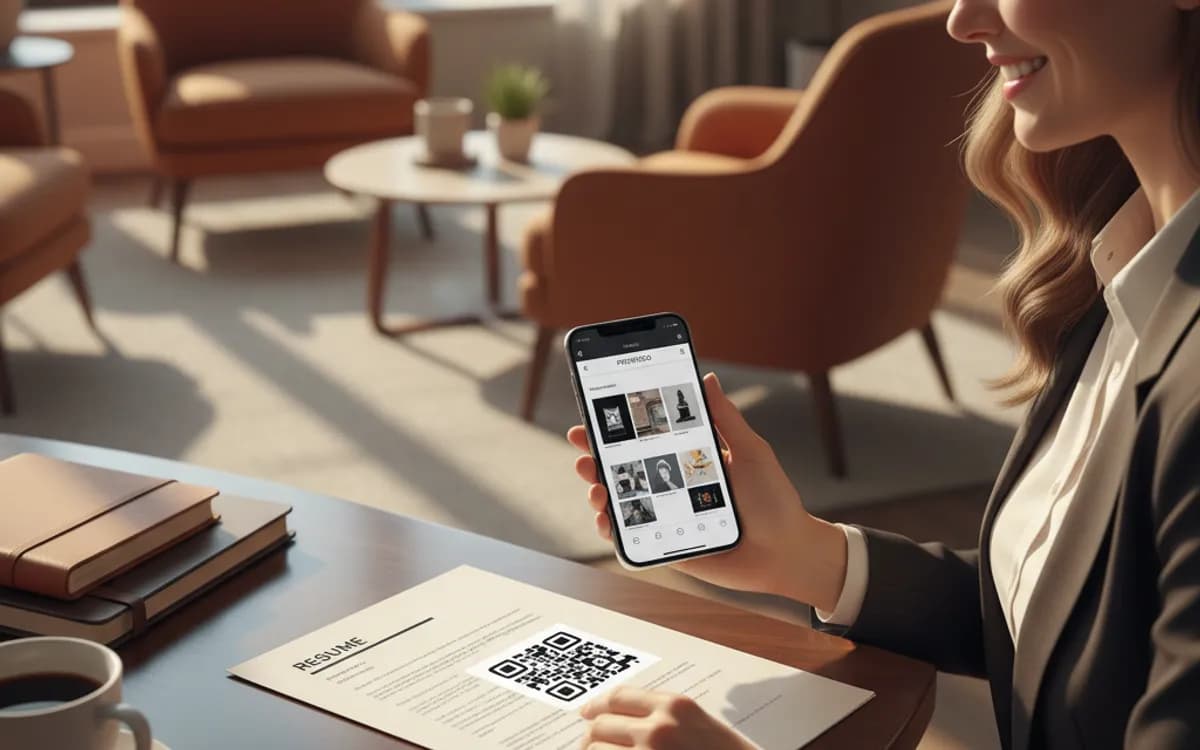
When a resume code helps and when it hurts
It helps in fields where evidence beats description, design, development, photography, architecture, writing, video, and at careers fairs where a printed CV is handed over in person. It hurts when it is used to hide a thin application, when it points at a site that is unfinished, or when it appears three times on a two-page document. In conservative sectors, keep it small and understated; the code should never be the most eye-catching element on the page.
Applicant tracking systems cannot read it
This is the constraint people miss. ATS software parses text, not images, so a QR code contributes nothing to keyword matching and a code covering a text field can actively confuse a parser. Always print the URL as plain text as well, it costs one line, it is machine-readable, and it works for the reader who never picks up a phone.
Knowing whether anyone scanned it
Point the code at a tracked short link and you can see how many recruiters actually opened your portfolio, and when. It is genuinely useful during a job search: a role where three people scanned your work the day after applying is a very different signal from silence, and it tells you which version of your CV is landing.
Free Tool vs a Free linkutm Plan
Every code on this page is free to make and never expires. A free linkutm plan adds what a printed code cannot do on its own, editing the destination and counting the scans, with no credit card required.
Editable codes, scan tracking, and analytics are included on the free plan. Your own domain, logo, frames, and team seats come with a paid plan when you need them.
Free plan available. No credit card required.
Frequently Asked Questions
Want To Know Who Scanned It?
A dynamic QR code keeps the same printed pattern while you change where it points, and shows you every scan, when, where, and on what device.
Related Tools
Generate Free QR Codes for LinkedIn
Make a free LinkedIn QR code that opens your profile or company page on scan. No signup. Great for cards and events. Download PNG, SVG or PDF.
Generate Free QR Codes for Business Cards
Create a free business card QR code that shares your contact details on scan and saves to phones. No signup. Perfect for cards. Download PNG, SVG or PDF.
Generate Free QR Codes for URLs
Turn any link into a free URL QR code in seconds. No signup, no expiry. Download PNG, SVG or PDF, add your logo, and track every scan with linkutm.
Generate Free QR Codes for Calendly
Create a free Calendly QR code that opens your booking page on scan. No signup. Fill your calendar from cards and events. Download PNG, SVG or PDF.