Generate Free QR Codes for X (Twitter)
Your X handle is easy to mistype and easy to forget. A code on a badge, a slide or a book jacket turns it into a single scan and a follow.
Make your X QR code
Redirect to an X profile
Enter the URL of your X (Twitter) profile

This code is static and permanent. To change where it points after printing, .
Why Use This Tool
Your X handle is easy to mistype and easy to forget. A code on a badge, a slide or a book jacket turns it into a single scan and a follow.
No handle to mistype
A scan on a badge, slide or book jacket opens your X profile straight to the follow button, no spelling out required.
Readable from the back row
Vector files stay sharp scaled up for a conference slide or a name badge that gets scanned across a table.
Works on x.com and twitter.com
Both addresses resolve to your profile, so codes printed before the rename keep scanning alongside new ones.
Free downloads, no signup
PNG, SVG and PDF at no cost, encoded locally in your browser with no account and no watermark.
How It Works
- 1
Use your handle, not a post link
Encode x.com/yourhandle. Posts age out within days and a code pointing at last quarter's thread is worse than no code at all. The profile is the only destination worth printing.
- 2
Keep the old domain in mind
Both x.com and twitter.com resolve to the same place, so either works. Use x.com for anything printed now, it is shorter, which produces a slightly cleaner pattern, and it will not look dated.
- 3
Style it for the surface it lives on
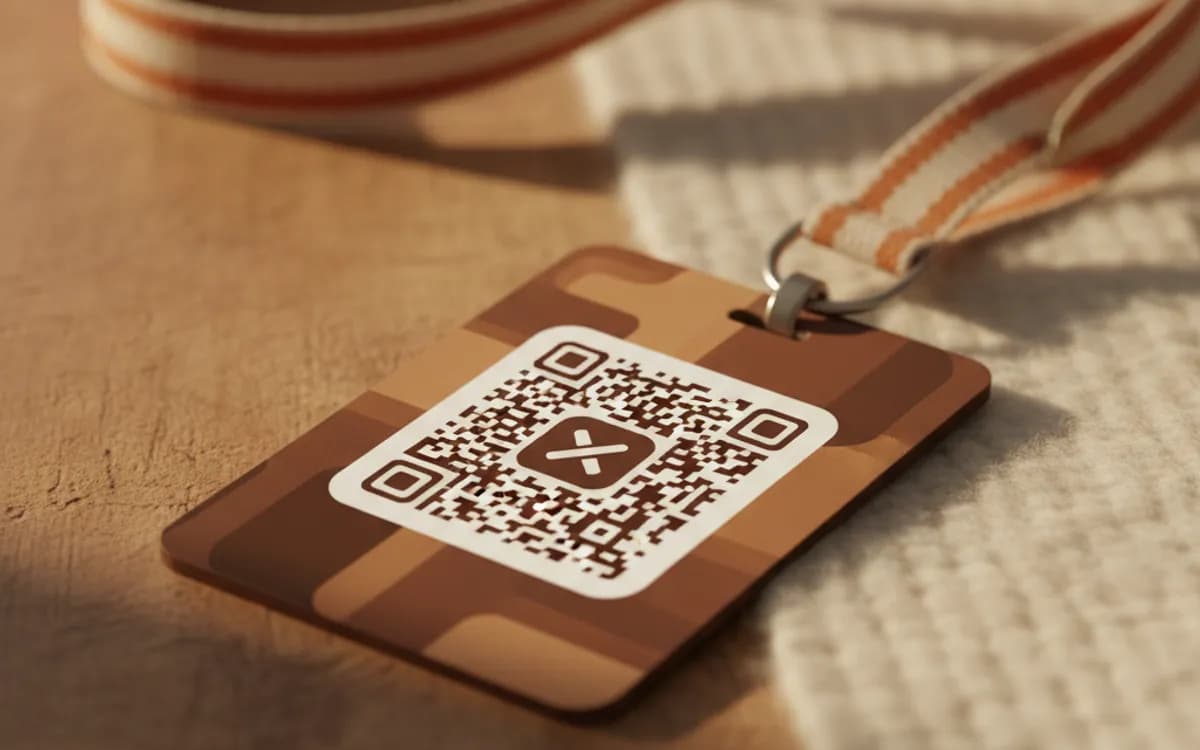
Conference badges and slide decks are the two places X codes actually get scanned, and both are viewed at distance. Keep it at least 3cm on print and large enough on a slide to be scanned from the back row, which usually means bigger than looks comfortable in the layout.
- 4
Say who you are next to it
Print the handle in readable text beside the code. People screenshot slides, and a visible @handle survives a photograph taken from an angle where the code does not.
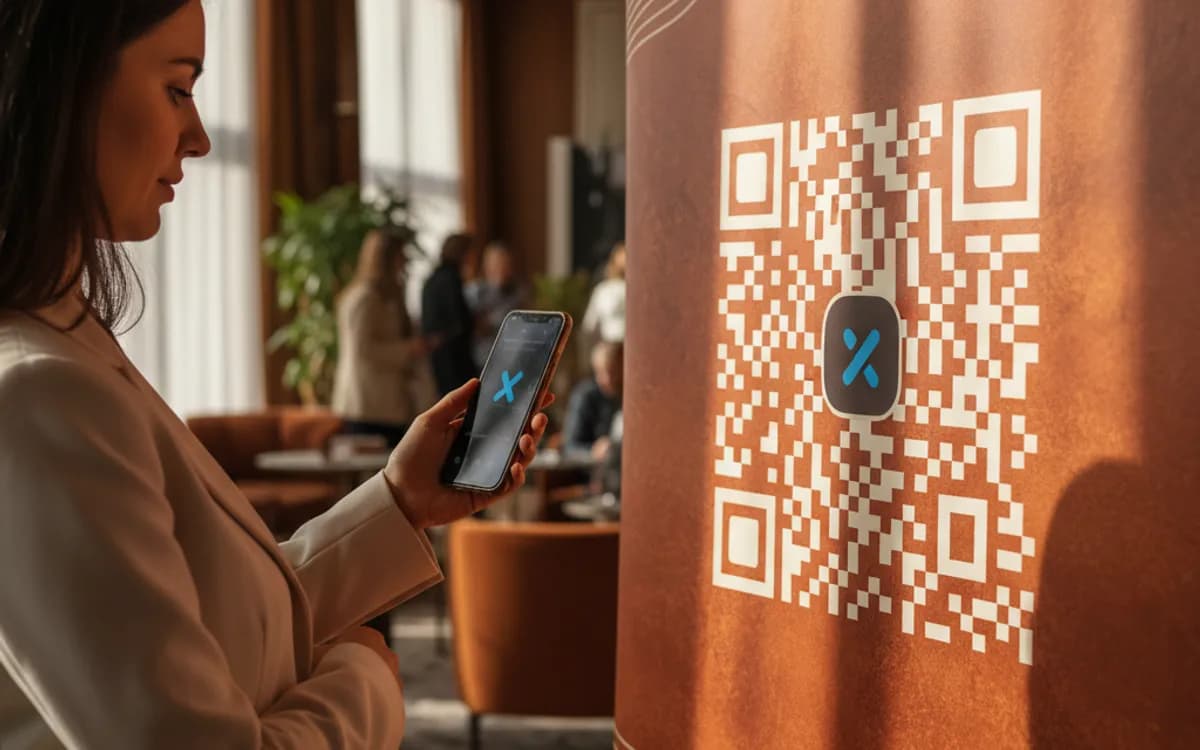
The two placements that work
Conference and event material, where an audience with phones in hand is being introduced to a speaker they might follow, a code on the final slide of a talk reliably outperforms saying the handle out loud. And author, journalist and creator print: book jackets, press kits, bylines, zines. Outside those, X codes underperform, because the platform is not where most people discover local businesses.
Point at the profile, not the post
The temptation with a timeline-driven platform is to link to a specific thread. Resist it on anything printed. A profile is evergreen and gives the visitor an immediate follow decision; a post is stale within a week and buries the follow button under a conversation. If a specific piece of content matters, pin it to your profile and let the code do its job.
Measuring it
X gives you nothing useful about where a follow came from. If you want to know whether the closing slide of your talk drove followers, route the code through a tracked short link, scan counts by time will line up almost exactly with the moment the slide went up, which is as clean an attribution signal as you will get in this channel.
Free Tool vs a Free linkutm Plan
Every code on this page is free to make and never expires. A free linkutm plan adds what a printed code cannot do on its own, editing the destination and counting the scans, with no credit card required.
Editable codes, scan tracking, and analytics are included on the free plan. Your own domain, logo, frames, and team seats come with a paid plan when you need them.
Free plan available. No credit card required.
Frequently Asked Questions
Want To Know Who Scanned It?
A dynamic QR code keeps the same printed pattern while you change where it points, and shows you every scan, when, where, and on what device.
Related Tools
Generate Free QR Codes for LinkedIn
Make a free LinkedIn QR code that opens your profile or company page on scan. No signup. Great for cards and events. Download PNG, SVG or PDF.
Generate Free QR Codes for Instagram
Create a free Instagram QR code that opens your profile on scan and grows your followers. No signup. Perfect for print and packaging. Download PNG, SVG or PDF.
Generate Free QR Codes for Social Media
Create a free social media QR code that links all your profiles from one scan. No signup. Perfect for bios, print and packaging. Download PNG, SVG or PDF.
Generate Free QR Codes for Resumes
Make a free resume QR code that opens your CV or portfolio on scan. No signup. Perfect for print resumes and cards. Download PNG, SVG or PDF.