Generate Free QR Codes for Feedback Forms
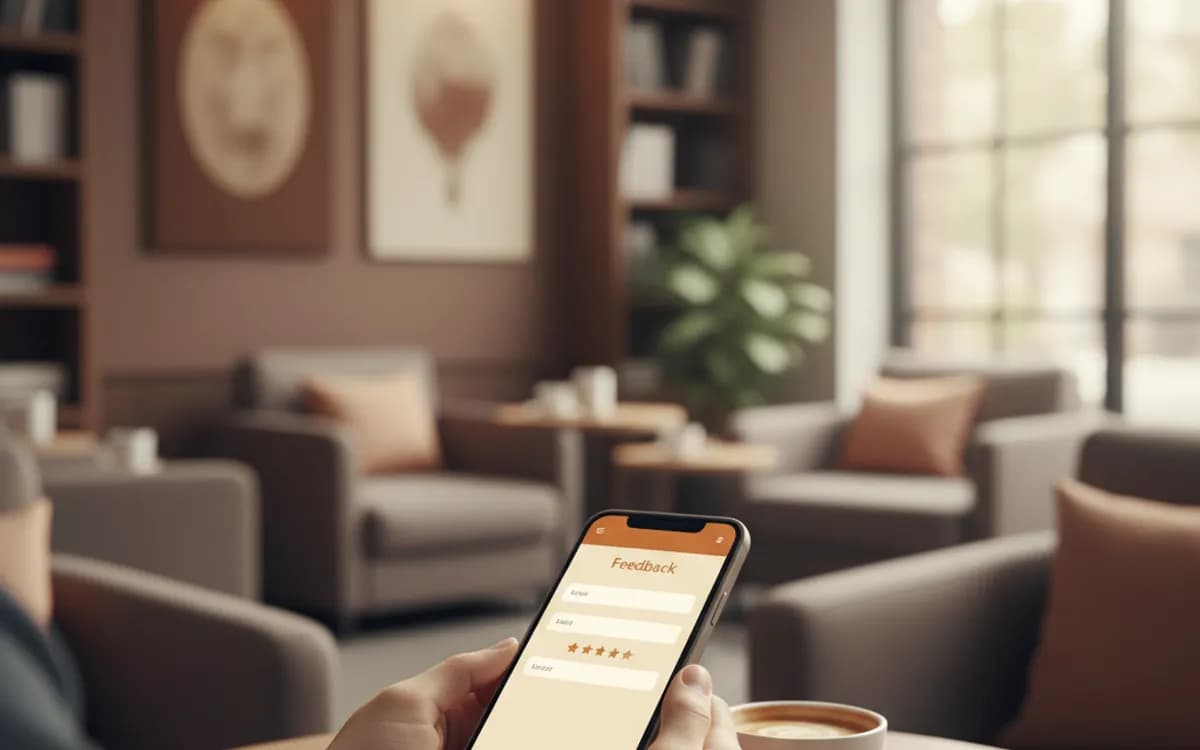
Comment cards do not get filled in and follow-up emails do not get opened. A feedback code catches people while they are still sitting at the table.
Make your feedback QR code
Link to any web page
Try something like https://example.com/

This code is static and permanent. To change where it points after printing, .
Why Use This Tool
Comment cards do not get filled in and follow-up emails do not get opened. A feedback code catches people while they are still sitting at the table.
Know which table it came from
Pre-fill the location in the form URL and print one code per spot, so feedback arrives tagged with table nine or the Croydon branch instead of anonymous.
Reaches people while seated
A code on the table or the bill folder catches a fresh impression and a spare minute, which is exactly when a comment card gets ignored.
Point it at any short form
Link a one-rating form on Google Forms, Microsoft Forms or your own page, the tool matters far less than keeping it under a minute.
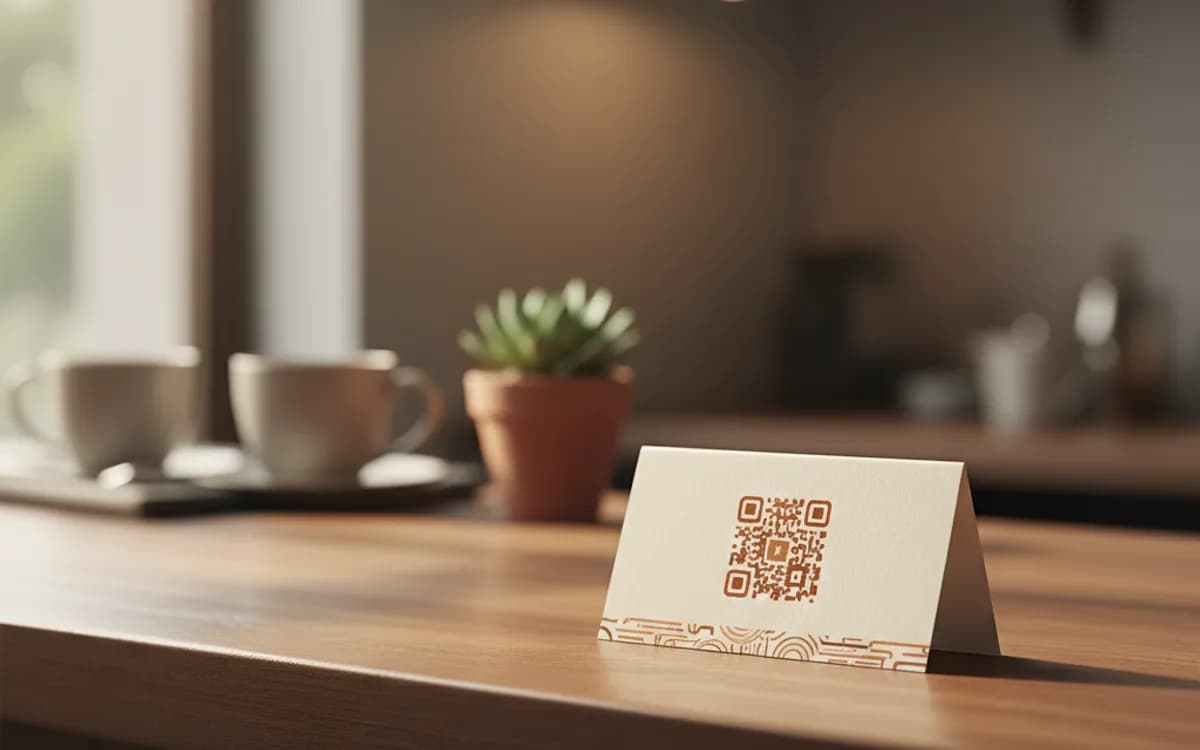
Styled to sit on the table
Add your colours and logo so the code reads as part of the table setting rather than a bolted-on afterthought.
How It Works
- 1
Point it at a form that takes under a minute
Any form tool works, Google Forms, Microsoft Forms, Typeform, your own page. What matters is length. One rating, one optional comment, and an optional contact field is the entire form for most businesses. Anything longer and the response rate collapses.
- 2
Use a separate code per table, room or branch
Pre-fill the location in the form URL and generate one code per spot. Feedback that arrives tagged with table nine or the Croydon branch is actionable; feedback that arrives untagged is an opinion. This costs nothing and changes what you can do with the results.
- 3
Decide what happens after a bad rating
The strongest pattern is to route unhappy responses to a private form that reaches a manager, and to invite happy ones to leave a public review. Do this by asking for the rating first and branching afterwards. Never make the public review the only route, and never suppress genuine negative feedback, you are choosing where to handle it, not whether to hear it.
- 4
Print it where people pause
Table tents, receipts, the back of the bill folder, clinic waiting rooms, delivery notes, hotel room desks. The common factor is a person with a spare minute and a fresh impression.
Feedback form or Google review?
They are different tools for different jobs. A private feedback form gets you operational detail, the slow service on Thursdays, the cold table by the door, and it gets you it from people who would never post publicly. A Google review code builds the public reputation that brings new customers in. Most businesses need both, in that order: catch problems privately, and invite the satisfied to say so publicly.
Make the ask specific
'Give us feedback' is an abstract request with no obvious reward. 'How was your meal? 30 seconds, and the manager reads every one' names the topic, the cost and the outcome. The single largest lever on feedback response rate is telling people that a human will actually read it, and then making that true.
Close the loop or stop asking
Collecting feedback nobody acts on trains customers that the code is decoration, and staff that the data is noise. Set a rhythm: review responses weekly, fix one recurring thing, and where someone left contact details, reply. Businesses that do this see response rates climb over time, because people learn the code goes somewhere.
Free Tool vs a Free linkutm Plan
Every code on this page is free to make and never expires. A free linkutm plan adds what a printed code cannot do on its own, editing the destination and counting the scans, with no credit card required.
Editable codes, scan tracking, and analytics are included on the free plan. Your own domain, logo, frames, and team seats come with a paid plan when you need them.
Free plan available. No credit card required.
Frequently Asked Questions
Want To Know Who Scanned It?
A dynamic QR code keeps the same printed pattern while you change where it points, and shows you every scan, when, where, and on what device.
Related Tools
Generate Free QR Codes for Google Reviews
Create a free Google review QR code that opens your review link on scan and wins more reviews. No signup. Great for counters. Download PNG, SVG or PDF.
Generate Free QR Codes for Google Forms
Create a free Google Form QR code that opens your form on scan. No signup. Perfect for surveys, sign-ups and classrooms. Download PNG, SVG or PDF.
Generate Free QR Codes for SurveyMonkey
Make a free SurveyMonkey QR code that opens your survey on scan and lifts responses. No signup. Great for events and receipts. Download PNG, SVG or PDF.
Generate Free QR Codes for Restaurant Menus
Create a free menu QR code so guests view your digital menu with one scan. No signup, update the menu anytime. Download PNG, SVG or PDF.