Generate Free QR Codes for SurveyMonkey
Surveys fail on distribution, not design. A code on a receipt, a table card or an event badge puts the survey in front of people while the experience is still fresh.
Make your SurveyMonkey QR code
Link to any web page
Try something like https://example.com/

This code is static and permanent. To change where it points after printing, .
Why Use This Tool
Surveys fail on distribution, not design. A code on a receipt, a table card or an event badge puts the survey in front of people while the experience is still fresh.
Catches people in the moment
A code on a receipt or table reaches customers while the experience is fresh, when answers are specific rather than a faded general impression.
Split responses by placement
Generate one code per Web Link collector and SurveyMonkey reports receipts, tables and the event stand separately, with no extra tooling.
Opens on the device it is taken on
A scanned survey is only ever answered on a phone, and the code opens the web link collector there for anyone, no account required.
Free to generate and download
Make the code and export PNG, SVG or PDF at no cost and with no signup, the survey work stays in SurveyMonkey.
How It Works
- 1
Use a web link collector
In the Collect Responses tab, create a Web Link collector and copy its URL. That is the address to encode. Email collector links are personalised to a single recipient and must never be printed, every scan would be recorded as the same person.
- 2
Create one collector per placement
SurveyMonkey reports responses per collector, so a separate collector for receipts, tables, the event stand and the follow-up email gives you a clean split with no extra tooling. Name them plainly so the report reads properly in three months.
- 3
Check it on a phone
Open the collector link on a handset before printing. Long matrix questions and wide grids are painful on a small screen, and a survey that looks fine on a laptop can be effectively unanswerable on a phone, which is the only device a scanned survey is ever taken on.
- 4
Ask at the right moment
Print the code where the experience just happened: on the receipt, on the table, on the delivery note, on the way out. A survey code on a poster in a corridor collects almost nothing, because nobody is thinking about your service while walking past it.
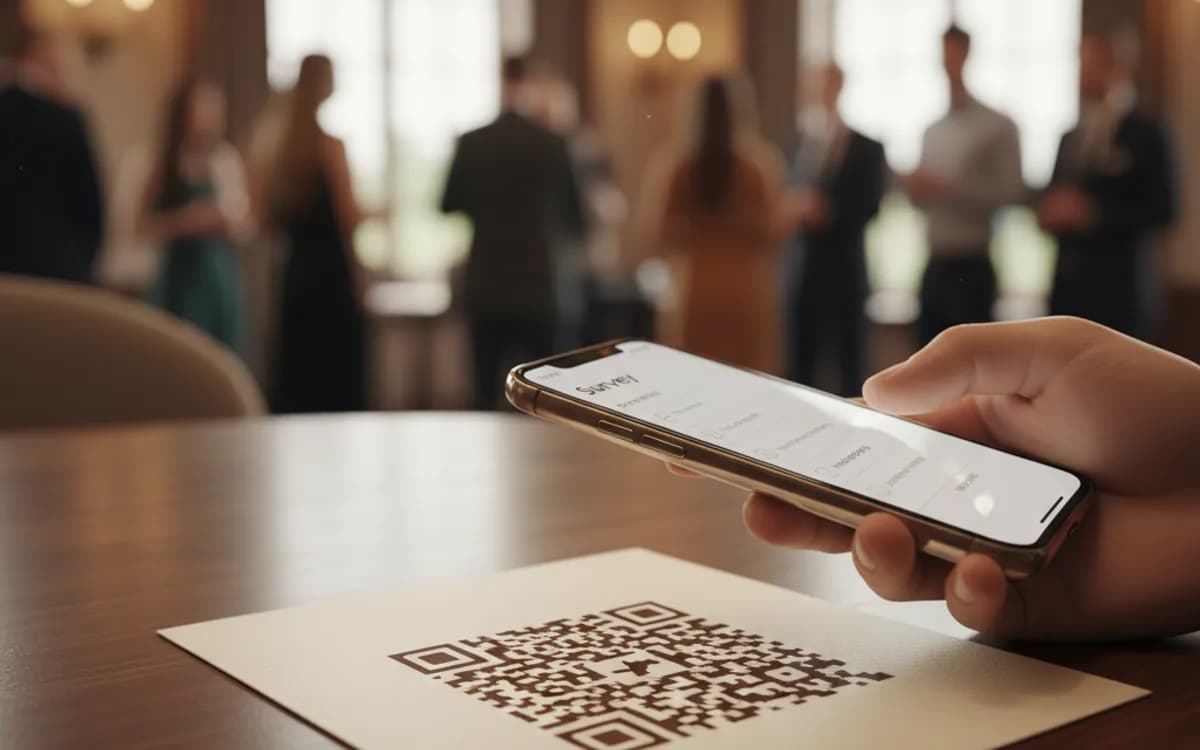
Why printed survey codes outperform emailed ones
An emailed survey competes with everything else in an inbox and arrives hours after the experience, when memory has flattened into a general impression. A scanned code catches the person in the moment, on a device already in their hand, with no email address required. Response rates are typically several times higher, and the answers are more specific because the detail has not faded yet.
Designing a survey people finish on a phone
Keep it under five questions and one screen where possible. Lead with the single question you actually care about, in case they abandon after it. Avoid matrix grids entirely on mobile. Put open text last and make it optional. And state the length next to the code, a stated one-minute survey gets started far more often than an unquantified one.
Response bias is worse with codes, not better
Anyone motivated enough to scan a code is unusually happy or unusually annoyed, so scanned surveys skew towards the extremes even more than surveys generally do. Read the results as a strong signal about what is going wrong and right, not as a measurement of the average customer. If you need a representative sample, you need active sampling, not a passive code on a receipt.
Free Tool vs a Free linkutm Plan
Every code on this page is free to make and never expires. A free linkutm plan adds what a printed code cannot do on its own, editing the destination and counting the scans, with no credit card required.
Editable codes, scan tracking, and analytics are included on the free plan. Your own domain, logo, frames, and team seats come with a paid plan when you need them.
Free plan available. No credit card required.
Frequently Asked Questions
Want To Know Who Scanned It?
A dynamic QR code keeps the same printed pattern while you change where it points, and shows you every scan, when, where, and on what device.
Related Tools
Generate Free QR Codes for Google Forms
Create a free Google Form QR code that opens your form on scan. No signup. Perfect for surveys, sign-ups and classrooms. Download PNG, SVG or PDF.
Generate Free QR Codes for Feedback Forms
Generate a free feedback QR code that opens your form on scan and lifts response rates. No signup. Great for tables and receipts. Download PNG, SVG or PDF.
Generate Free QR Codes for Microsoft Forms
Create a free Microsoft Forms QR code that opens your form on scan. No signup. Perfect for surveys, quizzes and sign-ups. Download PNG, SVG or PDF.
Generate Free QR Codes for Google Reviews
Create a free Google review QR code that opens your review link on scan and wins more reviews. No signup. Great for counters. Download PNG, SVG or PDF.