Generate Free QR Codes for Google Drive
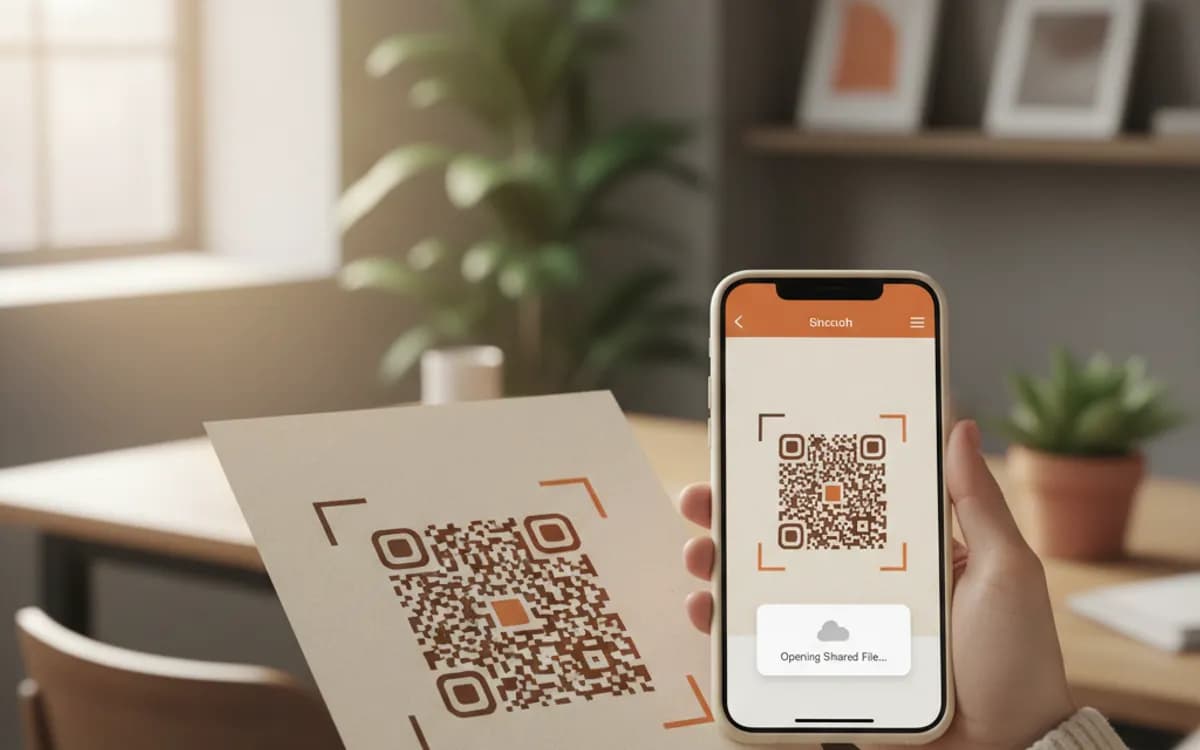
A code that hands someone a document. Point it at a Drive file or folder and a scan opens the deck, the manual, the price list or the photo album on their phone.
Make your Google Drive QR code
Link to any web page
Try something like https://example.com/

This code is static and permanent. To change where it points after printing, .
Why Use This Tool
A code that hands someone a document. Point it at a Drive file or folder and a scan opens the deck, the manual, the price list or the photo album on their phone.
Hands over a document on scan
Point it at a Drive file and a scan opens the deck, the manual or the price list on a phone, with no handout to carry or email to send.
Update the folder, keep the code
Link a folder and you can swap this season's price list for last year's, and every printed code keeps working without a reprint.
Control who can open it
Set access to anyone with the link and the role to viewer before printing, and test signed out so a stranger never hits a request-access screen.
Opens in the mobile viewer
Docs, Sheets, Slides and PDFs open in Drive's phone viewer without an app, so export to PDF for the most predictable result in public.
How It Works
- 1
Set sharing to anyone with the link
Open the file or folder, click Share, and set General access to Anyone with the link. This is the step that decides whether the code works. Left on Restricted, the default, every scan lands on a request-access screen, which is the single most common failure with Drive codes.
- 2
Choose viewer, commenter or editor carefully
Viewer for anything printed and public. Commenter for a review cycle with a known group. Editor almost never, because a printed editor link is an open invitation for anyone who photographs it to change your document.
- 3
Copy the link and generate
Use Copy link from the share dialogue. Drive links are long, so the resulting pattern is fairly dense, print at 3cm or larger, or shorten the link first for a cleaner code.
- 4
Verify while signed out
Open the link in a private browser window with no Google account signed in. That is exactly what a stranger sees. Do this every time, because sharing settings are easy to change accidentally and impossible to fix after printing.
Files or folders, and why folders are usually better
A file link points at one document, and if you replace that document with a new version at a new file ID, the code dies. A folder link points at a container you control: swap the contents, add this season's price list, remove last year's, and every printed code keeps working. For anything with a shelf life, a catalogue insert, a training room notice, an equipment label, link the folder.
What people get on scan
Docs, Sheets, Slides and PDFs open in Drive's mobile viewer, which handles them reasonably well without an app. Other file types typically download instead, which on a phone means the file lands somewhere the person has to go and find. If your audience is the general public rather than colleagues, export to PDF and share that, it is the format that behaves most predictably on an unfamiliar phone.
The security reality of a printed Drive link
A link set to anyone with the link is public to anyone who obtains the link, and printing it on something means photographs of it will exist. Never put a Drive code on material carrying customer data, pricing you would not publish, or internal documents. Where confidentiality matters, use a landing page with proper authentication instead, a QR code cannot make a public link private.
Free Tool vs a Free linkutm Plan
Every code on this page is free to make and never expires. A free linkutm plan adds what a printed code cannot do on its own, editing the destination and counting the scans, with no credit card required.
Editable codes, scan tracking, and analytics are included on the free plan. Your own domain, logo, frames, and team seats come with a paid plan when you need them.
Free plan available. No credit card required.
Frequently Asked Questions
Want To Know Who Scanned It?
A dynamic QR code keeps the same printed pattern while you change where it points, and shows you every scan, when, where, and on what device.
Related Tools
Generate Free QR Codes for PDFs
Turn any PDF into a free QR code that opens the document on scan. No signup. Ideal for menus, manuals and brochures. Download PNG, SVG or PDF.
Generate Free QR Codes for Google Forms
Create a free Google Form QR code that opens your form on scan. No signup. Perfect for surveys, sign-ups and classrooms. Download PNG, SVG or PDF.
Generate Free QR Codes for Product Info
Create a free product QR code that opens details, how-tos or authenticity on scan. No signup. Ideal for packaging. Download PNG, SVG or PDF.
Generate Free QR Codes for Images
Create a free image QR code that opens your photo or gallery on scan. No signup. Great for events, products and print. Download PNG, SVG or PDF.