Generate Free QR Codes for Yelp
A code that puts your Yelp page in a customer's hand while they still remember the meal, the haircut or the repair. The scan is the easy part, how you ask matters more.
Make your Yelp QR code
Link to any web page
Try something like https://example.com/

This code is static and permanent. To change where it points after printing, .
Why Use This Tool
A code that puts your Yelp page in a customer's hand while they still remember the meal, the haircut or the repair. The scan is the easy part, how you ask matters more.
Opens your business page
A scan brings up your hours, photos and menu while the visit is fresh, so claim and complete the page before you drive any traffic to it.
Feeds local discovery
In US markets Yelp is a real source of local discovery for restaurants, bars and home services, and it also feeds listings in Apple Maps.
Framed to respect Yelp's rules
Yelp filters reviews it judges to be solicited, so a 'Find us on Yelp' code points people at your page rather than demanding a rating.
Styled for a window or counter
Add your colours and logo so the code reads as signage that shows where to find you, not as a request for stars.
How It Works
- 1
Claim the business page first
An unclaimed page shows outdated hours, the wrong photos and sometimes the wrong address. Claim it, fill it in properly, and only then start driving traffic to it, sending customers to a neglected page damages more than it helps.
- 2
Copy your page URL from a browser
Open your business page on desktop and take the address from the URL bar. Avoid links copied out of the app's share sheet, which often carry tracking parameters that make the code denser for no benefit.
- 3
Read Yelp's rules before you print anything
Yelp explicitly discourages soliciting reviews and its recommendation software filters reviews it judges to have been solicited. This is a genuine constraint, not fine print: a code labelled 'Review us on Yelp' can result in filtered reviews. Point people at your page, 'Find us on Yelp', rather than demanding a rating.
- 4
Place it where it reads as information
Window stickers, counters, receipts and menus, framed as where to find you rather than as a request for stars. That framing is both safer under Yelp's rules and, in practice, better received by customers.
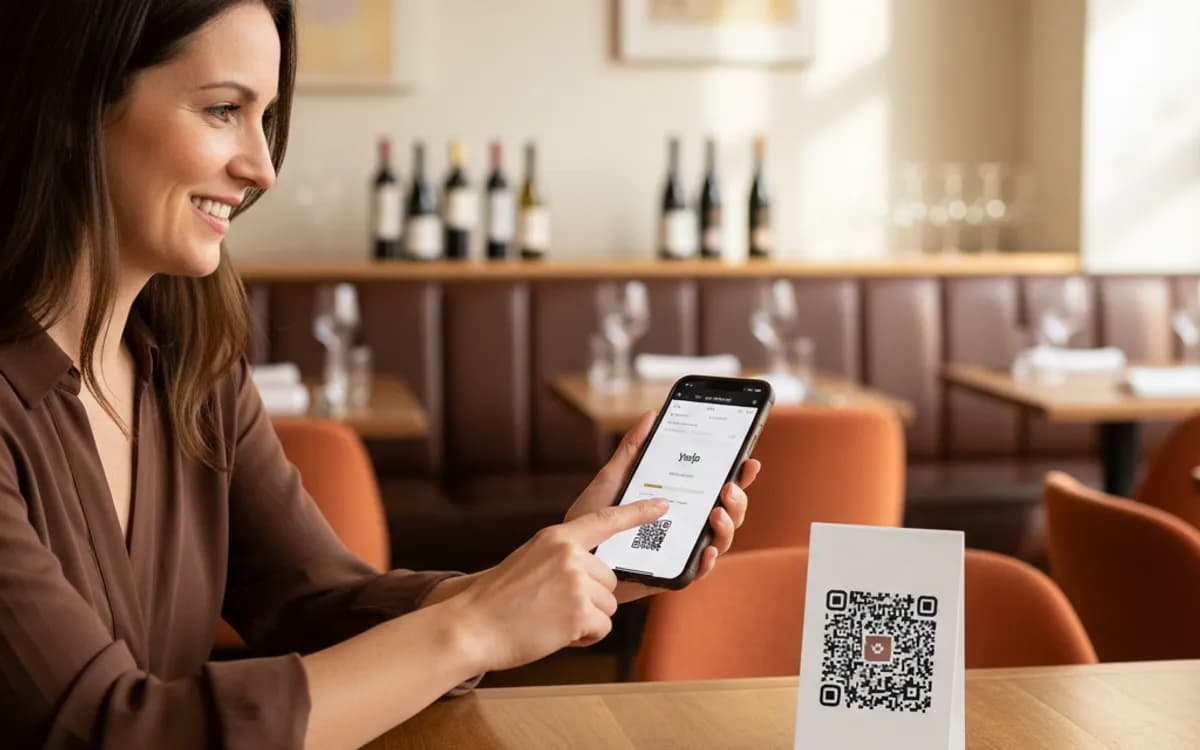
Yelp is stricter than Google, and that changes the tactics
Google actively encourages businesses to ask for reviews. Yelp does the opposite: its recommendation software is designed to discount reviews that look prompted, and heavy solicitation can see a run of positive reviews disappear behind the not-recommended link. So the play is different. Use the code for discovery, page, photos, hours, menu, and let reviews come from people who chose to write them. If review volume is the goal and you operate outside the US, Google is almost certainly the better place to spend the print space.
Where Yelp still matters
In US markets Yelp remains a real source of local discovery, particularly for restaurants, bars, home services and personal care, and it feeds business listings in Apple Maps. For a US business a Yelp code on a window or counter is legitimate signage. Outside the US, coverage and usage drop sharply and the same print space is better given to Google.
One code or two?
Printing a Google code and a Yelp code side by side splits attention and usually reduces both. If you genuinely need to offer several platforms, use one Multi-URL code that opens a page listing them, and watch which one people actually tap, that answer will tell you which single code to print next time.
Free Tool vs a Free linkutm Plan
Every code on this page is free to make and never expires. A free linkutm plan adds what a printed code cannot do on its own, editing the destination and counting the scans, with no credit card required.
Editable codes, scan tracking, and analytics are included on the free plan. Your own domain, logo, frames, and team seats come with a paid plan when you need them.
Free plan available. No credit card required.
Frequently Asked Questions
Want To Know Who Scanned It?
A dynamic QR code keeps the same printed pattern while you change where it points, and shows you every scan, when, where, and on what device.
Related Tools
Generate Free QR Codes for Google Reviews
Create a free Google review QR code that opens your review link on scan and wins more reviews. No signup. Great for counters. Download PNG, SVG or PDF.
Generate Free QR Codes for Feedback Forms
Generate a free feedback QR code that opens your form on scan and lifts response rates. No signup. Great for tables and receipts. Download PNG, SVG or PDF.
Generate Free QR Codes for Locations
Make a free location QR code that opens your address in maps on scan. No signup. Perfect for stores, events and invites. Download PNG, SVG or PDF.
Free Multi-URL QR Code Generator
Create a free multi-URL QR code that offers several links from one scan. No signup. The best multi-link QR code maker for bios and packaging. Download PNG, SVG or PDF.