Generate Free QR Codes for Tickets
A ticket code is different from a marketing code: it has to be unique per attendee, checked at the door, and impossible to reuse. Here is how to build one that survives a real queue.
Create a ticket QR code
Encode plain text
Keep it short, long text forces a denser, harder-to-scan symbol.
0/600
This code is static and permanent. To change where it points after printing, .
Why Use This Tool
A ticket code is different from a marketing code: it has to be unique per attendee, checked at the door, and impossible to reuse. Here is how to build one that survives a real queue.
One unique code per attendee
Encode an opaque reference your system can look up, made individually here or in a bulk run from your ticketing list.
Validated at the door
Your scanning app marks a reference used on first entry, so a copied or screenshotted ticket cannot get a second person in.
No personal data on the ticket
Encode a random reference, never a name or email, so a ticket that ends up photographed and posted exposes nothing.
Reads fast in a real queue
A short reference makes a sparser pattern that decodes quickly at high contrast, even under dim doorway light on a scratched screen.
How It Works
- 1
Decide what identifies the ticket
Encode an opaque reference, a random string or a UUID your system can look up, rather than a name, an email, or a sequential number. Sequential numbers are trivially guessable, and personal data printed into a code that ends up on social media is a data protection problem you do not need.
- 2
Generate one code per ticket
Every attendee needs their own reference. For a handful of tickets you can make them individually here; for hundreds you want a bulk run from a list, generated against the reference your ticketing or booking system already stores.
- 3
Validate at the door against your own list
The code proves nothing on its own, the check happens when your scanning app looks the reference up and marks it used. Without that step a photograph of one ticket admits an unlimited number of people, which is how most ticket fraud at small events actually happens.
- 4
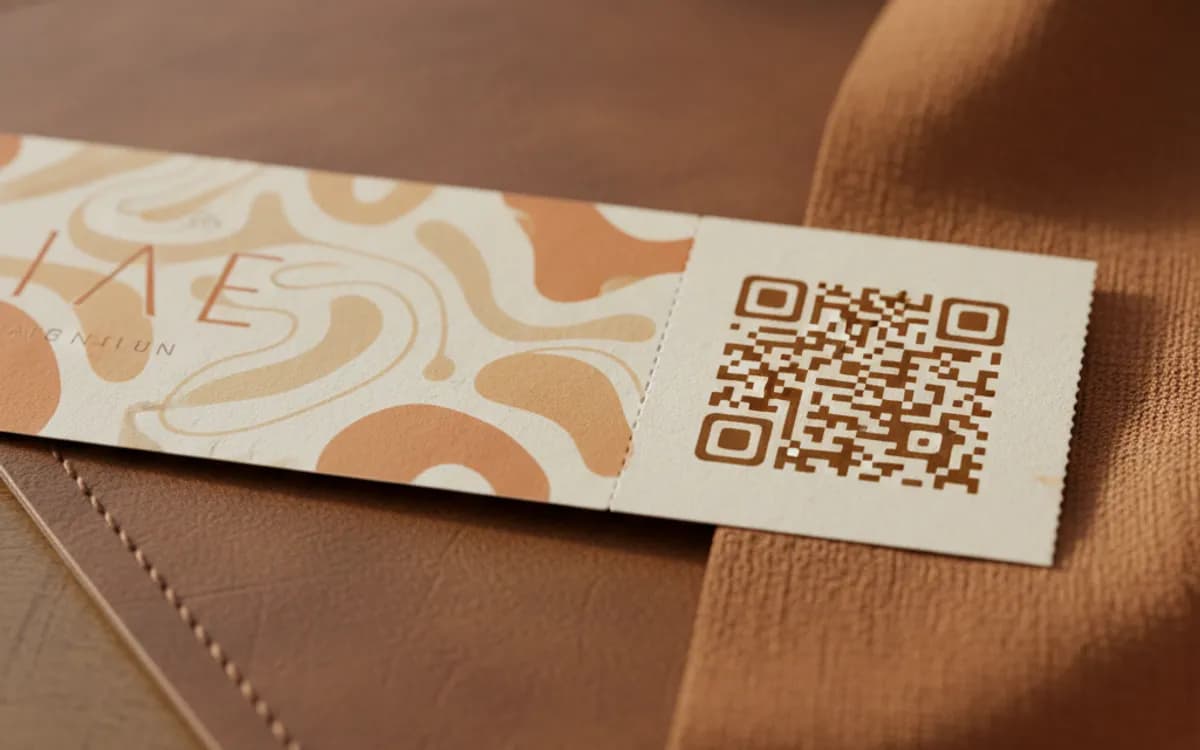
Print at 3cm and test under real conditions
Doors are dim, phones are dim, and screens are scratched. Print at 3cm or larger with high contrast, and rehearse scanning both a printed ticket and a phone screen at low brightness before the day. The bottleneck at every event door is the scan that takes four attempts.
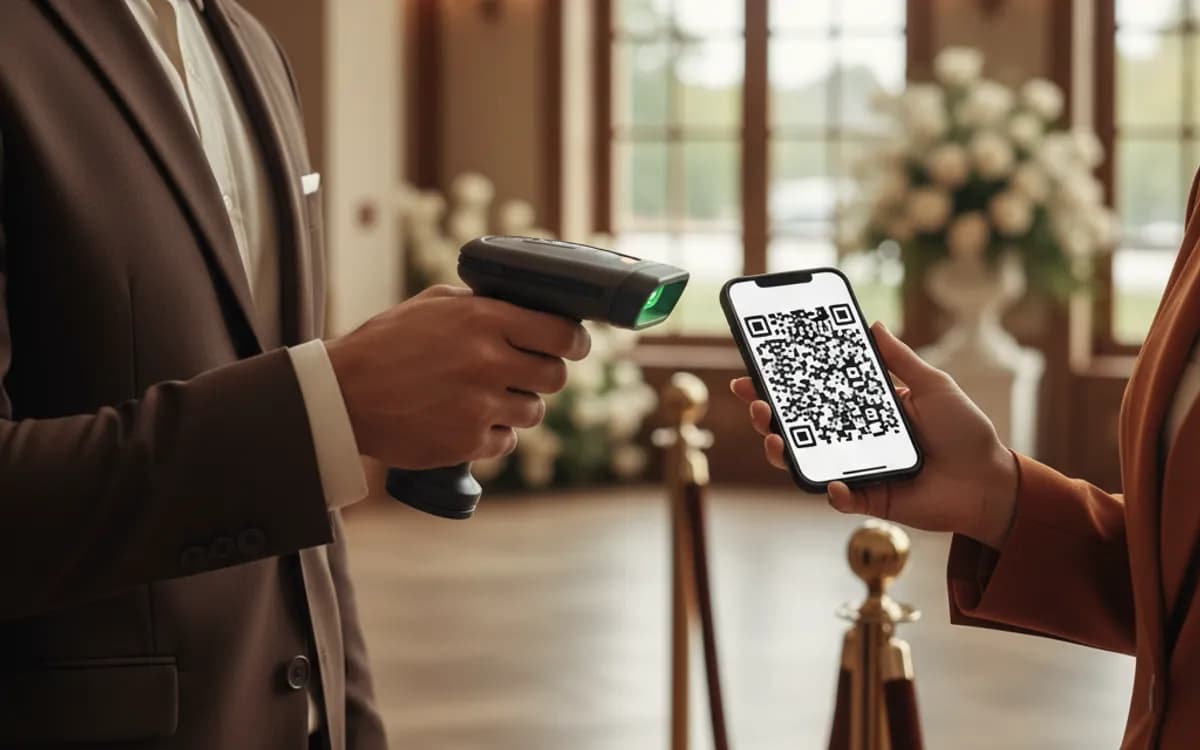
What a ticket QR code should and should not contain
It should contain a reference and nothing else. Not the attendee's name, not their email, not their seat, not their order total. All of that belongs in your database, retrieved by the reference at the moment of scanning. Encoding personal data means it can be read by anyone who photographs the ticket, and tickets are photographed and posted constantly. An opaque reference is also shorter, which produces a sparser pattern that scans faster in bad light.
Static ticket codes cannot be revoked
This is the constraint that catches people out. A printed code is permanent; the only place a cancellation or refund can be enforced is in your validation system. If you have no scanning app and no list, you have no way to invalidate a ticket that was refunded, duplicated, or shared. For anything with paid admission, the validation step is not optional, the code is just the pointer.
When a plain URL code is enough
Free events, RSVPs, internal meetings and open-door sessions rarely need per-ticket uniqueness. There, one shared code linking to a registration or agenda page does the whole job at a fraction of the effort, and headcount comes from the registration form rather than the door. Reserve unique ticket codes for events where a seat has a price or a capacity limit that matters.
Free Tool vs a Free linkutm Plan
Every code on this page is free to make and never expires. A free linkutm plan adds what a printed code cannot do on its own, editing the destination and counting the scans, with no credit card required.
Editable codes, scan tracking, and analytics are included on the free plan. Your own domain, logo, frames, and team seats come with a paid plan when you need them.
Free plan available. No credit card required.
Frequently Asked Questions
Want To Know Who Scanned It?
A dynamic QR code keeps the same printed pattern while you change where it points, and shows you every scan, when, where, and on what device.
Related Tools
Generate Free QR Codes for Events
Create a free event QR code that adds your event to any calendar on scan. No signup. Great for invites and posters. Download PNG, SVG or PDF.
Generate Free QR Codes for Locations
Make a free location QR code that opens your address in maps on scan. No signup. Perfect for stores, events and invites. Download PNG, SVG or PDF.
Generate Free QR Codes for URLs
Turn any link into a free URL QR code in seconds. No signup, no expiry. Download PNG, SVG or PDF, add your logo, and track every scan with linkutm.
Free QR Code Sticker Generator
Design a free, print-ready QR code sticker in seconds. No signup. The best QR code sticker maker for products, windows and packaging. Download PNG, SVG or PDF.