Generate Free QR Codes for Text
Sometimes the message is the message. A text QR code carries words instead of a web address, so scanning it shows the text on screen with no page to load and no connection required.
Make your text QR code
Encode plain text
Keep it short, long text forces a denser, harder-to-scan symbol.
0/600
This code is static and permanent. To change where it points after printing, .
Why Use This Tool
Sometimes the message is the message. A text QR code carries words instead of a web address, so scanning it shows the text on screen with no page to load and no connection required.
Works completely offline
The message is baked into the pattern itself, so the code shows your text even with no internet, ideal for instructions, codes, and safety notes.
No app, no link, just read it
Any phone camera displays the text the instant it scans. There is no landing page to load and nothing to download.
Encoded right in your browser
Your text is turned into a QR code locally and never touches a server, so private notes, serials, and codes stay on your device.
Designed to match your brand
Pick module styles, colors, and shaped finder patterns so a plain-text code still looks intentional on packaging or signage.
How It Works
- 1
Write the message you want shown
Type it into the field above exactly as it should appear. Line breaks are preserved, so you can lay out a serial number, a batch code, or a short instruction over several lines rather than one long run of characters.
- 2
Keep it under roughly 300 characters
Text codes carry every character in the pattern itself, so length translates directly into density. Three hundred characters is a comfortable ceiling for something printed at 3cm. If you need more than a paragraph, put it on a page and use a URL code instead.
- 3
Raise contrast, since these patterns are dense
Dense symbols are less forgiving than sparse ones. Stick to a dark pattern on a light background, avoid mid-tone colour pairs, and be conservative with a centre logo, the more data in the code, the less redundancy there is to spare.
- 4
Test at the size you will actually print
Print a draft at final size, tape it where it will live, and scan it from where a person will stand. A text code that reads perfectly on a monitor can fail on a curved bottle or a matte label at 1.5cm.
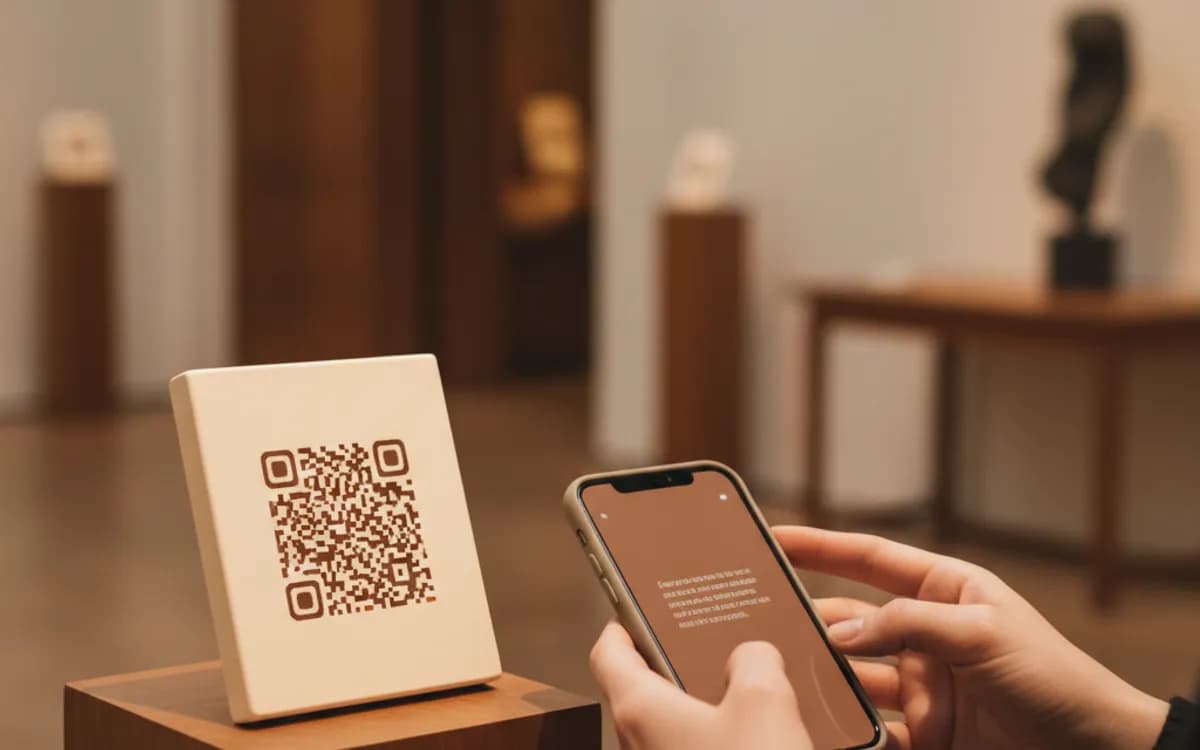
What happens when someone scans a text QR code
The camera decodes the characters and displays them. iOS shows the text in a notification banner and again in the Camera app's result sheet; most Android scanners show it in a card with a copy button attached. Nothing opens, nothing loads, and nothing is sent anywhere, which is exactly why this type suits places where there is no signal at all.
Where plain text beats a link
Equipment labels that need a model and serial number a technician can read on a phone in a plant room with no reception. Warehouse and asset tags carrying an internal reference. Wine and produce labels showing a batch and harvest date. Museum and gallery captions where you want a longer description without shipping visitors off to a website. Emergency instructions on machinery, which have to work when the network does not. In every one of these, a URL code adds a dependency that provides no benefit.
The limits worth knowing before you print
Text codes are not searchable, not editable, and not measurable, there is no destination to instrument, so scan counts are impossible by definition. They also cannot be corrected: a typo means a reprint. Proofread the string, generate one, scan it, read what comes back word for word, and only then commit it to a label run.
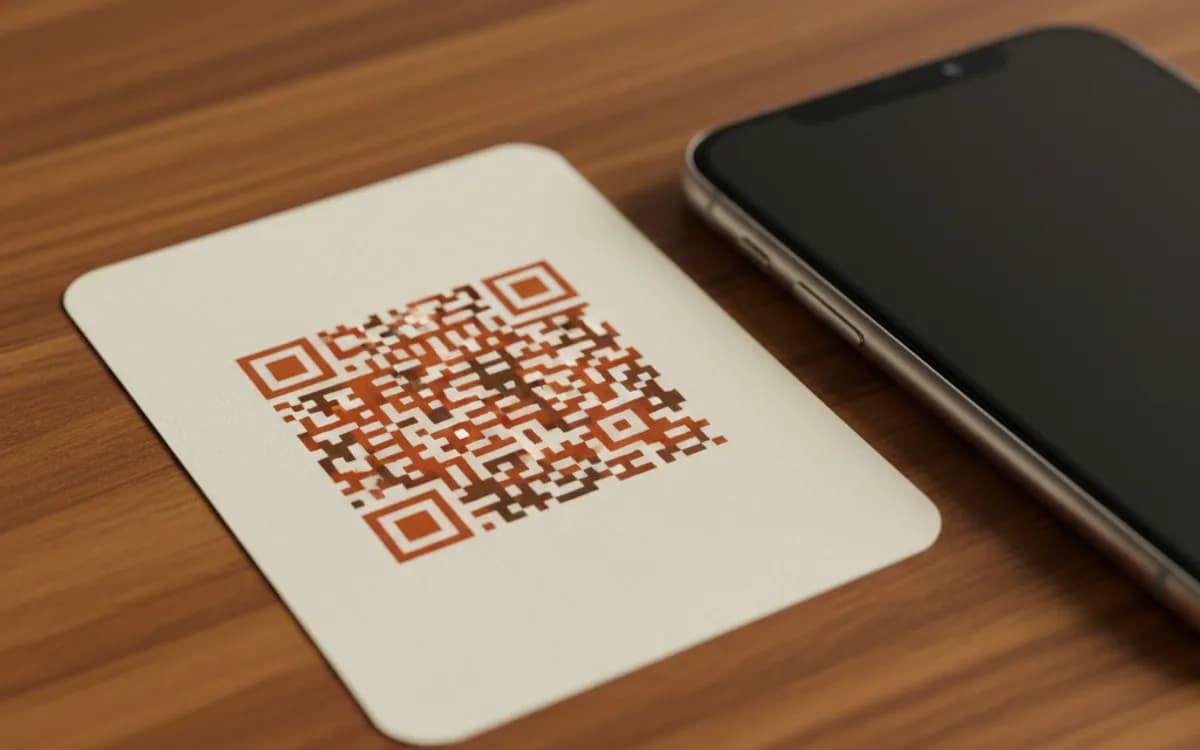
Free Tool vs a Free linkutm Plan
Every code on this page is free to make and never expires. A free linkutm plan adds what a printed code cannot do on its own, editing the destination and counting the scans, with no credit card required.
Editable codes, scan tracking, and analytics are included on the free plan. Your own domain, logo, frames, and team seats come with a paid plan when you need them.
Free plan available. No credit card required.
Frequently Asked Questions
Want To Know Who Scanned It?
A dynamic QR code keeps the same printed pattern while you change where it points, and shows you every scan, when, where, and on what device.
Related Tools
Generate Free QR Codes for URLs
Turn any link into a free URL QR code in seconds. No signup, no expiry. Download PNG, SVG or PDF, add your logo, and track every scan with linkutm.
Generate Free QR Codes for SMS
Make a free SMS QR code that opens a pre-filled text message on scan. No signup. Perfect for opt-ins, support, and campaigns. Download PNG, SVG or PDF.
Generate Free QR Codes for Email
Generate a free email QR code that opens a pre-filled message to your address on scan. No signup. Ideal for support and sign-ups. Download PNG, SVG or PDF.
Generate Free QR Codes for Product Info
Create a free product QR code that opens details, how-tos or authenticity on scan. No signup. Ideal for packaging. Download PNG, SVG or PDF.