Generate Free QR Codes for Spotify
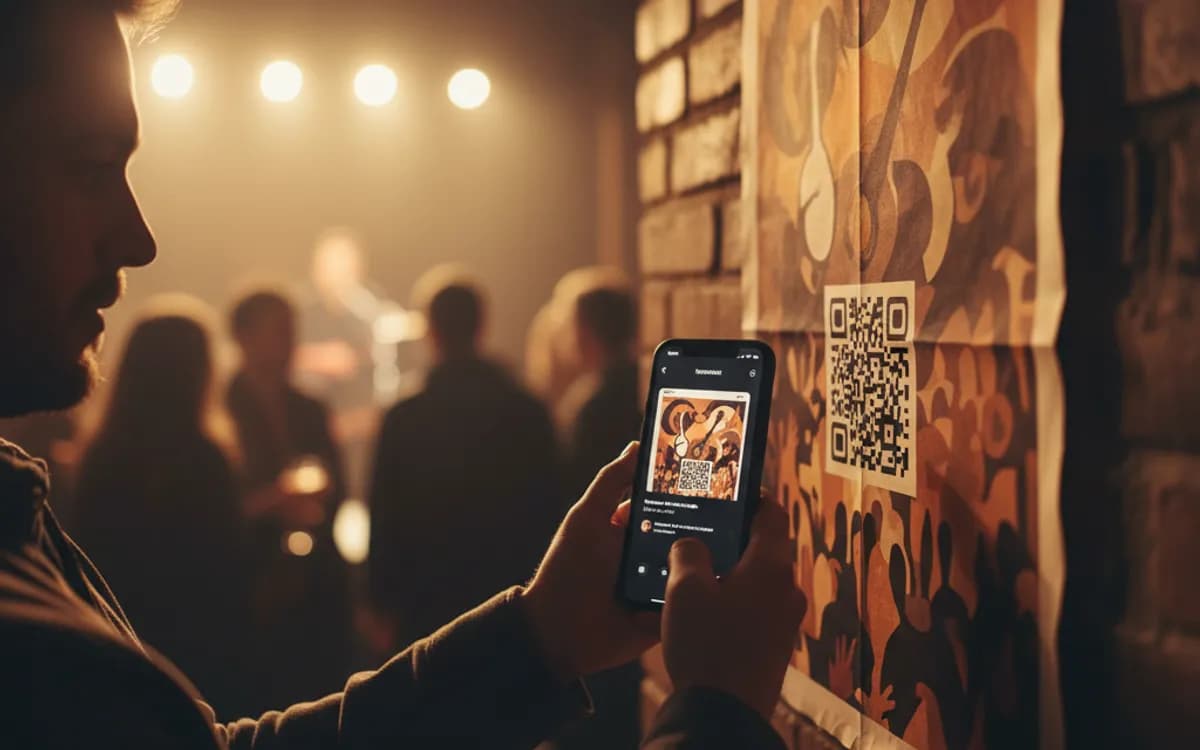
A code on a poster, a gig flyer or a wedding favour that starts the music. Point it at a track, an album, a playlist or your artist page and the scan opens it in Spotify.
Make your Spotify QR code
Redirect to Spotify
Enter the URL of your Spotify artist, album, or playlist

This code is static and permanent. To change where it points after printing, .
Why Use This Tool
A code on a poster, a gig flyer or a wedding favour that starts the music. Point it at a track, an album, a playlist or your artist page and the scan opens it in Spotify.
Starts the music on scan
Point at a track, album, playlist or artist page and the scan opens it in Spotify, ready to press play.
Works from any phone camera
Unlike a bar-style Spotify Code, this QR scans from the default camera without the app already open.
Fits dark, art-directed print
Place it on a light panel with your logo in the centre so the code reads as part of a gig poster or merch design.
Free vector files
Grab PNG, SVG or PDF at no cost for posters, vinyl inserts and event stationery, crisp at any size.
How It Works
- 1
Copy the share link from Spotify
Use the three-dot menu on the track, album, playlist or artist and choose Copy link. The open.spotify.com address it gives you is what you want, it works on desktop and mobile and opens the app when one is installed.
- 2
Choose the right level to link at
An artist page suits merchandise and gig posters, because it gathers everything and offers a follow. A playlist suits venues, cafés and events, because it is a mood rather than a single. A single track suits a release campaign in the weeks it matters. Match the level to how long the print will be in circulation.
- 3
Design it for a music context
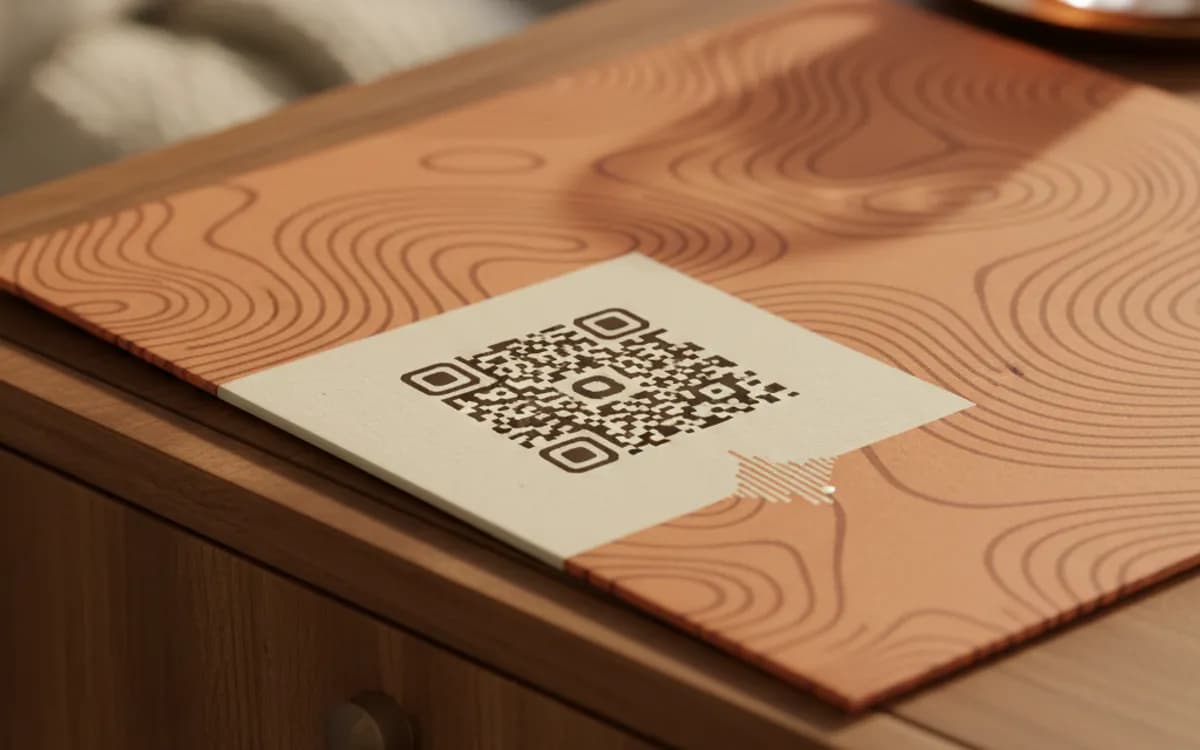
Music print is dark and heavily art-directed, which is where codes usually break. Put the code on a light panel rather than inverting it, keep the quiet zone clear of the artwork, and put your logo or artist name in the centre so it reads as part of the design.
- 4
Print with a listen prompt
'Scan to listen' is enough, and it is much better than nothing. On merchandise and event material, add what they will hear, 'Scan for the new single' or 'Scan for the after-party playlist'.
Spotify Codes and generated QR codes are different things
Spotify has its own scannable code format, the bar-style Spotify Code, which only works inside the Spotify app's own scanner. That is a real limitation: a person has to already have the app open and know to look for the camera icon. A standard QR code encoding the share link works from any phone camera, which is nearly everyone. For print aimed at the public, the QR code reaches a far wider audience.
Where music codes are worth printing
Gig posters and flyers, where the ask is to sample the band before buying a ticket. Merchandise, the code on the inner label of a t-shirt is a small, well-loved detail. Vinyl and CD inserts, connecting a physical purchase to the streaming catalogue. Venues and cafés putting today's playlist on the table. Wedding and party stationery pointing at the shared playlist guests can add to. In each case the code delivers something the print cannot: the sound.
Rights, briefly
Linking to a track on Spotify is a link, and linking is fine. Encoding an audio file you do not have rights to and hosting it yourself is not, and a QR code on printed material distributes it just as effectively as a website would. If you are using someone else's music commercially, link to the platform rather than to a file.
Free Tool vs a Free linkutm Plan
Every code on this page is free to make and never expires. A free linkutm plan adds what a printed code cannot do on its own, editing the destination and counting the scans, with no credit card required.
Editable codes, scan tracking, and analytics are included on the free plan. Your own domain, logo, frames, and team seats come with a paid plan when you need them.
Free plan available. No credit card required.
Frequently Asked Questions
Want To Know Who Scanned It?
A dynamic QR code keeps the same printed pattern while you change where it points, and shows you every scan, when, where, and on what device.
Related Tools
Generate Free QR Codes for Audio
Create a free audio QR code that plays your track or message on scan. No signup. Great for cards, merch and museums. Download PNG, SVG or PDF.
Generate Free QR Codes for YouTube
Create a free YouTube QR code that opens your channel or video on scan. No signup. Drive views from print, packaging and slides. Download PNG, SVG or PDF.
Generate Free QR Codes for Instagram
Create a free Instagram QR code that opens your profile on scan and grows your followers. No signup. Perfect for print and packaging. Download PNG, SVG or PDF.
Generate Free QR Codes for Tickets
Create free ticket QR codes for fast, paperless check-in on scan. No signup. Ideal for events, shows and travel. Download PNG, SVG or PDF.