Generate Free QR Codes for Medical IDs
A code on a bracelet, a card or a helmet that shows allergies, conditions and who to call. It is a convenience, not a medical device, and how you set it up matters.
Make your medical ID QR code
Encode plain text
Keep it short, long text forces a denser, harder-to-scan symbol.
0/600
This code is static and permanent. To change where it points after printing, .
Why Use This Tool
A code on a bracelet, a card or a helmet that shows allergies, conditions and who to call. It is a convenience, not a medical device, and how you set it up matters.
Displays instantly with no signal
A text code stores the details in the pattern itself, so allergies and conditions show on screen in a basement, a tunnel, or anywhere without service.
Critical contacts one scan away
Carry a name, blood group, major conditions, and one or two emergency contacts with country codes, exactly what a responder needs in the first minute.
Only what a responder needs
The code is encoded in your browser and never uploaded, and anyone can scan it, so leave out insurance numbers, ID numbers, and your home address.
A second layer if the phone fails
Set up the phone's built-in medical ID first, then use this code as an independent backup that still works when the handset is lost, dead, or smashed.
How It Works
- 1
Decide between text and a hosted page
A text code shows the information instantly with no internet connection, which is its single biggest advantage in an emergency, and it cannot be updated. A page can be edited but needs signal, which cannot be relied on in a basement, a tunnel or the countryside. For most people the offline text code is the safer default.
- 2
Include only what a responder needs in the first minute
Name, blood group if known, critical allergies, major conditions, essential medications, and one or two emergency contacts with country codes. Nothing else. A wall of text is scrolled past by someone under pressure, and the detail that mattered is the one they never reached.
- 3
Leave out what does not belong on a public code
Anyone who finds the item can scan it. No insurance or ID numbers, no home address, no full medical history, no dates of birth beyond what is necessary. The exposure risk of a lost bracelet is real and permanent.
- 4
Print it durably and label it clearly
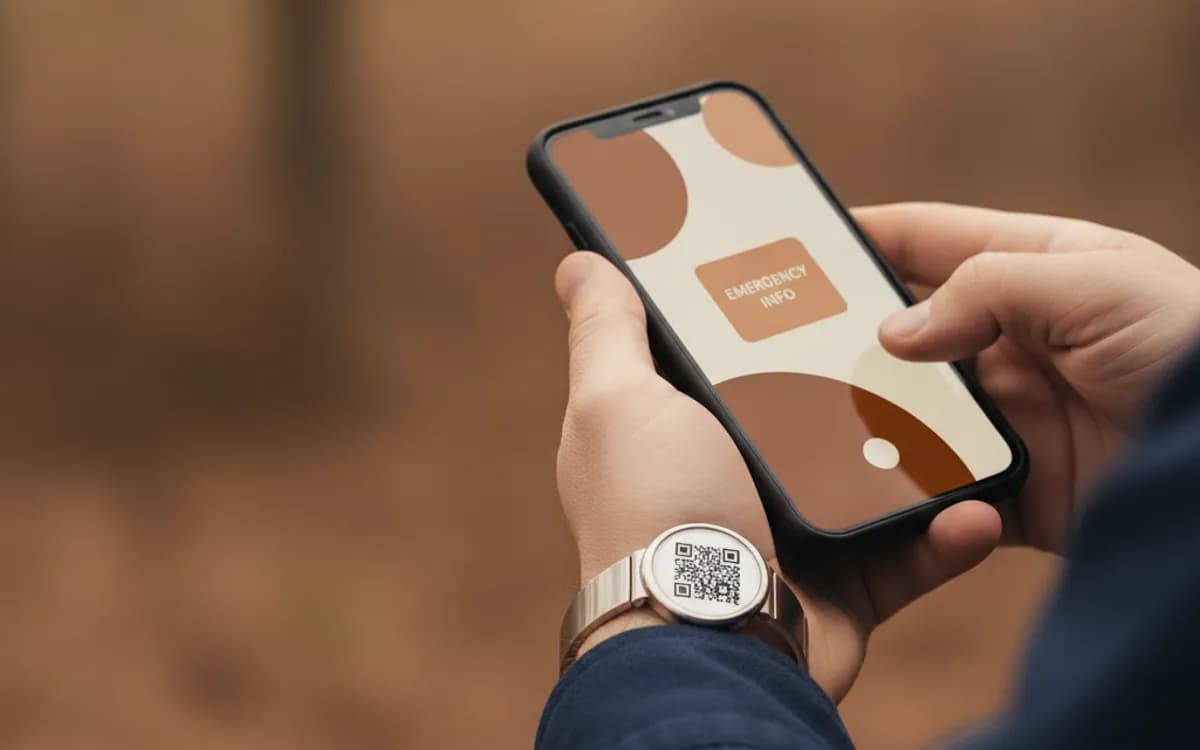
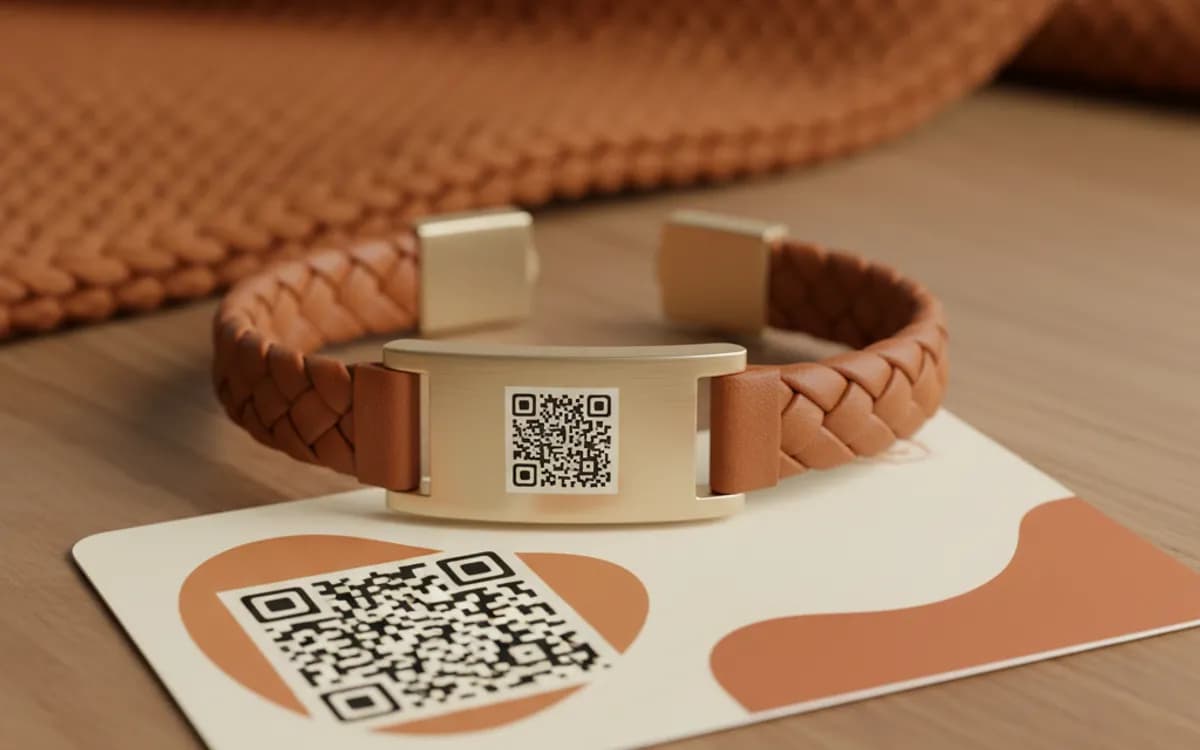
Engraved metal, laminated card, or weatherproof vinyl, this has to survive weather, sweat and time. Print a red cross or the words 'MEDICAL INFO' beside it, because a responder will not scan an unlabelled square, and keep it at least 2.5cm on anything not held close.
Be realistic about what happens in an emergency
Professional responders are trained to look for medical jewellery, and many will scan a clearly labelled code. But they work fast, they may not have a phone free, and they will always prioritise clinical assessment over reading a screen. Treat a medical ID code as a supplement to engraved text, not a replacement for it. The most robust arrangement is a bracelet with the critical facts engraved and a code beside them carrying the fuller detail.
Use the phone's built-in medical ID as well
Both iOS and Android carry an emergency medical profile accessible from the locked screen, and responders are increasingly trained to check it. It costs nothing to fill in and it does not depend on anyone finding a bracelet. Set that up first; a QR code is a second, independent layer that keeps working when the phone is lost, dead or smashed.
Keeping it current
Medication and conditions change, and an out-of-date medical code is worse than none, it actively misinforms. If you choose a static text code, set a reminder to review it after any change in treatment and replace the item. If you choose a hosted page, review it on the same schedule and keep a printed copy in a wallet as an offline backup.
Free Tool vs a Free linkutm Plan
Every code on this page is free to make and never expires. A free linkutm plan adds what a printed code cannot do on its own, editing the destination and counting the scans, with no credit card required.
Editable codes, scan tracking, and analytics are included on the free plan. Your own domain, logo, frames, and team seats come with a paid plan when you need them.
Free plan available. No credit card required.
Frequently Asked Questions
Want To Know Who Scanned It?
A dynamic QR code keeps the same printed pattern while you change where it points, and shows you every scan, when, where, and on what device.
Related Tools
Generate Free QR Codes for Business Cards
Create a free business card QR code that shares your contact details on scan and saves to phones. No signup. Perfect for cards. Download PNG, SVG or PDF.
Generate Free QR Codes for Text
Create a free text QR code from any short message, note, or code. No signup, works offline. Download PNG, SVG or PDF, or make it dynamic and trackable.
Generate Free QR Codes for Phone Calls
Create a free call QR code that dials your number the moment it is scanned. No signup. Great for cards, flyers and signs. Download PNG, SVG or PDF.
Generate Free QR Codes for URLs
Turn any link into a free URL QR code in seconds. No signup, no expiry. Download PNG, SVG or PDF, add your logo, and track every scan with linkutm.