Generate Free QR Codes for Facebook
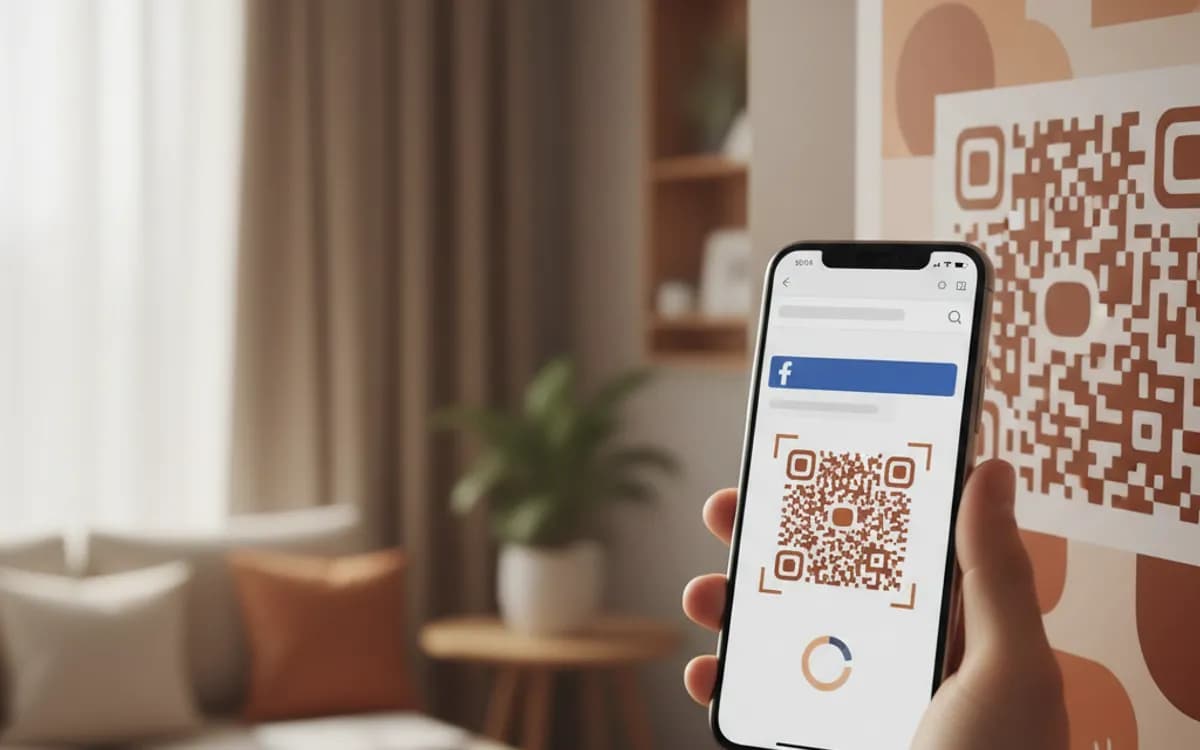
Put your Facebook page on something physical. A scan opens it in the app, where the follow button is one tap away, no searching, no wrong-page confusion, no typing.
Make your Facebook QR code
Redirect to a Facebook page
Enter the URL of your Facebook page or profile

This code is static and permanent. To change where it points after printing, .
Why Use This Tool
Put your Facebook page on something physical. A scan opens it in the app, where the follow button is one tap away, no searching, no wrong-page confusion, no typing.
One tap from print to follow
A scan opens your page in the app with the follow button ready, so there is no searching and no wrong-page confusion.
Lands on hours and directions
The page carries opening times, reviews and messaging in one place, which makes it a strong landing spot for local discovery.
Branded so it looks legitimate
Add your logo and keep the pattern dark on light so a stranger trusts the code next to your name on signage.
Free PNG and SVG
Download with no account, no watermark and no expiry, ready for windows, menus, receipts and vehicle livery.
How It Works
- 1
Copy your page URL, not the search result
Open your page on desktop and take the address from the URL bar. If it still contains a numeric profile ID, claim a username in your page settings first, a clean facebook.com/yourbusiness address is shorter, makes a lighter code, and looks legitimate printed next to your logo.
- 2
Decide between page, group and profile
A page is for a business and is what you want on signage. A group is for a community and converts well when the printed context is membership rather than marketing. A personal profile rarely belongs on business print. Pick one destination, offering two codes splits the audience and halves both.
- 3
Brand the code and download it
Add your logo so a stranger knows whose page they are about to open, keep the pattern dark on a light background, and take the SVG for anything printed.
- 4
Give people a reason bigger than 'follow us'
'Follow us on Facebook' is wallpaper. 'Scan for today's specials', 'Scan to join 4,000 local parents' or 'Scan for opening hours and events' names the benefit, and benefit-led copy next to a code outperforms brand-led copy consistently.
Where a Facebook code makes sense
Local businesses whose customers genuinely live on Facebook: restaurants, salons, garages, clinics, tradespeople, community venues and event organisers. Shop windows and counters work well, as do menus, receipts and vehicle livery. Facebook remains the strongest platform for local discovery in most markets, and the page carries hours, directions, messaging and reviews in one place, which makes it a better landing spot than a thin website for a lot of small businesses.
The app-versus-browser problem
If the scanner has the Facebook app installed, iOS and Android normally hand the link straight to it, which is what you want, the person is logged in and can follow immediately. Without the app they land in a mobile browser and often meet a login or signup prompt before they can interact. You cannot control this, but you can account for it: point the code at your page rather than a specific post, because a page renders far better to a logged-out visitor than a post does.
Track it, or you will never know if it worked
Social platforms report where a follow came from in the vaguest possible terms, so a printed campaign shows up nowhere. Point the code at a tracked short link that redirects to your page and you get the scan count, the location and the device on your side, enough to compare the window sticker against the menu insert and against the flyer, which is the actual question.
Free Tool vs a Free linkutm Plan
Every code on this page is free to make and never expires. A free linkutm plan adds what a printed code cannot do on its own, editing the destination and counting the scans, with no credit card required.
Editable codes, scan tracking, and analytics are included on the free plan. Your own domain, logo, frames, and team seats come with a paid plan when you need them.
Free plan available. No credit card required.
Frequently Asked Questions
Want To Know Who Scanned It?
A dynamic QR code keeps the same printed pattern while you change where it points, and shows you every scan, when, where, and on what device.
Related Tools
Generate Free QR Codes for Instagram
Create a free Instagram QR code that opens your profile on scan and grows your followers. No signup. Perfect for print and packaging. Download PNG, SVG or PDF.
Generate Free QR Codes for WhatsApp
Make a free WhatsApp QR code that starts a chat with your number on scan. No signup. Add a pre-filled message for support or sales. Download PNG, SVG or PDF.
Generate Free QR Codes for Social Media
Create a free social media QR code that links all your profiles from one scan. No signup. Perfect for bios, print and packaging. Download PNG, SVG or PDF.
Generate Free QR Codes for Google Reviews
Create a free Google review QR code that opens your review link on scan and wins more reviews. No signup. Great for counters. Download PNG, SVG or PDF.