Generate Free QR Codes for Discord
Discord invites are hostile to print, random, easy to mistype and often set to expire. A code removes the typing and, set up properly, removes the expiry problem too.
Make your Discord QR code
Link to any web page
Try something like https://example.com/

This code is static and permanent. To change where it points after printing, .
Why Use This Tool
Discord invites are hostile to print, random, easy to mistype and often set to expire. A code removes the typing and, set up properly, removes the expiry problem too.
No mistyped invite links
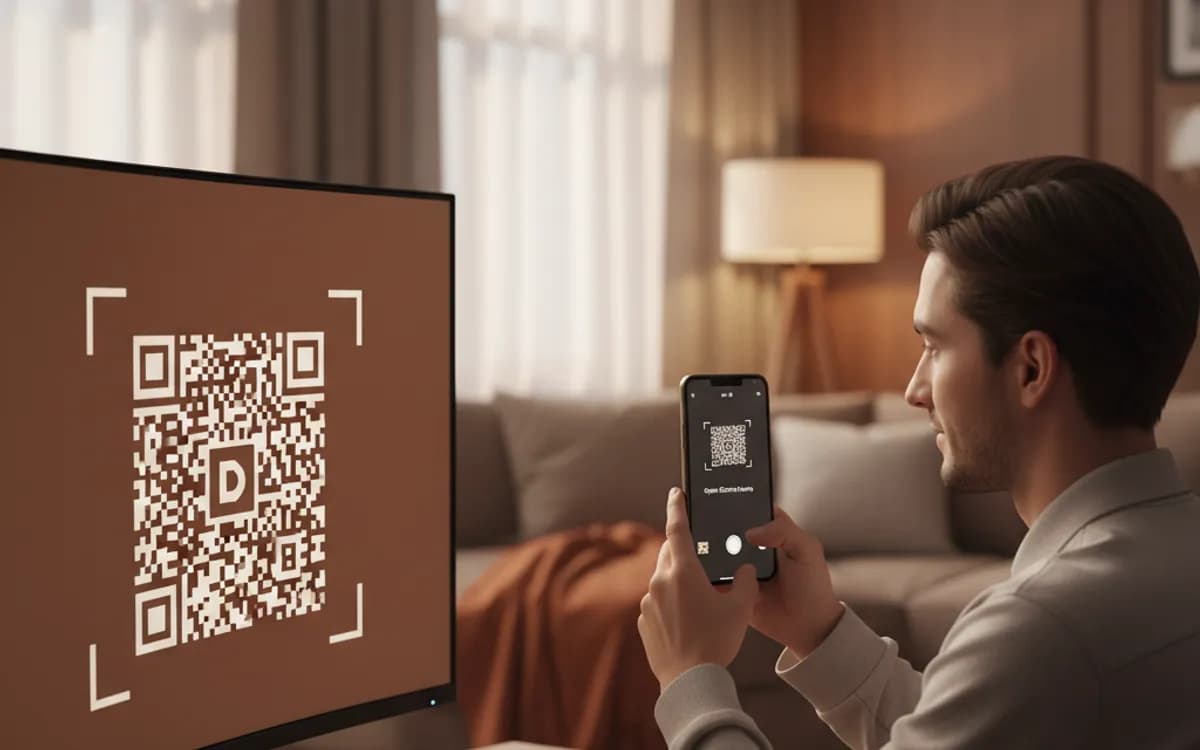
A scan opens your discord.gg invite directly, so no one has to copy the random string that people routinely get wrong.
Point it at an evergreen invite
Encode a never-expiring, unlimited-use invite and the printed code keeps working long after the default seven-day link would die.
Lands newcomers in the right channel
Generate the invite from a welcome or rules channel so scanners arrive somewhere calm instead of a busy general chat.
Free vector downloads
Grab PNG, SVG or PDF free with no signup, ready for stream overlays, convention print and hobby packaging.
How It Works
- 1
Create an invite that never expires
In the invite settings, set Expire After to Never and Max Number of Uses to No Limit. Discord defaults to a seven-day, limited-use invite, and a code carrying one of those is dead before the posters come down. This is the single most important step.
- 2
Set a vanity URL if your server has one
Boosted servers can claim a custom invite like discord.gg/yourname. It is shorter, permanent, readable, and produces a sparser pattern, all of which matter more in print than they do in a chat message.
- 3
Point it at the right landing channel
You can generate an invite from a specific channel, and new arrivals land there. Send them to a welcome or rules channel rather than a busy general chat, where a newcomer sees an ongoing conversation and immediately leaves.
- 4
Print it where your community already is
Gaming events, LAN parties, conventions, campus boards, product packaging for hobby and tabletop goods, and creator merch. Discord codes work when the audience already uses Discord and fail everywhere else.
The expiry trap
This is where nearly every printed Discord code fails. The default invite lasts a week, so a code created casually and sent to a printer stops working almost immediately, and there is nothing you can do about it once it is in the world. Always create a dedicated never-expiring, unlimited-use invite for print, keep a note of which invite is on which piece, and never revoke it without checking what it is attached to.
Moderation is part of the design
A printed code is an open door to anyone who walks past it, which is a different risk profile from a link shared in a community. Turn on verification requirements, use a rules screening gate, and make sure the landing channel is read-only. A public code without moderation settings turns into a spam target quickly, and cleaning that up is far more work than configuring it beforehand.
Track it so you can compare events
Discord's own invite analytics show uses per invite, which is genuinely useful, generate a separate invite per event or placement and you get a clean count. Layer a tracked short link on top and you also get the scan time, city and device, which tells you about the people who scanned and hesitated, not just the ones who joined.
Free Tool vs a Free linkutm Plan
Every code on this page is free to make and never expires. A free linkutm plan adds what a printed code cannot do on its own, editing the destination and counting the scans, with no credit card required.
Editable codes, scan tracking, and analytics are included on the free plan. Your own domain, logo, frames, and team seats come with a paid plan when you need them.
Free plan available. No credit card required.
Frequently Asked Questions
Want To Know Who Scanned It?
A dynamic QR code keeps the same printed pattern while you change where it points, and shows you every scan, when, where, and on what device.
Related Tools
Generate Free QR Codes for Telegram
Generate a free Telegram QR code that opens your channel or chat on scan. No signup. Grow your community from print and slides. Download PNG, SVG or PDF.
Generate Free QR Codes for Social Media
Create a free social media QR code that links all your profiles from one scan. No signup. Perfect for bios, print and packaging. Download PNG, SVG or PDF.
Generate Free QR Codes for Tickets
Create free ticket QR codes for fast, paperless check-in on scan. No signup. Ideal for events, shows and travel. Download PNG, SVG or PDF.
Generate Free QR Codes for URLs
Turn any link into a free URL QR code in seconds. No signup, no expiry. Download PNG, SVG or PDF, add your logo, and track every scan with linkutm.