Cashless QR Payments That Track Which Point of Sale Actually Converts
Accept cashless QR payments at the counter, on tables, or on invoices, and track which points of sale drive them. linkutm makes every payment QR code a trackable, editable short link.
Free plan available. No credit card required.
You have added scan-to-pay codes at the counter, on tables, and on invoices, but they all point at the same plain link. When a payment lands you cannot tell where the scan came from, and switching payment pages means reprinting every code you have placed.
Scenario
“You accept scan-to-pay at a counter code, table codes, and on printed invoices. Transactions are rising, but you cannot tell whether table payments are replacing counter queues, or whether invoice codes get used at all.”
Cashless QR payments let a customer pay in the time it takes to scan, no card reader, no cash, no queue. A tracked payment code does more than move money: it records which point of sale, counter, table, invoice, or event stall, drove the payment, so you can see where scan-to-pay actually works. Because each code resolves through a short link, you can switch payment pages or update an amount without reprinting a single code.
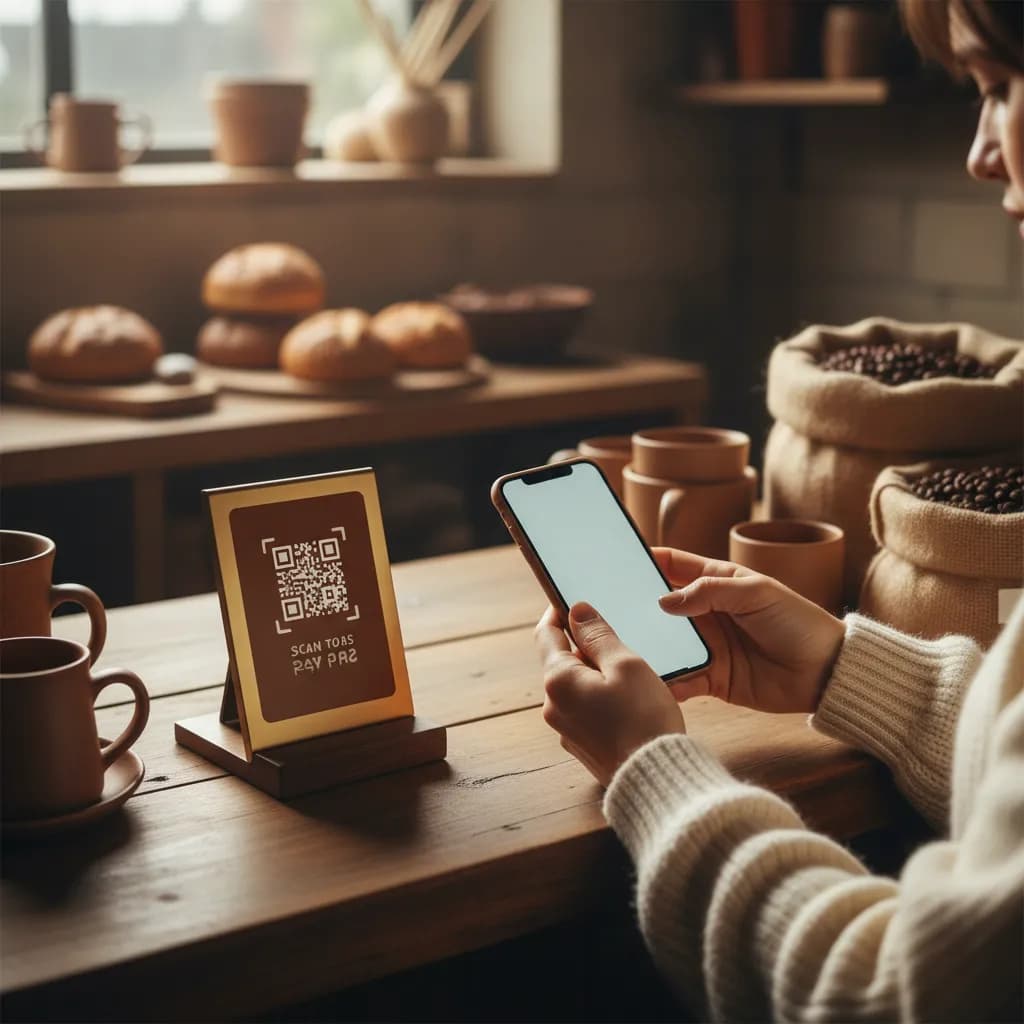
How to Track Cashless QR Payment Codes
Tag Each Point of Sale
Create a short link per payment placement in linkutm, tagged like `utm_source=counter`, `utm_source=table`, and `utm_source=invoice`, with `utm_medium=qr`.
Route Payments Through an Editable Link
Point each code at your payment page through a short link, so you can change providers or update the flow without reprinting the codes on tables and invoices.
See Where Scan-to-Pay Wins
Compare payment scans by placement to learn where cashless is genuinely reducing friction, and expand the codes that get used.
Example: Counter vs Table Payments
A cafe tags its counter and table payment codes separately. Table codes take a meaningful share of payments during busy periods, easing the counter queue, while invoice codes are rarely used. They add table codes to more seats and rethink the invoice flow.
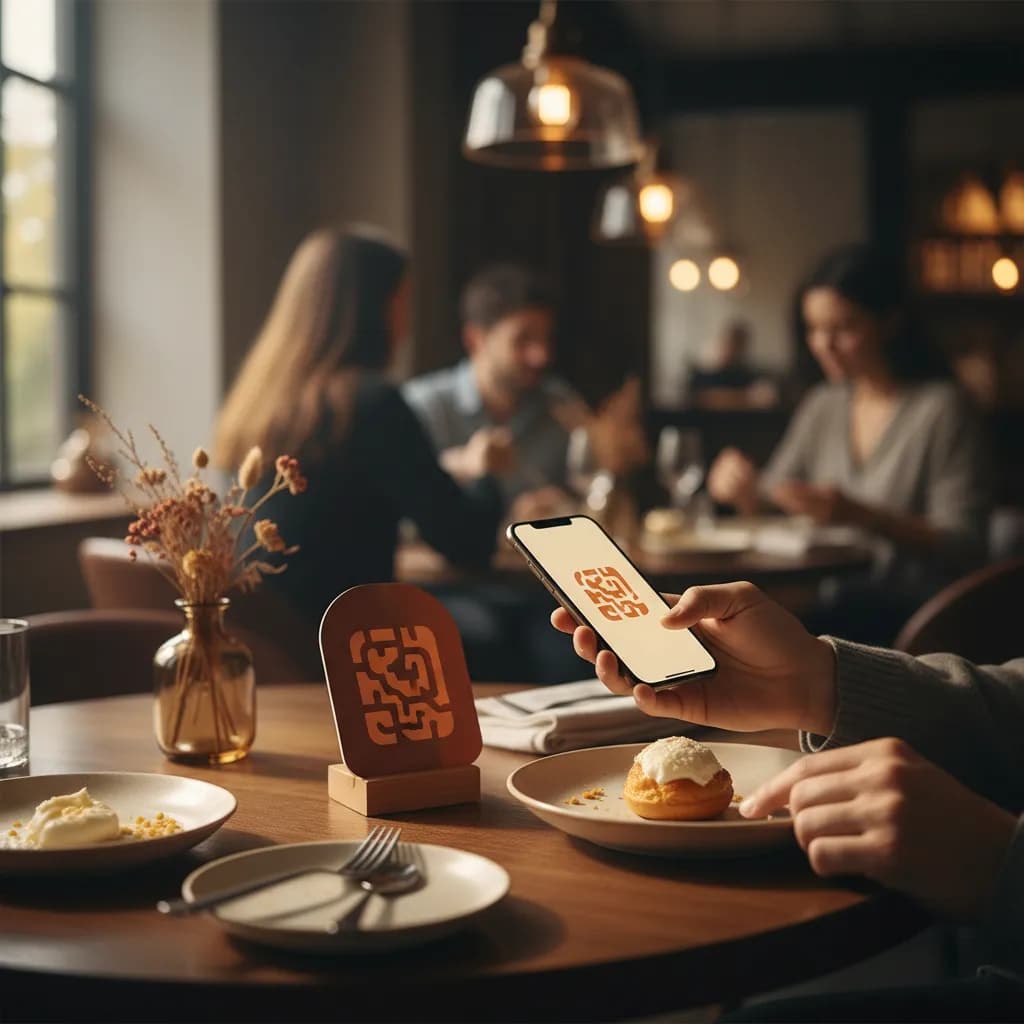
Counter Code
Steady use
Baseline
Table Code
Peak periods
Shorter queues
Free plan available. No credit card required.
Best Practices
Give each point of sale its own tracked payment link.
Route through short links so provider or flow changes need no reprints.
Label codes clearly with the amount or 'Scan to pay' so intent is obvious.
Keep the payment page fast and mobile-first to avoid drop-off.
Watch scan timing to see when and where cashless reduces queues.
See how QR code tracking works with linkutm
Related QR Code Use Cases
QR Code Scavenger Hunts: Track Every Clue, Step, and Player
Build a QR code scavenger hunt for events, campuses, or campaigns, and track which clues get scanned and where players drop off. linkutm keeps every hunt code trackable and editable.
Read use caseQR Codes for Insurance and Finance: Track Every Lead Source
Use QR codes on statements, brochures, and branch signage to send prospects to quotes and applications, and see which drive leads. linkutm keeps every finance QR code trackable and editable.
Read use caseQR Codes for Education: Track Handouts, Posters, and Resources
Use QR codes on handouts, posters, and slides to share resources, forms, and links with students, and see what gets used. linkutm keeps every education QR code trackable and editable.
Read use caseMake the code
Ready to Optimize Your Strategy?
Cashless QR payments should tell you more than a total at close. With a tracked, editable link behind every scan-to-pay code, you learn which points of sale convert, cut queues where it counts, and change payment flows in seconds instead of reprinting the floor.