UTM Meaning: What Does UTM Stand For? (+ 5 Parameters Explained)


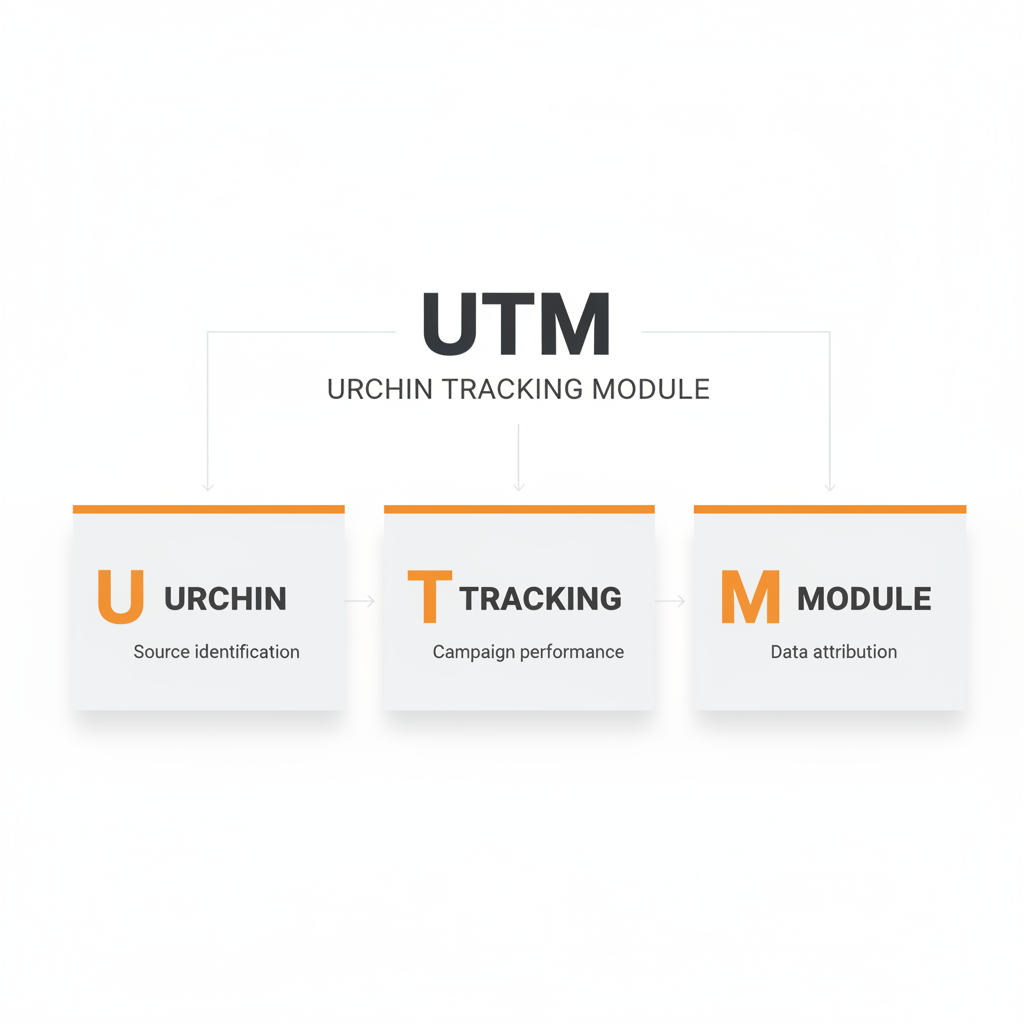
UTM stands for Urchin Tracking Module, a system of URL parameters that tell analytics platforms where website traffic originates. Created by Urchin Software Corporation and later acquired by Google in 2005, UTM parameters are now the standard method for tracking marketing campaign performance in Google Analytics.
With 44 million websites using Google Analytics worldwide and 67% of marketers increasing their reliance on first-party data in 2025, understanding UTM meaning is foundational to modern marketing measurement.
In this guide, you will learn exactly what UTM means, where this tracking system came from, how the five parameters work, and how to use UTM codes to measure campaign performance accurately.
What Does UTM Stand For?
UTM stands for Urchin Tracking Module. The name comes from Urchin Software Corporation, a San Diego-based company founded in 1995 that created web analytics software and this URL tracking system.
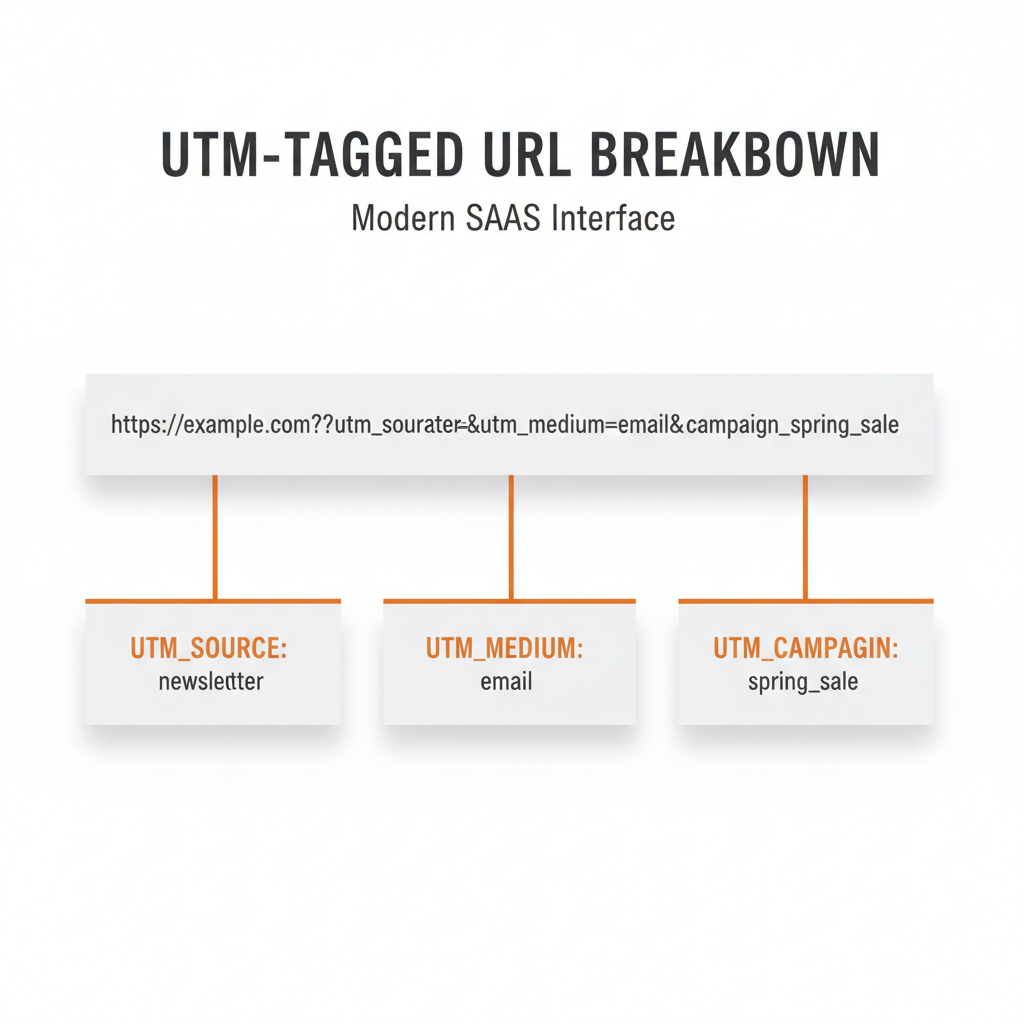
When you add UTM parameters to a URL, you are adding text snippets that pass information to Google Analytics about where traffic originates. Here is what a UTM-tagged URL looks like:
https://yoursite.com/page?utm_source=newsletter&utm_medium=email&utm_campaign=spring_sale
The section after the question mark contains UTM parameters. When someone clicks this link, Google Analytics 4 records that the visit came from your newsletter email campaign about a spring sale.
Why does this matter? Without UTM tracking, GA4 lumps much of your traffic into vague categories like “direct” or “referral.” You cannot tell which email, social post, or ad actually drove the visit. UTM parameters give you that clarity.
The History of UTM: From Urchin to Google Analytics
Understanding UTM meaning requires knowing where it came from. The story starts in 1995.
The Urchin Era (1995-2005)
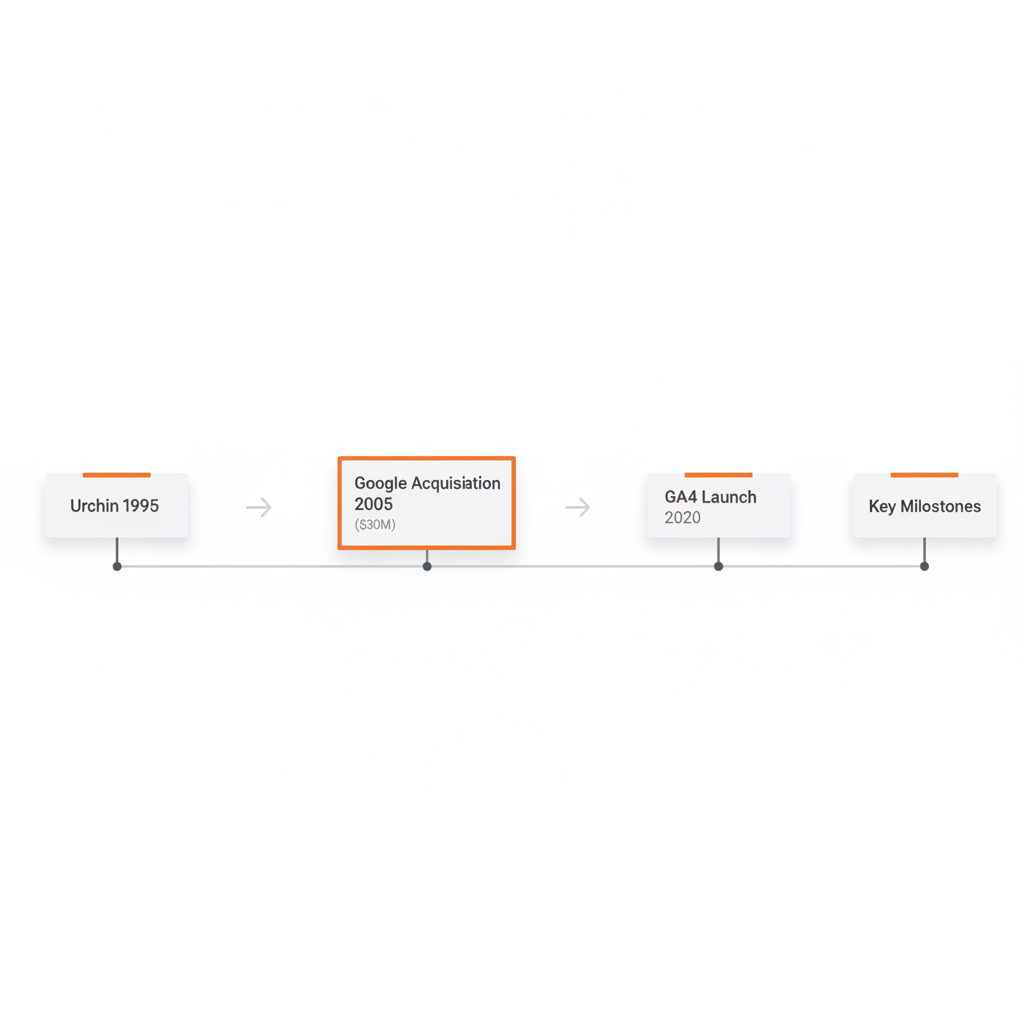
Urchin Software Corporation built one of the first commercial web analytics platforms. Their software helped website owners understand where visitors came from and what they did on site. As part of this system, Urchin created the UTM tracking parameters that marketers still use today.
The five UTM parameters (source, medium, campaign, content, and term) were designed to give marketers granular control over campaign attribution. Each parameter serves a specific purpose in identifying traffic sources.
Google Acquires Urchin (2005)
In April 2005, Google acquired Urchin Software Corporation for approximately $30 million. Google saw the potential in making web analytics accessible to everyone, not just enterprises that could afford expensive software.
Within months, Google launched Google Analytics as a free service based on Urchin technology. The UTM tracking system came along with it. Google kept the “Urchin” name in the parameters because changing them would break tracking for existing users.
Evolution to GA4 (2020-Present)
Google Analytics evolved through several versions:
- Urchin Analytics (pre-2005): The original paid software
- Google Analytics Classic (2005-2012): First free version
- Universal Analytics (2012-2024): Enhanced tracking and reporting
- Google Analytics 4 (2020-present): Event-based model with privacy focus
Through all these changes, UTM parameters remained consistent. The same five parameters that worked in 2005 work in GA4 today. This backward compatibility is why UTM tracking became the industry standard.
What Are the 5 UTM Parameters?
UTM parameters are five standardized tags added to URLs that pass campaign attribution data to analytics platforms when a user clicks the link. Three are required for proper tracking; two are optional.
Here is a complete breakdown:
| Parameter | Full Name | Required | Purpose | Example Values |
|---|---|---|---|---|
| utm_source | Source | Yes | Identifies traffic source | google, facebook, newsletter |
| utm_medium | Medium | Yes | Identifies channel type | cpc, email, social, organic |
| utm_campaign | Campaign | Yes | Identifies campaign name | spring_sale_2026, product_launch |
| utm_content | Content | No | Differentiates similar links | hero_banner, sidebar_cta |
| utm_term | Term | No | Identifies paid keywords | running_shoes, best_crm |
utm_source (Required)
The utm_source parameter identifies the traffic source or platform sending visitors to your website.
Definition: utm_source tells GA4 which website, platform, or publication referred the visitor.
Examples:
utm_source=googlefor Google Adsutm_source=facebookfor Facebook posts or adsutm_source=newsletterfor email newslettersutm_source=linkedinfor LinkedIn content
Best practice: Use the platform or publication name, not your own brand name. Keep values lowercase and consistent across all campaigns.
utm_medium (Required)
The utm_medium parameter identifies the marketing channel or medium type.
Definition: utm_medium categorizes the type of marketing activity, such as paid advertising, email, or social media.
Standard values to use:
| Medium Value | Use Case |
|---|---|
| cpc | Paid search ads (cost-per-click) |
| Email marketing campaigns | |
| social | Organic social media posts |
| paid_social | Paid social media ads |
| organic | Unpaid/organic content |
| referral | Third-party website links |
| display | Display/banner advertising |
| affiliate | Affiliate marketing links |
Best practice: Stick to standard medium values so GA4 groups your traffic correctly in default channel reports.
utm_campaign (Required)
The utm_campaign parameter identifies the specific marketing campaign, promotion, or initiative.
Definition: utm_campaign names the particular marketing effort so you can compare performance across campaigns.
Examples:
utm_campaign=spring_sale_2026utm_campaign=product_launch_februaryutm_campaign=brand_awareness_q1utm_campaign=webinar_registration
Best practice: Use descriptive names that your team will recognize months later. Include dates or quarters for time-bound campaigns.
utm_content (Optional)
The utm_content parameter differentiates similar links within the same campaign.
Definition: utm_content identifies which specific link or creative element the visitor clicked, useful for A/B testing different ad creatives, buttons, or link placements.
Examples:
utm_content=hero_bannervsutm_content=sidebar_ctautm_content=blue_buttonvsutm_content=green_buttonutm_content=image_advsutm_content=text_ad
Best practice: Use utm_content when you have multiple links in the same email, social post, or ad that point to the same destination.
utm_term (Optional)
The utm_term parameter identifies the paid search keyword that triggered an ad click.
Definition: utm_term tracks which keywords drive traffic from paid search campaigns, primarily used for Google Ads campaigns.
Examples:
utm_term=running_shoesutm_term=best_crm_softwareutm_term=project_management_tool
Best practice: Google Ads can auto-tag keywords, making manual utm_term less necessary for paid search. Some marketers repurpose utm_term for other purposes like audience segments.
How Do UTM Parameters Work?
When someone clicks a UTM-tagged link, the parameters travel with the URL to your website. Your analytics platform captures these parameters and stores them as session attributes.
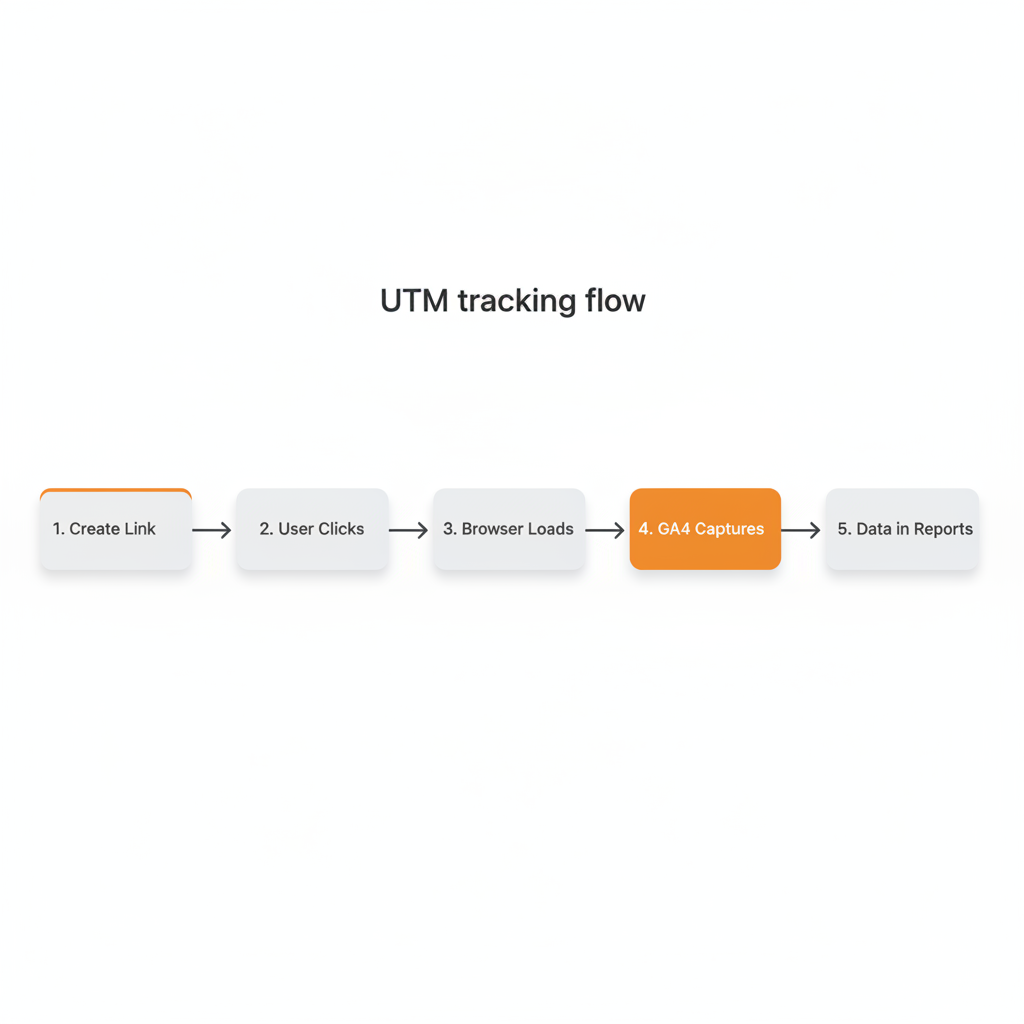
Here is the process:
- You create a tagged URL with UTM parameters appended
- User clicks the link from an email, social post, or ad
- Browser loads your page with UTM parameters in the URL
- GA4 tracking code captures the parameters automatically
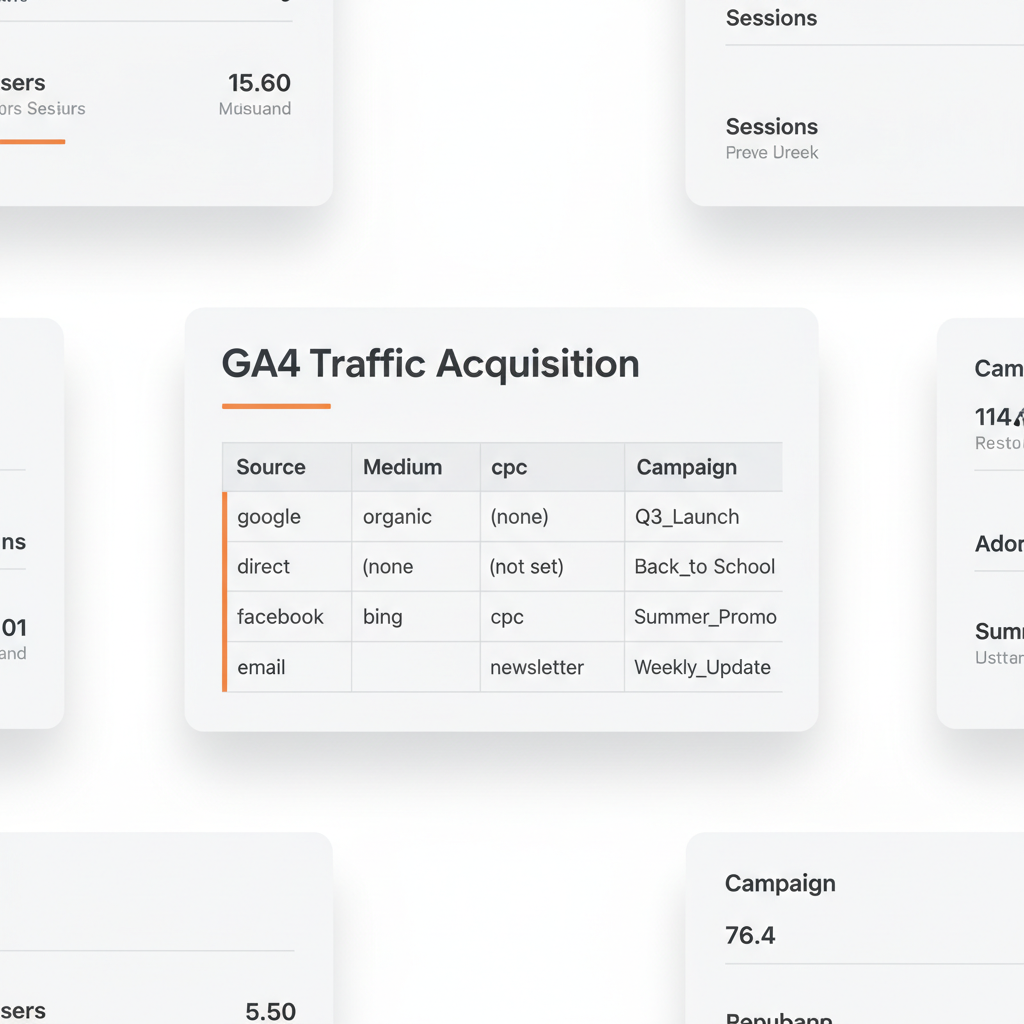
- Data appears in reports under Acquisition > Traffic Acquisition
The UTM data tells GA4 exactly where to attribute that session. Instead of showing as mysterious “direct” traffic, the visit shows the source, medium, and campaign you specified.
Example flow:
A user receives your newsletter and clicks this link:
yoursite.com/demo?utm_source=newsletter&utm_medium=email&utm_campaign=february_promo
In GA4, this visit appears with:
- Source: newsletter
- Medium: email
- Campaign: february_promo
You can now see exactly how many visits, conversions, and revenue came from that specific email campaign.
Why Is UTM Tracking Important in 2026?
UTM tracking has become more valuable, not less, as privacy regulations reshape digital marketing.
First-Party Data in a Privacy-First World
67% of marketers increased their reliance on first-party data collection in 2025, according to Influencer Marketing Hub. UTM parameters collect first-party data that you control, stored in your own analytics platform.
Unlike third-party cookies or tracking pixels, UTM codes:
- Work without storing data on user devices
- Function regardless of browser privacy settings
- Require no user consent for basic implementation
- Survive ad blockers and privacy extensions
The Cookieless Future
With third-party cookies deprecated in major browsers and iOS privacy updates limiting tracking capabilities, UTM parameters provide a reliable attribution method that does not depend on cross-site tracking.
80% of companies are predicted to implement hybrid attribution models combining first-party data with probabilistic models by 2026, according to Forrester Research. UTM tracking forms the backbone of that first-party data collection.
Attribution Accuracy Matters
Research shows 42% improvement in attribution accuracy when integrating web UTMs with app tracking for cross-platform journeys (AppsFlyer, 2024). Companies implementing standardized UTM naming conventions see 29% improvement in campaign attribution (CXL Institute, 2023).
When you cannot accurately attribute conversions to campaigns, you cannot optimize spend effectively. UTM tracking provides the foundation for data-driven marketing decisions.
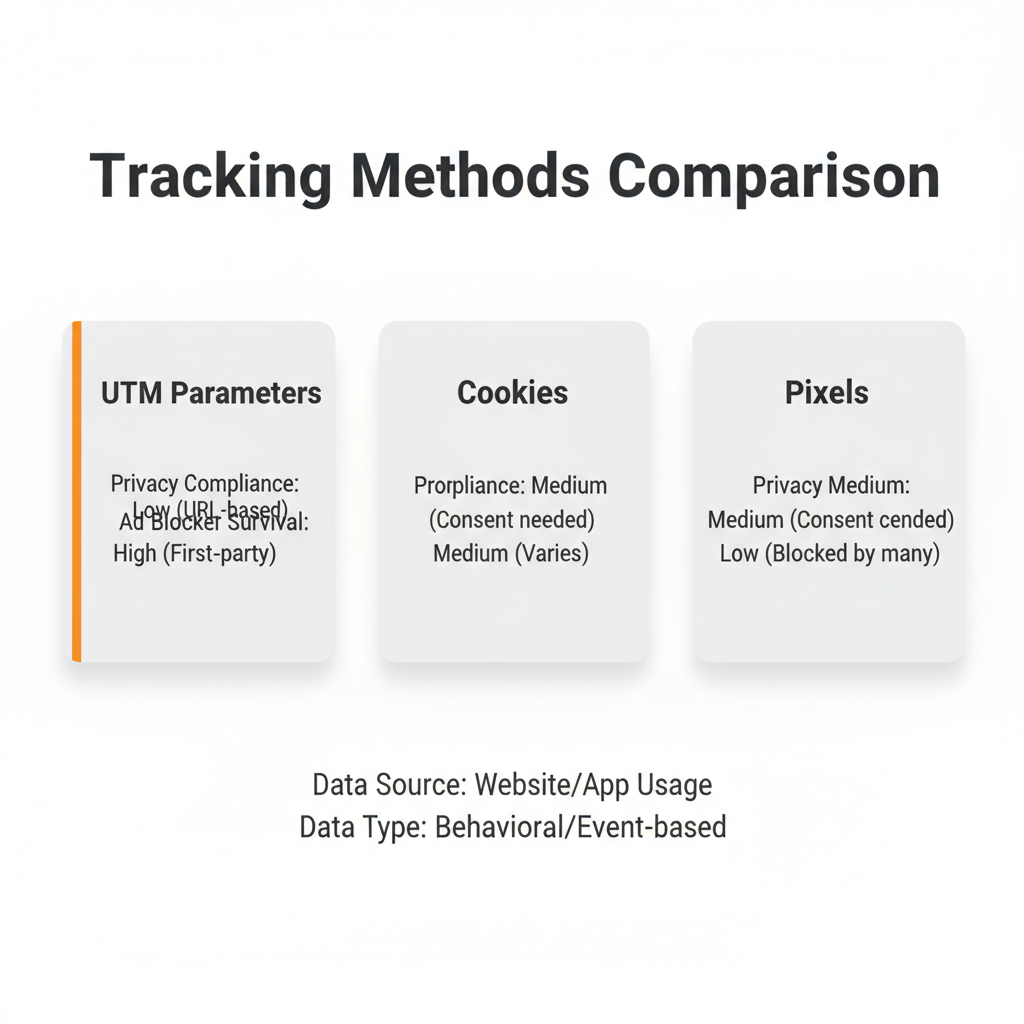
UTM vs Other Tracking Methods
How does UTM tracking compare to other attribution methods? Here is a side-by-side comparison:
| Feature | UTM Parameters | Third-Party Cookies | Tracking Pixels |
|---|---|---|---|
| Privacy compliant | Yes | Varies by jurisdiction | Varies |
| Works cross-device | No | No | Limited |
| First-party data | Yes | No | No |
| Survives ad blockers | Yes | No | No |
| Requires user consent | No (basic use) | Yes (EU/CA) | Yes (EU/CA) |
| GA4 compatible | Yes | Yes | Yes |
| Shows campaign source | Yes | No | Limited |
| Free to implement | Yes | Yes | Sometimes |
| Works offline-to-online | With QR codes | No | No |
When to use UTM parameters: For all digital marketing campaigns where you control the link being shared (email, social, paid ads, content).
When to use tracking pixels: For retargeting audiences and conversion tracking on platforms like Facebook or Google Ads.
When cookies matter: For personalization and cross-session tracking within your own site.
UTM parameters excel at answering “where did this traffic come from?” while pixels and cookies serve other purposes in the marketing stack.
How to Create UTM Links
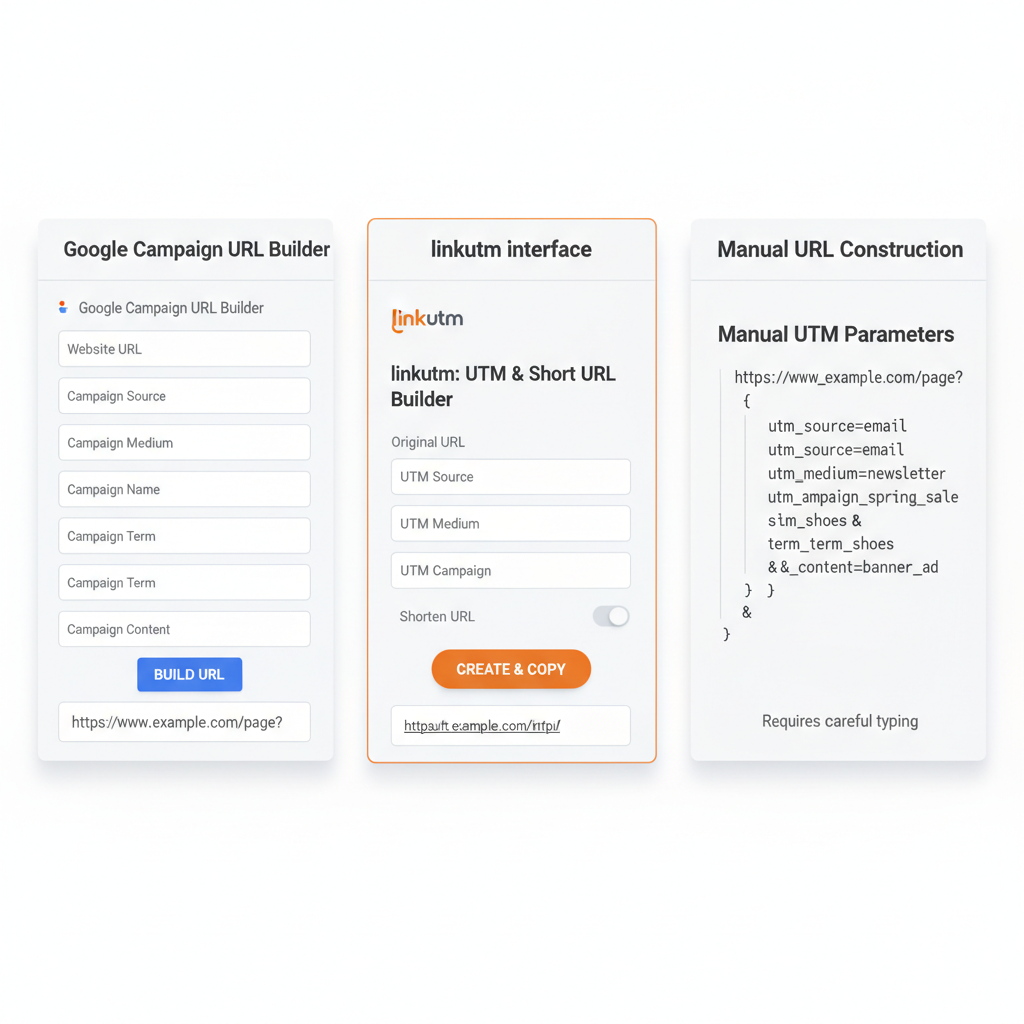
You have three main options for creating UTM-tagged URLs.
Option 1: Google’s Campaign URL Builder
Google provides a free Campaign URL Builder that generates properly formatted UTM links.
Steps:
- Enter your destination URL
- Fill in source, medium, and campaign fields
- Add optional content and term parameters
- Copy the generated URL
This works well for occasional link creation but becomes tedious when managing many campaigns.
Option 2: UTM Link Management Tools
Platforms like linkutm automate UTM creation with templates, bulk UTM parmeter generation, and automatic naming convention enforcement.
Benefits of dedicated tools:
- Reusable templates ensure consistency
- Bulk import creates hundreds of links from CSV
- Automatic validation catches naming errors
- Team link management workspaces keep everyone aligned
- Built-in analytics show link performance
If you create more than a handful of campaign links each month, a link management tool will save significant time.
Option 3: Manual Creation
You can manually append UTM parameters to any URL:
https://yoursite.com/page?utm_source=VALUE&utm_medium=VALUE&utm_campaign=VALUE
Rules for manual creation:
- Start parameters with
?after the base URL - Separate multiple parameters with
& - Use
=between parameter name and value - No spaces in values (use underscores or hyphens)
- Keep values lowercase for consistency
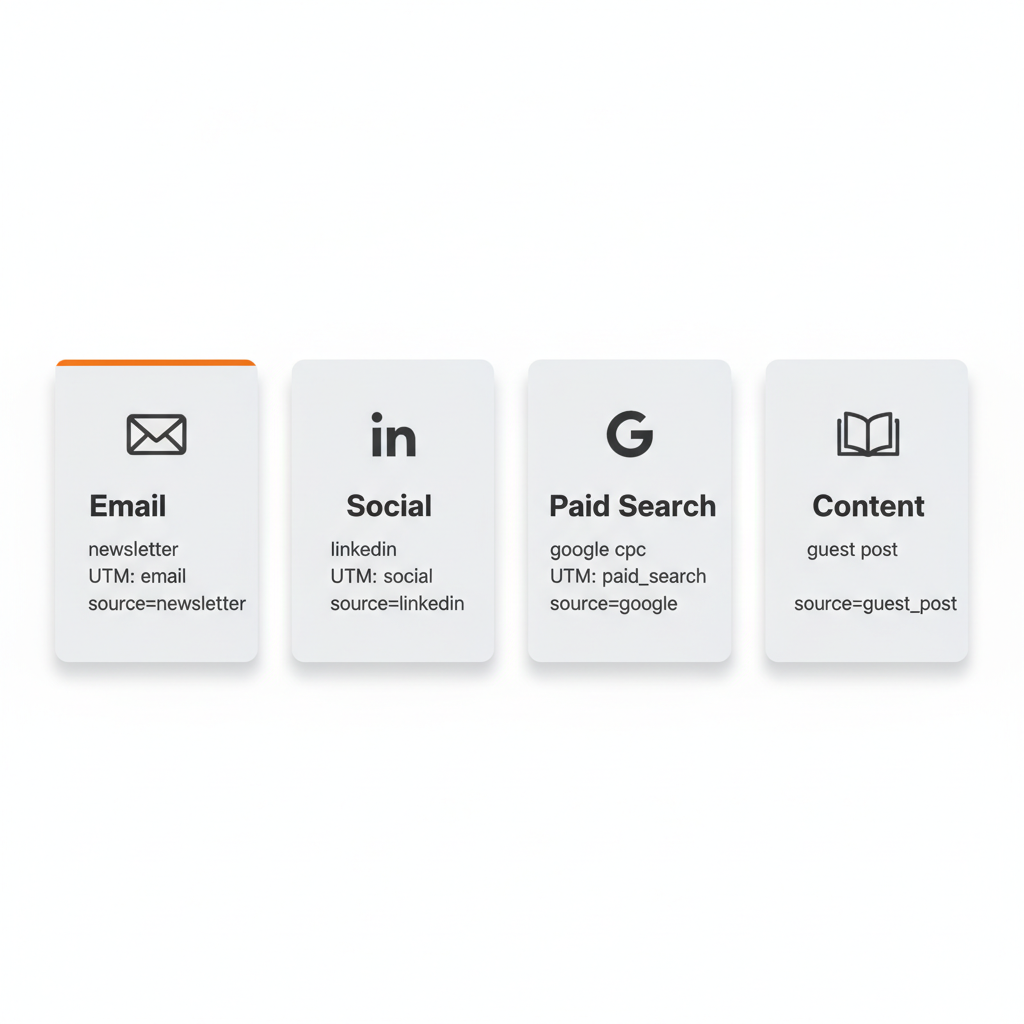
UTM Examples by Marketing Channel
Here are complete UTM-tagged URL examples for common marketing channels.
Email Marketing
Newsletter promotion:
yoursite.com/blog-post?utm_source=newsletter&utm_medium=email&utm_campaign=weekly_digest_feb_2026&utm_content=featured_article
Automated drip campaign:
yoursite.com/demo?utm_source=welcome_series&utm_medium=email&utm_campaign=onboarding&utm_content=email_3_cta
Learn more about how to track email campaigns with UTM parameters and drip campaigns.
Social Media
Organic LinkedIn post:
yoursite.com/ebook?utm_source=linkedin&utm_medium=social&utm_campaign=thought_leadership_q1
Paid Facebook ad:
yoursite.com/landing?utm_source=facebook&utm_medium=paid_social&utm_campaign=retargeting_feb&utm_content=carousel_ad
Paid Search
Google Ads campaign:
yoursite.com/product?utm_source=google&utm_medium=cpc&utm_campaign=brand_search&utm_term=your_brand_name
Bing Ads:
yoursite.com/service?utm_source=bing&utm_medium=cpc&utm_campaign=competitor_keywords
Content Marketing
Guest post link:
yoursite.com/?utm_source=industry_publication&utm_medium=referral&utm_campaign=guest_post_february
Podcast mention:
yoursite.com/offer?utm_source=marketing_podcast&utm_medium=podcast&utm_campaign=episode_45_sponsorship
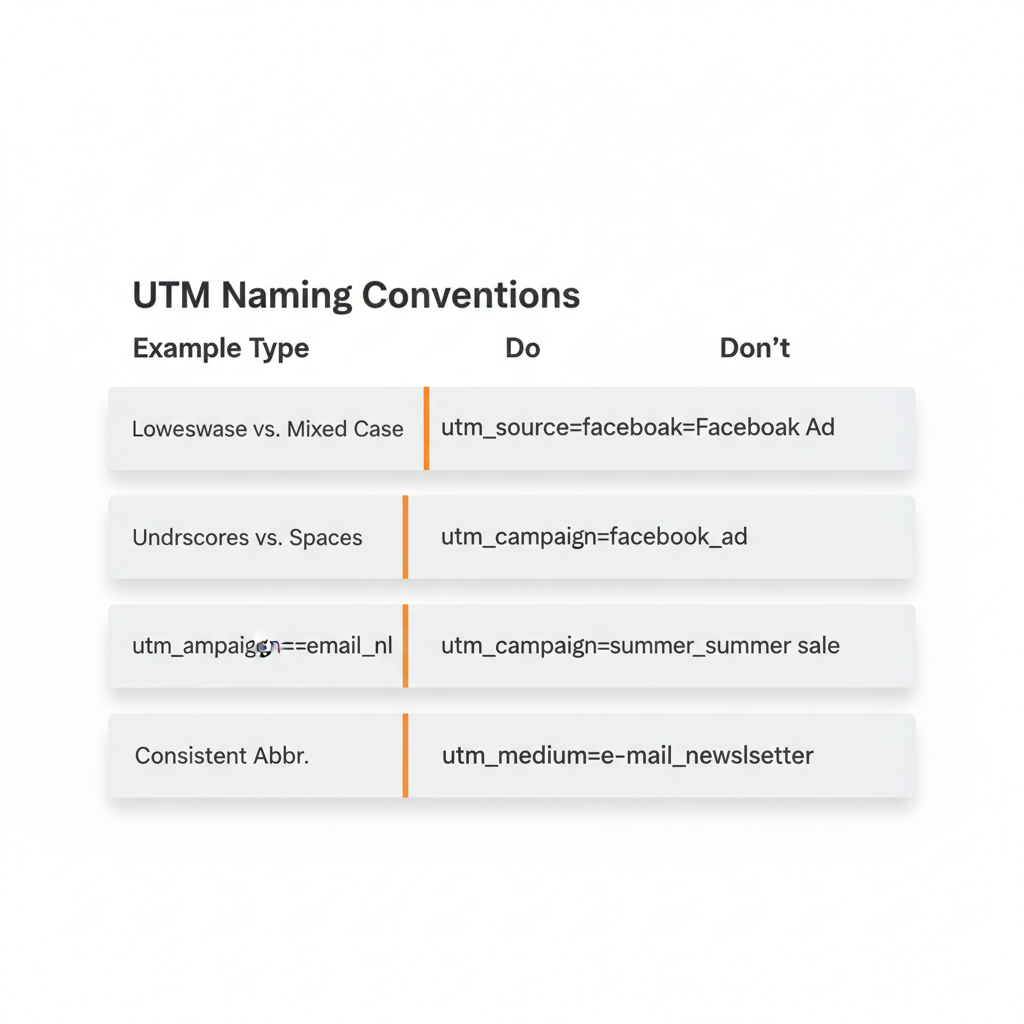
UTM Best Practices for 2026
Follow these guidelines to keep your UTM tracking clean and actionable.
1. Use Lowercase Consistently
UTM parameters are case-sensitive in GA4. Facebook and facebook appear as separate sources in your reports.
Do this: utm_source=facebook
Not this: utm_source=Facebook
2. Create Standardized Naming Conventions
Document your UTM conventions so everyone on your team uses the same values. Inconsistency fragments your data.
| Situation | Standardized Value |
|---|---|
| Facebook organic | utm_source=facebook utm_medium=social |
| Facebook ads | utm_source=facebook utm_medium=paid_social |
| Google search ads | utm_source=google utm_medium=cpc |
| Email newsletter | utm_source=newsletter utm_medium=email |
Companies with standardized naming conventions see 29% better attribution accuracy than those without.
3. Avoid Spaces in Values
Spaces break URLs or convert to %20, creating messy data.
Do this: utm_campaign=spring_sale_2026
Not this: utm_campaign=spring sale 2026
4. Keep Parameters Descriptive but Concise
Your future self needs to understand what each campaign was. Balance clarity with brevity.
Good: utm_campaign=product_launch_feb
Too vague: utm_campaign=campaign1
Too long: utm_campaign=february_2026_new_product_launch_main_campaign_version_a
5. Never Use UTMs for Internal Links
Using UTM parameters on internal site links overrides the original traffic source. If someone arrives from Google organic search and then clicks an internal UTM-tagged link, GA4 records the new UTM values instead.
Only use UTM parameters for links shared outside your website.
Read the complete UTM best practices guide for more detailed recommendations.
Common UTM Mistakes to Avoid
Even experienced marketers make these errors. Here is how to prevent them.
Mistake 1: Inconsistent Capitalization
Using Newsletter in one campaign and newsletter in another creates duplicate sources in GA4. Pick lowercase and stick with it.
Mistake 2: Mixing Similar Terms
email vs e-mail vs Email vs newsletter all appear as different mediums. Standardize on one term.
Mistake 3: Forgetting to Tag Links
If you tag some links in an email but not others, untagged clicks disappear into “direct” traffic. Tag every external link.
Mistake 4: Not Testing Links
Always click your UTM links before launching campaigns. Typos in parameters mean lost data.
Mistake 5: Overly Complex Values
utm_campaign=q4_2026_black_friday_cyber_monday_holiday_promotion_main_offer_version_a_test_1 is impossible to analyze. Keep it simple: utm_campaign=black_friday_2026
Mistake 6: Using UTMs for Internal Navigation
Internal UTM links break session attribution. Never use them for site navigation, menu items, or internal cross-promotions.
Where to See UTM Data in Google Analytics 4
Once you start using UTM parameters, find your data in GA4 here:
Traffic Acquisition Report
Navigate to Reports > Acquisition > Traffic Acquisition
This report shows sessions grouped by source, medium, and campaign. Filter or search for specific campaigns to see performance.
User Acquisition Report
Navigate to Reports > Acquisition > User Acquisition
This report shows how users first discovered your site, useful for understanding initial touchpoints.
Custom Explorations
Create custom explorations using dimensions like:
- Session source
- Session medium
- Session campaign
- Session manual ad content (utm_content)
- Session manual term (utm_term)
For a deeper dive, see the complete UTM tracking guide.
Frequently Asked Questions About UTM Meaning
What does UTM stand for?
UTM stands for Urchin Tracking Module, named after Urchin Software Corporation, the company that created this URL tracking system before being acquired by Google in 2005 for $30 million.
What is the meaning of UTM in marketing?
In marketing, UTM refers to parameters added to URLs that track where website traffic originates, enabling marketers to measure which campaigns, channels, and content drive results.
Are UTM parameters case-sensitive?
Yes, UTM parameters are case-sensitive in Google Analytics. “Facebook” and “facebook” will appear as separate traffic sources, so always use lowercase for consistency.
Do UTM codes affect SEO?
No, UTM parameters do not directly affect SEO rankings because Google ignores URL parameters when indexing pages. However, you should avoid using UTM links for internal navigation.
What are the 5 UTM parameters?
The five UTM parameters are:
- utm_source – Identifies traffic source (google, facebook, newsletter)
- utm_medium – Identifies channel type (cpc, email, social)
- utm_campaign – Identifies campaign name (spring_sale_2026)
- utm_content – Differentiates similar links (hero_banner, text_link)
- utm_term – Identifies paid search keywords (running_shoes)
Should I use UTMs for internal links?
No, never use UTM parameters for internal website links. They override the original traffic source, making it impossible to track which external campaigns actually drove the visit.
Where can I see UTM data in Google Analytics 4?
In GA4, view UTM data in Reports > Acquisition > Traffic Acquisition, where source, medium, and campaign data appear as dimensions for analysis.
How do I create a UTM link?
Create UTM links using Google’s free Campaign URL Builder, or use a link management platform like linkutm for team collaboration, templates, and automatic naming enforcement.
Key Takeaways
UTM stands for Urchin Tracking Module, a URL parameter system created by Urchin Software before Google acquired them in 2005. Understanding UTM meaning is the foundation of modern marketing attribution.
Here is what to remember:
- Five parameters exist: source (required), medium (required), campaign (required), content (optional), term (optional)
- UTM tracking is privacy-compliant: Works without cookies, survives ad blockers, and collects first-party data
- Consistency is critical: Use lowercase, standardized naming conventions, and document your UTM strategy
- Never use UTMs internally: Only tag links shared outside your website
- GA4 captures UTM data automatically: View reports in Acquisition > Traffic Acquisition
With 73% of high-performing marketing teams using advanced tracking systems (HubSpot, 2025), UTM parameters are no longer optional for competitive marketers.
Start Tracking Your Campaigns
Understanding what UTM codes are is the first step. The next step is implementing UTM tracking across all your marketing channels.
Start simple:
- Document your naming conventions
- Tag your next email campaign with UTM parameters
- Check GA4 after 48 hours to see the data
- Expand to social media and paid advertising
For teams managing multiple campaigns, a dedicated UTM link builder eliminates manual errors and keeps everyone using the same conventions.
Your GA4 reports will finally show you exactly which campaigns drive traffic, engagement, and revenue. No more guessing. Just clean data that tells the truth about your marketing performance.
