QR Codes for Restaurants: Setup Steps and Print Sizes

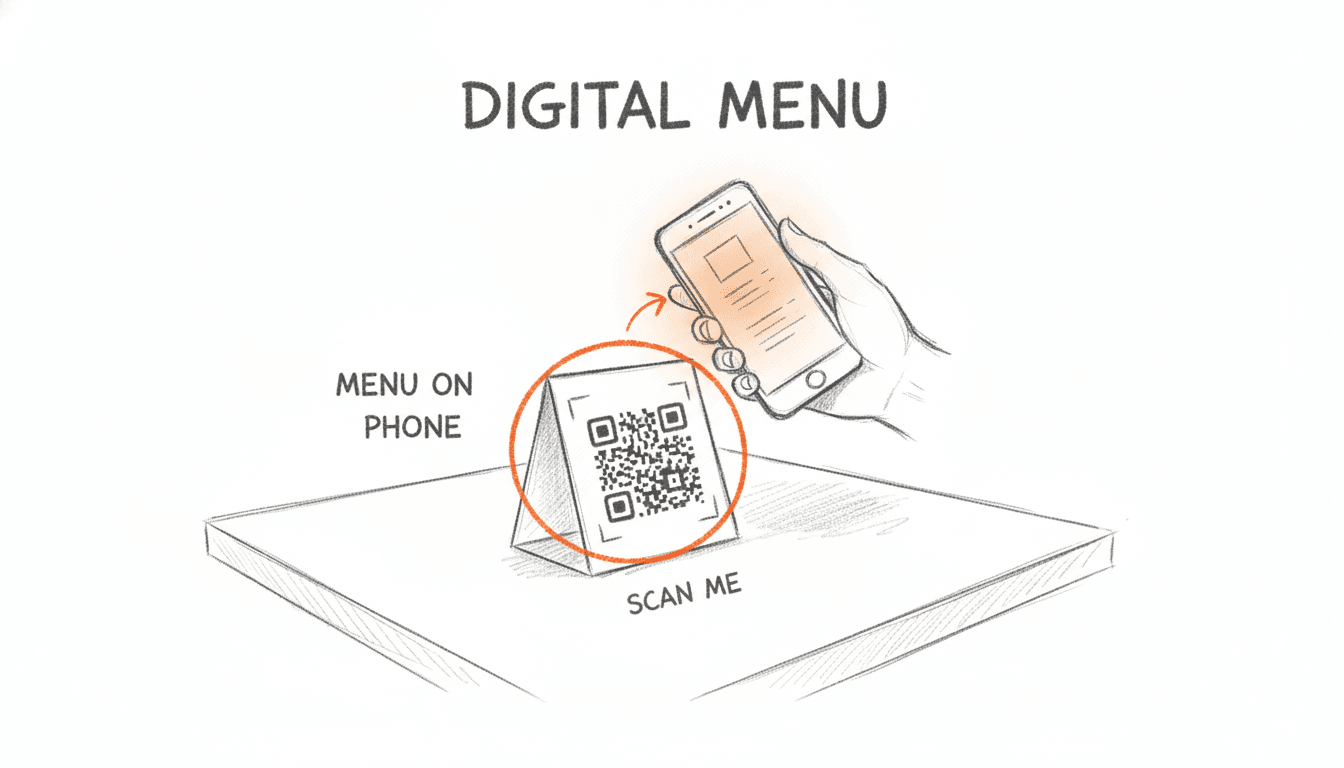
QR codes for restaurants are printed codes that open a menu, ordering page or offer on a guest's phone. Make them dynamic, so you can change the destination after printing. Then tag each placement with its own UTM values. Size each code for its reading distance, and test-scan before the print run.
One split of roles up front. linkutm manages the link and the tracking. Your menu lives on your own menu page or menu platform.
Most guides stop at "generate a code." That's how you end up with 40 table tents pointing at a dead PDF and no idea which sign anyone scanned.
What are QR codes for restaurants, and when should they be dynamic?
A restaurant QR code is a printed code that opens a menu, ordering page or offer when a guest scans it. A static code stores one URL in the pattern and can never change. A dynamic code stores a short link that redirects, so you can edit the destination after printing and count every scan.
Static vs dynamic codes
| Static QR code | Dynamic QR code | |
|---|---|---|
| Destination editable after printing | No | Yes |
| Scan counts | No | Yes |
| Depends on a redirect service | No | Yes |
| Best for | Wi-Fi details, a fixed address | Menus, promos, anything seasonal |
We pick dynamic for every menu code. Prices change. Seasonal items rotate. You switch menu hosts. With a static code, each of those changes means a reprint.
The Toast guide to restaurant QR codes and the QR Cake menu guide make the same call.
There's one honest tradeoff. A dynamic code works only while its redirect works. If the account behind it lapses, the printed code can stop resolving. Our piece on whether QR codes expire covers what breaks and why.
Why the adoption numbers disagree
You'll see wildly different adoption figures quoted. They measure different things.
| Source | Figure | What it actually counts |
|---|---|---|
| Supercode, 2026 | 75% | Restaurants worldwide using QR menus, a projection from an industry roundup |
| Klickify (trulyfreeqr.com), 2026 | 52% | US restaurants using QR menus, up from an estimated 8% before 2020 |
| QR Verse, 2026 | About 50–55% | US restaurant menu adoption, settled after a 2020–2021 peak |
Our read is that roughly half of US restaurants use QR menus. The 75% figure is a worldwide projection, not a US count. All three come from industry roundups, not independent surveys.
How do you set up QR codes for restaurants in 6 steps?

Set up QR codes for restaurants in this order. Choose display-only or ordering. Choose one code per table or one shared code. Host the menu on your own domain. Create a dynamic code on a branded short link. Tag each placement with UTMs. Then test-scan before printing. Make the decisions first and the design last.
Steps 1 to 3: decide before you design
- Pick display-only or ordering. A menu link needs a web page. Ordering needs a POS or ordering platform.
- Pick one code per table or one shared code. Per-table codes show which table scans. A shared code shows only a total.
- Host the menu on your own domain. Don't use a file-share link that breaks when someone moves the file.
FineDine's pre-print guide suggests a one-week test on a single table before printing the whole room. We agree. A week of real scans beats a week of guessing.
Steps 4 to 6: link, tag and test
- Create a dynamic code on a branded short link, such as
go.yourrestaurant.com/menu. - Tag each placement with its own UTM values.
- Test-scan on two phones before the print run.
Step 4 is where the printed code becomes future-proof. Say your menu moves from one platform to another. You change the destination in the link, and every printed code keeps working.
Plan note: Custom domains start on Personal ($9/mo, 1 domain). The Free plan covers 25 links and QR codes a month, with no custom domain.
Running several locations? Templates are shared across a workspace, so every site tags its placements the same way. Our restaurant QR tracking use case shows menus, tables and promos side by side.
What size should restaurant QR codes be for tables, doors and signs?

A table code read from about 30 cm needs to be at least 3 cm across. That follows QuickBuy's roughly ten-to-one scan-distance rule: divide the reading distance by ten. Use the same rule for door signs, windows, receipts and takeout bags, then add a short call to action under each code.
The 10-to-1 scan-distance rule
The distances below are typical estimates. Measure your own room and recalculate.
| Placement | Read from (estimate) | Minimum code size | Call to action |
|---|---|---|---|
| Table tent | 30 cm | 3 cm | "Scan for today's menu" |
| Receipt | 25 cm | 2.5 cm | "Scan to leave a review" |
| Takeout bag | 40 cm | 4 cm | "Scan to reorder" |
| Door sign | 1 m | 10 cm | "Scan for hours and menu" |
| Window sign | 2 m | 20 cm | "Scan for this week's specials" |
Bigger is safer. Nobody has ever complained that a code scanned too easily.
Laminate vs paper and what to print
Laminate anything that sits on a table. Paper gets wiped, splashed and torn within days. Pick matte laminate, because gloss throws back overhead light and blocks the scan.
Print a dark code on a light background. Leave a blank margin around the code. Never shrink a code to fit a design.
The call to action matters more than most owners expect. QRPulse's 2026 roundup reports that codes with a visible call to action get at least 34% more scans than bare codes.
The gap is wider for menus. EasyMenus, cited by Supercode, reports a 73% scan rate when signage explains the code's purpose. That compares with 34% when it doesn't (2025 study). Tell guests what they'll get.
How do you track which table or sign drives QR scans?
Give each placement its own UTM values. Use utm_source for the placement, utm_medium=qr, and utm_content for the table or location. Each printed code then gets its own short link. Scans split by table tent, window sign, receipt and takeout bag instead of landing in one lump.
Tag each placement with UTM values
Here's one shared code versus tagged codes.
Before (one code, one number):
go.yourrestaurant.com/menu
After (one code per placement):
go.yourrestaurant.com/t12 → yourrestaurant.com/menu?utm_source=table-tent&utm_medium=qr&utm_campaign=spring-menu-2026&utm_content=table-12
go.yourrestaurant.com/win → yourrestaurant.com/specials?utm_source=window-sign&utm_medium=qr&utm_campaign=spring-menu-2026&utm_content=main-st
Build these in the linkutm UTM Builder. Save one template per placement, so "table-tent" is spelled the same at every location. Template limits are 3 on Free, 10 on Personal, 25 on Growth and 50 on Agency.
Then add naming rules from Personal ($9/mo). Rules enforce lowercase and turn spaces into hyphens. A manager in another location types "Table Tent." The link still ships as table-tent, and your report keeps one source.
Read the scan data and test before printing
Each scan is a click on the short link. linkutm shows real-time clicks by country, device and referrer, alongside the UTM data. You'll see table 12 outscoring the window sign by Friday, not after the quarter closes.
Know the limits. A scan count shows interest, not orders. To connect scans to orders or bookings, your menu page needs its own analytics, such as GA4.
Analytics retention is 30 days on Free, 1 year on Personal and 3 years on Growth. GA4 integration starts on Growth ($29/mo).
Why does a restaurant QR code not scan?
Most failed restaurant codes fail for one of four reasons. The code is too small for the distance, or contrast and glare block the camera. The destination is broken or still a draft. Or nobody tested the printed code before the run. Each of these is cheap to catch and expensive to reprint.
Common failure points
- Too small: a 2 cm code on a door read from 1 m.
- Glare or contrast: glossy laminate under pendant lights, or a pale code on a dark tent.
- Draft or broken destination: guests see a holding screen instead of the menu.
- Untested link: a typo in the URL that nobody scanned.
The draft-menu failure catches people out. Your menu platform shows the menu while you're logged in. A guest gets the holding screen. Check the live page from a phone on mobile data, logged out, before anything goes to print.
Guests don't need a special app. Most phone cameras read QR codes directly.
Pre-print checklist
- The destination is live and loads logged out, on mobile data.
- The UTM tags match the placement printed on that item.
- The size meets the ten-to-one distance rule.
- Contrast is checked, and the laminate is matte.
- A test scan works on one iPhone and one Android phone.
- The call to action says what the guest gets.
Want a quick static test print first? Our free QR code generator needs no signup.
FAQ
How do I make a QR code for my restaurant menu?
Host your menu on a web page you control. Create a dynamic QR code that points to a branded short link for that page. Add UTM tags per placement, size the code for its reading distance, and test-scan it on two phones. Print only after the live menu loads correctly on mobile data.
Should I use a static or dynamic QR code for a restaurant menu?
Use a dynamic code. Menus change prices, items and sometimes hosts. A dynamic code lets you change the destination after printing, so table tents never need reprinting. It also counts scans. Save static codes for things that never change, like Wi-Fi details. Keep the account behind a dynamic code active.
How big should a QR code be on a table tent?
At least 3 cm across for a table tent read from about 30 cm. That follows QuickBuy's roughly ten-to-one rule: divide the reading distance by ten. Go bigger if your lighting is dim or the tent sits at an angle. Print on matte laminate to avoid glare from overhead lights.
How do I know which table or sign is getting the most QR scans?
Give each placement its own short link with its own UTM values. For example, use utm_source=table-tent with utm_content=table-12. linkutm then reports clicks per link in real time, by country, device and referrer, next to the UTM data. One shared code can only show a total.
Your menu can live
