Quishing
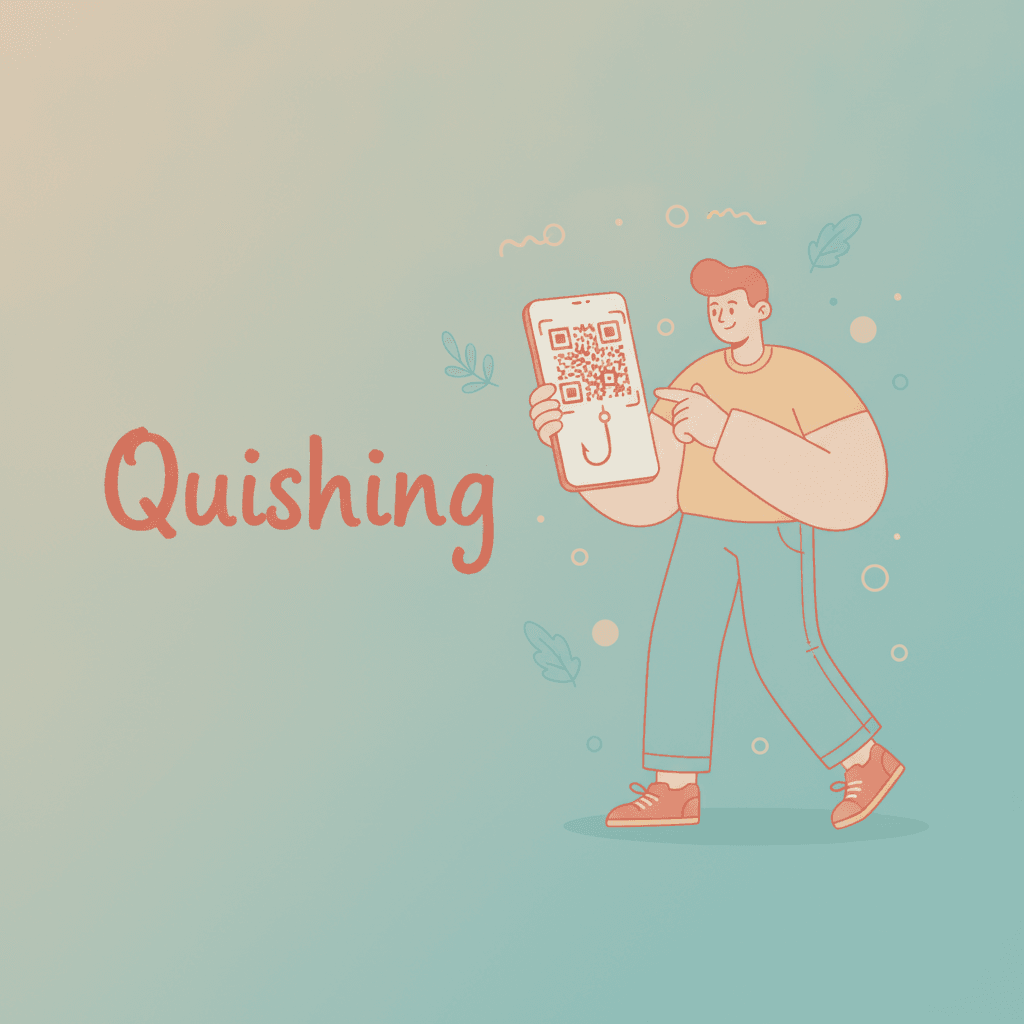
Quishing is a phishing attack that uses a malicious QR code to send victims to a fake website. The name blends “QR” and “phishing”, and the attack is also called QR phishing or QR code phishing. The fake page usually asks for a login, card details, or a payment, or it pushes a malware download.
How Quishing Works
A quishing attack swaps a readable link for a code the victim cannot read until it is scanned.
- The attacker registers a lookalike domain and builds a fake login or payment page.
- The attacker encodes that URL in a QR code.
- The code reaches the victim in an email, a PDF, a letter, or as a sticker over a genuine code.
- A pretext creates urgency: an expiring password, a failed delivery, an unpaid parking fee.
- The victim scans with a phone, lands on the fake page, and enters details or pays.
The FBI’s Internet Crime Complaint Center described this pattern in public service announcement I-011822-PSA (18 January 2022). It warned that criminals tamper with both digital and physical QR codes to steal credentials and redirect payments.
Why Quishing Slips Past Email Filters
Quishing works because the link is pixels, not text. Many email filters look for URLs in the message body and check them against reputation lists. A QR code gives them no URL to check unless they decode the image.
A small test shows the gap. Two emails carried the same fictional lookalike URL, https://micros0ft-login.example/verify?u=staff. Email A had a text link. Email B had only a QR image (built with Segno 1.6.6). A regex URL extractor ran over the raw message of each.
| URLs found by text scan | URL decoded from image (zxing-cpp 3.1.1) | |
|---|---|---|
| A: text link | 1 | Not applicable |
| B: QR code only | 0 | 1, exact match |
The scan also moves the attack to a phone. Microsoft’s Q1 2026 email threat report notes that QR phishing redirects victims “to phishing sites on unmanaged mobile devices”, away from corporate security tools.
Attackers often add a second layer. They point the code at an open redirect on a trusted domain, or at a dynamic QR code whose destination changes after a filter has checked it.
Types of QR Code Scams
- Email quishing: A QR code in the body or in an attachment, often posing as a password reset, MFA re-enrolment, or shared document. Microsoft found PDFs carried 70% of QR phishing attacks in March 2026.
- Sticker swaps: A fake code stuck over a real one on a parking meter, restaurant table, or poster. The US Federal Trade Commission warned about parking meter stickers in December 2023.
- Payment hijacking: A swapped payment QR code sends money to the attacker’s account instead of the merchant’s.
- Mail and package lures: A letter or unsolicited package with a code that claims to fix a delivery or claim a refund.
- Fake app downloads: A code that installs a malicious app from outside the official store. The FBI advised installing apps only from official app stores.
Quishing Statistics
QR phishing grew sharply through 2025 and early 2026, though volumes rise and fall by quarter.
- Microsoft (Q1 2026): QR code phishing rose from 7.6 million attacks in January to 18.7 million in March, a 146% increase. Microsoft called it the fastest-growing email phishing vector of the quarter.
- APWG and Mimecast (Q3 2025): Mimecast detected 716,306 unique malicious QR codes in Q3 2025, up 13% from 635,672 in Q2, as reported in the APWG Phishing Activity Trends Report.
- APWG (Q4 2025): QR code use in phishing fell 9% in Q4 2025 while SMS phishing rose, a reminder that attackers move between channels.
How to Spot and Prevent Quishing
For anyone scanning a code:
- Read the URL preview before opening it. Look for swapped letters (
micros0ft), extra words, or unfamiliar domains. - Treat any code in an unexpected email, text, or letter as an unknown link.
- Check printed codes for a sticker layered on top of the original.
- Never enter a password or card number on a page you reached by scanning an unsolicited code. Go to the site directly instead.
- Use the phone’s built-in camera scanner. The FBI warned against downloading third-party QR scanner apps, and the guide to QR code scanner apps covers which built-in options show a preview.
For businesses publishing QR codes:
- Print codes that point to your own branded domain so customers can recognise it.
- Use tamper-evident placements: behind glass, on screens, or printed into the material rather than stuck on.
- Audit public codes regularly for stickers.
- Monitor scan traffic for spikes or drops that suggest a code was replaced. Link protection features such as bot filtering help keep those click numbers trustworthy.
Frequently Asked Questions
What does quishing mean?
Quishing means QR code phishing. It is a scam where a malicious QR code leads to a fake site that steals logins, card details, or money. The term combines “QR” and “phishing” in the same way “smishing” combines SMS and phishing.
Can scanning a QR code hack your phone?
Scanning alone usually does nothing harmful, because a QR code only holds text such as a URL. The damage happens after the scan: opening the site, entering details, approving a payment, or installing an app. The FBI has also warned that malicious codes can lead to embedded malware, so keep the phone updated and decline unexpected downloads.
How do you know if a QR code is malicious?
You cannot tell by looking at the pattern. Check the URL the camera shows before you open it, and compare the domain with the organisation you expect. A code that arrives unexpectedly, creates urgency, or sits on a sticker over another code is a strong warning sign.
What should you do if you scanned a malicious QR code?
Close the page and do not enter anything further. If you typed a password, change it at once on the real site and turn on multi-factor authentication. If you paid or shared card details, call your bank. In the US, report the incident to the FBI at ic3.gov and to the FTC at reportfraud.ftc.gov.
Do email filters catch quishing?
Some do, but not all. Basic filters scan text for links and miss URLs that exist only inside an image. Newer email security tools decode QR images in messages and attachments, yet attackers respond by hiding codes in PDFs and documents.
To check where a short link or scanned URL leads before anyone clicks it, use the free URL shortener preview tool.